Introduction
This manual provides important information regarding the safe operation, installation, and maintenance of your Arctic-Pro Mini Desk Oscillating Tower Fan. Please read this manual thoroughly before using the product and retain it for future reference.
The Arctic-Pro Mini Desk Oscillating Tower Fan is designed to provide personal cooling with its compact size and quiet operation. It features two speed settings and a 75-degree oscillation function for effective air circulation in small spaces such as offices, bedrooms, and cubicles.
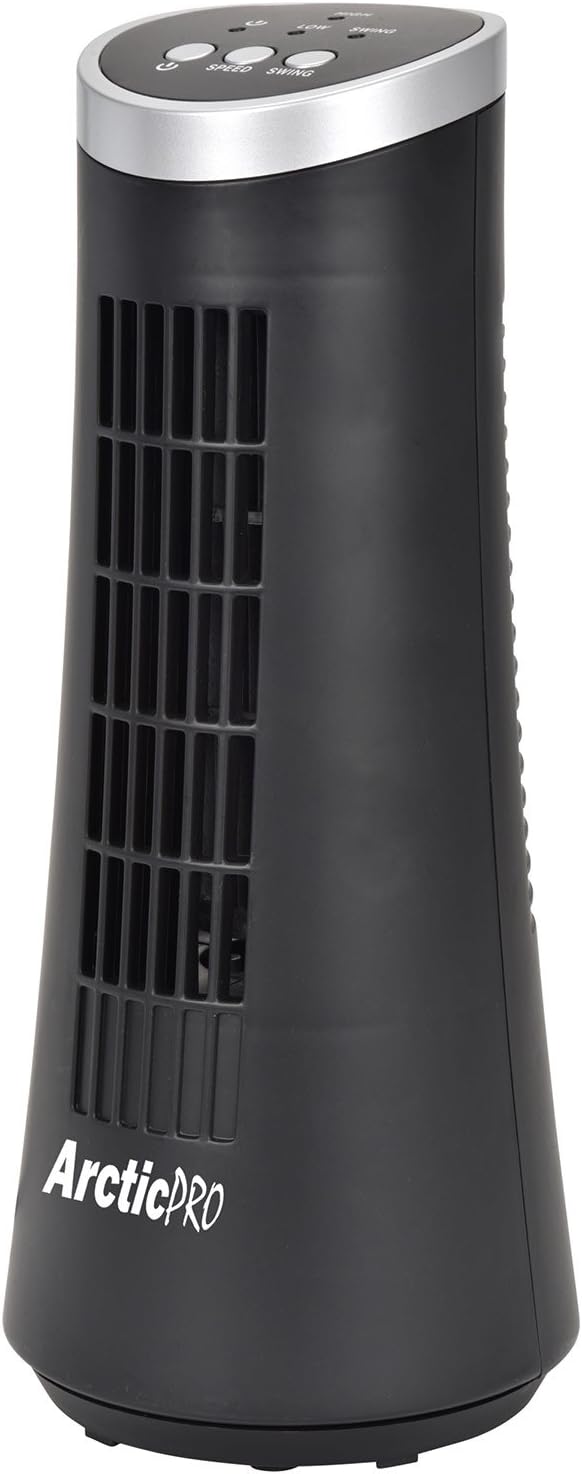
Figure 1: Arctic-Pro Mini Desk Oscillating Tower Fan, a compact black tower fan with a silver top panel.
Продукциянын өзгөчөлүктөрү жана компоненттери
Familiarize yourself with the key features and components of your fan for optimal use.
- Шыбырап Тынч иштөө: Engineered to produce minimal operational noise, ensuring no distractions during work or sleep.
- Портативдик жана компакттуу дизайн: Features a convenient carrying handle for easy transport between rooms. Ideal for desks, nightstands, and small spaces. Dimensions: 5 x 12 inches.
- Эки ылдамдык орнотуулары: Adjustable airflow from Low to High wind via electronic touch controls with LED indicators.
- 75 градустук термелүү: Provides wide-angle air distribution and circulation to cool your entire area effectively.
- Electronic Touch Controls: Intuitive controls located on the top panel for power, speed, and oscillation.

Figure 2: ашыкview of fan components, highlighting the user controls on top, the front grill, the handle on the back, and the oscillating base.
Жайгашуу
The Arctic-Pro Mini Desk Oscillating Tower Fan requires no assembly. Simply remove it from its packaging and place it on a stable, flat surface.
- Unpack the fan carefully from its box.
- Place the fan on a firm, level surface, ensuring adequate space around it for air circulation and oscillation.
- Plug the power cord into a standard electrical outlet (AC 120V, 60Hz).
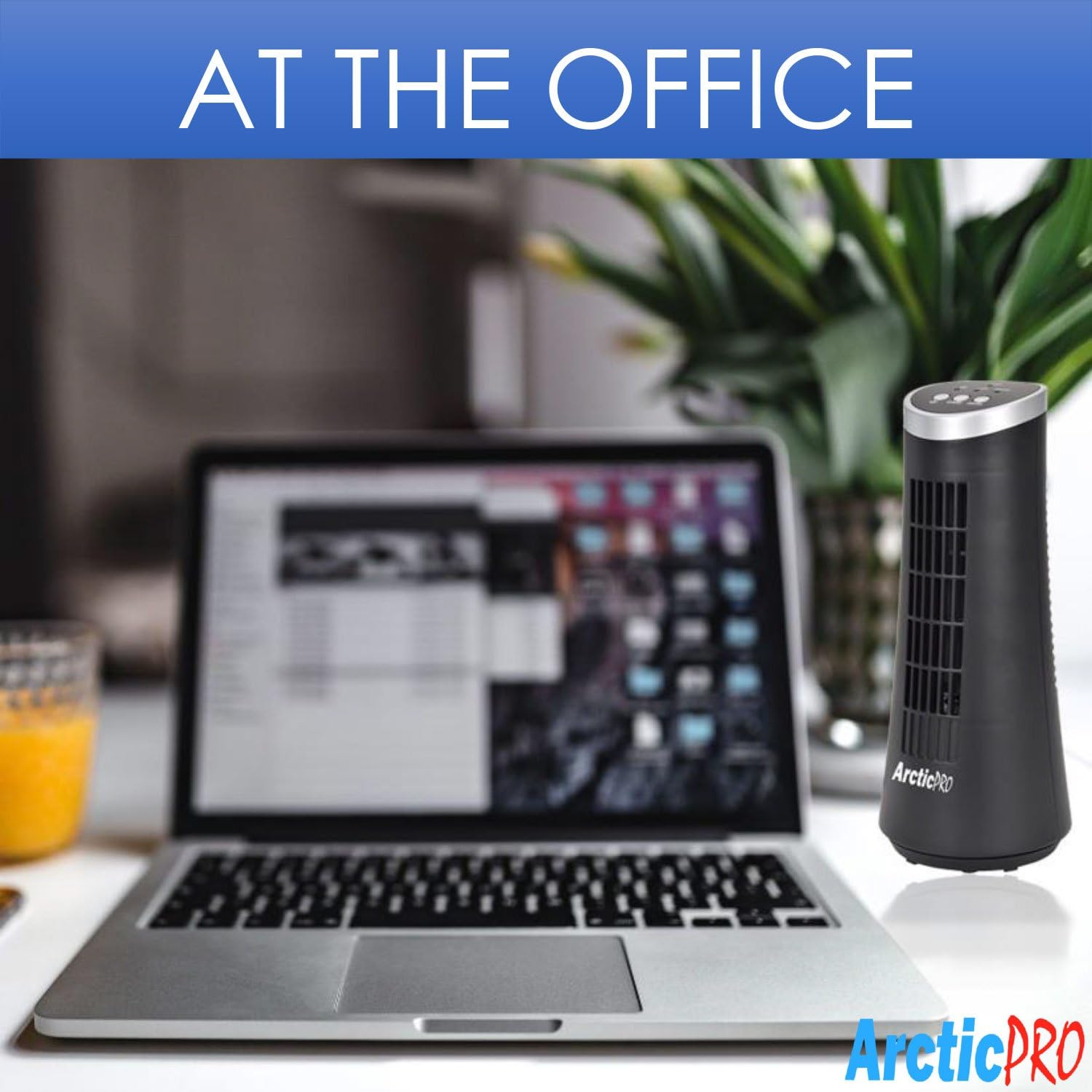
Figure 3: The product packaging, indicating the fan is ready to use out of the box.
Иштөө нускамалары
The fan is operated using the touch controls located on the top panel.

4-сүрөт: Детальдуу view of the fan's touch control panel, showing buttons for On/Off, Speed (Low/High), and Oscillation (Swing).
- Күйгүзүү/өчүрүү: басыңыз Кубат баскычы to turn the fan on or off. An LED indicator will illuminate when the fan is on.
- Ылдамдыкты жөндөө: басыңыз Ылдамдык баскычы to cycle between Low and High speed settings. Corresponding LED indicators will show the selected speed.
- Термелүүнү башкаруу: басыңыз Термелүү баскычы to activate or deactivate the 75-degree oscillation function. When active, the fan will rotate from side to side to distribute air across a wider area.
Техникалык тейлөө жана кам көрүү
Regular cleaning and proper care will ensure the longevity and efficient operation of your fan.
- Тазалоо:
- Тазалоодон мурун ар дайым желдеткичти розеткадан сууруп алыңыз.
- жумшак колдонуу, damp вентилятордун сырткы беттерин сүртүүчү чүпүрөк. Абразивдүү тазалагычтарды же эриткичтерди колдонбоңуз.
- To clean the fan grill, use a vacuum cleaner with a brush attachment to remove dust and debris. Do not attempt to disassemble the fan for cleaning.
- Сактагыч:
- If storing the fan for an extended period, clean it thoroughly and place it back in its original packaging or a suitable box.
- Вентиляторду салкын, кургак жерде, күндүн түз нурунан жана өтө жогорку температурадан алыс сактаңыз.
Note: Do not immerse the fan in water or allow water to drip into the motor housing.
Проблемаларды чечүү
Эгер күйөрманыңызда кандайдыр бир көйгөйгө туш болсоңуз, төмөнкү жалпы көйгөйлөрдү жана чечимдерди караңыз:
| Көйгөй | Мүмкүн себеп | Чечим |
|---|---|---|
| Желдеткич күйбөйт. | Электр розеткасына сайылган эмес; розетка иштебей жатат; желдеткич өчүрүлгөн. | Ensure the power cord is securely plugged into a working electrical outlet. Press the Power button. Test the outlet with another device. |
| Алсыз же аба агымы жок. | Fan speed set to low; air intake/output blocked; excessive dust buildup. | Increase the fan speed using the Speed button. Ensure nothing is obstructing the front grill or rear air intake. Clean the fan grill to remove dust. |
| Желдетүүчү термелбейт. | Термелүү функциясы өчүк. | Press the Swing button to activate the oscillation function. |
| Иш учурунда адаттан тыш ызы-чуу. | Вентилятор тегиз жерде эмес; ички тоскоолдук. | Place the fan on a stable, level surface. Unplug the fan and check for any visible obstructions in the grill. If the noise persists, discontinue use and contact customer support. |
Техникалык шарттар
| Атрибут | Деталь |
|---|---|
| Бренд | Арктика-Про |
| Модель номери | 21599 |
| Продукциянын өлчөмдөрү | 5"D x 5"W x 12"H (12.7 см D x 12.7 см В x 30.48 см H) |
| Түс | Кара |
| Power Source | Электр зымдары |
| Башкаруу ыкмасы | тийүү |
| Өзгөчөлүктөр | Oscillating, Portable, Ultra-Quiet Operation |
| Элемент Салмагы | 2.45 фунт (1.11 кг) |
| UPC | 815691021599 |

Figure 5: Dimensions of the fan, indicating a height of 12.5 inches (31.75 cm) and a base width of 5 inches (12.7 cm).
Маанилүү коопсуздук маалыматы
Жаракат алуунун же зыяндын алдын алуу үчүн бардык коопсуздук көрсөтмөлөрүн окуп чыгып, аткарыңыз.
- Зымы же сайы бузулган желдеткичти иштетпеңиз. Желдеткичти таштаңыз же экспертиза жана/же оңдоо үчүн ыйгарым укуктуу тейлөө мекемесине кайрылыңыз.
- Шнурды килемдин астына өткөрбөңүз. Шымды килемдер, жөө күлүктөр же ушул сыяктуу жабуулар менен жаппаңыз. Шнурды эмеректердин же приборлордун астына өткөрбөңүз. Шнурды жол кыймылынан алыс жана ал чалынып кетпей турган жерге жайгаштырыңыз.
- Желдеткичти өчүрүү үчүн башкаруу элементтерин ӨЧҮРҮП, андан соң сайгычты розеткадан чыгарыңыз.
- Вентиляцияга же чыгаруучу тешиктерге манжаларды же бөтөн нерселерди киргизбеңиз же киргизбеңиз, анткени бул электр шокуна же өрткө алып келиши мүмкүн же желдеткичке зыян келтириши мүмкүн.
- Эч кандай түрдө аба кирүүчүлөрдү же чыгарууну тоспоңуз. Тешиктери бүтөлүп калышы мүмкүн болгон керебет сыяктуу жумшак беттерде колдонбоңуз.
- Бул желдеткич нымдуу же дamp жерлер.
- Always place the fan on a stable, flat surface during operation to prevent tipping.
- Кандайдыр бир шайманды балдар же алардын жанында колдонуп жатканда, катуу көзөмөл керек.
Кардарларды колдоо
For any questions, concerns, or assistance with your Arctic-Pro Mini Desk Oscillating Tower Fan, please contact your retailer or the manufacturer's customer service. While specific warranty details are not provided in this manual, the product is backed by a 30-day full money-back guarantee from the point of purchase, as per product information.
Сураныч, колдоо сурамдары үчүн сатып алуунун далили катары сатып алуу дүмүрчөгүңүздү сактаңыз.


