Introduction
Сатып алганыңыз үчүн рахматasing the Trust Vigor 22867 Wireless Bluetooth Soundbar. This portable speaker is designed to deliver powerful and rich stereo sound, suitable for various audio sources and environments. Please read this manual carefully to ensure proper setup, operation, and maintenance of your device.
Коопсуздук маалыматы
- Аппаратты сууга, нымдуулукка же экстремалдык температурага тийгизбеңиз.
- Аппаратты түшүрүүдөн же катуу таасирлерден сактаныңыз.
- Аппаратты өз алдынча бөлүүгө же оңдоого аракет кылбаңыз. Бардык тейлөөлөрдү квалификациялуу кызматкерлерге тапшырыңыз.
- Түзмөктү радиаторлор, мештер же башка жылуулук чыгаруучу шаймандар сыяктуу жылуулук булактарынан алыс кармаңыз.
- Берилген заряддоо кабелин же тастыкталган эквивалентти гана колдонуңуз.
- Үндүн катуу деңгээлинде узакка созулган угуу угуунун бузулушуна алып келиши мүмкүн. Үндү коопсуз деңгээлге тууралаңыз.
Пакеттин мазмуну
Пакетте бардык буюмдар бар экенин текшериңиз:
- Trust Vigor 22867 Wireless Bluetooth Soundbar
- 1-meter Micro-USB Charging Cable
- 3.5mm AUX кабели
- Колдонуучунун Колдонмосу (бул документ)
Продукт бүттүview
Familiarize yourself with the main components and controls of your soundbar.
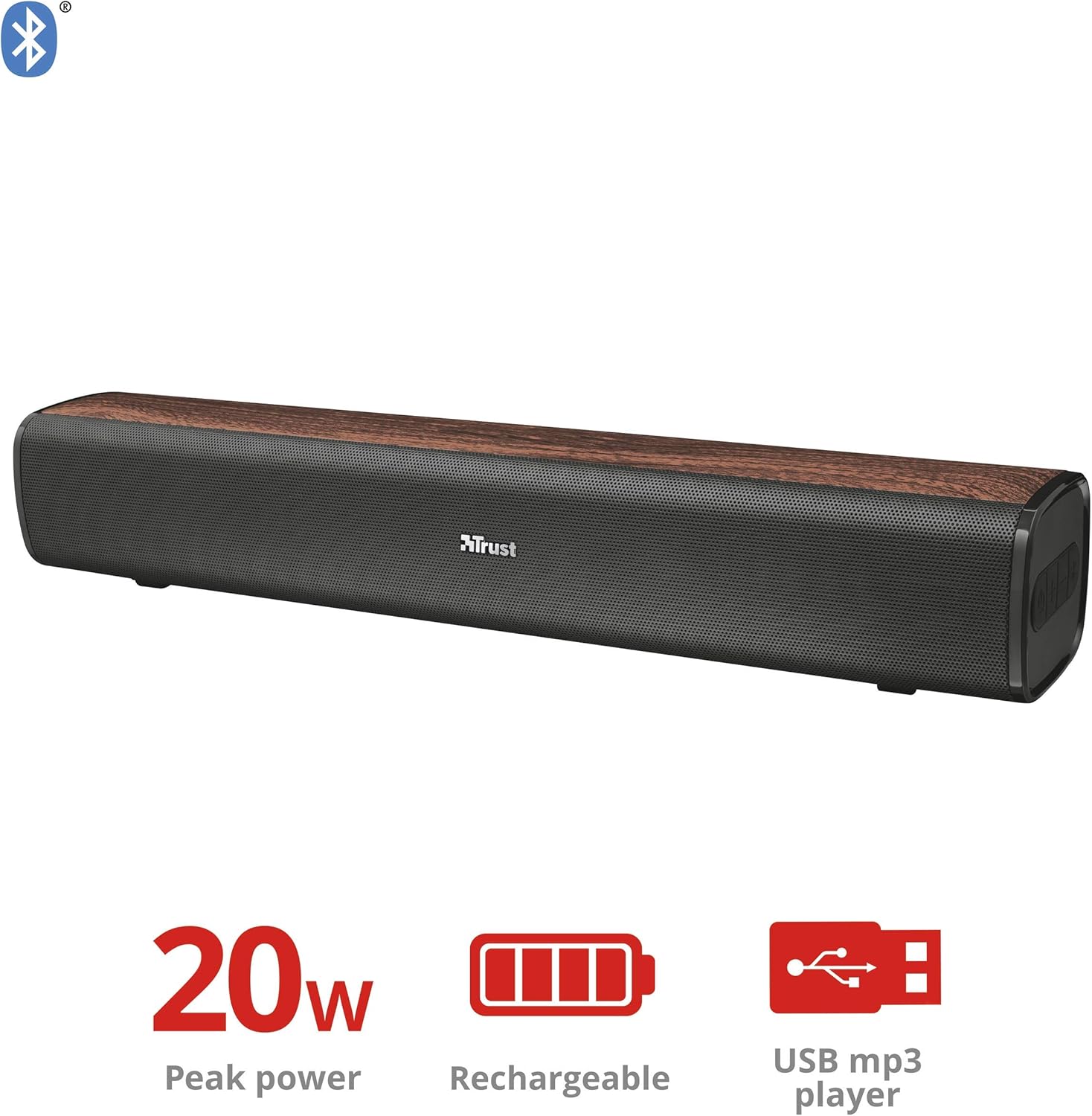
Сүрөт 1: Алдыңкы view of the Trust Vigor 22867 Soundbar, highlighting its 20W peak power, rechargeable battery, and USB MP3 player functionality.
Башкаруу панели

2-сүрөт: Жогорку view of the soundbar's control panel, showing the power button, volume controls, and Bluetooth pairing button.
- Кубат баскычы: Press and hold to turn on/off. Short press to change modes.
- Үнүн жогорулатуу (+): Үнүн жогорулатуу.
- Үнүн төмөндөтүү (-): Үнүн азайтуу.
- Bluetooth баскычы: Bluetooth жупташтыруу режимине кирүү үчүн басыңыз.
Арткы порттор

3-сүрөт: Арткы view of the soundbar, displaying the USB port, AUX input, and DC IN charging port.
- USB порт: MP3 ойнотуу үчүн fileUSB дисктен.
- AUX киргизүү (3.5 мм): Аудио түзмөктөргө зымдуу туташуу үчүн.
- DC IN (Micro-USB): For charging the soundbar.
Жайгашуу
1. Саундбарды кубаттоо
- Connect the Micro-USB end of the charging cable to the DC IN port on the soundbar.
- Кабелдин стандарттуу USB учун USB кубат адаптерине (кошулмада жок) же компьютердин USB портуна туташтырыңыз.
- The charging indicator light will illuminate. Once fully charged (approximately 3-4 hours), the light will change or turn off.
- Толук кубаттоо 20 саатка чейин ойноо убактысын камсыз кылат.
2. Күйгүзүү / Өчүрүү
- To power on, press and hold the Power button on the control panel until the indicator light illuminates.
- Өчүрүү үчүн, индикатор жарыгы өчмөйүнчө Кубат баскычын кайра басып, кармап туруңуз.
Иштеп жатат
1. Bluetooth туташуусу
- Turn on the soundbar. It will automatically enter Bluetooth pairing mode, indicated by a flashing blue light.
- Смартфонуңузда, планшетиңизде же башка Bluetooth иштетилген түзмөгүңүздө Bluetooth'ту иштетип, жеткиликтүү түзмөктөрдү издеңиз.
- Select "Trust Vigor" (or similar name) from the list of devices.
- Once connected, the indicator light will turn solid blue, and you will hear a confirmation tone.
- Эгер сырсөз суралса, "0000" киргизиңиз.
- The soundbar will automatically reconnect to the last paired device when powered on, if available.
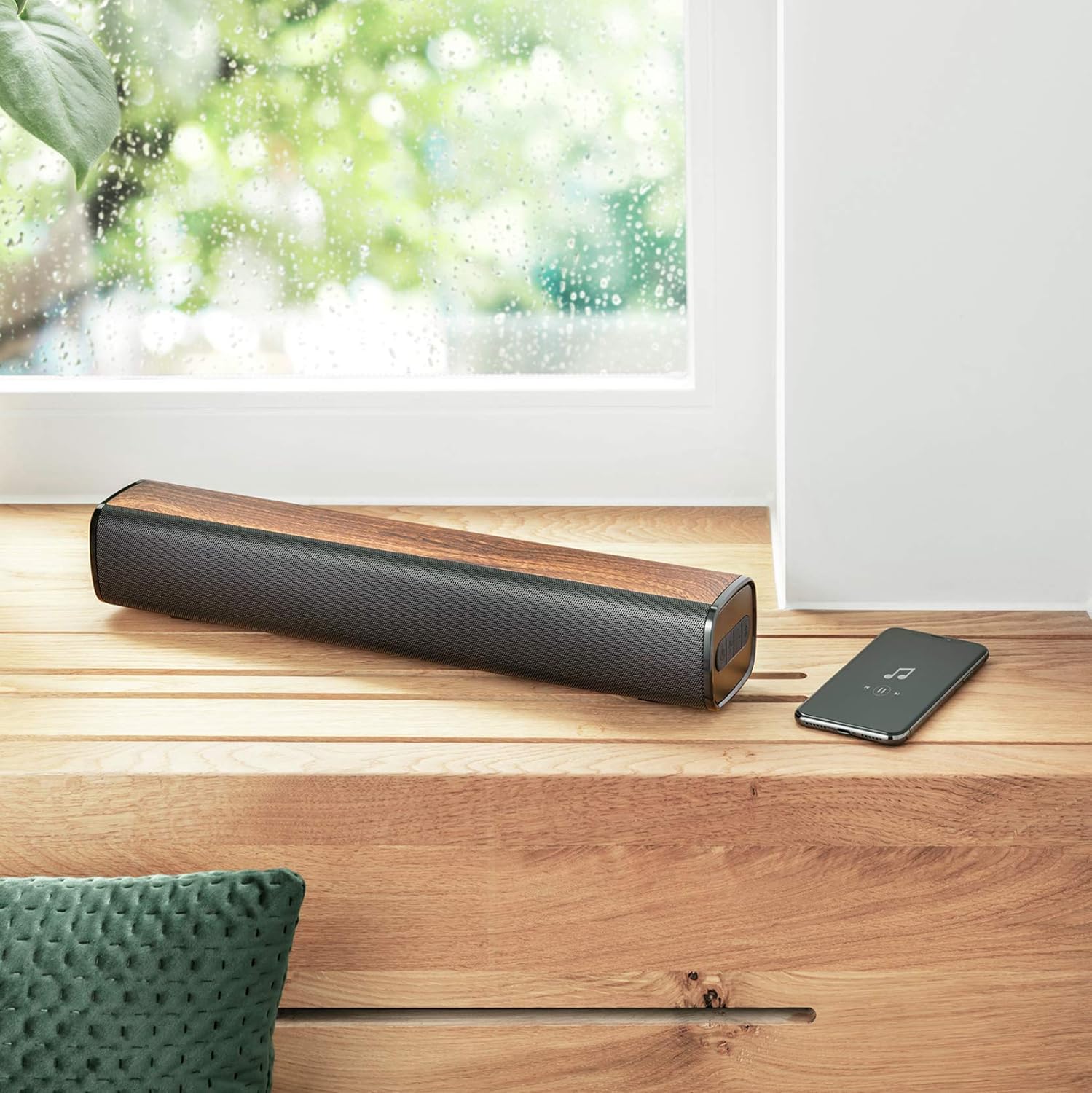
Figure 4: The soundbar wirelessly connected to a smartphone, demonstrating its portable use.
2. AUX туташуу
- Connect one end of the 3.5mm AUX cable to the AUX input port on the soundbar.
- Connect the other end of the AUX cable to the headphone jack or audio output of your PC, TV, or other audio device.
- Press the Power button briefly to cycle through modes until the AUX mode is selected (indicator light may change color or flash differently).
3. USB MP3 Player
- MP3 аудио камтылган USB дискти салыңыз fileүн панелиндеги USB портуна.
- The soundbar will automatically switch to USB mode and begin playing music. If not, briefly press the Power button to cycle modes.
- Use the volume buttons to control playback (short press for track skip, long press for volume).
4. Үндү башкаруу
- басыңыз + үнүн жогорулатуу үчүн баскыч.
- басыңыз - үнүн азайтуу үчүн баскыч.
Техникалык тейлөө
- Clean the soundbar with a soft, dry cloth. Do not use abrasive cleaners or solvents.
- Аппаратты узак убакыт бою колдонбогондо салкын, кургак жерде сактаңыз.
- Avoid blocking the speaker grilles to ensure optimal sound quality and prevent overheating.
Проблемаларды чечүү
| Көйгөй | Мүмкүн себеп | Чечим |
|---|---|---|
| Күч жок | Батарея түгөнүп калды. | Charge the soundbar using the provided Micro-USB cable. |
| Үн жок | Үн өтө төмөн же үнсүз. Туура эмес киргизүү режими тандалды. Түзмөк туура эмес туташтырылган. | Increase volume. Press the Power button to cycle through input modes (Bluetooth, AUX, USB). Ensure cables are securely connected or Bluetooth is paired. |
| Bluetooth жупташтыруу ишке ашпай калды | Soundbar is not in pairing mode. Device is too far from the soundbar. Bluetooth is not enabled on the source device. | Press the Bluetooth button on the soundbar to enter pairing mode. Move the source device closer (within 10 meters). Enable Bluetooth on your source device. |
| USB MP3 player not working | USB флешкасы туура эмес салынган. Files are not in MP3 format. Soundbar not in USB mode. | Ensure USB drive is fully inserted. Verify files are MP3. Press the Power button to cycle to USB mode. |
Техникалык шарттар
| Өзгөчөлүк | Деталь |
|---|---|
| Модель аты | Күч |
| Модель номери | 22867 |
| Динамик түрү | Стерео |
| Байланыш | Bluetooth, USB, 3.5 мм AUX |
| Чыгуу күчү | 10 Вт RMS (20 Вт чокусу) |
| Импеданс | 4 Ом |
| Батарея түрү | 1x Литий-ион (кошулган) |
| Батареянын энергия мазмуну | 8.14 Ватт-саат |
| Оюн убактысы | 20 саатка чейин |
| Заряддоо киргизүү | Micro-USB, 3.7 Volt |
| Өлчөмдөрү (L x W x Y) | 41 x 7 x 7.5 см |
| Салмагы | 0.94 кг |
| Түс | Күрөң |
| DSP технологиясы | Ооба |
| Integrated MP3 Player | Yes (via USB drive) |
Кепилдик маалымат
Trust products are manufactured to high quality standards. This product is covered by the manufacturer's warranty, which typically covers defects in materials and workmanship for a specified period from the date of purchase. Please retain your proof of purchase for warranty claims. For specific warranty terms and conditions, refer to the warranty card included with your product or visit the official Trust webсайт.
Колдоо
If you encounter any issues or have questions regarding your Trust Vigor 22867 Wireless Bluetooth Soundbar that are not addressed in this manual, please contact Trust customer support. You can usually find contact information on the official Trust website or on the product packaging. Please have your product model number (22867) and proof of purchase ready when contacting support.


