Introduction
The Soehnle Page Compact 200 digital kitchen scale is designed for precise weighing in any kitchen environment. Its compact and extra-flat design ensures it takes up minimal space, making it ideal for smaller kitchens. This manual provides detailed instructions for the proper setup, operation, and maintenance of your new kitchen scale.

Image: The Soehnle Page Compact 200 Digital Kitchen Scale, showcasing its sleek, white, and compact design.
Продукт бүттүview
The Page Compact 200 is equipped with several features to enhance your cooking and baking experience:
- Жогорку жүк кубаттуулугу: Weighs up to 5 kg (11 lbs) with precise 1 g (0.05 oz) increments.
- Окууга оңой LCD дисплей: Provides clear weight readings.
- Тара функциясы: Allows for weighing multiple ingredients in the same bowl.
- Sensor Touch Operation: Two patented sensor touch fields for comfortable operation and easy cleaning.
- Автоматтык түрдө өчүрүү: Батареянын иштөө мөөнөтүн үнөмдөйт.
- Compact and Flat Design: For space-saving storage, including a practical hanging function.

Сүрөт: бир тарап view of the Soehnle Page Compact 200, highlighting its ultra-slim profile ыңгайлуу сактоо үчүн.
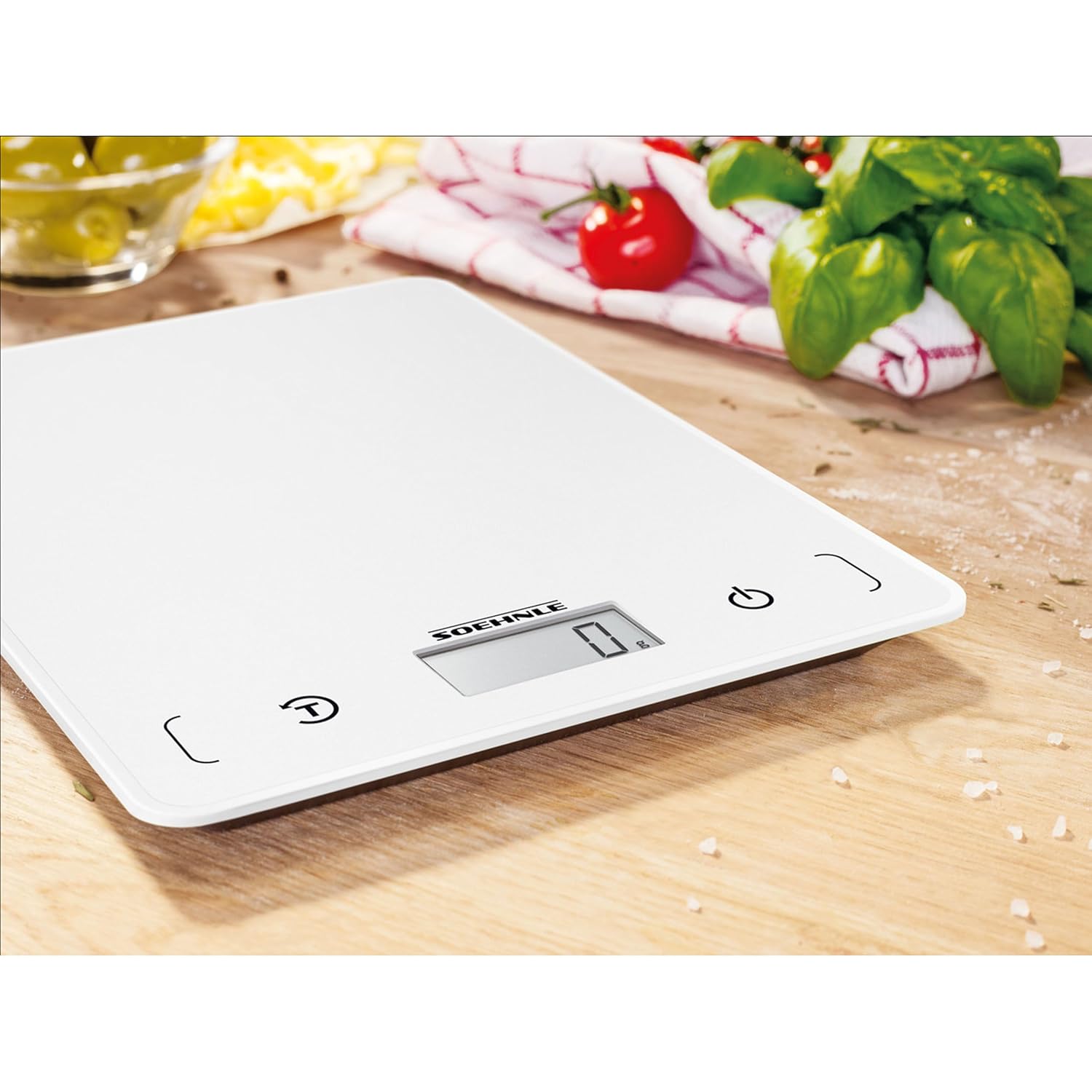
Сүрөт: жакын план view of the Soehnle Page Compact 200's LCD display and sensor touch buttons, showing the power and tare functions.
Жайгашуу
Батарея орнотуу
- Таразанын астыңкы жагындагы батарейка отсегин табыңыз.
- Батарея уясынын капкагын ачыңыз.
- Insert the included 1 Lithium Metal battery, ensuring correct polarity (+/-).
- Батарея уясынын капкагын бекем жабыңыз.
Баштапкы күйгүзүү
After installing the battery, place the scale on a flat, stable surface. Press the power button (usually marked with a power symbol ⏻) to turn on the scale. The LCD display will illuminate and show '0 g' or '0.0 oz', indicating it is ready for use.

Image: A hand pressing the power button on the Soehnle Page Compact 200, initiating the scale for use.
Иштөө нускамалары
Негизги тараза
- Ensure the scale is on a flat, stable surface and powered on, displaying '0'.
- Place the item you wish to weigh directly onto the weighing surface.
- The weight will be displayed on the LCD screen in the selected unit.

Image: The Soehnle Page Compact 200 scale positioned on a wooden surface, surrounded by fresh ingredients, ready for weighing.
Бирдиктерди өзгөртүү
The scale supports multiple units of measurement (g, oz, lb:oz, ml). To change the unit, press the 'UNIT' button (usually marked with a 'UNIT' or 'U' symbol) repeatedly until your desired unit is displayed.
Tare Function (Add & Weigh)
The tare function allows you to weigh multiple ingredients consecutively without removing the previous ones, or to weigh ingredients in a container by subtracting the container's weight.
- Place an empty container (or the first ingredient) on the scale.
- Press the 'TARA' button (usually marked with a 'T' or '⏻/TARA' symbol). The display will reset to '0'.
- Add the next ingredient to the container. The scale will display only the weight of the newly added ingredient.
- Кошумча ингредиенттер үчүн 2 жана 3-кадамдарды кайталаңыз.

Image: A hand pressing the tare button on the Soehnle Page Compact 200, with an empty glass bowl on the weighing surface, demonstrating the tare function.

Image: A wooden bowl filled with flour placed on the Soehnle Page Compact 200 scale, showing an ingredient being weighed after using the tare function.
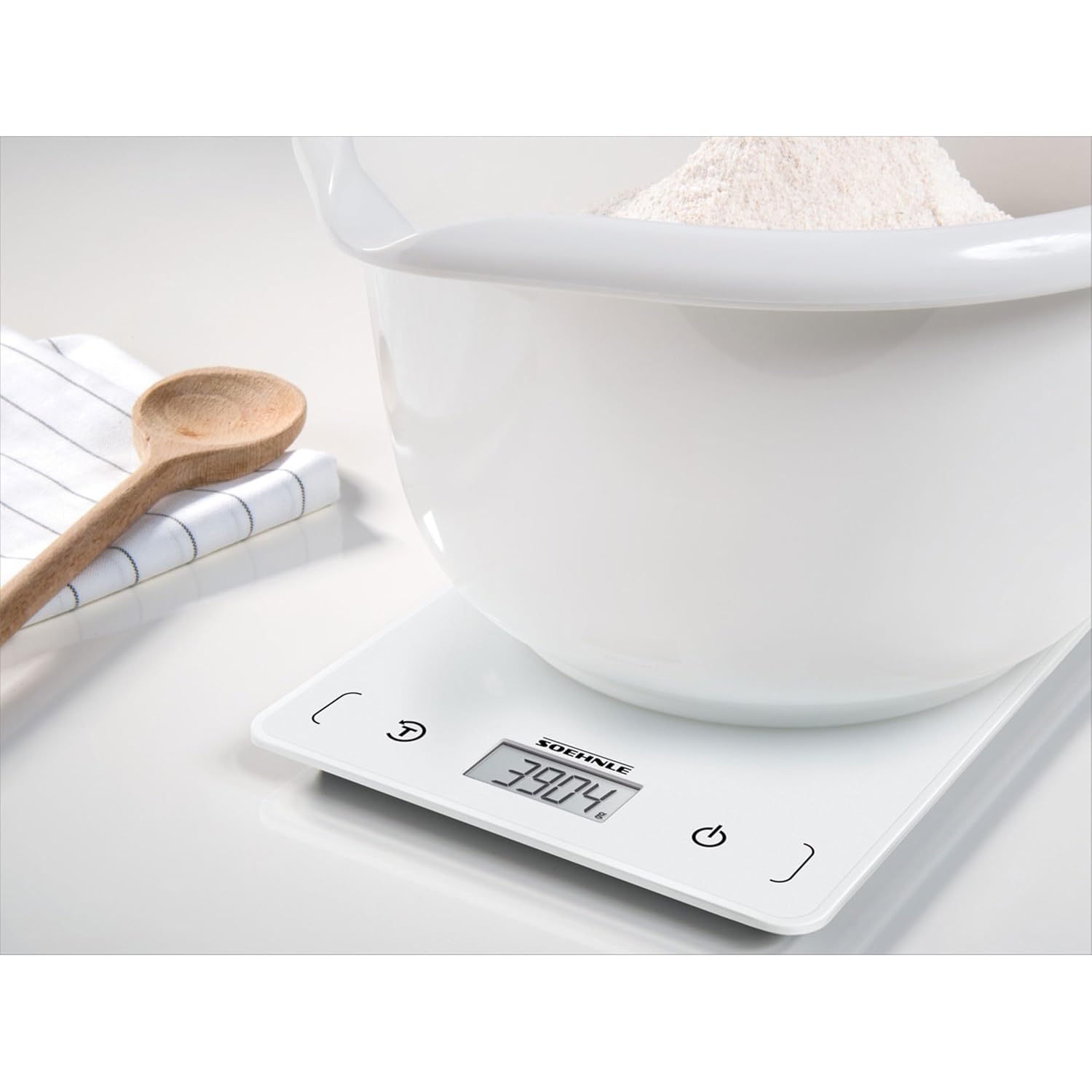
Image: The Soehnle Page Compact 200 display showing a precise weight measurement, indicating the scale's accuracy.
Техникалык тейлөө жана кам көрүү
To ensure the longevity and accuracy of your Soehnle Page Compact 200 kitchen scale, follow these care guidelines:
- Тазалоо: The weighing surface is designed for easy cleaning. Wipe the scale with a damp cloth and mild detergent. Do not immerse the scale in water or use abrasive cleaners.
- Сактагыч: Thanks to its extra-flat design, the scale can be stored in a drawer or hung on a wall using its integrated hanging function. Store in a dry place away from extreme temperatures.
- Батареяны алмаштыруу: Replace the battery when the low battery indicator appears on the display.
Проблемаларды чечүү
If you encounter issues with your scale, please refer to the following common solutions:
- Масштаб күйбөйт: Батарея туура орнотулганын жана заряды жетиштүү экендигин текшериңиз. Зарыл болсо, батареяны алмаштырыңыз.
- Туура эмес окуулар: Ensure the scale is placed on a flat, stable, and level surface. Avoid placing it near strong electromagnetic fields or vibrations. Recalibrate by turning off and on if needed.
- Дисплейде 'Err' көрсөтүлөт: This usually indicates an overload. Remove items from the scale immediately to prevent damage.
Техникалык шарттар
| Модель номери | 61508 |
| Бренд | Soehnle |
| Максималдуу жүктөө жөндөмдүүлүгү | 5 килограмм (11 фунт) |
| Ченөө Артыкчылыктары | 1 грамм (0.05 унция) |
| Дисплей түрү | LCD, touchscreen |
| Өзгөчөлүктөр | Auto Shut Off, Sensor Touch, Tare Function |
| Power Source | 1 литий металл батарейка (кошулган) |
| Продукциянын өлчөмдөрү | 7.87 x 5.91 x 0.51 дюйм |
| Элемент Салмагы | 7.76 унция |

Image: The Soehnle Page Compact 200 scale with its key dimensions (length, width, height) clearly indicated.
Кепилдик жана колдоо
For warranty information or technical support, please refer to the documentation included with your purchase or visit the official Soehnle webсайт. Кепилдик дооматтар үчүн сатып алганыңыздын далилин сактаңыз.


