Introduction
This manual provides detailed instructions for the setup, operation, and maintenance of your TCL 55S425 55 inch 4K Smart LED Roku TV. This television combines 4K Ultra HD picture clarity with High Dynamic Range (HDR) for a lifelike viewing experience. It features built-in Roku streaming, offering access to over 500,000 movies and TV episodes across various streaming channels. The TV is compatible with Alexa and Google Assistant and includes dual-band Wi-Fi and an Ethernet port for connectivity.
Маанилүү коопсуздук нускамалары
- Шайманды иштетүүдөн мурун бардык көрсөтмөлөрдү окуп чыгыңыз.
- Бул нускамаларды келечектеги маалымат үчүн сактаңыз.
- Бул аппаратты суунун жанында колдонбоңуз.
- Кургак чүпүрөк менен гана тазалаңыз.
- Эч кандай желдетүүчү тешиктерди жаап албаңыз. Өндүрүүчүнүн көрсөтмөлөрүнө ылайык орнотуу.
- Радиаторлор, жылуулук регистрлери, мештер же башка аппараттар (анын ичинде) сыяктуу жылуулук булактарынын жанына орнотпоңуз ampкөтөргүчтөр) жылуулукту пайда кылуучу.
- Электр шнурунун басылып кетүүсүнөн же кысып калуудан сактаңыз, өзгөчө сайгычтарда, розеткаларда жана алар аппараттан чыга турган жеринде.
- Өндүрүүчү тарабынан көрсөтүлгөн тиркемелерди/аксессуарларды гана колдонуңуз.
- Бул аппаратты чагылгандуу бороондордо же узак убакыт бою колдонбогондо электр розеткасынан ажыратыңыз.
Пакеттин мазмуну
- TCL 55S425 55 inch 4K Smart LED Roku TV
- Алыстан башкаруу пульту (2 AAA батарейка талап кылынат, комплектте бар)
- Телевизорлор (2)
- Электр кабели
Баштапкы орнотуу
Attaching the TV Stands
Carefully place the TV face down on a soft, clean surface. Attach the two included tripod legs to the designated slots on the bottom of the TV. Secure them with the provided screws. Ensure the stands are firmly attached before placing the TV upright.
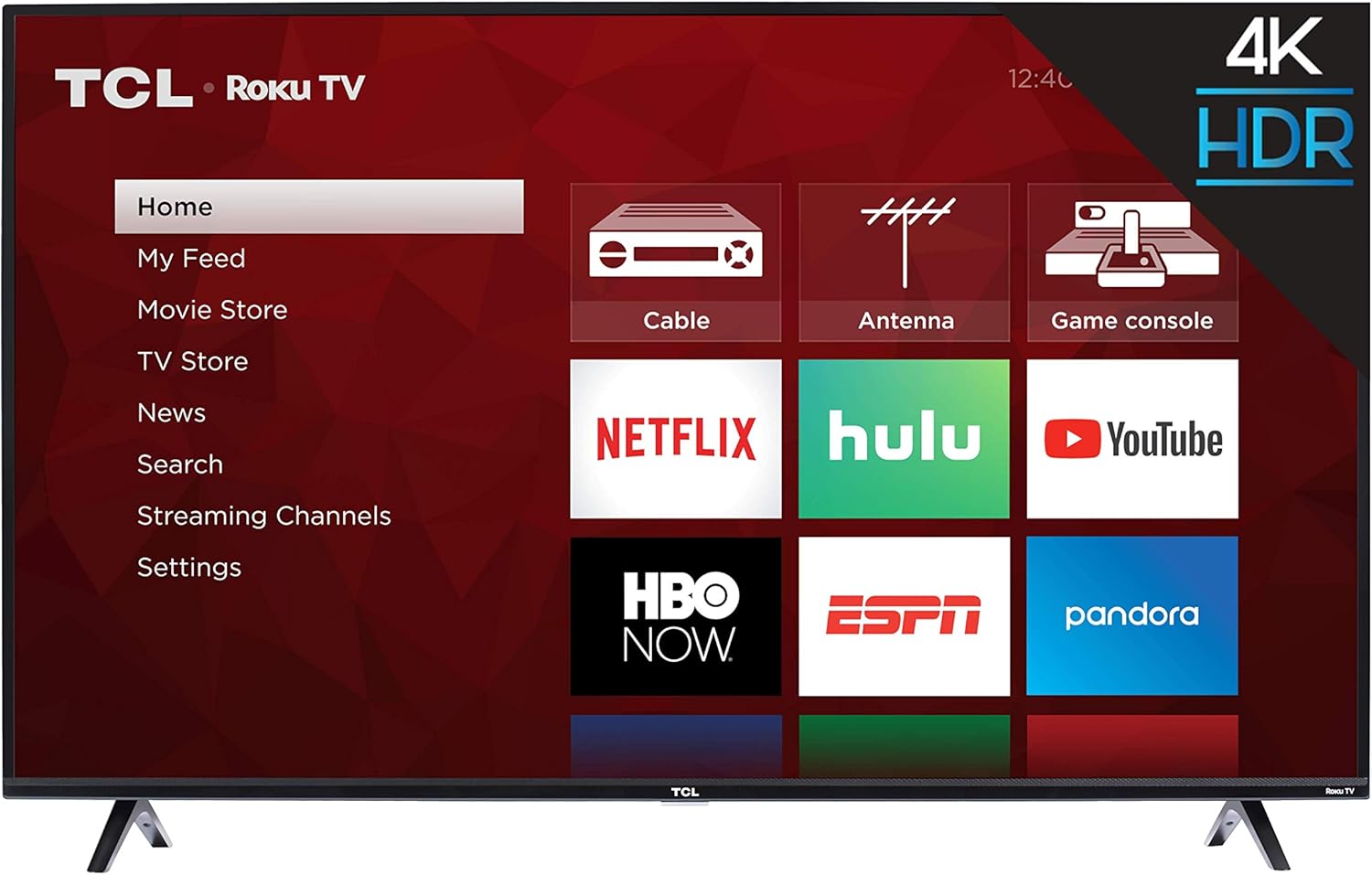
Сүрөт: алдыңкы view of the TCL 55S425 55 inch 4K Smart LED Roku TV, showing the TV with its stands attached and the Roku home screen.
Дубалга орнотуу (кошумча)
The TCL 55S425 TV is VESA compatible with a 200mm x 200mm mounting pattern. For wall mounting, ensure you use a compatible wall mount kit (sold separately) and follow the instructions provided with the mount. The TV dimensions without the stand are approximately 49 inches (W) x 28.4 inches (H) x 3.1 inches (D).
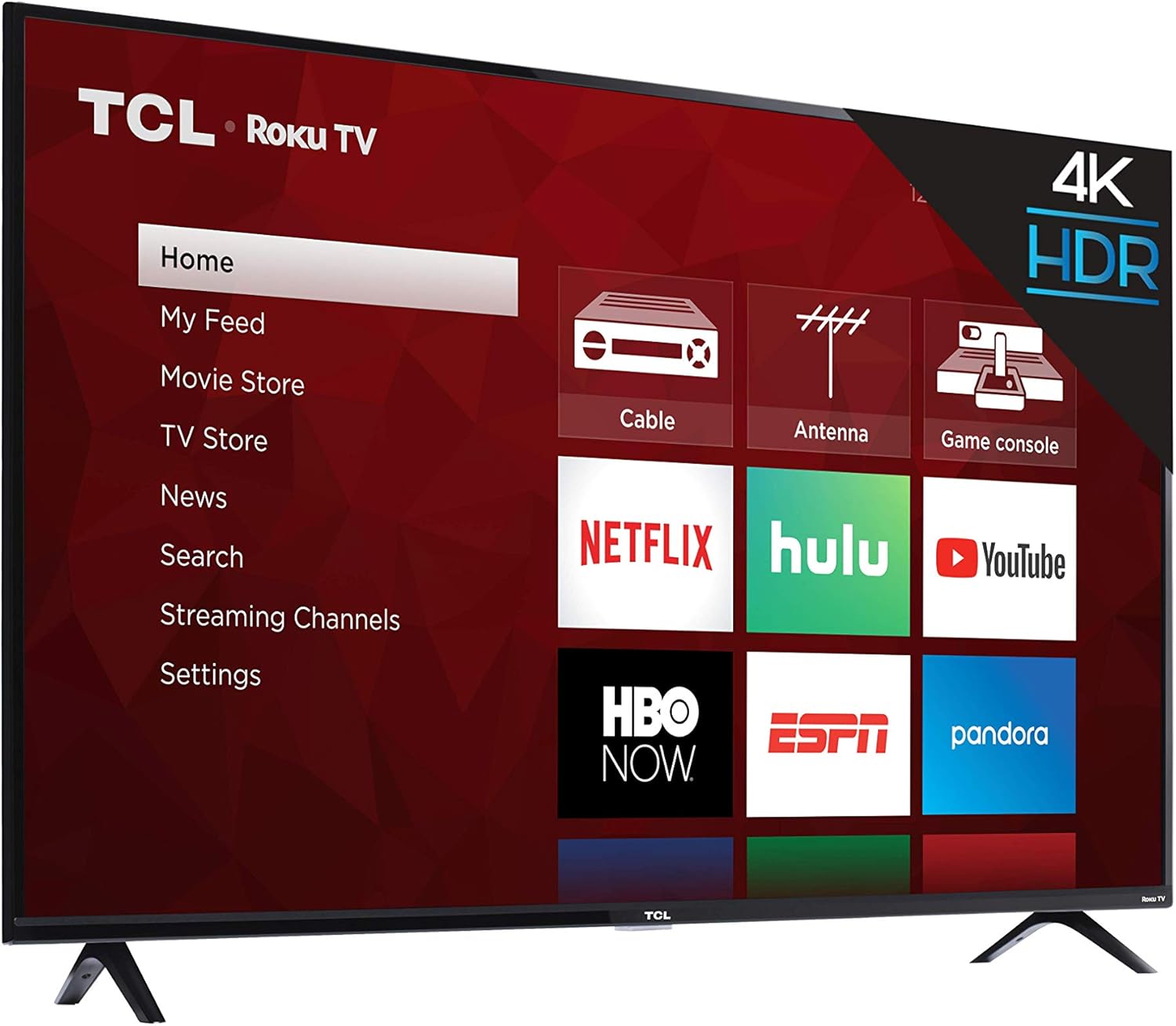
Сүрөт: Side profile of the TCL 55S425 4K Smart LED Roku TV, illustrating its slim design for potential wall mounting.
Түзмөктөрдү туташтыруу
Your TV offers multiple ports for connecting external devices:
- HDMI Inputs (3): Connect Blu-ray players, game consoles, cable boxes, etc. One HDMI port supports ARC (Audio Return Channel).
- USB Input (1): USB дисктерден медиа ойнотуу үчүн.
- Ethernet порту (1): Зымдуу интернет байланышы үчүн.
- RF Input (1): Эфирдик берүүлөрдү өткөрүү үчүн антеннаны туташтырыңыз.
- SPDIF Digital Audio Optical (1): For high-quality audio output to a sound system.
- Audio Output Headphone (1): Наушниктерди туташтыруу үчүн.
- AV Input (1): Composite Video plus Left and Right Audio In for older devices.

Сүрөт: Жакын план view of the side-mounted input/output ports on the TCL 55S425 TV, detailing connections for USB, Ethernet, HDMI, RF, and audio.
Күйгүзүү жана тармак туташуусу
Connect the power cord to the TV and a wall outlet. Press the power button on the remote control to turn on the TV. Follow the on-screen instructions for the Roku TV guided setup, which will assist you in connecting to your home Wi-Fi network or a wired Ethernet connection.
TCL Roku TV'ңизди иштетүү
The Roku TV Interface
The Roku TV home screen provides easy access to all your entertainment. Navigate through streaming channels, live TV options, and connected inputs using the remote control's directional pad.

Image: The TCL 55S425 Roku TV home screen, showing a selection of streaming applications including Prime Video and Hulu.
Алыстан башкарууну колдонуу
The included remote control is designed for simplicity and efficiency. It features dedicated buttons for popular streaming services such as Netflix, Sling, and Hulu, allowing for quick access. Use the directional pad and OK button to navigate menus and make selections. Volume controls are located on the side of the remote.

Image: The TCL Roku TV remote control, highlighting its intuitive layout and quick-access buttons for streaming services.
Сүрөт жана аудио жөндөөлөрү
ТВнын жөндөөлөр менюсуна кирип, өзүңүздүн жөндөөлөрүңүздү ыңгайлаштырыңыз viewing and listening experience. Adjust picture modes (e.g., Standard, Movie, Sports) to suit different content types. The 4K Ultra HD resolution and High Dynamic Range (HDR) technology provide vibrant colors and sharp detail. For audio, select from various sound modes (e.g., Normal, Speech, Big Bass) to enhance clarity or impact.
Smart Features
The TCL 55S425 is a smart TV with built-in Roku functionality. It supports dual-band Wi-Fi for reliable streaming and is compatible with voice assistants like Amazon Alexa and Google Assistant, allowing for hands-free control of your television.
Техникалык тейлөө
Экранды тазалоо
Экранды жумшак, түксүз чүпүрөк менен акырын сүртүңүз. өжөр белгилери үчүн, жеңил гampкездемени суу же экранга арналган тазалоочу эритме менен сүртүңүз. Катуу химиялык заттардан же абразивдүү материалдардан алыс болуңуз.
Кабинетти тазалоо
Телевизордун корпусун жумшак, кургак чүпүрөк менен сүртүңүз. Суюк тазалоочу каражаттарды түздөн-түз корпуска колдонбоңуз.
Программалык камсыздоо жаңыртуулары
Ensure your TV is connected to the internet to receive automatic software updates, which provide new features and performance improvements.
Проблемаларды чечүү
Күч жок
- Check that the power cord is securely plugged into both the TV and a working electrical outlet.
- Башка аспап менен сынап, розетка активдүү экенин текшериңиз.
Сүрөт же үн жок
- Сыналгыда туура киргизүү булагы тандалганын текшериңиз.
- Check all HDMI or AV cable connections to ensure they are secure.
- Confirm that the volume is not muted or set too low.
Тармакка туташуу маселелери
- Wi-Fi роутериңиз күйгүзүлүп, туура иштеп жатканын текшериңиз.
- Роутериңизди жана модемиңизди өчүрүп күйгүзүңүз.
- Check the TV's network settings to confirm it is connected to the correct network and the signal strength is adequate.
- If experiencing occasional lagging, consider moving the TV closer to the router or using a wired Ethernet connection.
Алыстан жооп бербейт
- Replace the batteries in the remote control (requires 2 AAA batteries).
- Пульт менен сыналгынын сенсорунун ортосунда эч кандай тоскоолдук жок экенин текшериңиз.
Техникалык мүнөздөмөлөр
| Өзгөчөлүк | Деталь |
|---|---|
| Бренд аты | TCL |
| Модель номери | 55S425 |
| Screen Size | 55 дюйм |
| Дисплей технологиясы | LED |
| Резолюция | 4K (3840 x 2160) |
| Жаңыртуу ылдамдыгы | 120 Hz CMI |
| Продукциянын өлчөмдөрү (стендсиз) | 49 inch W x 28.4 inch H x 3.1 inch D |
| Продукциянын өлчөмдөрү (стенд менен) | 49 inch W x 30.6 inch H x 8 inch D |
| Элемент Салмагы | 27.1 фунт |
| Түс | Кара |
| Аспект катышы | 16:9 |
| Байланыш технологиясы | HDMI, USB, Wi-Fi |
| HDMI кириштери | 3 (one with ARC) |
| USB порттору | 1 |
| Ethernet порту | 1 |
| RF киргизүү | 1 |
| SPDIF Digital Audio Optical | 1 |
| Audio Output Headphone | 1 |
| AV киргизүү | Composite Video plus L and R Audio In |
| Дубалга орнотуучу VESA | 200мм x 200мм |
Кепилдик маалыматы жана Кардарларды колдоо
For detailed warranty information, product registration, and technical assistance, please visit the official TCL webсайтка же түздөн-түз кардарларды колдоо менен байланышыңыз. Кепилдик дооматтар үчүн сатып алуу дүмүрчөгүңүздү сактаңыз.
Продукт визуалдык көрүнүштөрү
Продукт сүрөттөрү


Расмий продукт Videos
Бул колдонмого киргизүү үчүн сатуучунун расмий продукт видеолору жок.


