Introduction
The Spider Truly Wireless Earphones BT100 are designed to provide a balanced and detailed audio experience with powerful bass. Their stylish design ensures a comfortable and secure fit for extended use. These earphones offer easy pairing and maintain a stable Bluetooth connection for uninterrupted listening. The BT100 has successfully passed the UN38.3 test, ensuring the safety of its battery for user peace of mind.
Key features include HD Sound with Noise-Isolation, easy and stable connectivity, up to 16 hours of total playtime with the charging case, automatic pairing and charging, and an iOS Battery Capacity Display.
Эмне камтылган
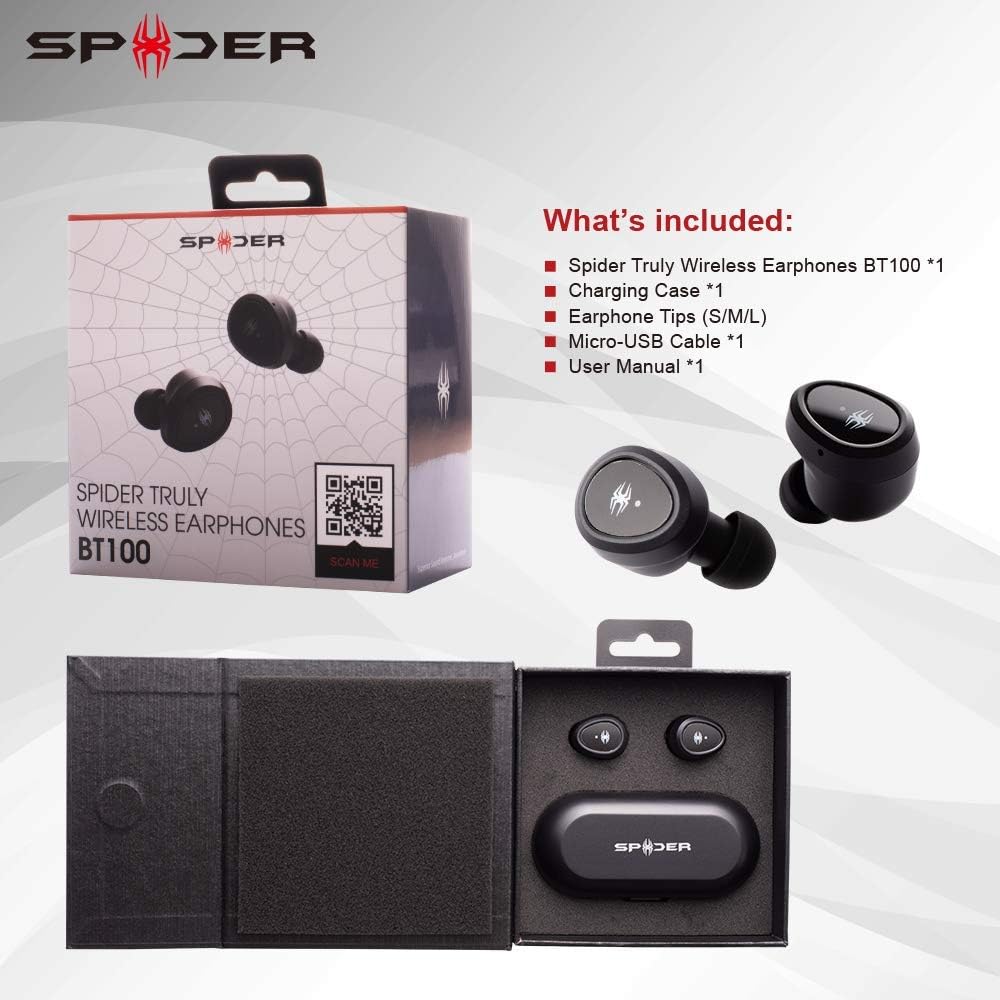
This image displays the Spider BT100 retail packaging and its contents. The box is open, revealing the earphones and charging case nestled in their compartments. Alongside the main product, the image shows the included accessories: a Micro-USB cable, various sizes of earphone tips (S/M/L), and the user manual. This visual confirms all items you should find in your package.
- Spider Truly Wireless Earphones BT100 (1 pair)
- Заряддоо кутусу (1)
- Earphone Tips (S/M/L sizes)
- Micro-USB Cable (1)
- Колдонуучунун колдонмосу (1)
Продукт бүттүview

This diagram highlights the key components of the Spider BT100 earphones and their charging case. For the headset, it points out the Status LED Indicator and the Power On/Off Button. For the charging case, it shows the LED Power Indicator, which turns red when the capacity is below 50%. The image also lists key features such as HD Sound with Noise-Isolation, Easy Pairing and Stable Connectivity, 2-3 hours playing time per charge, up to 16 hours total playing time with the case, automatic pairing and charging, and iOS Battery Capacity Display.
- тетиги: Each earphone features a multi-function button for controls and an LED indicator.
- Заряддоо кутусу: A compact case that charges the earphones and provides extended battery life. It has LED indicators for its own battery status and a Micro-USB charging port.
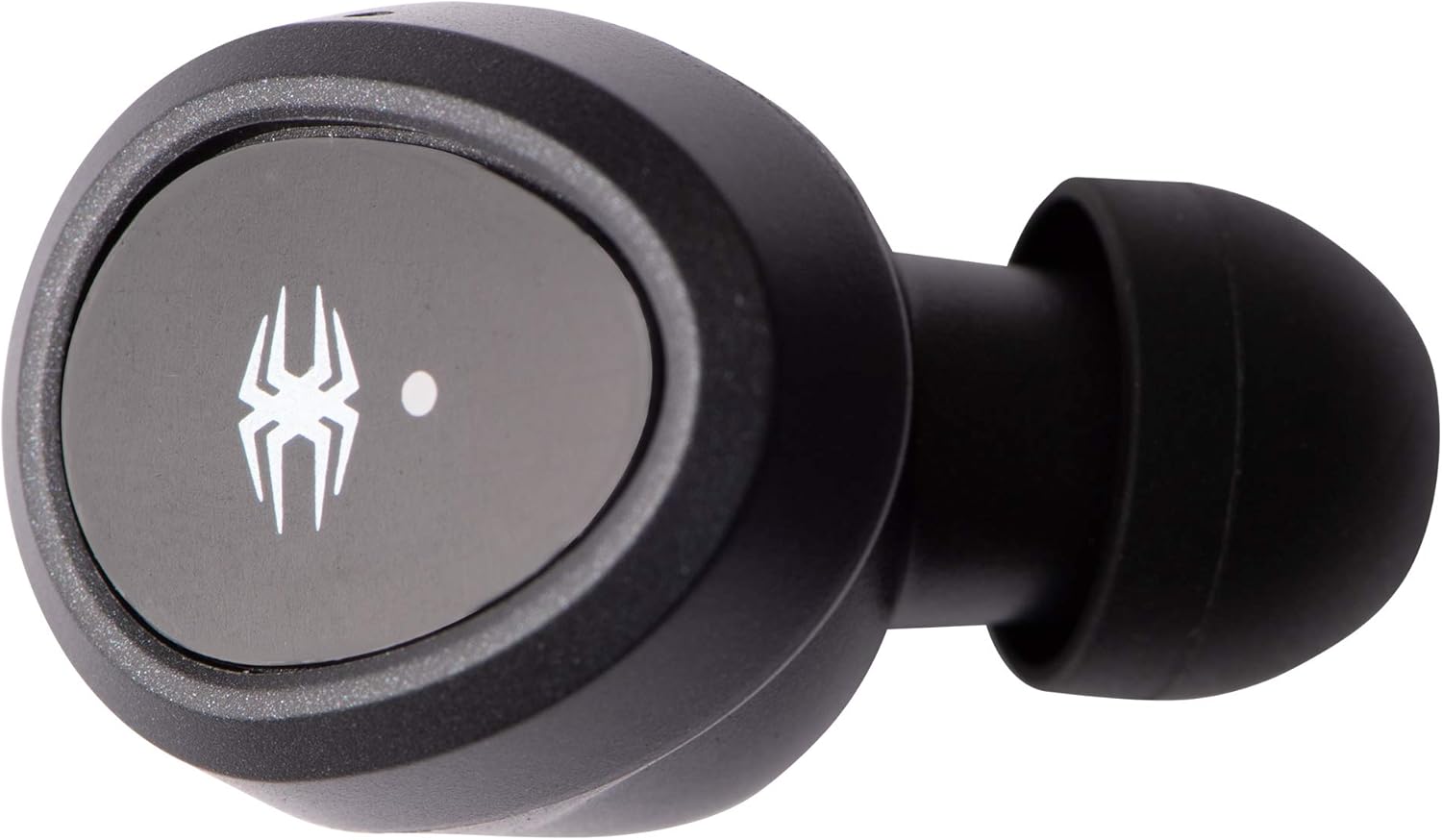
Single earphone, top view.

Single earphone, side view.

Charging case, closed.
Жайгашуу
1. Баштапкы заряддоо
Биринчи жолу колдонуудан мурун, кулакчындарды да, кубаттоочу кутучаны да толук кубаттаңыз.
- Connect the Micro-USB cable to the charging case and a USB power source (e.g., computer, wall adapter).
- The LED indicators on the charging case will show charging status.
- Кулакчындарды заряддоо кутусуна салыңыз. Алар автоматтык түрдө кубаттай баштайт.
- Charging time for the case is approximately 2 hours. Earphones charge in about 1.5 hours.
2. Жупташтыруу боюнча нускамалар
The Spider BT100 earphones feature automatic pairing for convenience.
- Күйгүзүү: Take both earphones out of the charging case. They will automatically power on and enter pairing mode. The LED indicators on the earphones will flash.
- Bluetooth жандыруу: Түзмөгүңүздө (смартфон, планшет ж.б.) Bluetooth иштетиңиз.
- Түзмөктү тандоо: Издөө "Spider BT100" in the list of available Bluetooth devices and select it to connect.
- Туташуу ырастоо: Once successfully paired, the earphone LED indicators will stop flashing, and you may hear an audible confirmation.
Эскертүү: If the earphones do not automatically pair with each other, place them back into the charging case and then take them out again. If issues persist, refer to the Troubleshooting section.
Иштеп жатат
Күйгүзүү/өчүрүү
- Күйгүзүү: Take the earphones out of the charging case. They will power on automatically. Alternatively, press and hold the multi-function button on each earphone for 3 seconds.
- Өчүрүү: Place the earphones back into the charging case. They will power off automatically. Alternatively, press and hold the multi-function button on each earphone for 5 seconds.
Музыка ойнотууну башкаруу
- Ойнотуу/тындыруу: Press the multi-function button on either earphone once.
- Кийинки трек: Double-press the multi-function button on the Right earphone.
- Мурунку трек: Double-press the multi-function button on the Left earphone.
- Көлөмү: Triple-press the multi-function button on the Right earphone.
- Үнүн азайтуу: Triple-press the multi-function button on the Left earphone.
Чалууларды башкаруу
- Чалууга жооп берүү/аяктоо: Press the multi-function button on either earphone once.
- Чакырууну четке кагуу: Press and hold the multi-function button on either earphone for 2 seconds.
- Үн Жардамчысын жандыруу: Press and hold the multi-function button on either earphone for 1.5 seconds (e.g., Siri, Google Assistant).
Батареянын абалы
- тетиги: When connected to an iOS device, the battery capacity of the earphones will be displayed on the device's screen.
- Заряддоо кутусу: The LED power indicator on the charging case will turn red when its battery capacity is below 50%.
Техникалык тейлөө
Тазалоо
- Кулакчындарды жана кубаттоочу кутучаны тазалоо үчүн жумшак, кургак, мамыксыз чүпүрөктү колдонуңуз.
- Абразивдүү тазалагычтарды, эриткичтерди же аэрозолдук спрейлерди колдонбоңуз.
- Gently remove earwax or debris from the ear tips and speaker mesh using a small, soft brush or cotton swab.
Сактагыч
- Колдонулбаганда, кулакчындарды коргоо жана кубаттоо үчүн дайыма заряддоо кутучасында сактаңыз.
- Салкын, кургак жерде, экстремалдык температурадан жана түз күндүн нурунан алыс сактаңыз.
Проблемаларды чечүү
| Көйгөй | Мүмкүн себеп | Чечим |
|---|---|---|
| Earphones not powering on. | Батарея аз. | Place earphones in the charging case and ensure the case is charged. |
| Бир гана наушник иштейт. | Earphones not paired with each other. | Place both earphones back into the charging case, close the lid for 5 seconds, then take them out again. They should automatically re-sync. |
| Түзмөк менен жупташтыруу мүмкүн эмес. | Bluetooth off, earphones not in pairing mode, or too far from device. | Ensure Bluetooth is enabled on your device. Make sure earphones are out of the case and flashing. Move closer to your device. Try forgetting "Spider BT100" in your device's Bluetooth settings and re-pairing. |
| Үн сапаты начар же ажыратылган. | Тоскоолдук, аралык же батареянын заряды аз. | Move closer to your device. Avoid areas with strong Wi-Fi or other Bluetooth signals. Ensure earphones and case are fully charged. |
| Заряддоо куту заряддалбай жатат. | Кабель же кубат булагы туура эмес. | Try a different Micro-USB cable and/or a different USB power adapter. Ensure the cable is securely connected. |
Техникалык шарттар

This image presents a detailed table of technical specifications for the Spider Truly Wireless Earphones BT100 and its charging case. It includes information such as Bluetooth version, profiles, connecting distance, driver unit size, sensitivity, frequency response, play time, charging time, microphone type, and weight for the headset. For the charging case, it lists battery voltage, type, charging time, extra hour supply playtime, battery status indicator, charging connector, weight, and dimensions. A frequency response graph is also visible above the table.
Гарнитура:
- Bluetooth версиясы: 4.2
- Bluetooth Profiles: A2DP, AVRCP, HFP, HSP
- Connecting Distance: Maximum 10 Meters (33 feet)
- Айдоочу бирдиги: 5мм динамикалык
- Сезимталдуулук: 98дБ@1КГц
- Жыштык жообу: 20-20KHz
- Ойнотуу убактысы: 2-3 hours (per charge)
- Заряддоо убактысы: 1.5 саат
- Микрофон: Көп багыттуу
- Салмагы: 4.5g (per earphone)
Заряддоо кутусу:
- Батарея Voltage: 3.7V
- Батарея түрү: Литий полимери
- Заряддоо убактысы: 2 саат
- Extra Hour Supply Playtime: 16 hours (total with case)
- Заряддоо туташтыргычы: Микро USB
- Салмагы: 63г
- Өлчөмдөрү: 97мм x 46мм x 37мм

Bottom of the charging case, displaying model number (BT100), input/output specifications, FCC ID (2AQ5M-T100), CE mark, and "MADE IN CHINA" text.
Кепилдик жана колдоо
The Spider Truly Wireless Earphones BT100 come with a 1 жылдык Чектелген Кепилдик сатып алынган күндөн тартып. Бул кепилдик нормалдуу колдонууда материалдардагы жана жасалгадагы өндүрүштүк кемчиликтерди камтыйт.
Кепилдик төмөнкүлөрдү камтыбайт:
- Кырсыктан, кыянаттыктан, туура эмес пайдалануудан, суу ташкынынан, өрттөн, жер титирөөдөн же башка тышкы себептерден келип чыккан зыян.
- Damage caused by operating the product outside the permitted or intended uses described by Spider.
- Damage caused by service performed by anyone who is not a representative of Spider.
- Products or parts that have been modified to alter functionality or capability without the written permission of Spider.
For warranty claims or technical support, please visit the official Spider product website or contact their customer service. You can find more information and support at: www.spiderproduct.com
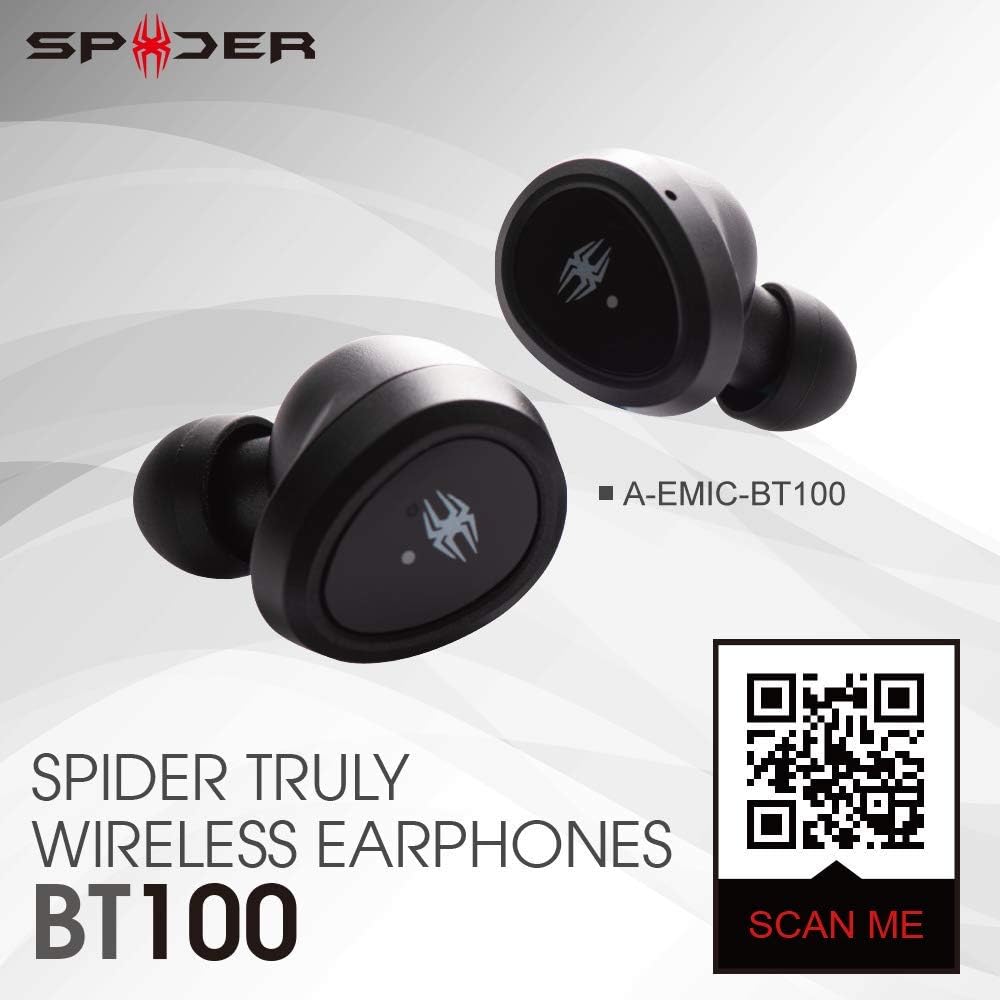
Image showing the Spider BT100 earphones alongside a QR code. Scanning this QR code will direct you to the official product webКөбүрөөк маалымат жана колдоо үчүн сайт.


