1. Киришүү
The MARATHON 100 Hour Direct Entry Digital Tabletop Timer is designed to assist with precise time management for various tasks. Featuring a large, easy-to-read LCD display and a direct entry keypad, this timer offers both countdown and count-up functionalities, a clock mode, and memory presets for repetitive events. Its robust design includes a magnetic back and an integrated kickstand for versatile placement.
2. Продукт бүтүп калдыview
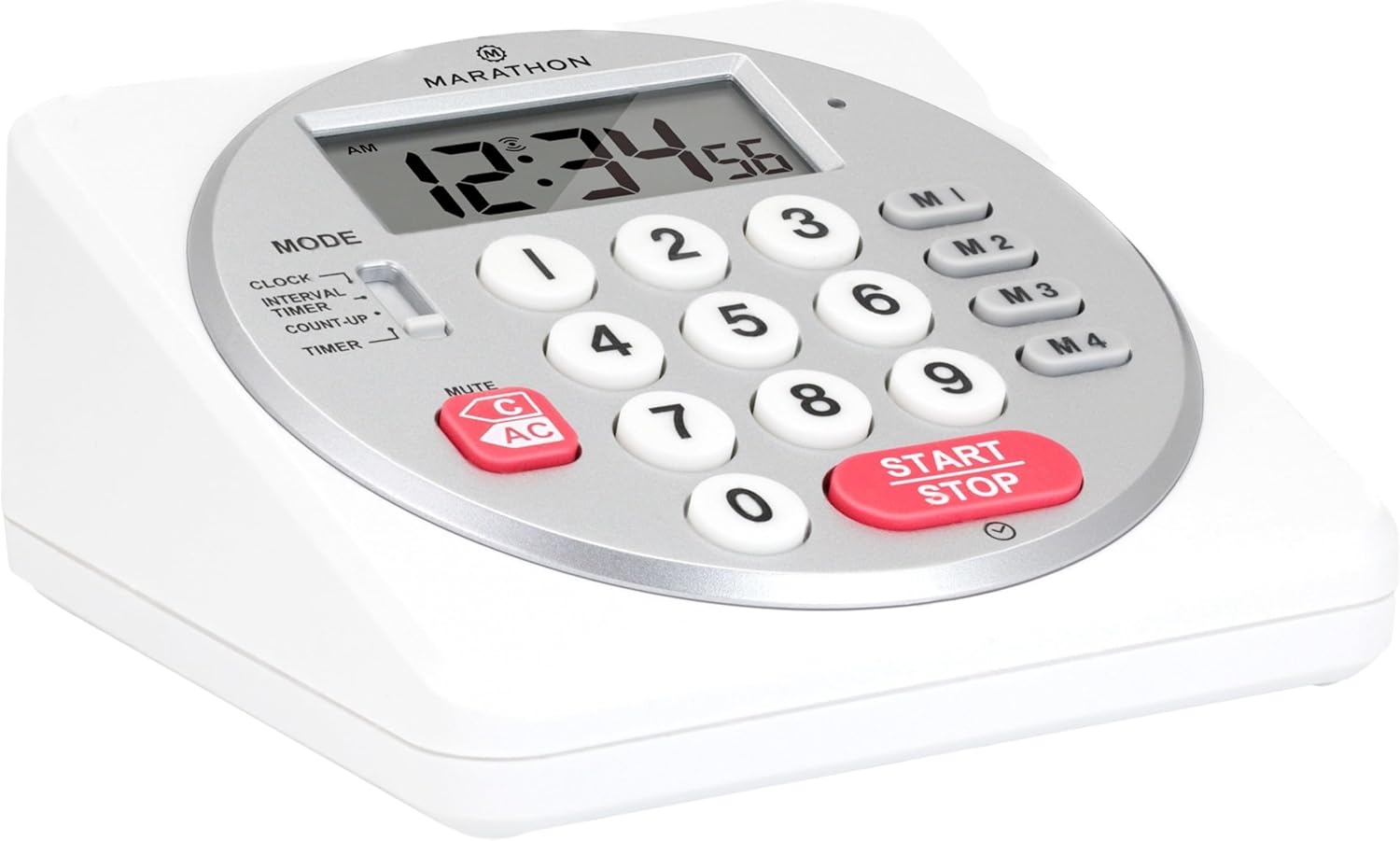
Сүрөт 1: Алдыңкы view of the Marathon Digital Timer.
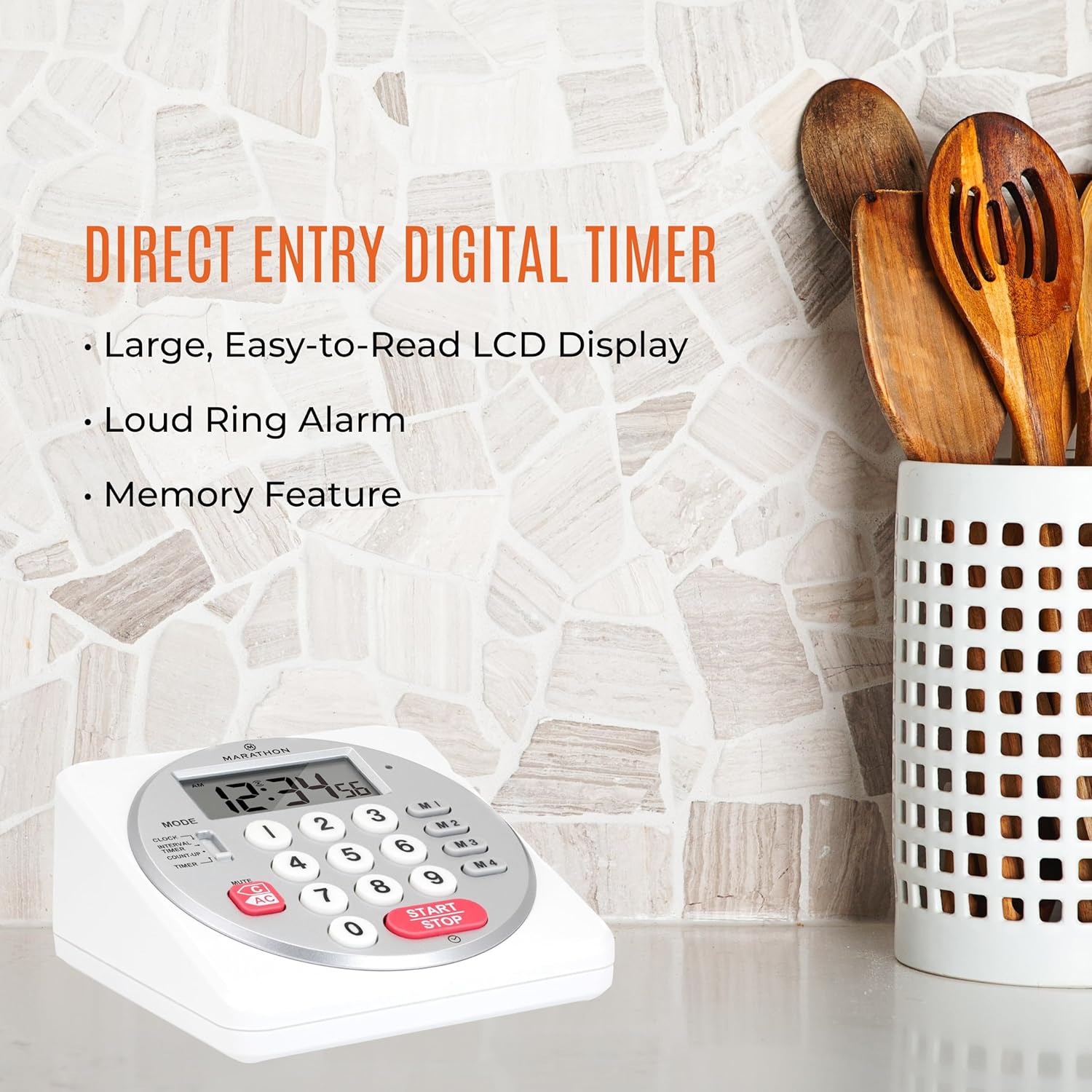
Figure 2: Timer on a kitchen counter, highlighting large display and loud alarm.

Figure 3: Timer showcasing dual function, included batteries, and versatile memory.
Негизги өзгөчөлүктөрү:
- Direct Entry Keypad: For quick and precise time setting.
- Чоң LCD дисплей: Easy-to-read numbers for clear visibility.
- Dual Function Alarm: Supports both countdown and count-up timing up to 99 hours, 59 minutes, and 59 seconds.
- Loud Ring Alarm: Audible across a room.
- LED көрсөткүчү: Flashing light for silent alarm or hearing impairment assistance.
- Clock Feature: Displays time in 12-hour or 24-hour format when not in timer mode.
- Built-in Memory Function: Stores up to four consecutive times for interval timing and four memory presets for repetitive events.
- Ар тараптуу жайгаштыруу: Integrated kickstand for tabletop use and magnetic back for attachment to metal surfaces.
- Батареялар камтылган: 2 AA батарейкасы менен келет.
3. Орнотуу
3.1. Батареяны орнотуу
- Locate the battery compartment cover on the back of the timer.
- Капкакты жылдырыңыз.
- Insert two (2) AA batteries, ensuring correct polarity (+/-) as indicated inside the compartment. The timer comes with batteries included.
- Батарея бөлүкчөсүнүн капкагын бекем орнотуңуз.

4-сүрөт: Артка view with battery compartment and kickstand.
4. Иштөө нускамалары
4.1. Режимди тандоо
колдонуу РЕЖИМ switch located on the side of the timer to select between different functions:
- СААТ: Учурдагы убакытты көрсөтөт.
- INTERVAL TIMER: For setting multiple consecutive timers.
- COUNT-UP: Functions as a stopwatch.
- ТАЙМЕР: For setting a single countdown timer.

Figure 5: MODE switch for function selection.
4.2. Саатты коюу
- жылдырыңыз РЕЖИМ өтүү СААТ.
- басып, кармап туруңуз SET баскычын убакыттын цифралары жаркылдай баштаганга чейин басыңыз.
- Use the number keypad (0-9) to enter the desired time (HH:MM).
- Басыңыз SET again to confirm and exit clock setting mode.
- 12 сааттык жана 24 сааттык форматтын ортосунда которулуу үчүн, басыңыз 12/24H button (if available, or refer to specific model instructions).
4.3. Setting a Countdown Timer (TIMER Mode)
- жылдырыңыз РЕЖИМ өтүү ТАЙМЕР.
- Use the number keypad (0-9) to directly enter the desired countdown time (HH:MM:SS). The timer supports up to 99 hours, 59 minutes, 59 seconds.
- басыңыз START/STOP артка санаууну баштоо үчүн баскычты басыңыз.
- To pause the timer, press START/STOP кайра. Улантуу үчүн аны дагы бир жолу басыңыз.
- When the countdown reaches zero, the alarm will sound, and the LED indicator will flash. The timer will then automatically begin counting up to show elapsed time since the alarm.
- To stop the alarm and clear the display, press the CLEAR баскычы.
4.4. Using the Count-Up Timer (COUNT-UP Mode)
- жылдырыңыз РЕЖИМ өтүү САНОО.
- Ensure the display shows 00:00:00. If not, press CLEAR.
- басыңыз START/STOP саноону баштоо үчүн баскычты басыңыз.
- Саноону тындыруу үчүн, баскычын басыңыз START/STOP кайра. Улантуу үчүн аны дагы бир жолу басыңыз.
- To reset the count-up timer to zero, press CLEAR.
4.5. Using Memory Functions (M1-M4 Presets)
The timer features four memory buttons (M1, M2, M3, M4) for storing and recalling frequently used times or for interval timing.
- In ТАЙМЕР mode, enter the desired time using the number keypad.
- Press and hold one of the memory buttons (M1-M4) until the display confirms the time has been saved.
- To recall a saved time, simply press the corresponding memory button (M1-M4). The saved time will appear on the display, ready to start.
- For interval timing, set the first interval, save it to M1. Then set the second interval, save it to M2, and so on. You can then cycle through these presets as needed.
4.6. Сигнализациянын үнүн жөндөө
The timer features a volume switch, typically located on the side or back, allowing you to select between different alarm levels (e.g., High, Low, Mute) or a flashing LED indicator for silent operation.
5. Техникалык тейлөө
- Таймерди жумшак менен тазалаңыз, гamp кездеме. Абразивдүү тазалагычтарды колдонбоңуз же аппаратты сууга салбаңыз.
- Avoid exposing the timer to extreme temperatures or direct sunlight for prolonged periods.
- If the display becomes dim or the alarm weakens, replace the batteries promptly.
6. Кыйынчылыктарды
| Көйгөй | Мүмкүн себеп | Чечим |
|---|---|---|
| Timer not turning on. | Батареялар өлүп калган же туура эмес орнотулган. | Батареянын полярдуулугун текшериңиз же жаңы AA батарейкалары менен алмаштырыңыз. |
| Дисплей күңүрт. | Батареянын кубаттуулугу төмөн. | Батареяларды алмаштырыңыз. |
| Сигнализация чырылдабай жатат. | Alarm volume is set to mute or low. | Check the alarm volume switch and adjust as needed. |
| Таймер баскычты басууга жооп бербейт. | Unit may be in a locked state (if applicable) or requires a reset. | Remove and reinsert batteries to perform a hard reset. Check for any lock switches. |
7. Техникалык шарттар
- Модел: TI030018WH
- Бренд: МАРАФОН
- Материал: Пластик
- Өлчөмдөрү: 4.45 x 2.64 x 4.45 дюйм
- Элемент Салмагы: 7.1 унция
- Кубат булагы: 2 x AA батареялары (киргизилген)
- Max Timer Duration: 99 саат, 59 мүнөт, 59 секунд
- Өзгөчөлүктөрү: Direct Entry, Dual Function (Count-up/Count-down), Clock, Memory Presets, LED Indicator, Magnetic Back, Kickstand
- UPC: 063442000342

Сүрөт 6: Продукциянын өлчөмдөрү.
8. Кепилдик жана колдоо
Кепилдик маалыматы же техникалык колдоо үчүн өндүрүүчүнүн расмий өкүлүнө кайрылыңыз webсайтка же кардарларды тейлөө бөлүмүнө кайрылыңыз. Сатып алганыңыздын далили катары сатып алуу дүмүрчөгүңүздү сактаңыз.


