1. Киришүү
Thank you for choosing the Cshidworld G33Pro-W Wireless Earbuds. This manual provides detailed instructions on how to set up, operate, and maintain your earbuds to ensure optimal performance and longevity. Please read this manual carefully before using the product and keep it for future reference.
2. Пакеттин мазмуну
- Cshidworld G33Pro-W Wireless Earbuds (Left and Right)
- Портативдик кубаттоочу куту
- USB заряддоо кабели
- User Manual
3. Продукт бүтүп калдыview

Image: The Cshidworld G33Pro-W Wireless Earbuds resting inside their open charging case, showcasinалардын компакттуу дизайны жана ак түстөгү жасалгасы.
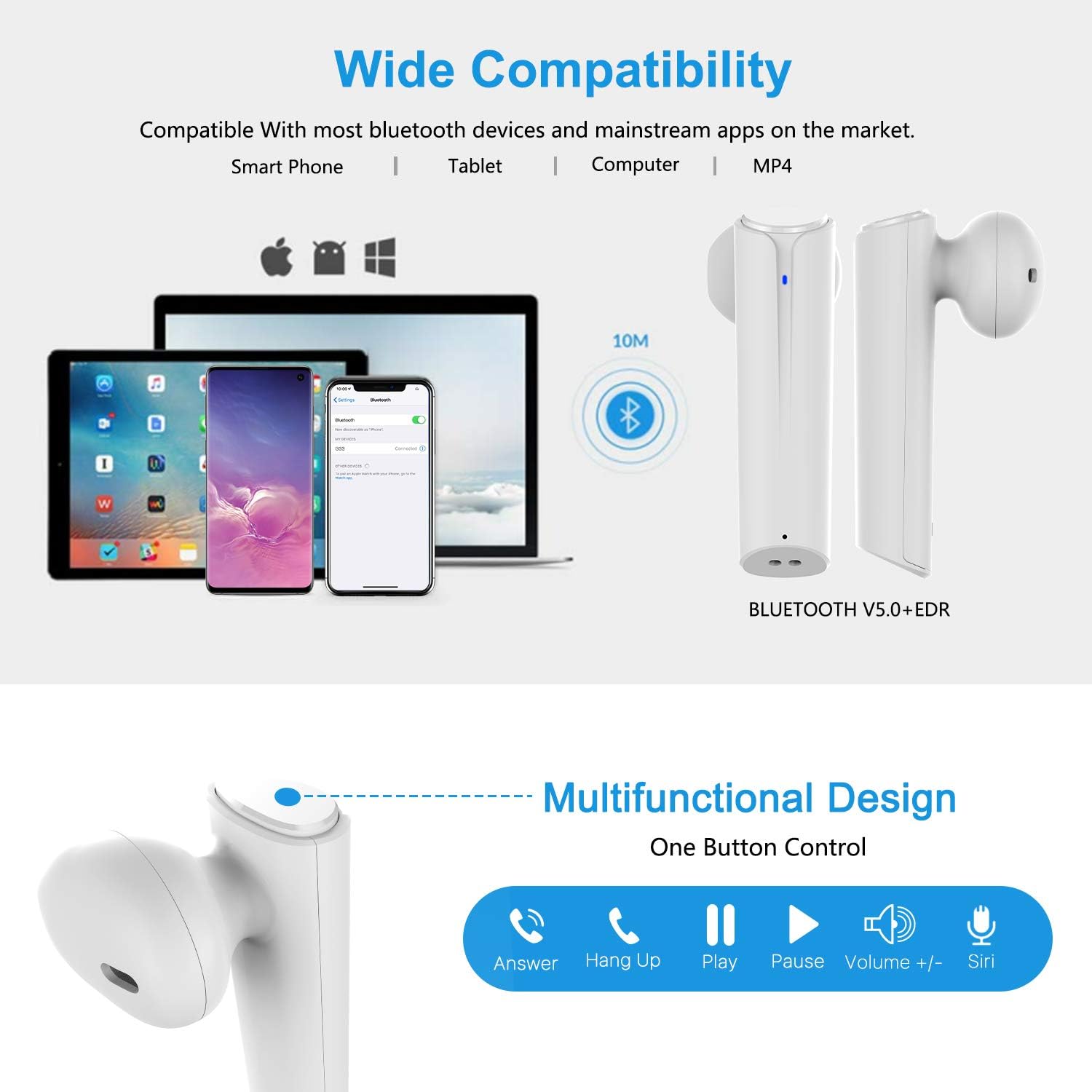
Image: A visual representation of the multi-function button on the earbud, detailing its various controls for answering calls, playing music, and activating voice assistants.
Наушник компоненттери:
- Көп функциялуу баскыч: Ойнотууну, чалууларды жана үн жардамчысын көзөмөлдөйт.
- LED көрсөткүчү: Жупташтыруу абалын жана батареянын деңгээлин көрсөтөт.
- Микрофон: Үнсүз чалуулар үчүн.
Заряддоо кутусунун компоненттери:
- Заряддоо порттору: For charging the case and earbuds.
- LED көрсөткүчтөрү: Show charging status of the case.
4. Орнотуу
4.1 Кулакчындарды жана кутучаны заряддоо
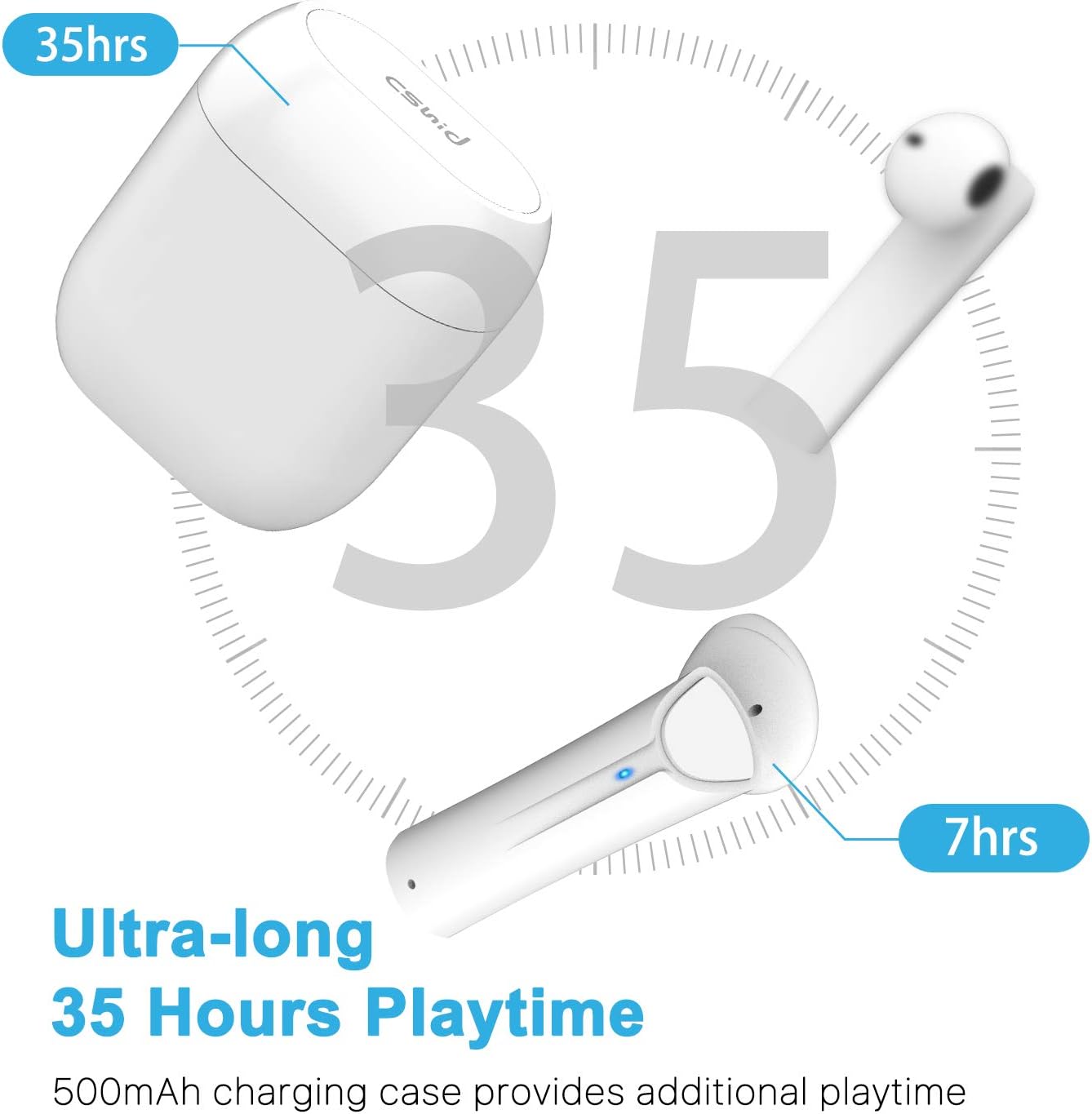
Image: An illustration highlighting the ultra-long 35 hours of total playtime, with 7 hours from a single earbud charge and additional charges from the case.
Before first use, ensure both the earbuds and the charging case are fully charged. The earbuds provide up to 7 hours of playtime on a single charge, and the charging case can provide an additional 5 full charges, extending the total playtime to up to 35 hours.
- Кулакчындарды заряддоо кутусуна салыңыз. Алардын туура отурганын текшериңиз.
- USB заряддоо кабелин корпустагы заряддоо портуна жана кубат булагына туташтырыңыз.
- Корпустагы LED индикаторлору кубаттоо абалын көрсөтөт. Толук кубатталгандан кийин, индикаторлор өзгөрөт же өчөт.
4.2 Initial Pairing (One-Step Pairing)

Image: A step-by-step guide showing how to pair the earbuds: simply take them out of the case and select 'G33' on your device's Bluetooth settings.
The G33Pro-W earbuds feature one-step pairing technology for quick and easy connection.
- Take both earbuds out of the charging case. They will automatically power on and enter pairing mode. The LED indicator on one earbud will flash, indicating it's ready to pair.
- Түзмөгүңүздө (смартфон, планшет ж.б.) Bluetooth иштетиңиз.
- Издөө "G33" in the list of available Bluetooth devices and select it to connect.
- Once connected, the LED indicators on both earbuds will stop flashing. You are now ready to use your earbuds.
4.3 Бир гана кулакчын колдонуу
You can use either the left or right earbud independently. Simply take one earbud out of the charging case, and it will automatically enter pairing mode. Connect to "G33" on your device. To use both again, take the second earbud out, and they will automatically reconnect.
5. Иштөө нускамалары
The G33Pro-W earbuds are controlled via a multi-function button on each earbud.
| Функция | Акция |
|---|---|
| Күйгүзүү | Take earbuds out of charging case (automatic) |
| Өчүрүү | Place earbuds back into charging case (automatic) |
| Музыканы ойнотуу/тындыруу | Press the multi-function button once on either earbud |
| Кийинки трек | Double-press the multi-function button on the Right earbud |
| Мурунку трек | Double-press the multi-function button on the Left earbud |
| Чалууга жооп берүү/аяктоо | Press the multi-function button once on either earbud |
| Чакырууну четке кагуу | Press and hold the multi-function button for 2 seconds on either earbud |
| Үн жардамчысын иштетүү (Siri/Google Жардамчы) | Кулакчындардын бириндеги көп функциялуу баскычты үч жолу басыңыз |
| Үндү көтөрүү | Press and hold the multi-function button on the Right earbud |
| Үндү төмөндөтүү | Press and hold the multi-function button on the Left earbud |
6. Техникалык тейлөө

Image: Two scenarios demonstrating earbud use: one person driving safely with hands-free calling, and another person working out, highlighting the sweat-proof and cable-free design.
6.1 Тазалоо
Үзгүлтүксүз тазалоо үн сапатын жана гигиенаны сактоого жардам берет.
- Кулакчындарды жана кубаттоочу кутуну сүртүү үчүн жумшак, кургак, түксүз чүпүрөктү колдонуңуз.
- өжөр кир үчүн, бир аз гampчүпүрөктү суу же жумшак, абразивдүү тазалагыч менен жууп салыңыз.
- Катуу химиялык заттарды же абразивдүү материалдарды колдонбоңуз.
- Кулакчындардагы жана кутучадагы заряддоо контакттары таза жана кургак экенин текшериңиз.
6.2 Сактоо
Колдонулбаганда, кулакчындарды коргоо жана кубаттоо үчүн кубаттоочу кутучага сактаңыз. Салкын, кургак жерде, экстремалдык температурадан алыс сактаңыз.
6.3 Сууга туруктуулук
The earbuds are designed to be waterproof, making them suitable for workouts and light rain. However, they are not intended for swimming or submersion in water. Ensure earbuds are dry before placing them back into the charging case to prevent damage.
7. Кыйынчылыктарды
Эгер кулакчыныңызда көйгөйлөргө туш болсоңуз, төмөнкү жалпы көйгөйлөрдү жана аларды чечүү жолдорун караңыз:
- Кулакчындар түзмөк менен жупташкан жок:
Ensure Bluetooth is enabled on your device. Place earbuds back in the case, then take them out again to re-enter pairing mode. Try forgetting "G33" from your device's Bluetooth list and re-pairing. - Бир гана кулакчын иштейт:
Place both earbuds back into the charging case. Close the lid for a few seconds, then open it and take both earbuds out simultaneously. They should automatically connect to each other. - Үн жок:
Түзмөгүңүздөгү жана кулакчындардын үнүнүн деңгээлин текшериңиз. Кулакчындар түзмөгүңүзгө туура туташтырылганын текшериңиз. Ар кандай аудио булактарын ойнотуп көрүңүз. - Кулакчындар кубатталбай жатат:
Кубаттоочу кабелдин корпуска да, кубат булагына да бекем туташтырылганын текшериңиз. Кулакчындардын жана корпустун ичиндеги кубаттоочу контакттар таза жана таштандылардан тазаланганын текшериңиз. - Үн сапаты начар:
Ensure the earbuds are properly seated in your ears. Check for any obstructions in the earbud speakers. Move closer to your connected device to avoid signal interference.
8. Техникалык шарттар
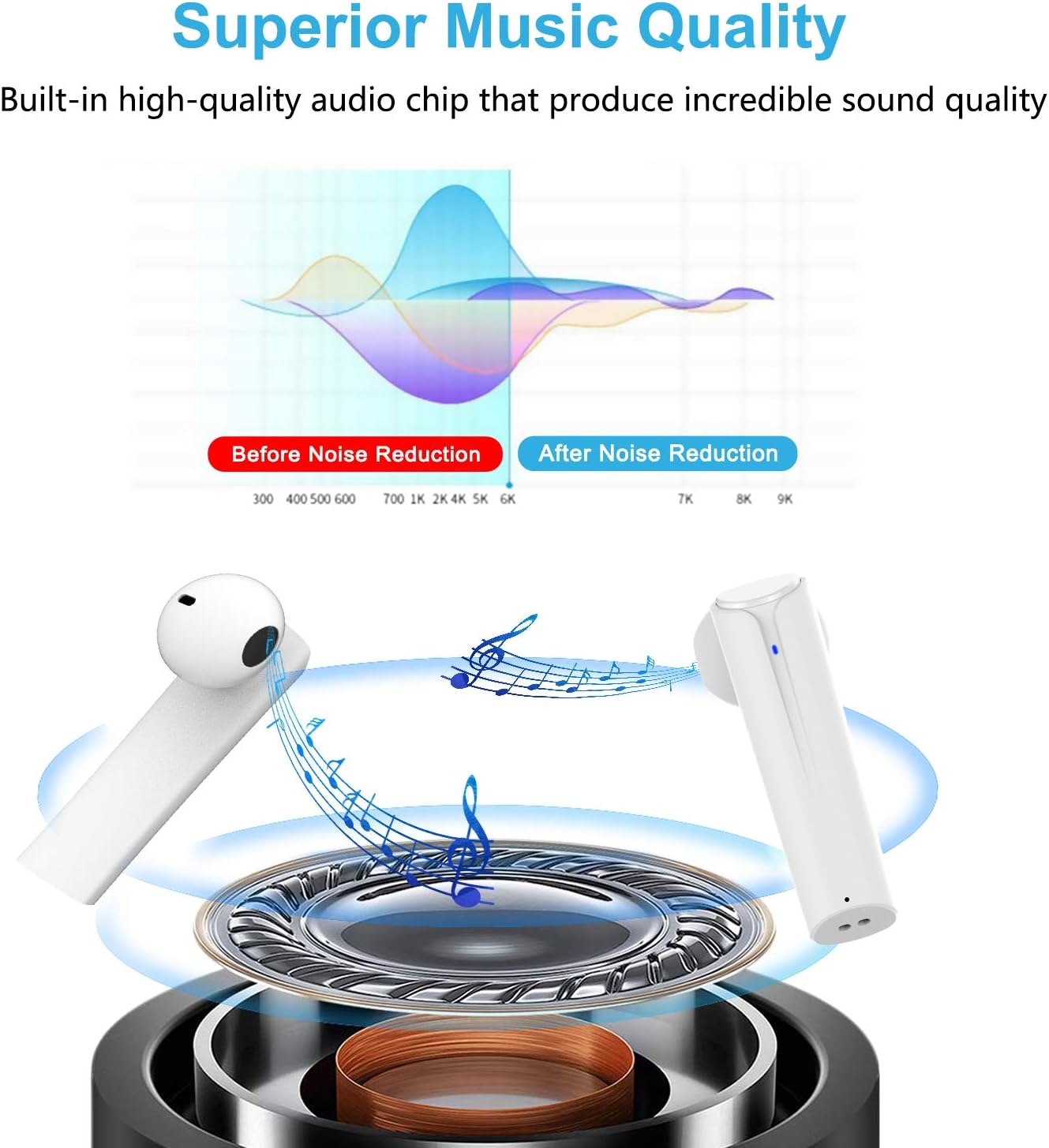
Image: A graph illustrating the effect of noise reduction on sound quality, accompanied by a detailed diagram of the earbud's internal audio components.
- Модел: G33Pro-W
- Байланыш: Bluetooth 5.0
- Оюн убактысы (кулакчындар): Заряддоого 7 саатка чейин
- Жалпы ойноо убактысы (заряддоо кутусу менен): 35 саатка чейин
- Микрофон: Камтылган кош микрофондор
- Башкаруу түрү: Көп функциялуу баскыч
- Материал: Пластик
- Суу каршылык: Суу өткөрбөйт
- Түсү: Ак
9. Коопсуздук маалыматы
Please observe the following safety guidelines for safe and proper use of your earbuds:
- Кулакчындарды же заряддоо кутучасын экстремалдык температурага, тике күн нуруна же жогорку нымдуулукка калтырбаңыз.
- Avoid dropping, hitting, or disassembling the product.
- Кулакчындарды узак убакыт бою өтө катуу үн менен колдонбоңуз, анткени бул угууга зыян келтириши мүмкүн.
- Продукцияны балдардан жана үй жаныбарларынан алыс кармаңыз.
- Dispose of the product and its components responsibly according to local regulations.
10. Кепилдик жана колдоо
Cshidworld provides a 30-day hassle-free return policy жана а бир жылдык кепилдик for the G33Pro-W Wireless Earbuds. For any product-related inquiries, technical support, or warranty claims, please contact Cshidworld customer service through the platform where you purchased the product or refer to the contact information provided with your purchase.


