1. Киришүү
The Technical Pro STUDIOPRO1 is a versatile recording deck designed for audio professionals. It allows you to capture audio from various sources and record it directly onto USB flash drives or SD cards in standard .mp3 format, ensuring wide compatibility. This unit features comprehensive connectivity options including RCA input and output ports, Bluetooth, and a 1/8'' (3.5mm) input for MP3 players. It also includes a master equalizer and microphone inputs with individual controls for enhanced audio management.

Сүрөт 1: Алдыңкы view of the Technical Pro STUDIOPRO1 recording deck, showing the display, controls, and input ports.
2. Коопсуздук маалыматы
Сураныч, бул аппаратты иштетүүдөн мурун бардык коопсуздук нускамаларын окуп, түшүнүңүз. Бул колдонмону келечектеги маалымат үчүн сактаңыз.
- Электр шок коркунучу: To reduce the risk of electric shock, do not remove the cover or back panel of this unit. There are no user-serviceable parts inside. Refer all servicing to qualified service personnel.
- Ачпа: Аппаратты ачуу кепилдикти жокко чыгарат.
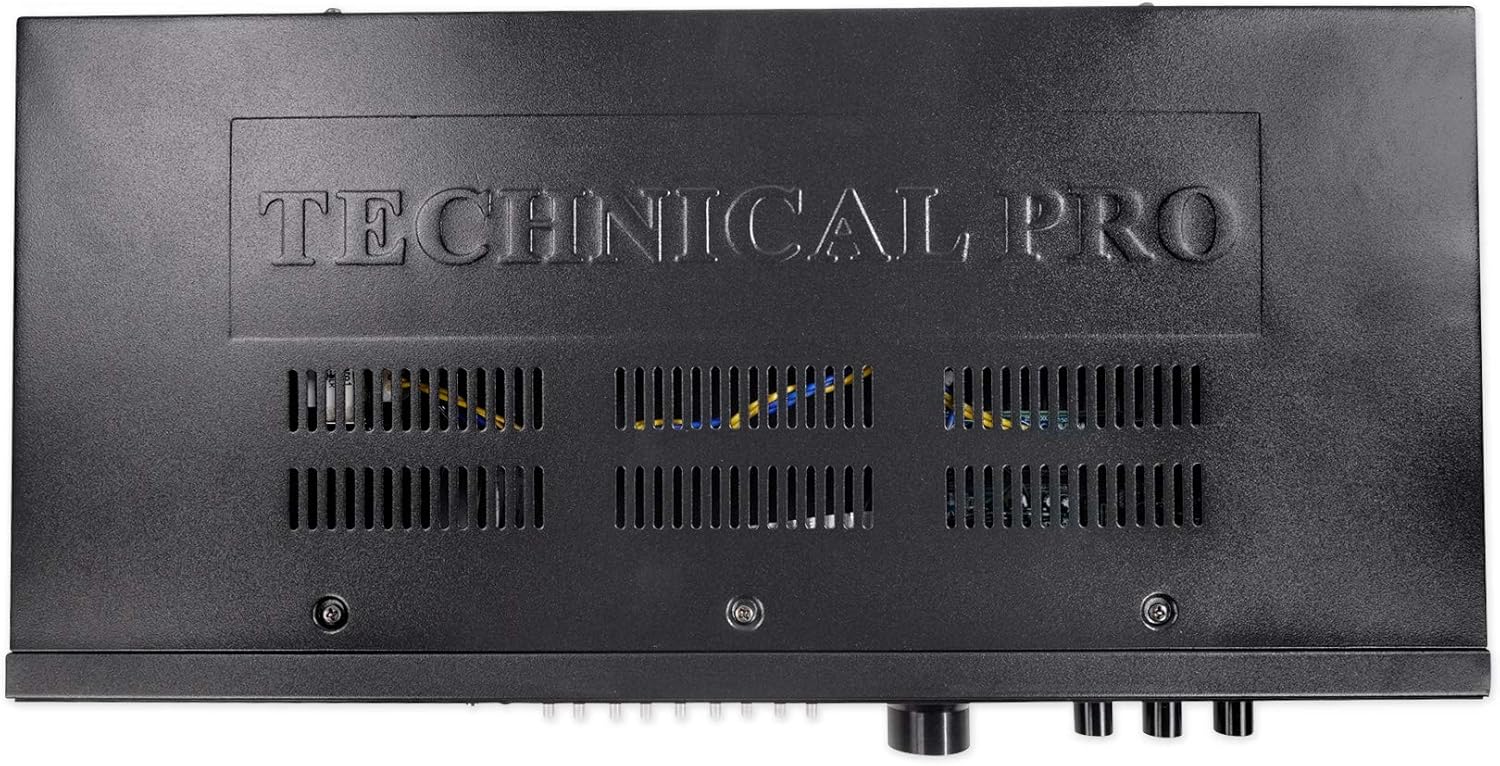
- Вентиляция: Агрегаттын айланасында жетиштүү желдетүүнү камсыз кылыңыз. Вентиляция тешиктерин жаап албаңыз.
- Кубат булагы: Connect the unit only to the power supply specified in this manual or on the unit itself. Verify the voltage selector switch on the rear panel is set correctly for your region (110V or 220V) before connecting power.
- Нымдуулук: Бул шайманды жамгырга же нымга тийгизбеңиз. Ваза сыяктуу суюктуктар толтурулган нерселерди аппараттын үстүнө койбоңуз.
2-сүрөт: Арткы view of the STUDIOPRO1, showing RCA inputs/outputs, voltage selector, and safety warnings.
3. Пакеттин мазмуну
Carefully unpack your STUDIOPRO1 and ensure all items are present:
- 1 x Technical Pro STUDIOPRO1 Rack Mountable Recording Deck
- 2 x Rack монтаждык кашаалар
- 4 x Rack Mount Screws
- 1 x 1/8" (3.5mm) to 1/8" (3.5mm) Audio Cable
- 1 х Колдонуучунун колдонмосу (бул документ)

Figure 3: Included rack mount brackets and audio cable.
4. Башкаруу элементтери жана өзгөчөлүктөрү
4.1 алдыңкы панели

Figure 4: Left side of the front panel, showing power, display, and media inputs.
- Кубат которгучу: Бирдикти күйгүзөт же өчүрөт.
- Санариптик дисплей: Shows current mode, track information, volume level, and Bluetooth status.
- SD карта киргизүү: Slot for inserting an SD card (up to 32 GB) for playback and recording.
- USB киргизүү: Port for connecting a USB flash drive (up to 32 GB) for playback and recording.
- Bluetooth (BT) баскычы: Bluetooth жупташтыруу режимин иштетет.
- Киргизүүнү тандоо баскычтары: Used to cycle through available audio inputs (USB, SD, Bluetooth, RCA, 1/8").
- Навигация/Ойнотуу башкаруу элементтери: Ойнотуу/Тындыруу, Токтотуу, Мурунку/Кийинки трек.

Figure 5: Middle section of the front panel, featuring the Master Equalizer.
- Master Equalizer: 8-band graphic equalizer with sliders for adjusting frequency bands from 63Hz to 16KHz, allowing for precise tone control.

Figure 6: Right side of the front panel, showing volume, recording, and microphone controls.
- Үн баскычы: Жалпы чыгаруу көлөмүн тууралайт.
- Жазуу баскычы: Initiates recording to the inserted USB or SD card.
- Жок кылуу баскычы: Deletes the currently selected file.
- Эхо баскычы: Микрофон киргизүүлөрү үчүн жаңырык эффектин тууралайт.
- Mic Tone Knob: Adjusts the tone (treble/bass) for microphone inputs.
- Микрофондун үн баскычы: Adjusts the volume level for microphone inputs.
- Mic 1 / Mic 2 Inputs: 1/4" (6.35mm) jacks for connecting microphones.
- Гарнитуранын чыгышы: 1/8" (3.5mm) jack for connecting headphones.
4.2 Арткы панель
7-сүрөт: Арткы панелдик байланыштар.
- RCA киргизүүсү (сол/оң): RCA кабелдери аркылуу тышкы аудио булактарын туташтыруу үчүн.
- RCA чыгышы (сол/оң): For connecting the unit to an amplifier or other audio system.
- Тtage Тандоочу: Switch to select between 110V and 220V power input. Ensure this is set correctly for your region before connecting power.
- Кубат киргизүү: AC кубат шнуруна туташат.
5. Орнотуу
5.1 Стеллажды орнотуу (милдеттүү эмес)
If you intend to install the STUDIOPRO1 into a standard audio rack, use the provided rack mount brackets and screws. Attach the brackets to the sides of the unit, then secure the unit into your rack.
5.2 Кубат туташтыруу
- Before connecting the power cord, verify that the Тtage Selector арткы панелдеги которгуч туура томго коюлганtagсиздин аймагыңыз үчүн (110V же 220V).
- AC кубат шнуруна туташтырыңыз Power Input арткы панелге, андан кийин ылайыктуу дубал розеткасына туташтырыңыз.
5.3 Аудио байланыштар
- Киргизүү булактары: Connect your audio source (e.g., CD player, mixer, smartphone) to the RCA киргизүү jacks on the rear panel or the 1/8" (3.5mm) input on the front panel.
- чыгаруу үчүн Ampкөтөргүч/Спикерлер: туташтыруу RCA чыгаруу jacks on the rear panel to the input of your ampкөтөргүч же кубаттуу динамиктер.
- Микрофондор: Эки микрофонго чейин туташтырыңыз Мик 1 жана Мик 2 1/4" jacks on the front panel.
- Наушник: Жеке мониторинг үчүн кулакчындарды туташтырыңыз Наушник чыгаруу алдыңкы панелдеги уяча.
6. Иштөө нускамалары
6.1 Күйгүзүү/өчүрүү
басыңыз Power Switch on the front panel to turn the unit on or off. The digital display will illuminate when the unit is powered on.
6.2 Киргизүүнү тандоо
колдонуу Киргизүү тандоо баскычтары on the front panel to cycle through the available audio sources: USB, SD Card, Bluetooth, RCA, or 1/8" (MP3) input. The selected input will be indicated on the digital display.
6.3 Жазуу
The STUDIOPRO1 records audio in .mp3 format at a sampling rate of 128 kbps / 44.1 KHz.
- Insert a USB flash drive or SD card (up to 32 GB) into the corresponding slot on the front panel.
- Select the desired input source (RCA or 1/8" input) from which you wish to record.
- Ensure the input audio level is appropriate to avoid distortion.
- басыңыз Жазуу баскычы. The recording indicator light will illuminate, and recording will begin.
- Жазууну токтотуу үчүн, басыңыз Жазуу баскычы again. The recorded file USB дискке же SD картага сакталат.
6.4 Ойнотуу
The unit supports playback of .mp3, .wav, and .wma fileUSB дисктерден жана SD карталардан алынган s.
- USB флэш-дискти же аудиону камтыган SD картаны салыңыз files.
- Select either USB or SD as the input source using the Киргизүү тандоо баскычтары.
- колдонуу Navigation/Playback Controls (Play/Pause, Previous/Next) to select and play your desired audio files.
- аркылуу жалпы чыгаруу көлөмүн тууралаңыз Көлөм баскычы.
6.5 Bluetooth операциясы
- басыңыз Bluetooth (BT) Button on the front panel to activate Bluetooth mode. The display will show "Bluetooth Mode" and indicate pairing status.
- On your Bluetooth-enabled device (e.g., smartphone, tablet), search for available Bluetooth devices and select "STUDIOPRO1" to pair.
- Once paired, you can stream audio wirelessly from your device to the STUDIOPRO1.
6.6 Микрофонду колдонуу
- Микрофондоруңузду туташтырыңыз Мик 1 or Мик 2 киргизүүлөр.
- жардамы менен микрофондун үнүн тууралаңыз Микрофондун үн баскычы.
- колдонуу Mic Tone Knob to adjust the tonal characteristics of the microphone signal.
- колдонуп, жаңырык эффектин колдонуңуз Echo Knob каалагандай.
6.7 Master Equalizer
Use the sliders on the Master Equalizer to fine-tune the frequency response of the overall audio output. Adjust individual bands (63Hz, 125Hz, 250Hz, 500Hz, 1KHz, 2KHz, 4KHz, 8KHz, 16KHz) to boost or cut specific frequencies for your desired sound.
7. Техникалык тейлөө
- Тазалоо: Түзмөктүн сыртын тазалоо үчүн жумшак, кургак чүпүрөктү колдонуңуз. Абразивдүү тазалоочу каражаттарды же эриткичтерди колдонбоңуз.
- Сактагыч: Эгерде аппарат көпкө колдонулбаса, аны салкын, кургак жерде, күн нуру түз тийген жерден жана өтө жогорку температурадан алыс сактаңыз.
- Вентиляция: Ensure the ventilation openings on the top and sides of the unit remain clear of dust and obstructions.
8. Кыйынчылыктарды
| Көйгөй | Мүмкүн себеп | Чечим |
|---|---|---|
| Күч жок | Электр зымы туташкан эмес; Электр өчүрүү; Туура эмес томtage selector setting | Ensure power cord is securely connected; Turn power switch on; Verify voltage selector is set correctly (110V/220V) |
| Үн чыгышы жок | Volume too low; Incorrect input selected; Output cables not connected | Increase volume; Select correct input source; Check RCA output connections to ampкөтөргүч/спикерлер |
| Жаздырылбай жатат | No USB/SD card inserted; USB/SD card full or corrupted; Incorrect input selected for recording | Insert a valid USB/SD card; Use a different USB/SD card; Ensure RCA or 1/8" input is selected for recording |
| Bluetooth жупташкан жок | Bluetooth not activated; Device too far; Device already paired to another unit | Press BT button to activate pairing; Move device closer; Disconnect from other Bluetooth devices |
9. Техникалык шарттар
- Өлчөмдөрү (L x W x Y): 19.1'' x 4.3'' x 1.8''
- Салмагы: 3.56 lbs (Unit), 4 lbs (Package)
- Тtage: 110/220V (Switchable)
- Киргизүүлөр: USB Flash Drive / SD Card (Up to 32 GB), RCA (L/R), 1/8'' (3.5mm) MP3, 2 x 1/4'' Microphone
- Чыгуулары: RCA (Line Out), 1/8'' (3.5mm) Headphone
- Ойнотуу форматтары: .mp3, .wav, .wma from USB drives and SD Cards
- Жазуунун форматы: .mp3 files onto USB Flash Drive or SD Card
- Sampling Rate (Recording): 128 kbps / 44.1 KHz
- Жыштык жообу: 20Гц-20КГц ±3дБ
- Сигнал ызы-чуу катышы: >90дБ
- Шайкештик: USB 2.0
- Эстутум сактоо сыйымдуулугу: 32 GB (Max for USB/SD)
10. Кепилдик жана колдоо
10.1 Чектелген Кепилдик
Technical Pro warrants this product to be free from defects in materials and workmanship for a period of бир (1) жыл from the original date of purchase. This warranty covers parts and labor. Additionally, the product is warranted against defects in materials and workmanship for токсон (90) күн from the original date of purchase. This warranty is valid only for the original purchaser and is non-transferable.
This warranty does not cover damages caused by accident, misuse, abuse, modification, neglect, improper installation, unauthorized repair, or damage during shipment. The warranty is void if the product has been opened or serviced by unauthorized personnel.
10.2 Кызмат алуу
To obtain service under warranty, you must return the product to Technical Pro's Return Merchandise Authorization (RMA) department. You must first obtain an RMA number by contacting Technical Pro customer service. The unit must be sent back in its original packaging with all accessories, a copy of the original bill of sale, and the RMA number clearly written on the exterior of the shipping carton.
10.3 Байланыш маалыматы
For questions, comments, or support, please contact Technical Pro:
- Телефон: 888-842-6277
- Электрондук почта: info@tpro.com

Figure 8: Technical Pro Limited Warranty information.


