1. Продукт бүтүп калдыview
This manual provides instructions for the Garage Outlet 3-Button G3T-R Garage Door Remote Opener. This aftermarket replacement remote is designed for compatibility with Genie openers manufactured from 1998 to current models, including Genie-Intellicode 37330R, G3T-BX, and GIT-3 (ACSCTG Type 3) operating at 390/315 MHz frequencies. Each remote includes a visor clip for convenient placement.

Image 1: Two G3T-R remote openers with visor clips.
2. Орнотуу жана программалоо
Follow these step-by-step instructions to program your new Garage Outlet G3T-R remote opener. Ensure you have access to your garage door opener unit.
2.1 Locating the Learn Code Button on Your Opener
The "Learn Code" button is typically located on the garage door opener unit itself. For many Genie models, this button is often found under the light cover or on the back panel of the motor unit. It may be labeled "Learn Code" or "Program".
Video 1: This video demonstrates the location of the learn button on a Genie garage door opener unit and the programming process for a universal remote. Note: This is a short preview video (5 seconds) and may not contain full programming details.
2.2 Программалоо кадамдары
- Press and Release the Learn Code Button: On your garage door opener unit, press and immediately release the "Learn Code" button. The LED indicator on the opener will illuminate or blink, indicating it is ready for programming.
- Select a Button on the Remote: Within 30 seconds of pressing the "Learn Code" button, press and hold the desired button on your G3T-R remote opener that you wish to program.
- Программалоону ырастоо: The LED on the garage door opener will stop blinking or turn off, and the garage door may activate (open or close) to confirm successful programming.
- Пультту текшерүү: Press the programmed button on your G3T-R remote to ensure it operates the garage door correctly.
- Repeat for Multiple Remotes/Buttons: If you have additional G3T-R remotes or wish to program other buttons on the same remote for different garage doors, repeat the steps above for each remote or button.
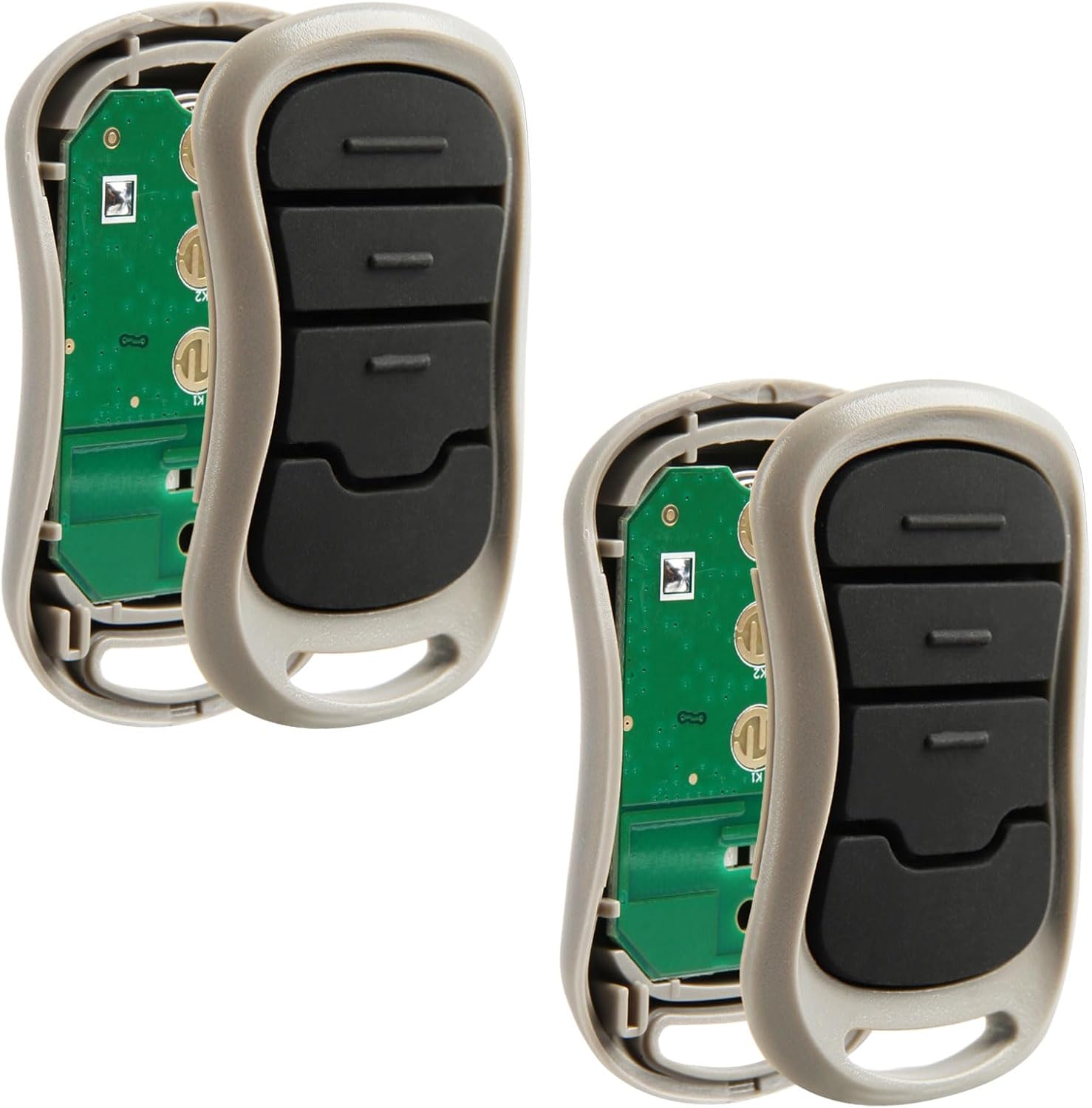
Сүрөт 2: Ички view of the G3T-R remote opener circuit board.
3. Иштөө нускамалары
Once programmed, operating your Garage Outlet G3T-R remote is straightforward.
- Opening/Closing the Garage Door: Press the programmed button on your remote once. The garage door will begin to open or close.
- Stopping the Garage Door: Press the programmed button again while the door is in motion to stop it.
- Resuming Motion: If the door is stopped mid-cycle, pressing the button again will reverse its direction.
- Visor Clip Installation: The included visor clip can be slid into the slot on the back of the remote for attachment to your vehicle's sun visor.
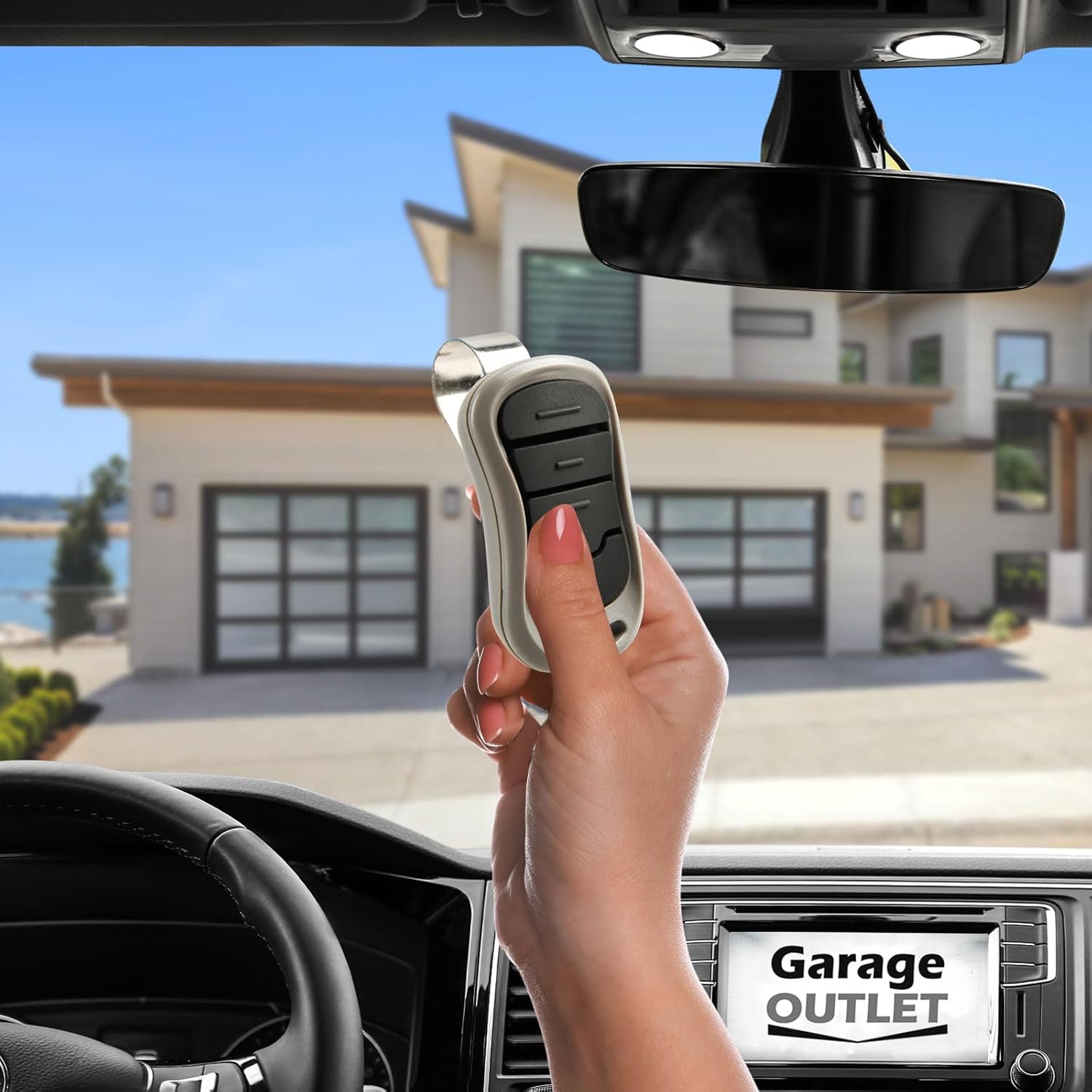
Image 3: Using the G3T-R remote opener from inside a vehicle.
4. Техникалык тейлөө
The G3T-R remote opener requires minimal maintenance.
- Батареяны алмаштыруу: When the remote's range decreases or it stops responding, the battery may need replacement. Refer to the remote's casing батареянын түрү жана алмаштыруу нускамалары үчүн.
- Тазалоо: Wipe the remote with a soft, dry cloth. Avoid using harsh chemicals or abrasives.
5. Кыйынчылыктарды
If your remote is not functioning as expected, consider the following:
- Алыстан жооп бербейт:
- Пультта жаңы батарейкалар бар экенин текшериңиз.
- Verify that the remote is within range of the garage door opener.
- Re-attempt the programming steps (Section 2.2).
- Garage Door Not Moving:
- Check if the garage door opener unit has power.
- Inspect the safety sensors near the bottom of the garage door tracks for obstructions or misalignment.
- Ensure the "Learn Code" button on the opener is not stuck or continuously pressed.
- Интерференция: Other electronic devices or strong radio signals might interfere with the remote's operation. Try operating the remote from a different location or angle.
6. Техникалык шарттар
| Бренд | Гараж розеткасы |
| Модель номери | G3T-R (Internal Model: GO741576) |
| Шайкештик | Genie openers (1998-current), Genie-Intellicode 37330R, G3T-BX, GIT-3 (ACSCTG Type 3) |
| Жыштык | 390/315 МГц |
| баскычтардын саны | 3 |
| Байланыш технологиясы | Инфракызыл |
| Элемент Салмагы | 0.96 унция |
| Пакеттин өлчөмдөрү | 6.69 x 4.41 x 1.14 дюйм |
| Дата биринчи жеткиликтүү | 9-июль, 2019-жыл |
7. Кепилдик жана колдоо
For specific warranty information or technical support, please refer to the documentation included with your purchase or contact Garage Outlet directly.
The product description mentions "Live Chat Available Technical Support" and "step-by-step instructions on how to install and program each item" are included with the item.


