1. Киришүү
Thank you for choosing the Wood's MDK 21 Dehumidifier. This manual provides important information regarding the safe operation, installation, maintenance, and troubleshooting of your new dehumidifier. Please read this manual thoroughly before using the appliance and keep it for future reference.
The Wood's MDK 21 is designed to efficiently remove excess moisture from the air, helping to prevent mold, mildew, and dampness in your home or office environment. Its compact design and user-friendly features make it an ideal solution for various spaces.
2. Коопсуздук маалыматы
Өрт, электр шок же жаракат алуу коркунучун азайтуу үчүн ар дайым төмөнкү коопсуздук чараларын сактаңыз.
- Электр коопсуздугу: кубат менен камсыз кылуу Voltage specified on the rating label. Do not operate the unit with a damaged power cord or plug. Do not share the power outlet with other high-power appliances.
- Жайгашкан жери: Place the dehumidifier on a stable, level surface. Maintain a minimum distance of 20 cm (8 inches) from walls or other objects to ensure proper airflow. Do not block the air inlet or outlet.
- Операция: Do not insert fingers or foreign objects into the air inlet or outlet. Do not use the appliance in areas where flammable gases or liquids are stored. Always unplug the unit before cleaning or performing any maintenance.
- Балдар жана үй жаныбарлары: Keep the appliance out of reach of children and pets. Supervise children to ensure they do not play with the appliance.
- Тейлөө: Only qualified personnel should perform repairs. Do not attempt to repair the unit yourself.
3. Продукт бүтүп калдыview жана компоненттер
Familiarize yourself with the main parts of your Wood's MDK 21 Dehumidifier.
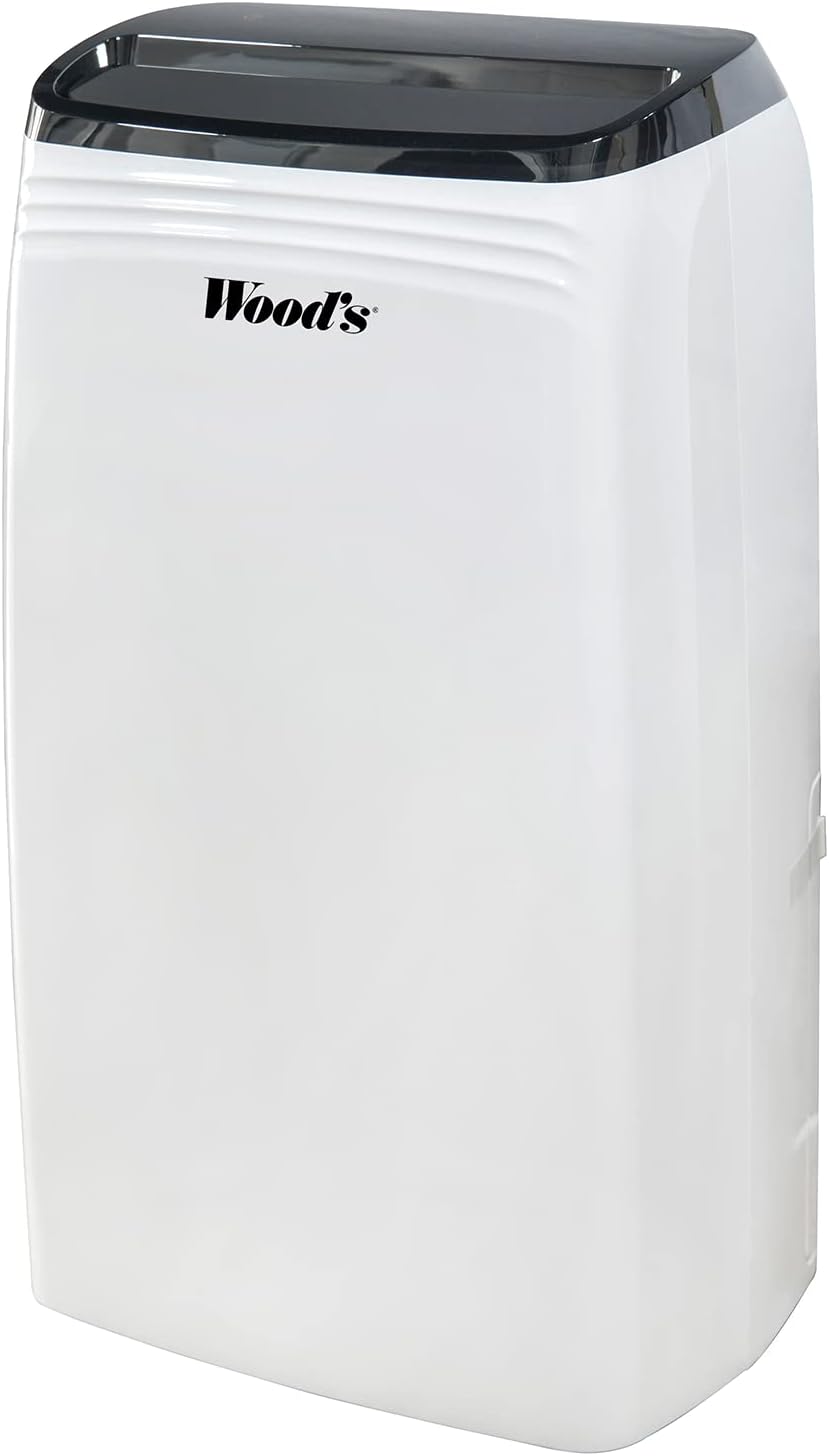
3.1-сүрөт: Фронт view of the Wood's MDK 21 Dehumidifier. This image shows the sleek, white design of the unit with its black control panel on top and the Wood's brand logo prominently displayed on the front.

3.2-сүрөт: Жогорку view of the dehumidifier's control panel. The image highlights the digital display showing "35%" humidity, along with touch controls for power, fan speed, humidity settings, timer, and sleep mode. The air outlet grille is visible below the control panel.
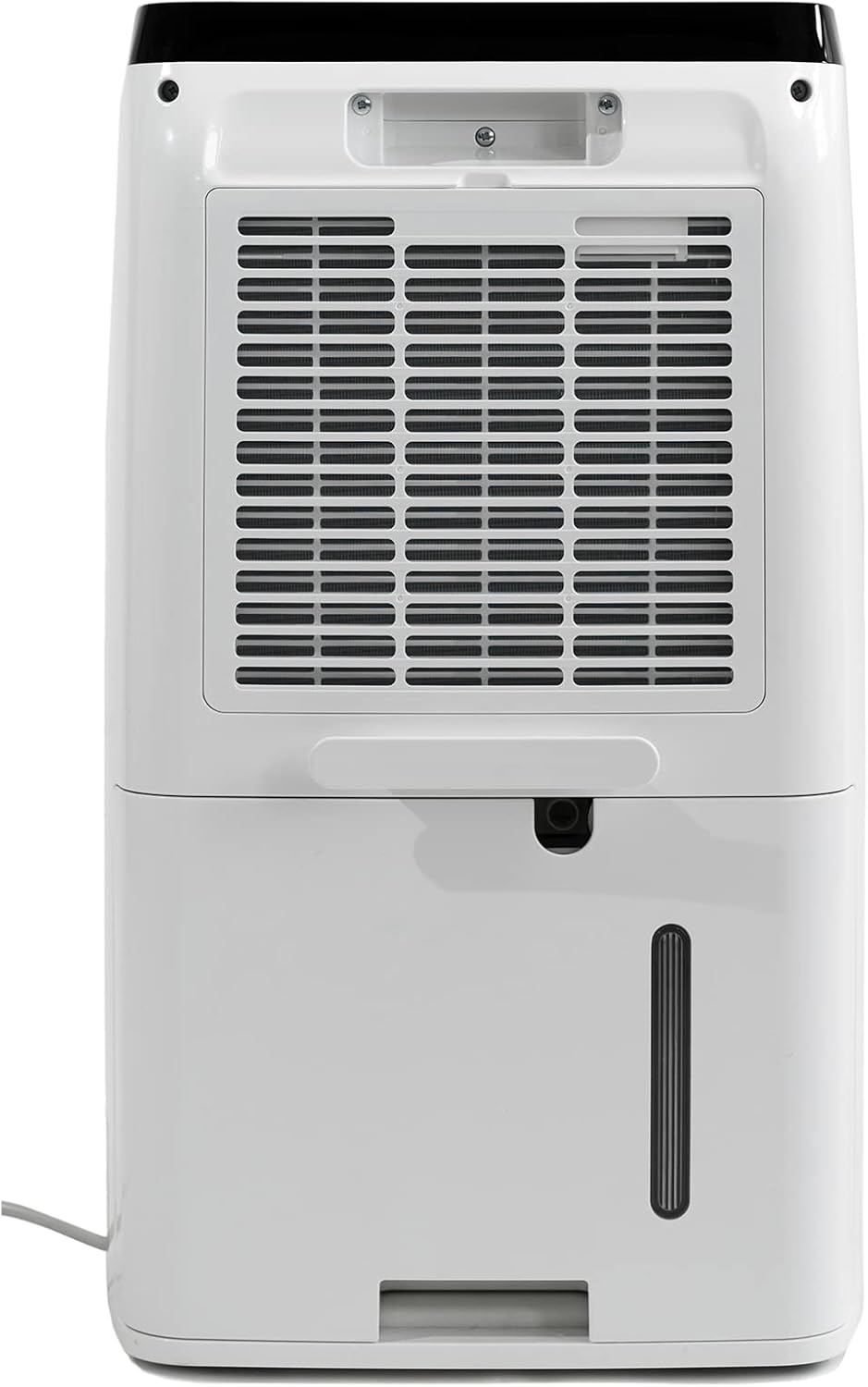
3.3-сүрөт: Арткы view of the dehumidifier. This image displays the large air intake grille, which houses the air filter, and the removable water collection tank located at the bottom. A continuous drainage outlet is also visible above the tank.
Негизги компоненттер:
- Башкаруу панели: Санарип дисплей жана иштөө үчүн сенсордук баскычтар.
- Аба чыгаруу: Кургак аба сыртка чыгарылган жерде.
- Air Inlet/Filter: Where humid air is drawn in and filtered.
- Суу багы: Collects condensed water.
- Үзгүлтүксүз дренаждык розетка: For connecting a hose for continuous drainage.
- Электр кабели: Электр розеткасына туташтыруу үчүн.
4. Орнотуу
Нымдандыргычты биринчи жолу орнотуу үчүн төмөнкү кадамдарды аткарыңыз.
- Пакеттен чыгаруу: Нымдандыргычты таңгагынан этияттык менен чыгарыңыз. Таңгакты келечекте сактоо же ташуу үчүн сактап коюңуз.
- Жайгашкан жери: Place the unit upright on a firm, level surface in the area where dehumidification is desired. Ensure there is at least 20 cm (8 inches) of clear space around all sides of the unit for proper air circulation. Avoid placing it near heat sources or in direct sunlight.
- Баштапкы күтүү режими: Ташуудан кийин, түзмөктү электр тармагына сайардан мурун, аны кеминде 4 саат тик тургузуңуз. Бул муздаткычтын чөгүшүнө мүмкүндүк берет.
- Кубат туташуу: Insert the power plug firmly into a grounded electrical outlet.
- Суу багы: Ensure the water tank is correctly inserted into the unit. The unit will not operate if the tank is full or incorrectly positioned.
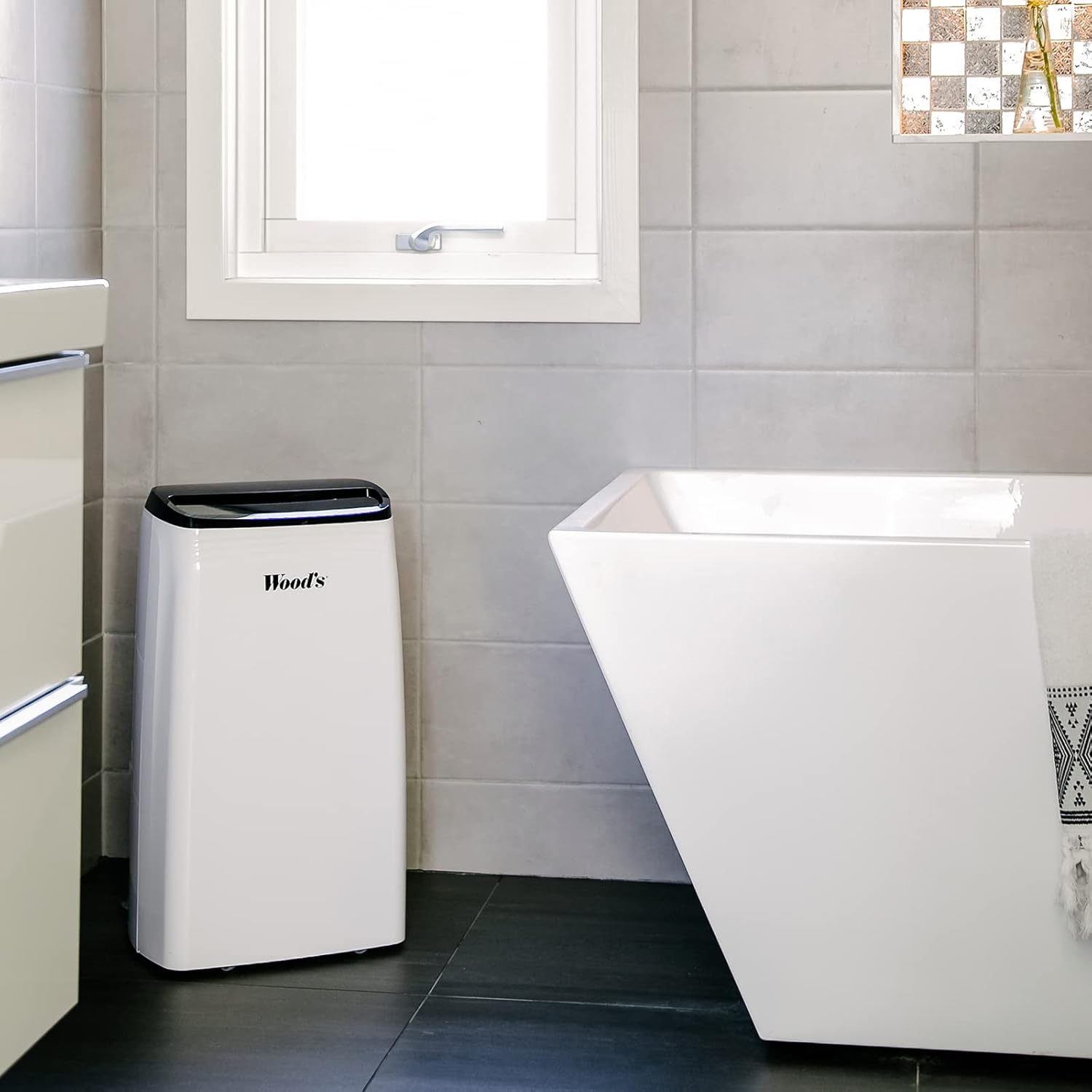
4.1-сүрөт: Example placement of the dehumidifier in a bathroom. The image shows the dehumidifier positioned on the floor in a tiled bathroom, demonstrating a typical indoor environment where the unit can be used to control humidity.
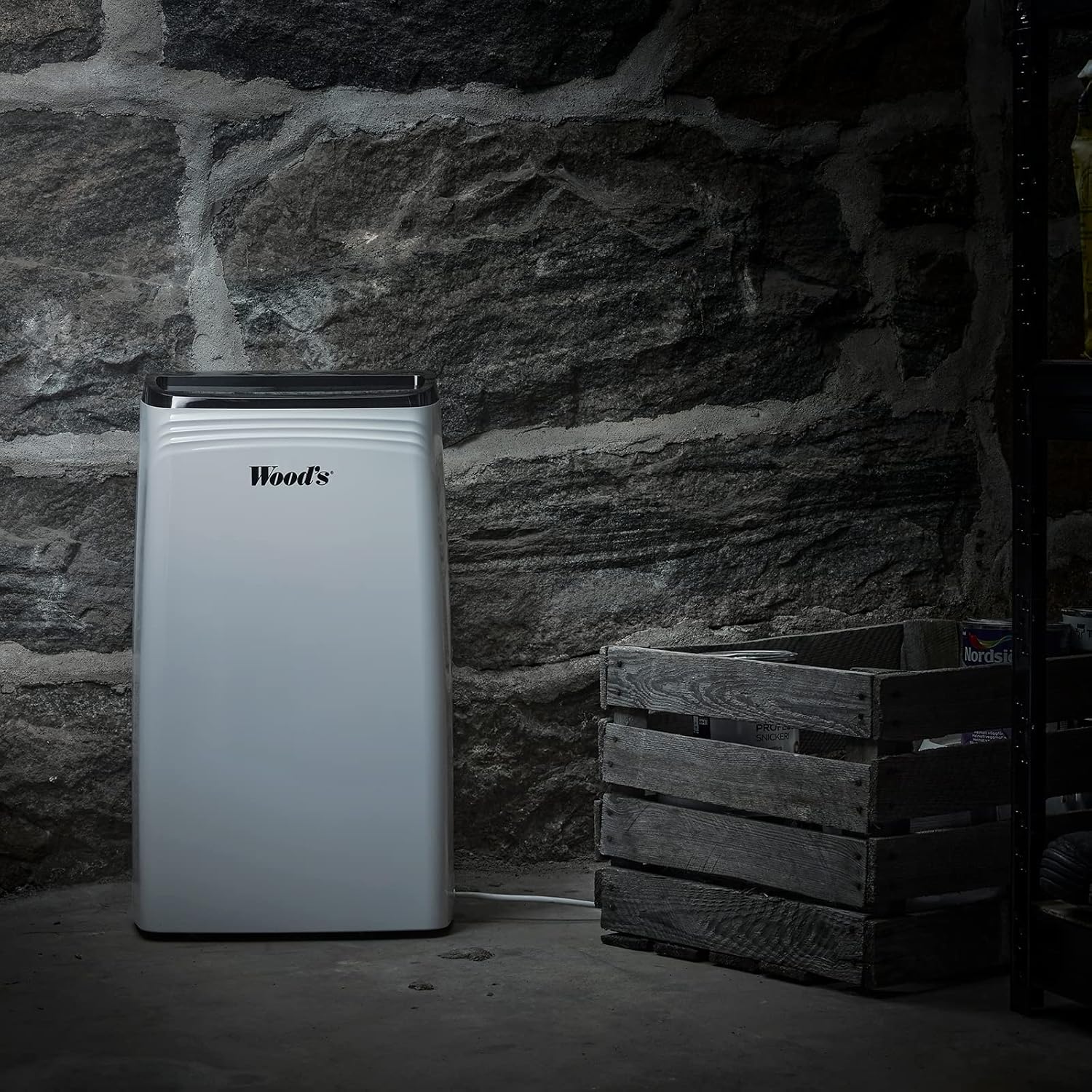
4.2-сүрөт: Example placement of the dehumidifier in a basement. This image illustrates the dehumidifier operating in a more challenging environment, such as a basement with stone walls, highlighting its suitability for damp аймактар.
Үзгүлтүксүз дренаж (милдеттүү эмес):
For continuous operation without emptying the water tank, you can connect a drainage hose (not included) to the continuous drainage outlet. Ensure the hose is sloped downwards to allow water to drain by gravity into a suitable drain or container.
5. Иштөө нускамалары
Learn how to operate your Wood's MDK 21 Dehumidifier.
Башкаруу панелинин функциялары:
- Кубат баскычы (⏻): Түзмөктү ON же ӨЧҮРҮҮ үчүн басыңыз.
- Нымдуулук жөндөөсү (💧): Press to set the desired humidity level (e.g., 30% - 80% RH). The unit will operate until the set humidity is reached.
- Вентилятордун ылдамдыгы (💨): Adjusts the fan speed (Low/High). Higher fan speed results in faster dehumidification.
- Таймер (⏲): Set a timer for automatic ON/OFF operation (e.g., 1-24 hours).
- Уйку режими (🌙): Activates a quiet operation mode, dimming the display.
- Дисплей: Учурдагы нымдуулукту, коюлган нымдуулукту же таймер жөндөөлөрүн көрсөтөт.
Негизги операция:
- Агрегатты розеткага сайыңыз.
- Агрегатты КҮЙГҮЗҮҮ үчүн Кубат баскычын басыңыз.
- Use the Humidity Setting button to select your desired humidity level. A common comfortable range is 40-60% Relative Humidity (RH).
- Adjust the Fan Speed as needed.
- The unit will start operating and automatically stop when the desired humidity level is reached. It will restart if the humidity rises above the set level.
Суу резервуарын бошотуу:
When the water tank is full, the unit will automatically stop operating, and an indicator light (if available) will illuminate. Carefully remove the water tank, empty it, and reinsert it firmly into the unit. The dehumidifier will resume operation.
6. Техникалык тейлөө
Үзгүлтүксүз тейлөө оптималдуу иштешин камсыз кылат жана нымдандыргычыңыздын иштөө мөөнөтүн узартат.
Аба чыпкасын тазалоо:
Аба чыпкасын колдонууга жана абанын сапатына жараша эки жумада же андан көп жолу тазалап туруу керек.
- Агрегатты өчүрүп, розеткадан сууруп алыңыз.
- Remove the air filter from the back of the unit (refer to Figure 3.3).
- Фильтрди чаң соргуч менен тазалаңыз же жылуу суу жана жумшак жуугуч каражат менен акырын жууңуз.
- Rinse thoroughly and allow the filter to air dry completely before reinserting it. Do not use a dryer or direct heat.
- Кургак фильтрди блокко кайра салыңыз.
Түзмөктүн сыртын тазалоо:
Агрегаттын сыртын жумшак менен сүртүңүз, гamp кездеме. Абразивдүү тазалагычтарды, эриткичтерди же катуу химиялык заттарды колдонбоңуз, алар бетке зыян келтириши мүмкүн.
Суу багын тазалоо:
Clean the water tank periodically to prevent mold and mildew growth. Use warm water and a mild detergent, rinse thoroughly, and dry before reinserting.
Сактагыч:
If storing the unit for an extended period, ensure the water tank is empty and clean, and the filter is clean and dry. Coil the power cord neatly. Store the unit upright in a cool, dry place, preferably in its original packaging.
7. Кыйынчылыктарды
Кардарларды колдоо кызматына кайрылуудан мурун, төмөнкү жалпы маселелерди жана чечимдерди караңыз.
| Көйгөй | Мүмкүн себеп | Чечим |
|---|---|---|
| Аппарат КҮЙГҮЗҮЛБӨЙТ. | No power supply; Power cord loose; Water tank full or incorrectly placed. | Check power outlet and plug; Ensure water tank is empty and correctly inserted. |
| Нымдуулукту жок кылуу керек. | Аба чыпкасы бүтөлүп калган; Бөлмөнүн температурасы өтө төмөн; Нымдуулук өтө жогору коюлган. | Clean the air filter; Ensure room temperature is above 5°C (41°F); Lower the humidity setting. |
| Агрегат ызы-чуу. | Агрегат түз жерде эмес; Аба чыпкасы бүтүп калган. | Агрегатты тегиз, туруктуу бетке кой; Аба чыпкасын тазалаңыз. |
| Агрегаттан суу агып жатат. | Water tank not properly inserted; Continuous drainage hose blocked or loose. | Reinsert water tank correctly; Check continuous drainage hose for blockages or loose connections. |
If the problem persists after trying these solutions, please contact Wood's customer support.
8. Техникалык шарттар
Technical specifications for the Wood's MDK 21 Dehumidifier.
| Өзгөчөлүк | Деталь |
|---|---|
| Модель аты | MDK 21 |
| Модель номери | 1125138 |
| Бренд | Wood's |
| Материал | Wood (referring to casing material, as per product data) |
| Түс | ак-417 |
| Өлчөмдөрү (L x W x Y) | 24 x 69 x 2.5 cm (Note: These dimensions seem unusual for a dehumidifier, possibly referring to packaging or a specific component. User should verify actual product dimensions.) |
| ASIN | B07TV7W1SS |
| Өндүрүүчү | Вудс |
Эскертүү: Техникалык мүнөздөмөлөр продуктуну жакшыртуу үчүн эскертүүсүз өзгөртүлүшү мүмкүн.
9. Кепилдик жана колдоо
Продукциянын кепилдиги жана кардарларды колдоо кызматы жөнүндө маалымат.
Specific warranty details for the Wood's MDK 21 Dehumidifier are not available in the provided product data. Please refer to the warranty card included with your product or visit the official Wood's webакыркы кепилдик маалымат үчүн сайт.
For technical support, troubleshooting assistance beyond this manual, or to inquire about spare parts, please contact Wood's customer service through their official channels. Contact information can typically be found on the manufacturer's webсайтында же продуктунун таңгагында.
Колдоо кызматына кайрылганда, моделиңиздин номерин (1125138) жана ASIN (B07TV7W1SS) ready.


