Introduction
The Mophie powerstation 10,000mAh is a portable universal battery designed to charge smartphones, tablets, and other USB-C and USB-A compatible devices. Its compact design and high capacity ensure your devices stay powered on the go.
Пакеттин мазмуну
- Mophie powerstation 10,000mAh
- Заряддоо кабели
- Quick Start Guide
Продукт бүттүview
Familiarize yourself with the Mophie powerstation's features and ports.

Сүрөт: Бурчтуу view of the Mophie powerstation, showing the USB-C input/output port, USB-A output port, and LED indicator lights.

Сүрөт: Close-up of the Mophie powerstation's ports, clearly showing the USB-C and USB-A ports.
- USB-C порту: Used for both charging the powerstation and charging compatible devices.
- USB-A порту: Used for charging compatible devices.
- LED Power көрсөткүчү: Four lights display the charging status and current battery life.
- Кубат баскычы: Activates the LED power indicator to check battery level.
Setup: Charging the powerstation
- Connect the provided charging cable to the USB-C port on the Mophie powerstation.
- Connect the other end of the charging cable to a compatible USB wall adapter (not included) or a computer's USB port.
- The LED indicators will illuminate to show the charging progress. All four LEDs will be solid when the powerstation is fully charged.
It is recommended to fully charge the powerstation before its first use.
Operating: Charging Your Devices
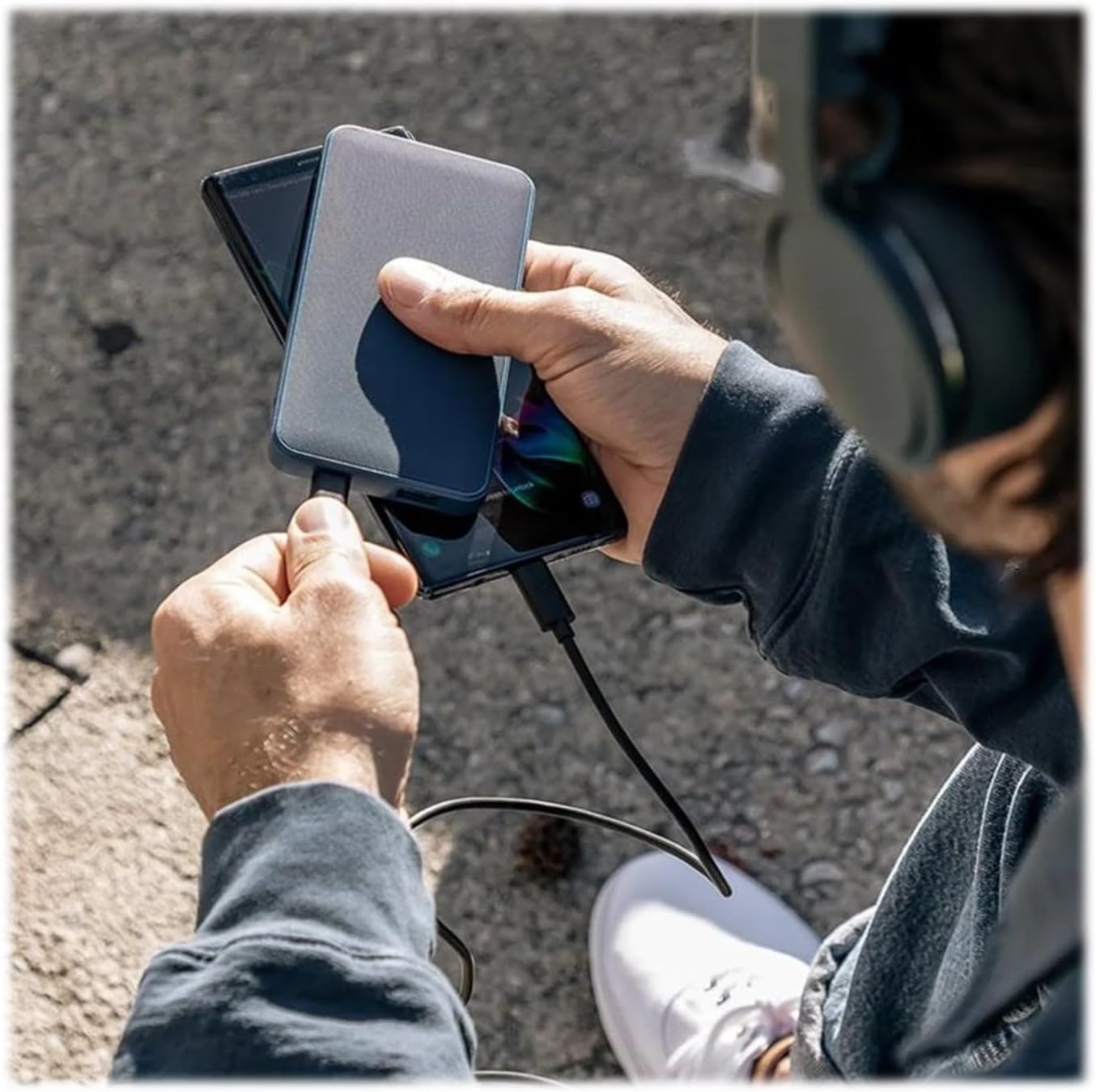
Сүрөт: A person holding the Mophie powerstation and a smartphone, demonstrating simultaneous device charging.
- Connect your device's charging cable to either the USB-C or USB-A output port on the powerstation.
- Кабелдин экинчи учун шайманга туташтырыңыз.
- The powerstation will automatically begin charging your device. If charging does not start, press the power button on the powerstation.
- You can charge multiple devices simultaneously by utilizing both the USB-C and USB-A ports.
LED көрсөткүч колдонмосу
The four LED lights on the powerstation indicate the battery's charge level and charging status:
- Four Solid Lights: 75-100% алынат
- Three Solid Lights: 50-75% алынат
- Two Solid Lights: 25-50% алынат
- One Solid Light: 0-25% алынат
- Жаркылдаган жарыктар: Indicates the powerstation is currently charging.
Техникалык шарттар
| Өзгөчөлүк | Деталь |
|---|---|
| Модель номери | 401102947 |
| Батарея сыйымдуулугу | 10,000mAh |
| Продукциянын өлчөмдөрү | 2.83 x 0.65 x 5.47 дюйм |
| Элемент Салмагы | 5.4 унция |
| Туташтыргыч түрү | USB Type C, USB Type A |
| Түс | Кара |
| Өзгөчөлүктөр | Жеңил, портативдик |
Техникалык тейлөө
- Электр станциясын кургак жана нымдуулуктан алыс кармаңыз.
- Ашыкча температурадан (ысык же муздак) сактаныңыз.
- Аппаратты жумшак, кургак чүпүрөк менен тазалаңыз. Катуу химиялык заттарды же абразивдүү материалдарды колдонбоңуз.
- Колдонулбаганда салкын, кургак жерде сактаңыз.
Проблемаларды чечүү
- Электр станциясы кубатталбай жатат: Ensure the charging cable is securely connected to both the powerstation's USB-C port and the power source. Try a different wall adapter or USB port.
- Device not charging from powerstation: Ensure your device's cable is securely connected to both the powerstation and your device. Press the power button on the powerstation to initiate charging. Verify the powerstation has sufficient charge.
- Жай кубаттоо: Ensure you are using appropriate cables and a compatible wall adapter for optimal charging speeds.
Коопсуздук маалыматы
- Do not expose the powerstation to fire or extreme heat.
- Do not puncture, crush, or drop the powerstation.
- Do not disassemble or attempt to repair the powerstation.
- Балдар жетпеген жерде сактаңыз.
- Dispose of the powerstation responsibly according to local regulations.
Кепилдик жана колдоо
For warranty information and customer support, please refer to the official Mophie webсайтына кириңиз же алардын кардарларды тейлөө кызматына кайрылыңыз. Сиз баш багып көрсөңүз болот Mophie Store on Amazon продукт жөнүндө көбүрөөк маалымат жана колдоо ресурстары үчүн.


