1. Продукт бүтүп калдыview
The LENTION USB 3.0 Type A to Gigabit Ethernet Adapter provides a stable and high-speed wired network connection for devices lacking an Ethernet port or requiring a more reliable connection than Wi-Fi. It converts a USB-A 3.0 port into an RJ45 Gigabit Ethernet port, supporting speeds up to 1000Mbps.

Image 1.1: The LENTION USB 3.0 Type A to Gigabit Ethernet Adapter, showcasing its compact design and USB 3.0 Type-A connector.
Негизги өзгөчөлүктөрү:
- USB 3.0 LAN Adapter: Adds an RJ45 Ethernet port to your USB-A enabled device, providing full 10/100/1000Mbps Gigabit Ethernet performance.
- Айдоочуларсыз иштөө: Supports plug-and-play functionality for Nintendo Switch, Windows 10/8.1/8.
- LED көрсөткүчү: Features a green LED for proper connection and a yellow LED for network communication status.
- Stable Driver 3.0 Certified: Ensures non-interference between ports, sufficient power supply, and operation within reasonable temperature ranges.
- Кеңири шайкештик: Compatible with various operating systems including Mac OS (before 11.x Big Sur), Linux Kernel 3.x/7 2.6, and Windows 7/Vista/XP (requires driver installation).
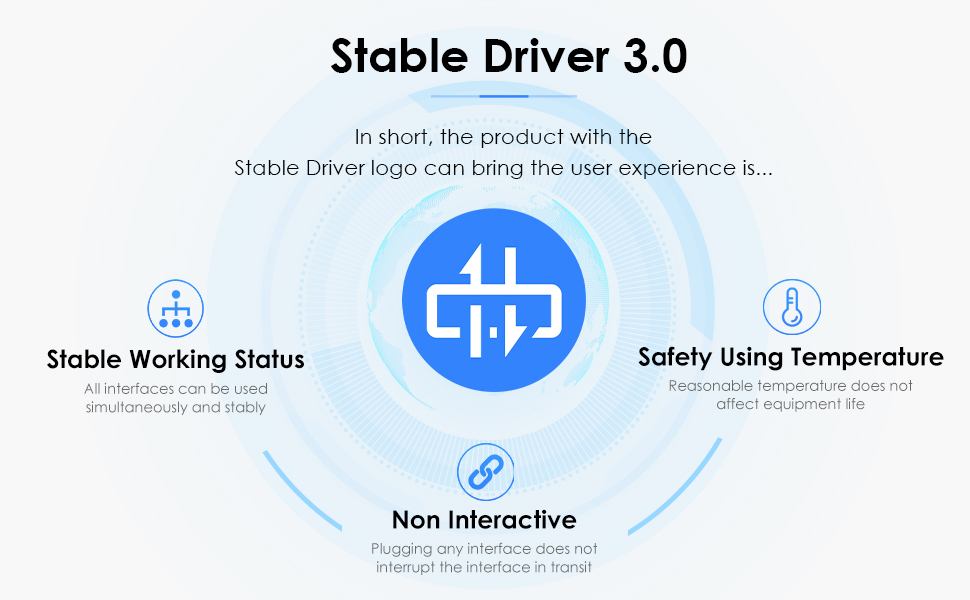
Image 1.2: Explanation of LENTION's Stable Driver 3.0 certification, highlighting stable working status, safety using temperature, and non-interactive design.
2. Орнотуу колдонмосу
2.1 Адаптерди туташтыруу
- Locate an available USB 3.0 Type-A port on your computer, laptop, or compatible device.
- Plug the USB-A connector of the LENTION adapter into the USB 3.0 port on your device.
- Connect an Ethernet cable (RJ45) from your router, modem, or network switch into the RJ45 port on the LENTION adapter.

Image 2.1: The LENTION adapter connected to a laptop's USB 3.0 port, with an Ethernet cable plugged into the adapter's RJ45 port.
2.2 Драйверди орнотуу
- For Nintendo Switch, Windows 10/8.1/8: The adapter is typically plug-and-play, requiring no additional driver installation.
- For Windows 7/Vista/XP, Mac OS (before 11.x Big Sur), Linux Kernel 3.x/7 2.6: Easy driver installation may be required. Please refer to the LENTION support website for the latest drivers if your system does not automatically install them.
- Эскертүү: This adapter does not support Windows RT, Android, or Mac OS 11.x (Big Sur) and later versions.
3. Иштөө нускамалары
3.1 Network Connection Status
The adapter features LED indicators to show the connection status:
- A жашыл LED indicates a proper physical connection to the network.
- A сары LED indicates active network communication (data transfer).

Сүрөт 3.1: Жакын пландан view of the RJ45 port on the adapter, showing the green and yellow LED indicators for connection and activity.
3.2 Usage with Nintendo Switch
This adapter is compatible with the Nintendo Switch, providing a stable wired connection for online gaming.
- Connect the LENTION adapter to an available USB-A port on the Nintendo Switch dock.
- Connect an Ethernet cable from your network to the RJ45 port on the adapter.
- Nintendo Switch'иңиз докко туташтырылганын жана күйүп турганын текшериңиз. Система зымдуу туташууну автоматтык түрдө аныкташы керек.

Image 3.2: The LENTION adapter providing a wired Ethernet connection to a Nintendo Switch console via its dock.

Image 3.3: A promotional banner highlighting the adapter's compatibility and suitability for the Nintendo Switch.
3.3 Жалпы колдонуу
Once connected and drivers are installed (if necessary), your device should automatically prioritize the wired Ethernet connection over Wi-Fi, providing a faster and more stable internet experience for activities such as data transfer, video streaming, and online gaming.
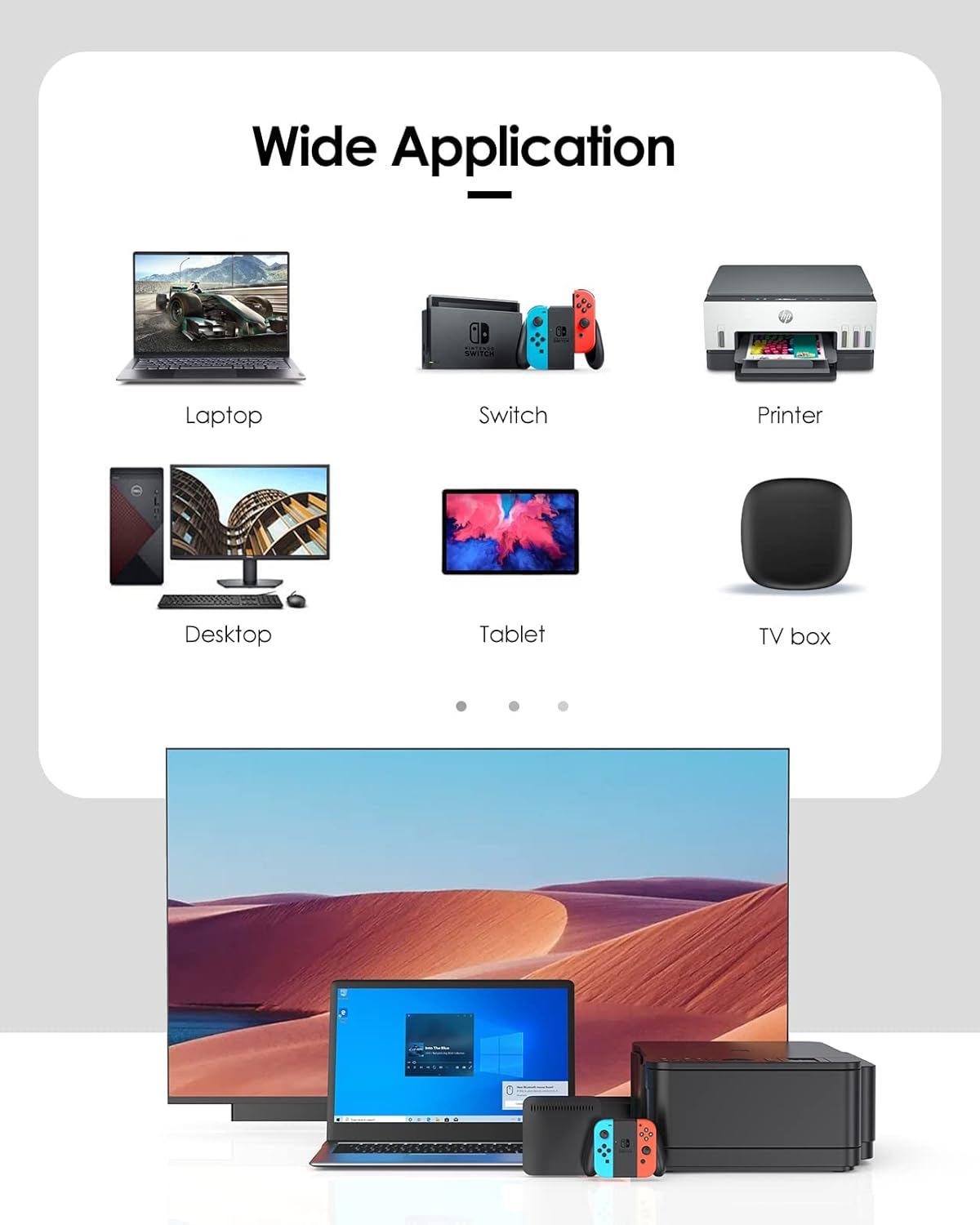
Image 3.4: A visual representation of the adapter's wide application, including laptops, Nintendo Switch, printers, desktops, tablets, and TV boxes.
4. Техникалык тейлөө
To ensure the longevity and optimal performance of your LENTION USB 3.0 Type A to Gigabit Ethernet Adapter, follow these maintenance guidelines:
- Keep the adapter clean by wiping it with a soft, dry cloth. Avoid using liquid cleaners or solvents.
- Адаптерди салкын, кургак жерде күндүн тике тийген нурунан жана экстремалдык температурадан алыс сактаңыз.
- Кабелди ашыкча ийүүдөн же буруудан качыңыз, анткени бул ички зымдарга зыян келтириши мүмкүн.
- Адаптерди сууга же жогорку нымдуулукка дуушар кылбаңыз.
5. Кыйынчылыктарды
If you encounter issues with your LENTION USB 3.0 Type A to Gigabit Ethernet Adapter, please refer to the following common troubleshooting steps:
- Тармак туташуусу жок:
- Ensure the adapter is securely plugged into a USB 3.0 port on your device.
- Ethernet кабелинин адаптерге да, роутерге/модемге да бекем туташтырылганын текшериңиз.
- Check the LED indicators on the adapter. If no green light is present, there might be an issue with the physical connection or the Ethernet cable.
- Компьютериңизди жана тармактык жабдууларыңызды (роутерди/модемди) өчүрүп-күйгүзүңүз.
- For Windows 7/Vista/XP, Mac OS (before 11.x), or Linux, ensure the correct drivers are installed.
- Жай тармак ылдамдыгы:
- Confirm that your device's USB port is indeed USB 3.0. Connecting to a USB 2.0 port will limit speeds.
- Ethernet кабелиңиздин гигабит ылдамдыгына (Cat5e же андан жогору) бааланганын текшериңиз.
- Интернет провайдериңиздин ылдамдыгын жана роутериңиздин мүмкүнчүлүктөрүн текшериңиз.
- Verify that your operating system's network settings are configured correctly.
- Адаптер таанылган жок:
- Try plugging the adapter into a different USB port on your device.
- Test the adapter on another compatible device if possible to rule out a device-specific issue.
- Ensure your operating system is supported (e.g., not Windows RT, Android, or Mac OS 11.x and later).
6. Техникалык шарттар
| Өзгөчөлүк | Деталь |
|---|---|
| Бренд | ЛЕНЦИЯ |
| Модел | CB-HU404GE |
| Аппараттык интерфейс | Ethernet, USB 3.0 |
| Data Link Protocol | Gigabit Ethernet, USB |
| Маалыматтарды өткөрүү ылдамдыгы | 1000 Megabytes Per Second (Mbps) |
| Шайкеш түзмөктөр | Desktop, Laptop, Nintendo Switch |
| Түс | Ак |
| Элемент Салмагы | 0.81 унция |
| Пакеттин өлчөмдөрү | 8 x 3.6 x 0.6 дюйм |

Image 6.1: The compact size of the LENTION adapter, illustrating its portability with dimensions of 2.30 inches (58.5cm) in length and 0.94 inches (2.4cm) in width.
7. Расмий продукт Video
Video 7.1: An official LENTION product video demonstrating the features and usage of the LENTION HU404GE USB A to Gigabit Ethernet Adapter.
8. Кепилдик жана колдоо
LENTION products are designed for reliability and performance. For specific warranty information, please refer to the product packaging or the official LENTION website. If you require technical assistance or have questions regarding your adapter, please contact LENTION customer support through their official channels.
You can visit the LENTION Store for more information and support: LENTION Official Store


