Introduction
This user manual provides comprehensive instructions for the installation, operation, and maintenance of your ZUMIMALL Wireless Doorbell Camera. Designed for enhanced home security, this device offers 2K video resolution, two-way audio, AI detection, and flexible storage options. Please read this manual thoroughly before using the product to ensure proper functionality and safety.
Кутуда эмне бар
Орнотууну баштоодон мурун бардык компоненттер бар экендигин текшериңиз.
- ZUMIMALL Wireless Doorbell Camera
- Зымсыз коңгуроо
- Кронштейн орнотуу
- Монтаждоо бурамдары жана дубал анкерлери
- USB заряддоо кабели
- Hex Key (for anti-theft screw)
- User Manual
- AA батарейкалары (алдын ала орнотулган же кошо берилген)

Продукт бүттүview
Familiarize yourself with the various parts of your ZUMIMALL Doorbell Camera and Chime.

- FHD Optical Lens: 2K резолюциядагы видеону тартат.
- PIR Кыймыл сенсору: Detects human movement for alerts.
- Баяндамачы: эки тараптуу аудио байланыш үчүн.
- Микрофон: эки тараптуу аудио байланыш үчүн.
- Баштапкы абалга келтирүү: Аппаратты баштапкы абалга келтирүү үчүн колдонулат.
- Заряддоо порту: USB port for battery charging.
- LED көрсөткүчү: Түзмөктүн абалын көрсөтөт.
- Эшиктин баскычы: Activates the doorbell and initiates calls.
- Эстутум картасынын слоту: Supports local storage up to 128GB (MicroSD card not included).
- Коңгуроо: Wireless indoor receiver for doorbell alerts.
Жайгашуу
1. Эшиктин коңгуроосун кубаттоо
Before initial use, fully charge the doorbell camera using the provided USB cable. The LED indicator will show charging status and turn off when fully charged.
2. Колдонмону орнотуу жана жөндөө
Download the ZUMIMALL app from your smartphone's app store (iOS or Android). Follow the in-app instructions to register an account and add your doorbell camera.
- Register an account in the ZUMIMALL app.
- Scan the QR code on the doorbell or its packaging to add the device.
- Коңгурооңузду 2.4 ГГц Wi-Fi тармагыңызга туташтырыңыз.
- Once connected, the doorbell will be ready for use.

3. Mounting the Doorbell
The doorbell can be mounted using screws or adhesive tape.
- Screw-in Installation: Use the provided mounting bracket, screws, and wall anchors to securely attach the doorbell to your desired location.
- Скотч орнотуу: For non-permanent or less invasive mounting, use strong adhesive tape (not always included, but shown as an option) to affix the doorbell. Ensure the surface is clean and dry for optimal adhesion.

The doorbell features an anti-theft alarm. Once mounted, secure it with the anti-theft screw using the provided hex key. If the doorbell is forcibly removed from its bracket, an alarm will sound, and you will receive a notification.

4. Коңгуроо кагууну жупташтыруу
Plug the wireless chime into a power outlet. Follow the instructions in the ZUMIMALL app to pair the chime with your doorbell camera. You can select various chime melodies and adjust the volume.
Эшиктин коңгуроосунун камерасын иштетүү
Live View жана эки тараптуу аудио
Access the live video feed from your doorbell camera at any time through the ZUMIMALL app. Use the two-way audio feature to communicate with visitors at your door. The doorbell also supports voice changer options (Original, Clown, Uncle) for added privacy or fun.

Видеонун сапаты жана түнкү көрүнүш
The doorbell camera provides 2K 3MP high-resolution video, ensuring clear images day and night. Its superior night vision capabilities allow for sharp monitoring even in low-light conditions.

AI Detection and Notifications
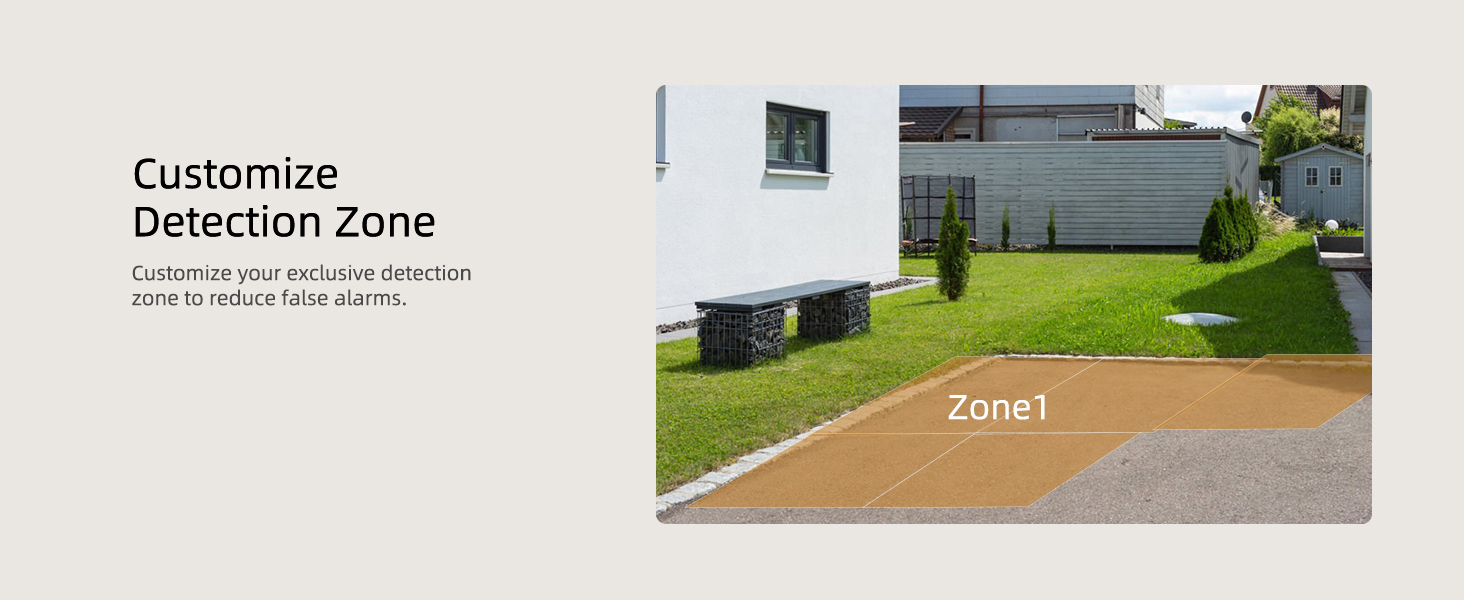
The integrated AI detection identifies human movements, sending instant alerts to your smartphone. You can customize detection zones and sensitivity levels to reduce false alarms.


Сактагыч параметрлери
The ZUMIMALL doorbell camera offers flexible storage solutions:
- Жергиликтүү сактагыч: Supports up to 128GB MicroSD card (sold separately) for continuous recording.
- Булуттагы сактагыч: Offers 6-second cloud storage options, with a 7-day loop recording (non-subscription) available.

Voice Message Function
Leave pre-recorded voice messages up to 30 seconds via the ZUMIMALL app for visitors when you are unavailable to answer live.
Көп колдонуучу менен бөлүшүү
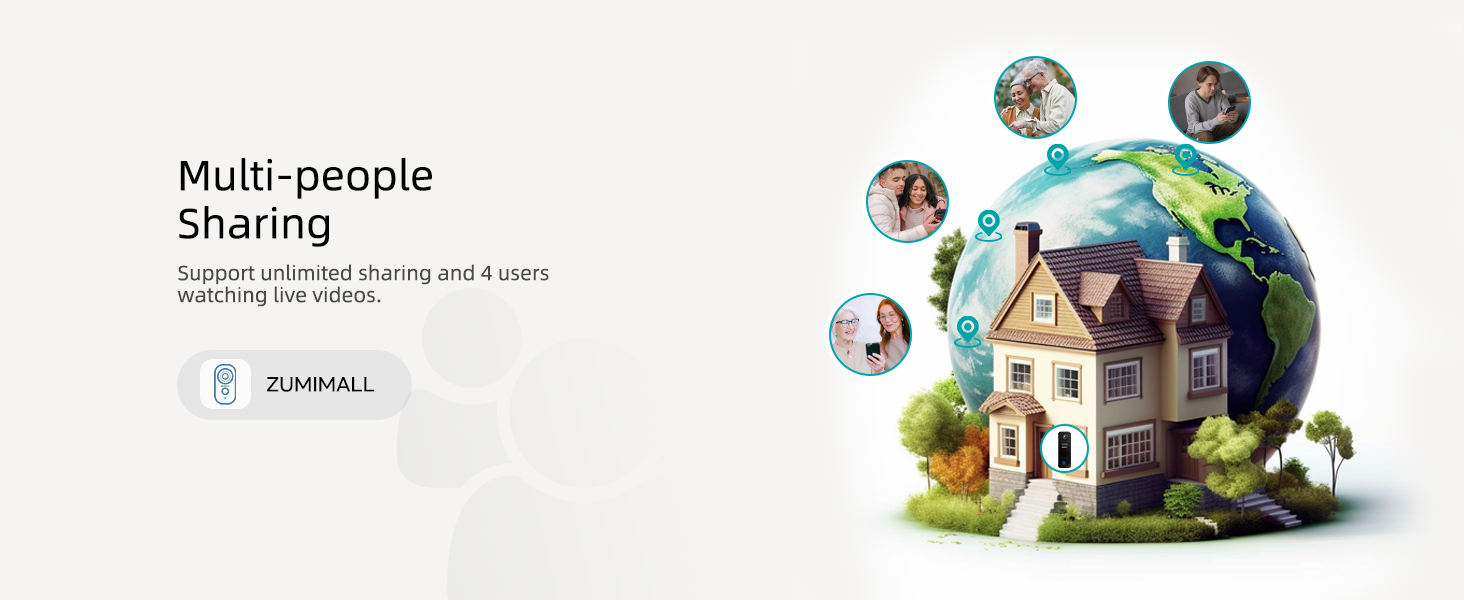
Share access to your doorbell camera with family members or trusted individuals, allowing multiple users to view live feeds and receive notifications.
Техникалык тейлөө
- Тазалоо: Gently wipe the camera lens and doorbell surface with a soft, damp кездеме. Катуу химиялык заттарды же абразивдүү материалдарды колдонуудан алыс болуңуз.
- Батареянын иштөө мөөнөтү: The doorbell is battery-powered. Monitor the battery level via the app and recharge as needed using the USB cable. Battery life varies based on usage and environmental factors.
- Программалык камсыздоонун жаңыртуулары: Regularly check the ZUMIMALL app for firmware updates to ensure optimal performance and access to new features.
- Аба ырайын коргоо: The doorbell is IP66-rated for weather resistance, protecting it against dust and water splashes. However, avoid submerging the device in water.

Проблемаларды чечүү
| Көйгөй | Мүмкүн себеп | Чечим |
|---|---|---|
| Doorbell offline in app | Weak Wi-Fi signal, low battery, or network issue. | Check Wi-Fi signal strength, recharge battery, restart router, or re-pair the doorbell. |
| Кыймылды аныктоо эскертүүлөрү жок | PIR sensitivity too low, detection zone not set correctly, or battery low. | Increase PIR sensitivity in app, adjust detection zone, ensure sufficient battery charge. |
| Коңгуроо кагылбай жатат | Chime not paired, out of range, or unplugged. | Re-pair chime with doorbell, move chime closer to doorbell, ensure chime is plugged in. |
| Видеонун сапаты начар | Dirty lens, weak Wi-Fi, or insufficient lighting. | Clean the lens, improve Wi-Fi signal, ensure adequate lighting for night vision. |
| Батарея бат эле түгөнөт | Frequent motion detection, live view usage, or extreme temperatures. | Adjust PIR sensitivity, reduce live view time, ensure optimal operating temperature. |
Техникалык шарттар
- Модель номери: P8
- Продукциянын өлчөмдөрү: 2.4 x 1.61 x 5.31 дюйм
- Элемент Салмагы: 1.08 фунт
- Байланыш технологиясы: Зымсыз (2.4 ГГц Wi-Fi)
- Видеонун чечилиши: 2K (3 МП)
- Сактагыч: Supports up to 128GB MicroSD card (not included), Cloud Storage
- Кубат булагы: Батарея менен иштейт (2 AA батарейкасы камтылган)
- Аба ырайынын туруктуулугу: IP66 рейтинги
- Өндүрүүчү: ZUMIMALL
- Биринчи жеткиликтүү датасы: 29-август, 2019-жыл
Кепилдик жана колдоо
ZUMIMALL products come with a manufacturer's warranty. For detailed warranty information, technical support, or customer service inquiries, please refer to the contact information provided in your product packaging or visit the official ZUMIMALL webсайт. Ошондой эле алардан кошумча колдоо булактарын жана көп берилүүчү суроолорду таба аласыз webсайт.
For further assistance, you may also refer to the official user manual PDF available at: ZUMIMALL Doorbell User Manual PDF


