Introduction
This manual provides detailed instructions for the installation, operation, and maintenance of your Supersonic SC-5000VD Smart WiFi Doorbell Camera. This device offers HD video recording, a smart motion security system, and two-way audio communication to enhance your home security.
The doorbell camera features 1080P high-definition video, infrared night vision, and remote monitoring capabilities, allowing you to see and communicate with visitors from anywhere using your smartphone or tablet. It is designed for wireless connectivity and includes a built-in SD card for local storage of recordings.
Пакеттин мазмуну
Пакетте бардык буюмдар бар экенин текшериңиз:
- Supersonic SC-5000VD Smart WiFi Doorbell Camera
- Заряддоо кабели
- Installation Kit (screws, anchors, mounting bracket)
- Колдонуучунун Колдонмосу (бул документ)
Орнотуу жана орнотуу
The Supersonic SC-5000VD Smart WiFi Doorbell Camera is designed for easy, wire-free installation. Follow these steps to set up your device:
- Аппаратты заряддоо: Before installation, fully charge the doorbell camera using the provided charging cable. The built-in lithium-ion rechargeable battery ensures efficient and long-lasting operation.
- Колдонмону жүктөп алыңыз: Издөө the official Supersonic doorbell app on your smartphone's app store (iOS or Android) and install it.
- Pair with WiFi: Open the app and follow the on-screen instructions to connect your doorbell camera to your home's 2.4GHz Wi-Fi network (802.11 b/g/n). Ensure a stable connection for optimal performance.
- Монтаждоо ордун тандоо: Choose an outdoor location near your door that provides a clear view of your entrance. The doorbell is rated IP65 for outdoor usage.
- Коңгуроону орнотуу: Use the included installation kit (screws and anchors) to securely mount the doorbell camera to the wall. Ensure it is positioned at an appropriate height for clear video capture.
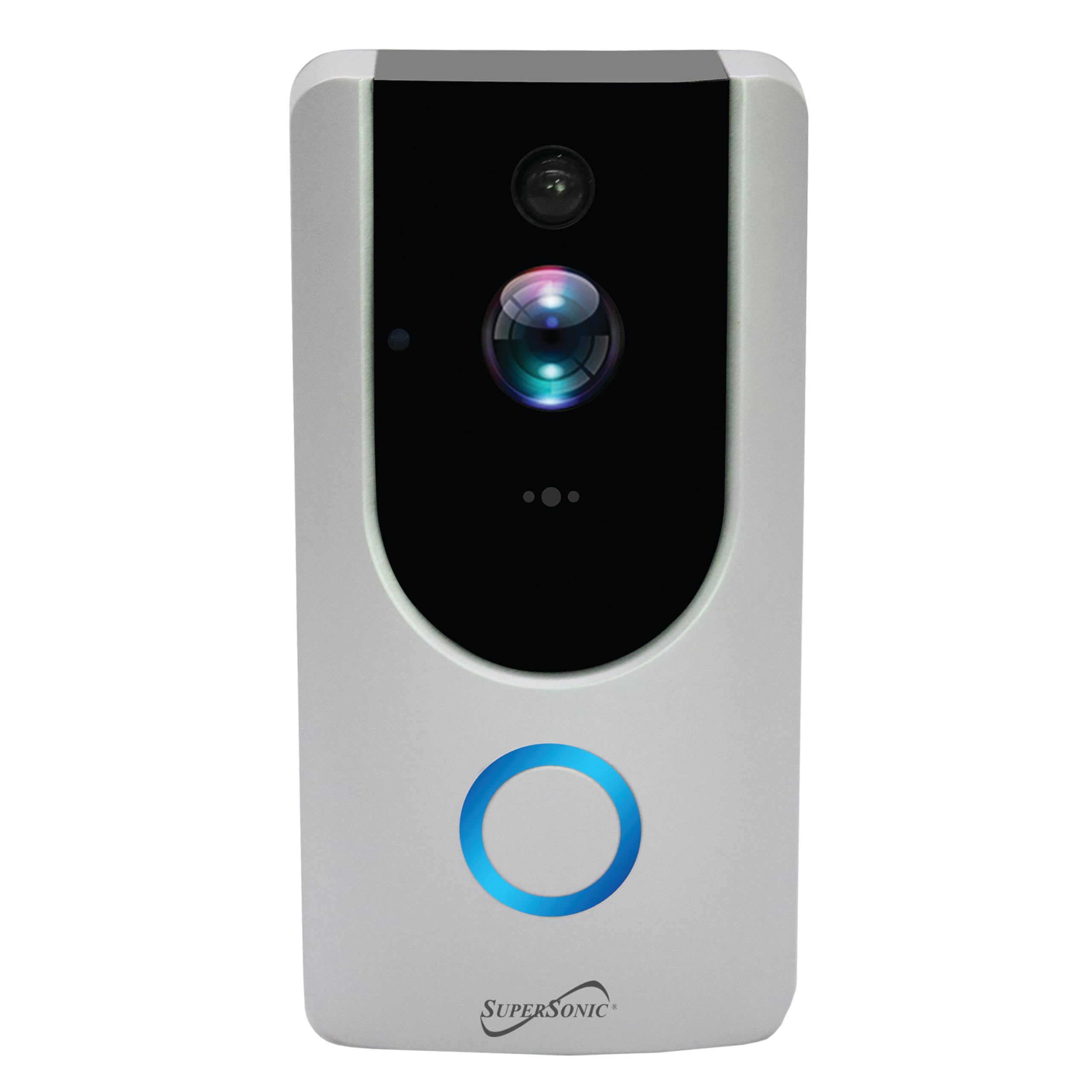
Image: Supersonic SC-5000VD Smart WiFi Doorbell Camera mounted next to a door.
Иштөө нускамалары
Негизги өзгөчөлүктөрү
- HD Video жаздыруу: Тамак-ашты тунук, жогорку сапатта тартатtage with 1080P resolution and a 2.0 MP camera. Internet connection is required for full functionality.
- Smart Motion Security System: The PIR sensor accurately detects motion within a 166° video angle, triggering alerts and recordings.
- Эки тараптуу үн байланышы: Allows for real-time communication with visitors through the doorbell and your connected device.
- Инфракызыл түнкү көрүнүш: Provides clear visibility in low-light conditions, ensuring monitoring around the clock.
- Remote Monitoring & Control: Access live video, receive alerts, and trigger actions remotely via the mobile application.
- Камтылган SD карта: Stores recordings locally, ensuring you have access to captured events.
Коңгуроону колдонуу
- Visitor Notification: When a visitor presses the doorbell button, you will receive a notification on your paired smartphone or tablet.
- Эки тараптуу байланыш: Билдирмени басыңыз view live video and engage in a voice call with the visitor.
- Кыймылды аныктоо эскертүүлөрү: The doorbell will automatically detect motion and send alerts to your device. Recordings of these events will be saved to the built-in SD card.
- Remote Live View: Open the app at any time to view a live feed from your doorbell camera, even if no one has pressed the button or triggered motion.
- Жаздыруу ойнотуу: Access recorded video clips through the app to review өткөн окуялар.
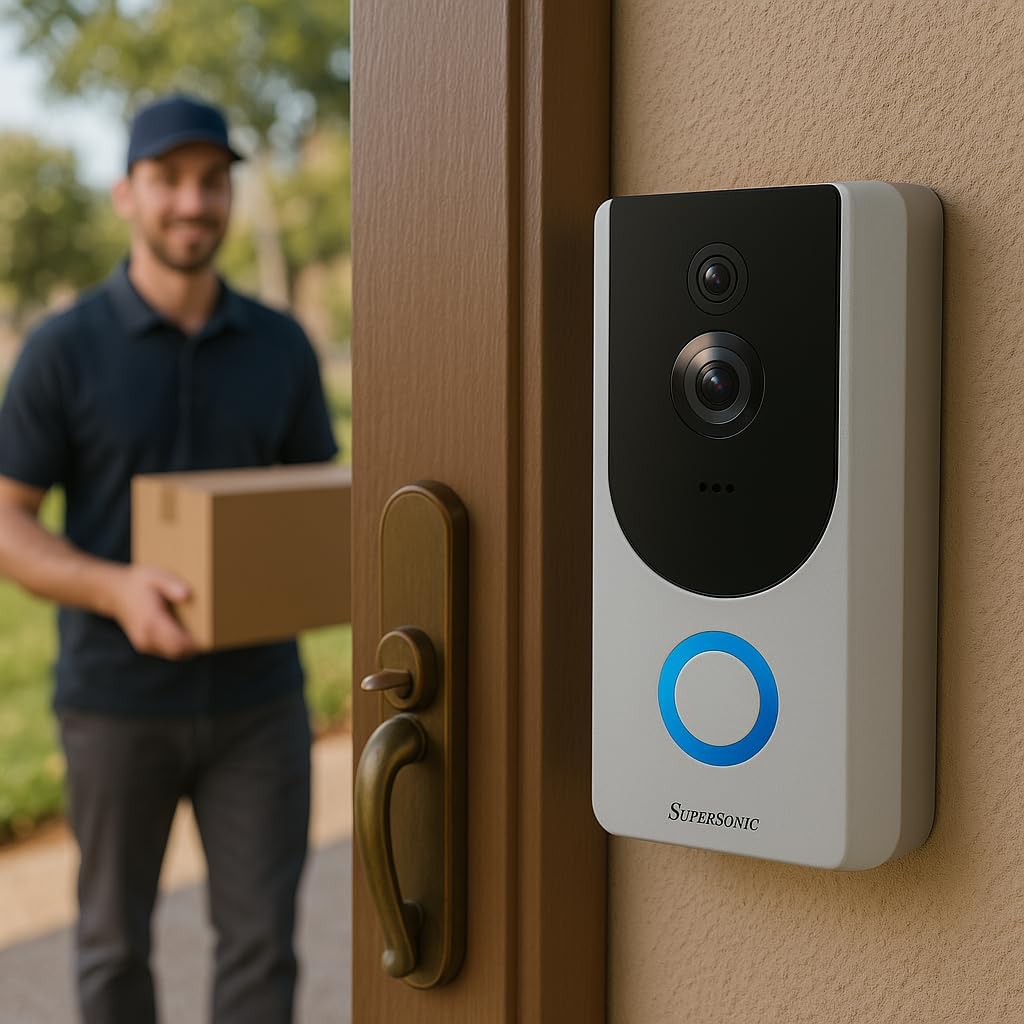
Image: Supersonic SC-5000VD Smart WiFi Doorbell Camera detecting a person at the door.

Image: Smartphone displaying a live video call from the Supersonic SC-5000VD Smart WiFi Doorbell Camera, showing a person at the door.
Техникалык тейлөө
Эшиктин коңгуроо камераңыздын оптималдуу иштешин жана узак убакытка иштешин камсыз кылуу үчүн, төмөнкү техникалык тейлөө көрсөтмөлөрүн аткарыңыз:
- Батареяны заряддоо: Recharge the doorbell's built-in battery as needed. The app will typically notify you when the battery level is low. Charging can be done via micro USB (5V) or AC/DC (110-220V) input.
- Линзаны тазалоо: Periodically clean the camera lens with a soft, dry cloth to remove dust or smudges that may affect video quality. Avoid abrasive cleaners.
- Программалык камсыздоонун жаңыртуулары: Check the mobile app regularly for any available firmware updates. Keeping your device's firmware up-to-date ensures you have the latest features and security enhancements.
- Курчап турган чөйрөнү коргоо: While the doorbell is IP65 rated for outdoor use, extreme weather conditions may affect performance. Ensure it is securely mounted and protected from direct, prolonged exposure to heavy rain or snow if possible.
Проблемаларды чечүү
- Problem: Doorbell frequently triggers motion alerts with no one present.
- Чечим: Adjust the motion detection sensitivity settings within the mobile application. You may need to reduce the sensitivity or define specific motion zones to minimize false alerts caused by passing vehicles, pets, or environmental factors.
- Problem: Unable to connect the doorbell to Wi-Fi or frequent disconnections.
- Чечим: Ensure your Wi-Fi router is within range and broadcasting a 2.4GHz network. The doorbell does not support 5GHz Wi-Fi. Check your Wi-Fi password for accuracy. If issues persist, try restarting your router and the doorbell camera.
- Problem: Poor video quality or blurry images.
- Чечим: Clean the camera lens with a soft cloth. Ensure there is adequate Wi-Fi signal strength at the doorbell's location. If the issue occurs at night, verify that the infrared night vision is active and unobstructed.
- Problem: No audio or poor audio quality during two-way communication.
- Чечим: Check the microphone and speaker settings in the mobile app. Ensure your phone's volume is up. Verify that there are no obstructions covering the doorbell's microphone or speaker. A strong Wi-Fi connection is crucial for clear audio.
Техникалык шарттар

Сүрөт: алдыңкы view of the Supersonic SC-5000VD Smart WiFi Doorbell Camera.
| Модель номери | SC-5000VD |
| Ички/тышкы колдонуу | Сыртта |
| Power Source | Battery Powered (Built-in Lithium-ion rechargeable) |
| Байланыш технологиясы | Wi-Fi (802.11 b/g/n, 2.4GHz) |
| Видео тартуунун резолюциясы | 1080p |
| Video Angle | 166° |
| Өзгөчө өзгөчөлүк | Motion Detection, Infrared Night Vision, Two-Way Intercom |
| Төмөн жарык технологиясы | Түнкү түс |
| Эскертүү түрү | Кыймыл гана |
| Эл аралык коргоо рейтинги | IP65 |
| Smart Home шайкештиги | Smart Home Compatible |
| Элементтин өлчөмдөрү (L x W x Y) | 3 x 3 x 0.5 дюйм |
| Элемент Салмагы | 0.01 унция |
| Камтылган компоненттер | Charging Cable, Installation Kit, Manual |
Коопсуздук маалыматы
ЭСКЕРТҮҮ: Бул продукт Калифорния штатына рак жана тубаса кемтиктерди же башка репродуктивдик зыян келтирери белгилүү болгон химиялык заттарды камтыйт. Сураныч, этияттык менен мамиле кылыңыз жана жок кылуу үчүн жергиликтүү эрежелерди караңыз.
Өрт, электр шок жана адамдардын жаракат алуу коркунучун азайтуу үчүн бул продуктуну колдонууда ар дайым негизги коопсуздук чараларын сактаңыз.
- Аппаратты экстремалдык температурага же нымдуулукка дуушар кылбаңыз.
- Аппаратты ажыратууга же өзгөртүүгө аракет кылбаңыз.
- Берилген заряддоо кабелин жана сунушталган кубат булактарын гана колдонуңуз.


