1. Киришүү
The FeiyuTech AK2000S is a versatile 3-axis gimbal stabilizer designed to provide smooth, stable footage for DSLR and mirrorless cameras. This manual provides essential information for the proper setup, operation, and maintenance of your AK2000S gimbal.
2. Продукт бүтүп калдыview жана өзгөчөлүктөрү
The AK2000S gimbal is engineered for professional-grade stabilization with user-friendly features.
- Максималдуу жүк: Supports cameras up to 4.85 lbs (2.2 kg), compatible with a wide range of DSLR and mirrorless cameras including Sony A9/A7 series, Canon EOS R/M50/M6/80D/90D, Panasonic GH4/GH5/GH5S, Fujifilm X-T3/X-T4/X-T200, and Nikon Z7/Z6.
- Detachable Versatile Handles: Allows for flexible shooting configurations, easily switching between single-handle and underslung positions to adapt to various shooting scenarios.
- Сенсордук экран дисплей: An intuitive OLED touch screen provides direct access to gimbal settings and operational information.
- 3-Axis Motor-lock Design: Each axis features physical motor locks, simplifying the balancing process and ensuring secure transport.
- Тез кубаттоо жана узак батареянын иштөө мөөнөтү: Equipped with a USB-C quick charging port, allowing a full charge in approximately 1.5 hours. Provides up to 7 hours of normal working time and 14 hours in standby mode.

Image: The FeiyuTech AK2000S Gimbal shown in standard and underslung configurations, held by a user.
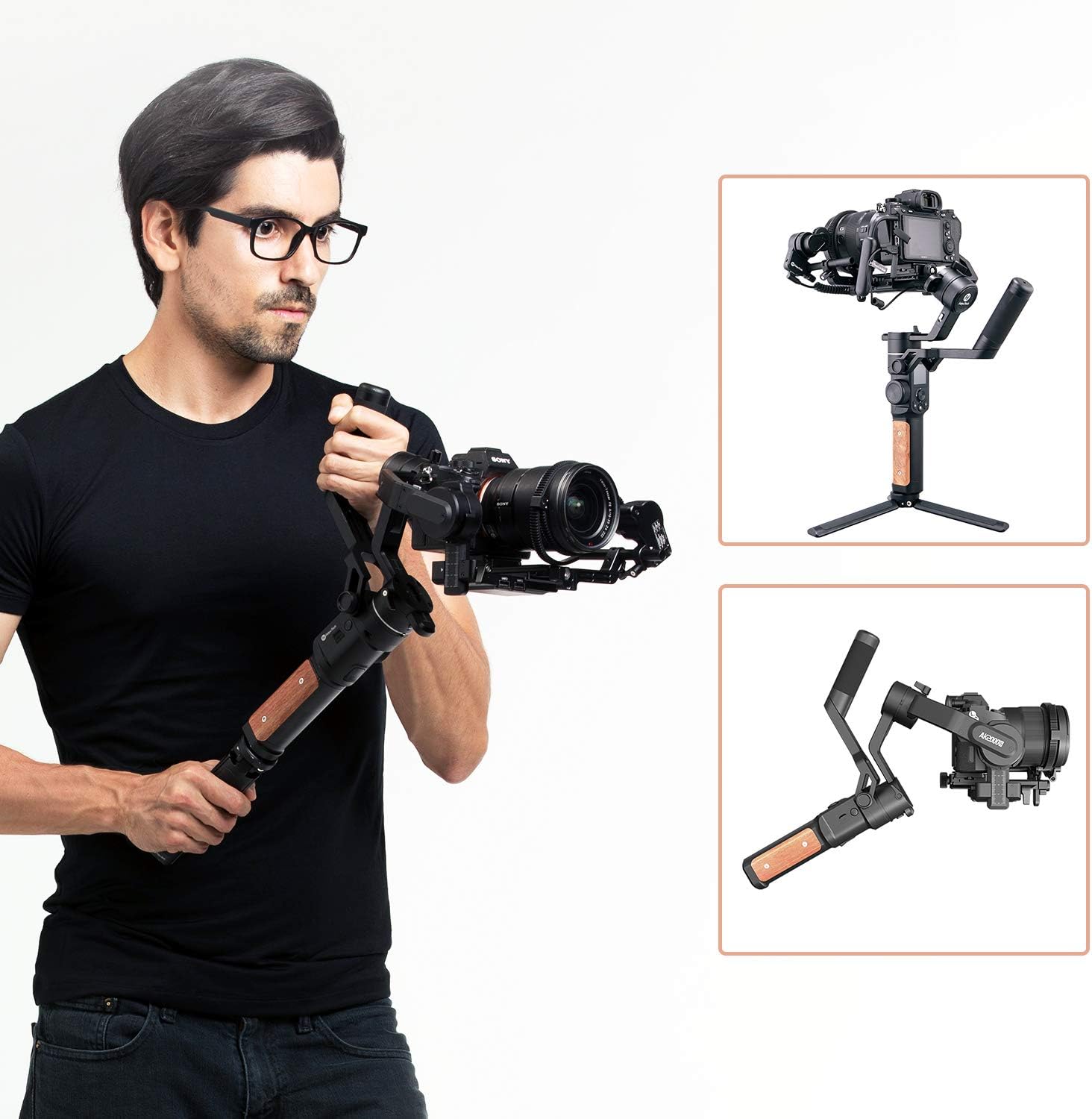
Image: The AK2000S Gimbal folded for compact storage and transport.
3. Орнотуу
3.1 Кутудан чыгаруу жана компоненттерди идентификациялоо
Carefully unpack all components. Ensure the package contains the gimbal body, detachable handle, quick release plate, camera support, and charging cable.
3.2 Камераны орнотуу
- Attach the quick release plate to the bottom of your camera using the provided screw.
- Slide the camera with the quick release plate onto the gimbal's mounting base until it locks securely.
- Adjust the camera support to ensure the camera is firmly seated and stable.
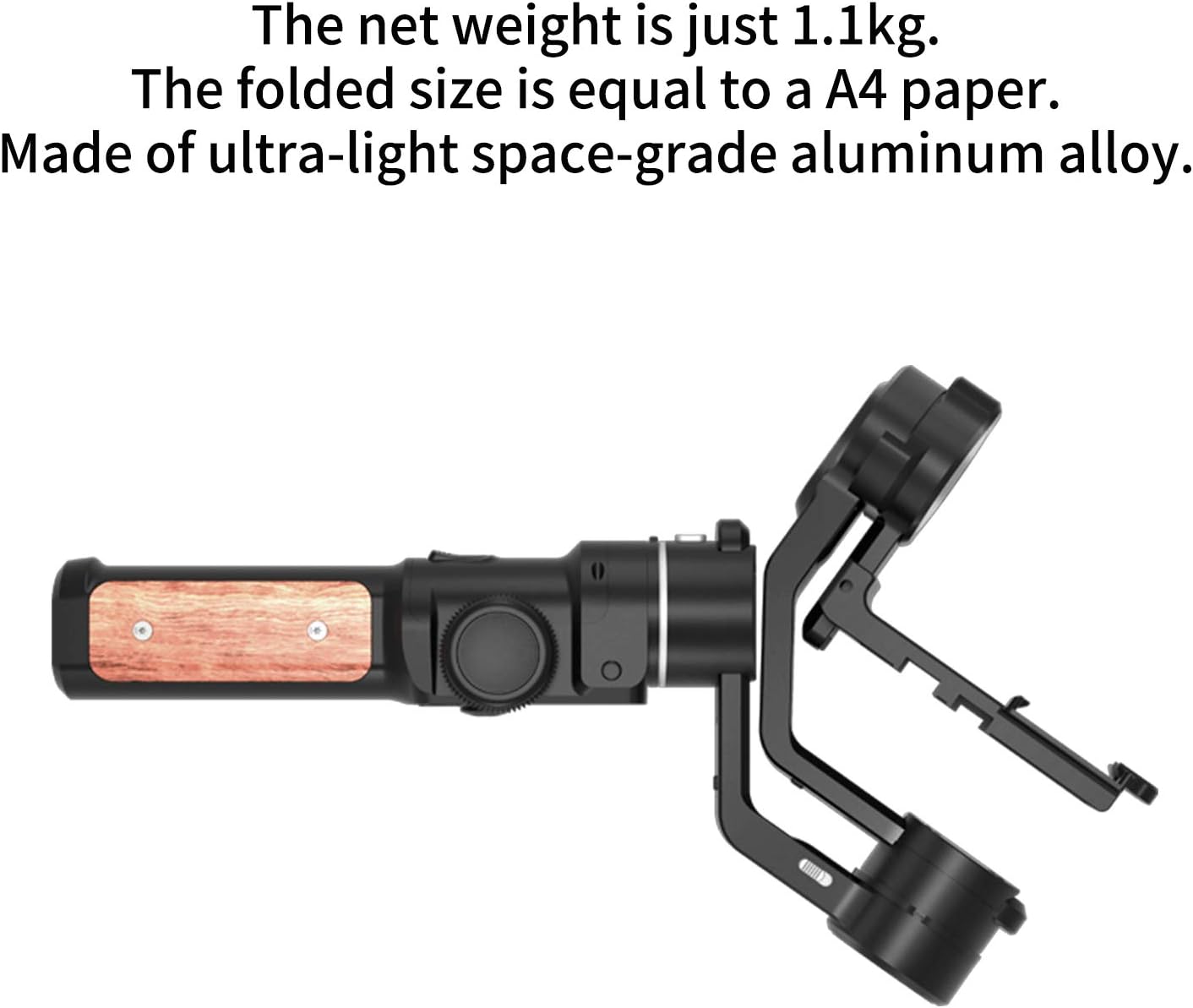
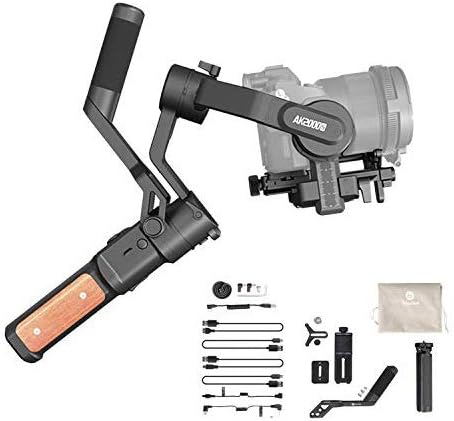
Image: A camera securely mounted on the AK2000S Gimbal's quick release plate.
3.3 Гимбалды тең салмактоо
Proper balancing is crucial for optimal performance and to prevent motor strain. Perform balancing мурун powering on the gimbal.
- Unlock all three motor axes (Pan, Tilt, Roll) using the physical motor locks.
- Balance the Тит огу: Adjust the camera forward/backward until it remains level when tilted.
- Balance the Roll Axis: Adjust the camera left/right until it remains level horizontally.
- Balance the Пан огу: Adjust the horizontal arm until the gimbal remains stable when rotated.
- Once balanced, you may re-engage the motor locks for transport or leave them unlocked for immediate use after powering on.
4. Иштөө нускамалары
4.1 Күйгүзүү/өчүрүү
- Күйгүзүү: OLED экраны күйгөнгө чейин кубат баскычын басып, кармап туруңуз.
- Өчүрүү: Экран өчкөнгө чейин кубат баскычын басып, кармап туруңуз.
4.2 Using the Touch Screen Display
The OLED touch screen allows for quick adjustments and mode selection.
Сүрөт: деталдуу view of the AK2000S OLED touch screen interface.
- Навигация: Swipe left, right, up, or down to access different menus and settings.
- Тандоо: Аларды тандоо үчүн сөлөкөттөрдү же опцияларды таптаңыз.
- Режимдер: Access various shooting modes (e.g., Pan Follow, Lock Mode, Tracking Mode) directly from the screen.
4.3 Handle Configuration
The detachable handle allows for two primary configurations:
- Standard Position: The handle is attached vertically for upright shooting.
- Underslung Position: The handle is reconfigured to allow the gimbal to be held in an inverted position, ideal for low-angle shots.
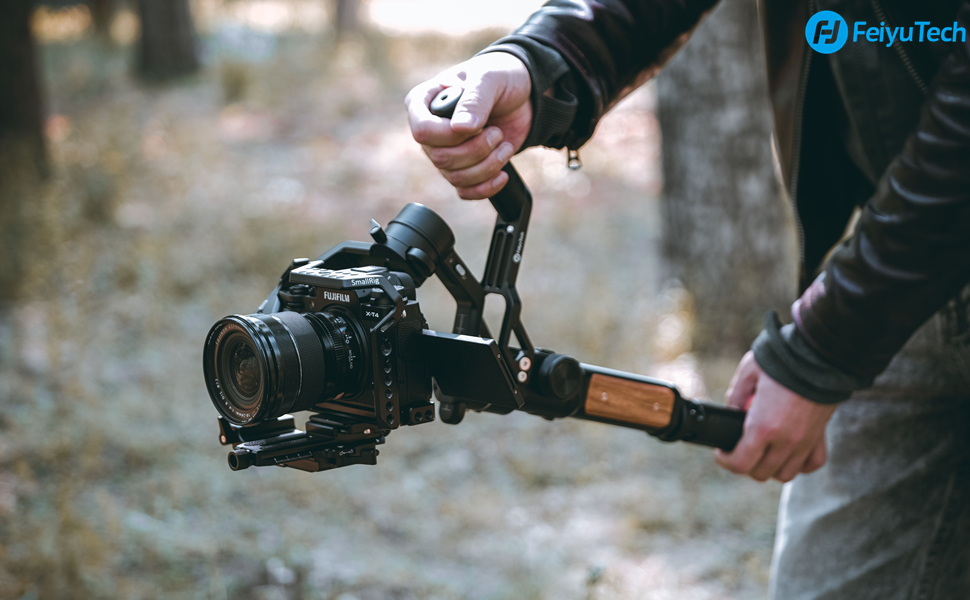
Image: The AK2000S Gimbal configured for underslung operation.
4.4 Гимбалды кубаттоо
Connect the provided USB-C cable to the gimbal's charging port and a compatible USB power adapter. The OLED screen will indicate charging status. A full charge takes approximately 1.5 hours.
4.5 Official Instructional Videos
For visual guidance on setup and operation, refer to the following official videos:
Video: FeiyuTech AK2000S Gimbal Overview and Setup Guide (1:43 duration).
Video: Advanced Features and Operation of the AK2000S Gimbal (1:41 duration).
5. Техникалык тейлөө
5.1 Тазалоо
Wipe the gimbal body with a soft, dry cloth. Avoid using liquid cleaners or solvents that may damage the finish or electronic components.
5.2 Сактоо
When not in use, store the gimbal in its original packaging or a protective case. Ensure all motor locks are engaged to prevent accidental movement. Store in a cool, dry place away from direct sunlight.
5.3 Батареяга кам көрүү
To prolong battery life, avoid fully discharging the gimbal frequently. If storing for extended periods, charge the battery to approximately 50-60% every three months.
6. Кыйынчылыктарды
Бул бөлүм сиз кабылышы мүмкүн болгон жалпы көйгөйлөрдү карайт.
| Көйгөй | Мүмкүн себеп | Чечим |
|---|---|---|
| Gimbal vibrates or motors are noisy. | Improper balancing; camera too heavy or too light. | Re-balance the gimbal carefully (refer to Section 3.3). Ensure camera weight is within the 4.85 lb limit. |
| Гимбал күйбөйт. | Аз батарея; кубат баскычы жетиштүү көпкө кармалбайт. | Charge the gimbal fully (refer to Section 4.4). Press and hold the power button for several seconds. |
| Battery drains quickly or does not hold charge. | Battery degradation; improper charging. | Ensure you are using the correct charging cable and adapter. Follow battery care guidelines (Section 5.3). If issues persist, contact customer support. |
| App connectivity issues (Bluetooth). | Bluetooth interference; outdated app version. | Ensure Bluetooth is enabled on your device. Restart both the gimbal and your device. Update the FeiyuTech app to the latest version. |
7. Техникалык шарттар
| Өзгөчөлүк | Деталь |
|---|---|
| Өндүрүүчү | FeiyuTech |
| Модель номери | AK2000s |
| Продукциянын өлчөмдөрү | 7.09 x 20.88 x 35.03 см |
| Элемент Салмагы | 1.25 кг |
| Максималдуу жүк | 4.85 фунт (2.2 кг) |
| Шайкеш түзмөктөр | DSLR жана күзгүсүз камералар |
| Заряддоо убактысы | Болжол менен 1.5 саат (USB-C) |
| Жумуш убактысы | 7 саатка чейин (кадимки колдонууда) |
| Күтүү убактысы | 14 саатка чейин |
8. Кепилдик жана колдоо
For warranty information and technical support, please refer to the official FeiyuTech webсайтына кириңиз же жергиликтүү дистрибьюторуңузга кайрылыңыз. Кепилдик талаптары үчүн сатып алганыңызды тастыктаган документти сактап коюңуз.
You can visit the official FeiyuTech store for more information: FeiyuTech Store


