1. Киришүү
This manual provides detailed instructions for the setup, operation, and maintenance of your Rapoo E9500M Wireless Keyboard. The E9500M is a versatile, ultra-slim keyboard designed for seamless connectivity across multiple devices.
Негизги өзгөчөлүктөрү:
- Multi-device compatibility with Windows and Mac operating systems.
- German QWERTZ keyboard layout.
- Advanced energy-saving technology for up to 12 months of battery life.
- Automatic pairing and seamless switching between connected devices.
- Ultra-slim 4.5 mm anodised aluminium design.
2. Пакеттин мазмуну
Пакетиңизде бардык буюмдар бар экенин текшериңиз:
- Rapoo E9500M зымсыз баскычтобу
- USB Receiver (if applicable for 2.4GHz connection)
- 2 x AA батарейкалары (алдын ала орнотулган же кошулган)
- Ыкчам баштоо колдонмосу (бул колдонмо)
3. Орнотуу
3.1 Батареяны орнотуу
The keyboard requires 2 AA batteries for operation. These are typically included. Locate the battery compartment on the underside of the keyboard, open the cover, insert the batteries according to the polarity indicators, and close the cover.
3.2 Баскычтопту туташтыруу
The Rapoo E9500M supports multi-mode connection (2.4GHz wireless and Bluetooth). You can connect up to 4 devices simultaneously (1 via 2.4GHz, 3 via Bluetooth).
3.2.1 2.4 ГГц зымсыз туташуу
- USB ресиверди компьютериңиздеги жеткиликтүү USB портуна сайыңыз.
- Turn on the keyboard. The keyboard should automatically connect to the receiver.
- If connection is not established, press Fn + 2.4G (or the corresponding key indicated for 2.4G) to switch to 2.4G mode.
3.2.2 Bluetooth туташуусу (BT1, BT2, BT3)
- Баскычтопту күйгүзүңүз.
- Басып кармап туруңуз fn+1 (BT1 үчүн), fn+2 (BT2 үчүн), же fn+3 (for BT3) for 3 seconds until the indicator light flashes slowly. This puts the keyboard into pairing mode.
- On your device (PC, Mac, Tablet), go to Bluetooth settings and search for new devices.
- Жеткиликтүү түзмөктөрдүн тизмесинен "Rapoo E9500M" тандаңыз.
- Жупташтыруу процессин аяктоо үчүн экрандагы көрсөтмөлөрдү аткарыңыз. Туташтырылгандан кийин индикатор жарыгы күйүп-өчүүнү токтотот.

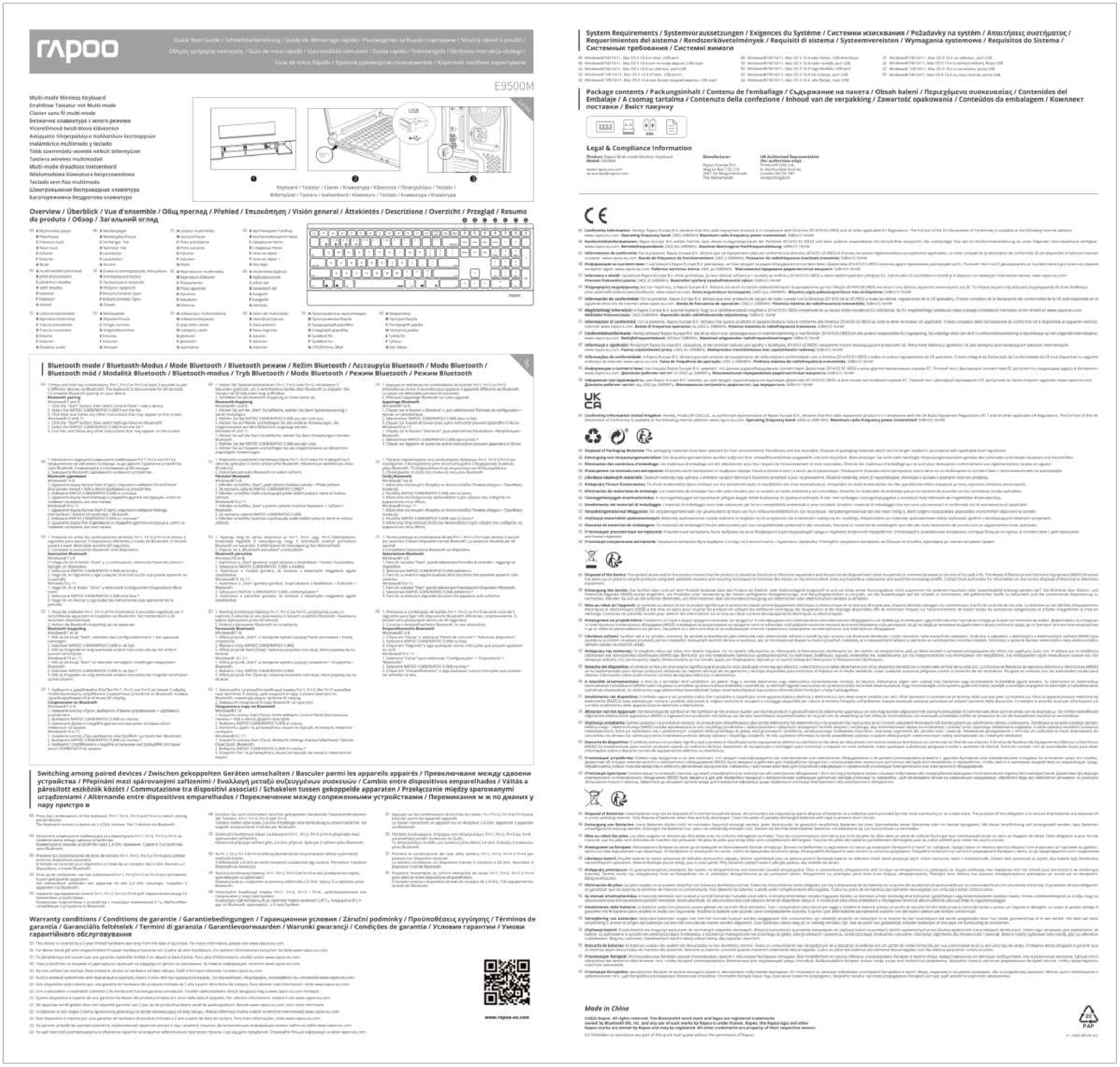
1-сүрөт: жогорудан ылдыйга view of the Rapoo E9500M keyboard, showing the German QWERTZ layout and function keys for multi-device switching (01, 02, 03, 2.4G).
4. Баскычтопту иштетүү
4.1 Туташкан түзмөктөрдүн ортосунда которулуу
Once multiple devices are paired, you can easily switch between them by pressing the corresponding function key:
- Басыңыз fn+1 Bluetooth түзмөгүнө которулуу үчүн 1.
- Басыңыз fn+2 Bluetooth түзмөгүнө которулуу үчүн 2.
- Басыңыз fn+3 Bluetooth түзмөгүнө которулуу үчүн 3.
- Басыңыз Fn + 2.4G (or the corresponding key) to switch to the 2.4GHz wireless connection.
4.2 Функционалдык ачкыч
The top row of keys (F1-F12) also serves as multimedia and shortcut keys when used in combination with the Fn key. Refer to the keycap legends for specific functions such as volume control, media playback, and more.

Сүрөт 2: Алдыңкы view of the Rapoo E9500M wireless keyboard, illustrating its slim design and full QWERTZ layout.
5. Техникалык тейлөө
5.1 Батареяны алмаштыруу
The keyboard is designed for long battery life (up to 12 months). When the battery indicator light (if present) signals low power, or if the keyboard becomes unresponsive, replace the 2 AA batteries. Follow the battery installation steps in Section 3.1.
5.2 Тазалоо
Баскычтопуңузду тазалоо үчүн, анын бетин жумшак, кургак, түксүз чүпүрөк менен акырын сүртүңүз. өжөр кир үчүн, бир аз гampen the cloth with water or a mild, non-abrasive cleaning solution. Avoid excessive moisture and do not spray liquids directly onto the keyboard.
6. Кыйынчылыктарды
| Көйгөй | Мүмкүн чечим |
|---|---|
| Клавиатура туташпай/жооп бербей жатат. |
|
| Ачкычтар жабышчаак же жооп бербейт. |
|
| Түзмөктөр ортосунда которуштуруу мүмкүн эмес. |
|

3-сүрөт: Бурчтуу view of the Rapoo E9500M keyboard, highlighting its ultra-slim profile and full numeric keypad.
7. Техникалык шарттар
| Өзгөчөлүк | Деталь |
|---|---|
| Модел | Э9500М |
| Байланыш | Bluetooth, 2.4 ГГц зымсыз |
| Баскычтоптун жайгашуусу | Немисче QWERTZ |
| Шайкеш операциялык системалар | Windows 8, Windows 10, Mac OS 9, Mac OS X 10.2 Jaguar, Windows Vista |
| Аппараттык платформа | Ноутбук, компьютер, планшет |
| Power Source | Батарея менен иштейт |
| Батареялар | 2 x AA батареялары (киргизилген) |
| Батареянын иштөө мөөнөтү | 12 айга чейин |
| Өлчөмдөрү (L x W x Y) | 16.8 x 43.3 x 2.3 см |
| Элемент Салмагы | 650 г |
| Түс | Кара |
| Дизайн | Ultra-slim 4.5 mm anodised aluminium |
8. Кепилдик жана колдоо
8.1 Кепилдик маалыматы
Rapoo products are covered by a limited warranty. For specific warranty terms and conditions, please refer to the warranty card included with your product or visit the official Rapoo webсайт. Сатып алуу квитанциясын кепилдик дооматтары үчүн сатып алуунун далили катары сактаңыз.
8.2 Кардарларды колдоо
For technical assistance, troubleshooting, or product inquiries, please visit the official Rapoo support website or contact their customer service. Contact details can typically be found on the Rapoo webсайтында же продуктунун таңгагында.
Расмий Рапу Webсайт: www.rapoo.com