Introduction
This manual provides detailed instructions for setting up, operating, and maintaining your REOLINK 4K Security Camera System, model RLK16-800B8. This system features 4K Ultra HD (8MP) PoE cameras, offering nearly four times the clarity of 1080p. It includes advanced person and vehicle detection to minimize false alerts, remote access and playback capabilities via the free Reolink app, and a simple plug-and-play PoE setup. The system supports continuous 24/7 recording with a pre-installed 4TB HDD, expandable up to 16TB.
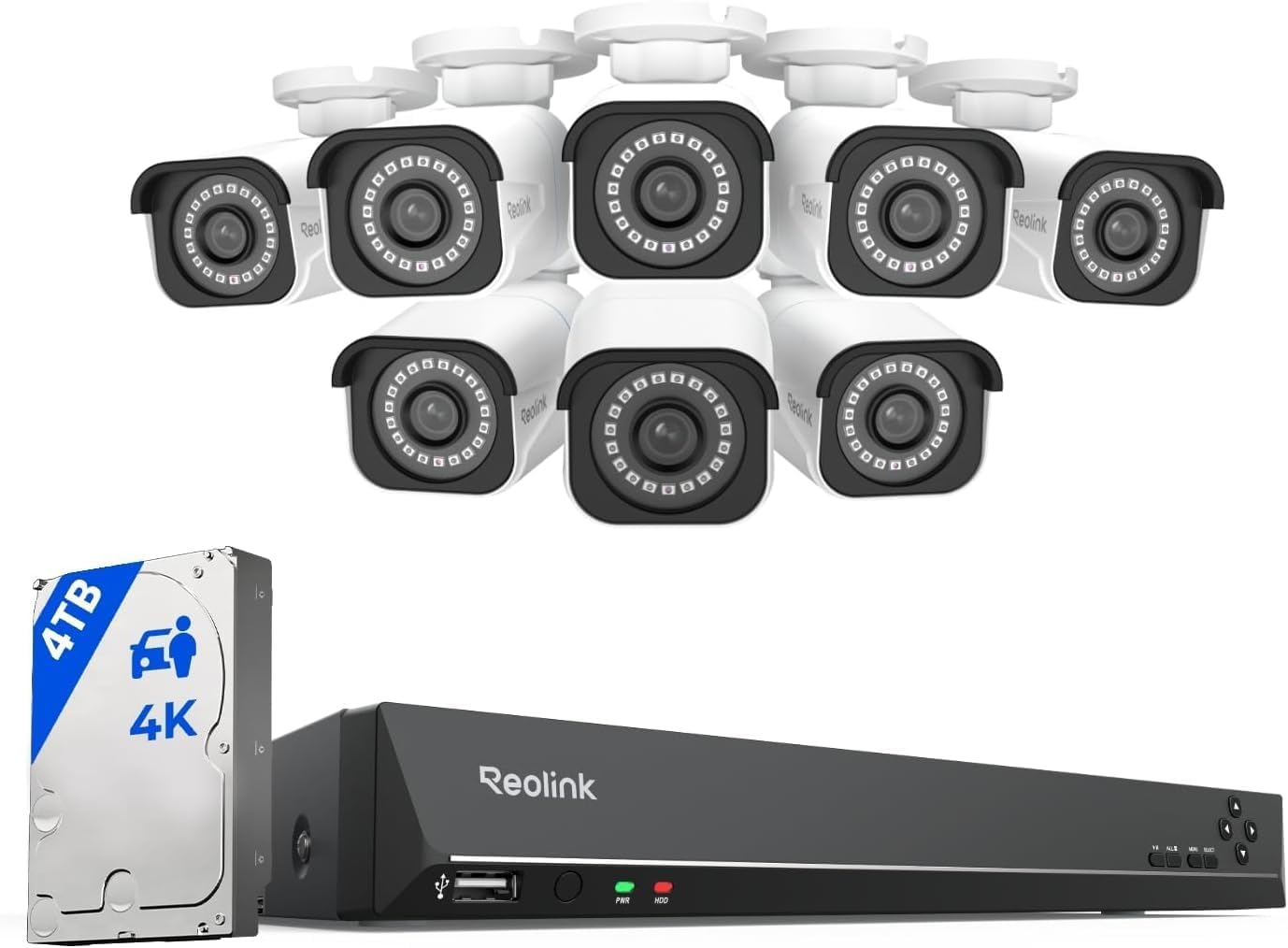
Image: The REOLINK 4K Security Camera System, including the NVR and eight bullet cameras.
Кутуда эмне бар
Сиздин пакетте бардык компоненттер бар экенин текшериңиз:
- RLN16-410 NVR (1 unit)
- B800 4K PoE Cameras (8 units)
- NVR Power Adapter (1 unit)
- HDMI кабели (1 даана)
- USB Mouse (1 unit)
- 1m Network Cable (1 unit)
- 18m Network Cable (8 units)
Жайгашуу
Follow these steps to set up your REOLINK 4K Security Camera System.
1. Connect the NVR
- Connect the NVR to a monitor using the provided HDMI or a VGA cable.
- USB чычканын NVRдеги USB портуна туташтырыңыз.
- Тармакка кирүү үчүн NVRди роутериңизге Ethernet кабели аркылуу туташтырыңыз.
- Connect the NVR power adapter to the NVR and plug it into a power outlet. Turn on the NVR if it has an on/off switch.

Сүрөт: Арткы view of the REOLINK NVR showing HDMI, VGA, USB, LAN, and PoE ports.
2. Connect the Cameras
- Connect each PoE camera to an available PoE port on the NVR using the provided 18m network cables. The cameras will power on automatically.
- Ensure all cameras you wish to add are connected to the same local area network (LAN) as the NVR for automatic detection.
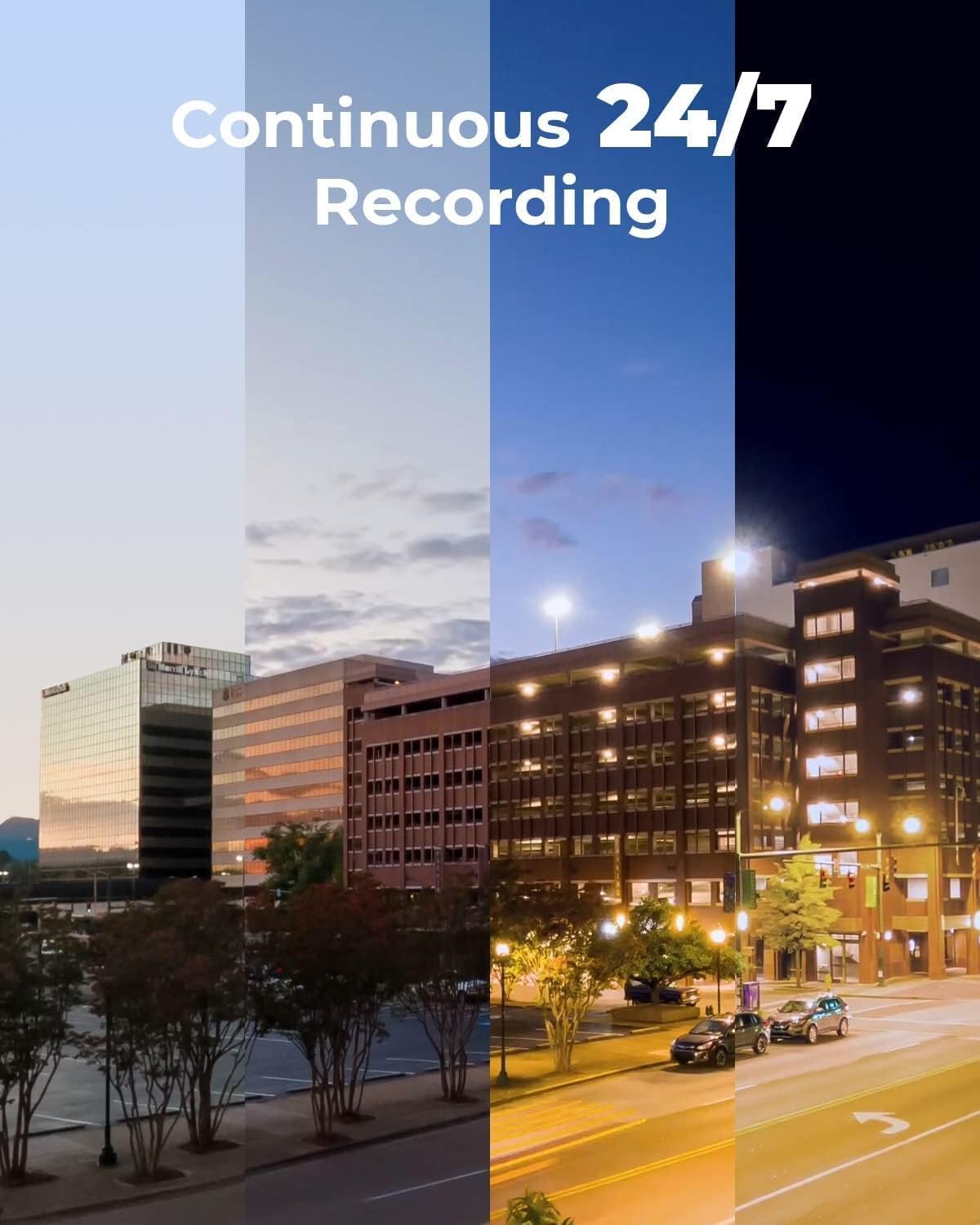
Image: A REOLINK PoE camera connected to the NVR, demonstrating the simple plug-and-play setup.
3. Баштапкы конфигурация
Follow the on-screen prompts on the connected monitor to complete the initial setup, including setting a password for the NVR.
Video: A detailed guide on unboxing and setting up the REOLINK RLK16-800B8 system.
Системанын иштеши
Алыстан кирүү жана ойнотуу
Access your cameras remotely from anywhere using the free Reolink app on your smart device (iOS, Android) or client software (Windows, Mac OS). Perform live views and playbacks via WiFi or 3G/4G connection.

Image: The Reolink app displaying live camera feeds on various smart devices.
Smart Detection
The smart PoE IP cameras can identify people and vehicles, minimizing false alerts from animals or shadows. Configure alerts to specify the type of detection when sending notifications to your device.
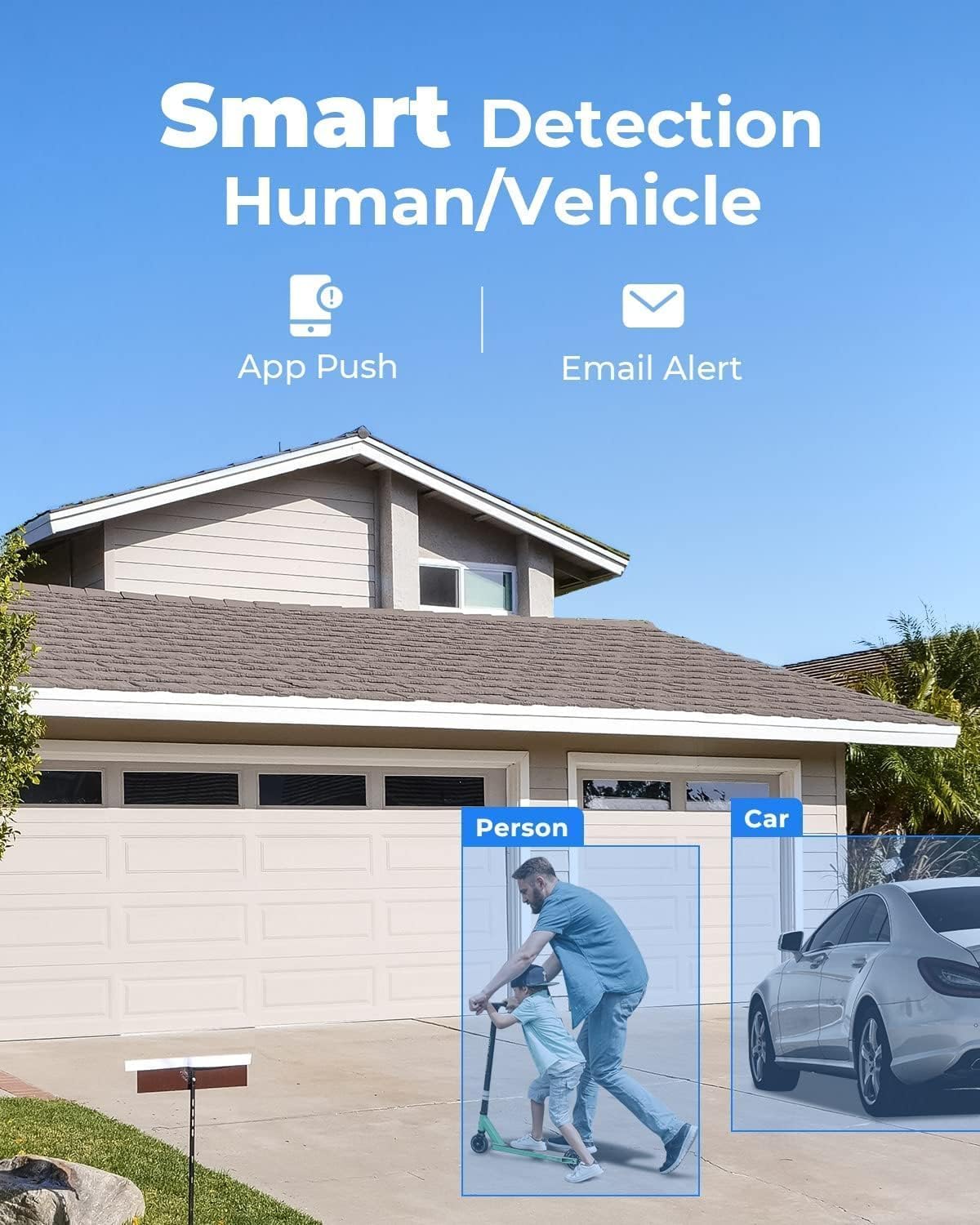
Сүрөт: мурункуample of the smart detection feature highlighting a person and a car.
4K Ultra HD Video Quality
Experience vivid 4K Ultra HD resolution, providing clear and detailed footage even when digitally zoomed. The cameras offer excellent clarity day and night.
Video: Demonstration of the 4K resolution video quality from a Reolink camera.
Техникалык тейлөө
To ensure optimal performance and longevity of your security system, consider the following maintenance tips:
- Камера линзаларын жумшак, d чүпүрөк менен үзгүлтүксүз тазалаңызamp cloth to prevent dust and dirt buildup.
- Бардык кабелдик туташуулардын коопсуздугун жана айлана-чөйрөнүн таасиринен корголгонун текшериңиз.
- Check the NVR's ventilation to prevent overheating.
- Мезгил-мезгили менен кайраview foo жазылганtage to ensure the system is functioning as expected.
Проблемаларды чечүү
Жалпы маселелер жана чечимдер
- Q: Does this PoE system work with other camera brands or models?
A: The system is designed to work exclusively with Reolink PoE cameras to ensure full functionality and stable performance. Other brands or non-Reolink models are not supported. - Q: Do I need Internet to use the system?
A: Internet is only needed for remote access. Local recording will work even without Internet. - Q: What should I do if a camera or the NVR is not working properly?
A: Check the cable, switch ports, and confirm power. If the issue remains, contact Reolink Support with your order info for quick troubleshooting or replacement.
Causes of Powering On Issues and Solutions of the PoE Camera
- Cause 1: The PoE module of the camera fails to get power.
Solution: Please use the DC adaptor to power the camera on. - Cause 2: The camera is not properly connected to the NVR.
Solution: Please check the PoE lights of the NVR. If the lights are not on, please plug the camera into other ports that work and use another working Ethernet cable. - Cause 3: Insufficient power supply from PoE NVR.
Solution: Please make sure that the cameras added to the NVR are no more than the specified quantity. Then unplug all other cameras and leave one camera connected to the NVR for a test.
Техникалык шарттар
| Бренд | REOLINK |
| Модель номери | RLK16-800B8 |
| Байланыш технологиясы | Зымдуу |
| Видео тартуунун резолюциясы | 4K 8MP (2560 × 1920) |
| Өзгөчө өзгөчөлүк | Adjustable, App Control, Easy to install, Human Detection, Weatherproof |
| Каналдардын саны | 16 |
| Эстутум сактоо сыйымдуулугу | 4 ТБ |
| Түс | Ак |
| Power Source | DC |
| Операция системасы | iOS, Android, Windows, Mac OS |
| Шайкеш түзмөктөр | Cameras, Laptops, Personal Computers, Smartphones, Tablets |
| Төмөн жарык технологиясы | Түнкү көрүнүш |
| Түнкү көрүү диапазону | 100 Фут |
| Frame Rate | Mainstream: 2fps - 20fps, Substream: 4fps - 15fps |
| Жазуу режими | Motion Recording; schedule recording; 24/7 recording |
| Жалпы USB порттору | 2 |
| Аппараттык интерфейс | Ethernet, HDMI, USB, VGA, eSATA |
| Линзанын түрү | Оңдолду |
| Видео киргизүү | RJ45 |
| Viewбурч | 87 градус |
| Өндүрүүчү | Reolink Digital |
| UPC | 633696952843 |
| Элемент Салмагы | 0.01 унция |
| Дата биринчи жеткиликтүү | 9-декабрь, 2019-жыл |
Кепилдик жана колдоо
All Reolink products are covered by a 2-year warranty. If you encounter any issues, please contact customer support.
- 2 жылдык Чектелген Кепилдик: Кадимки колдонууда материалдардагы жана жасалгадагы кемчиликтерди камтыйт.
- 24/7 Онлайн колдоо: Dedicated support is available to assist you with any questions or problems.


