BSIMB Smart WiFi санарип сүрөт алкагы колдонуучу колдонмосу
Модел: W10DB | Бренд: Bsimb
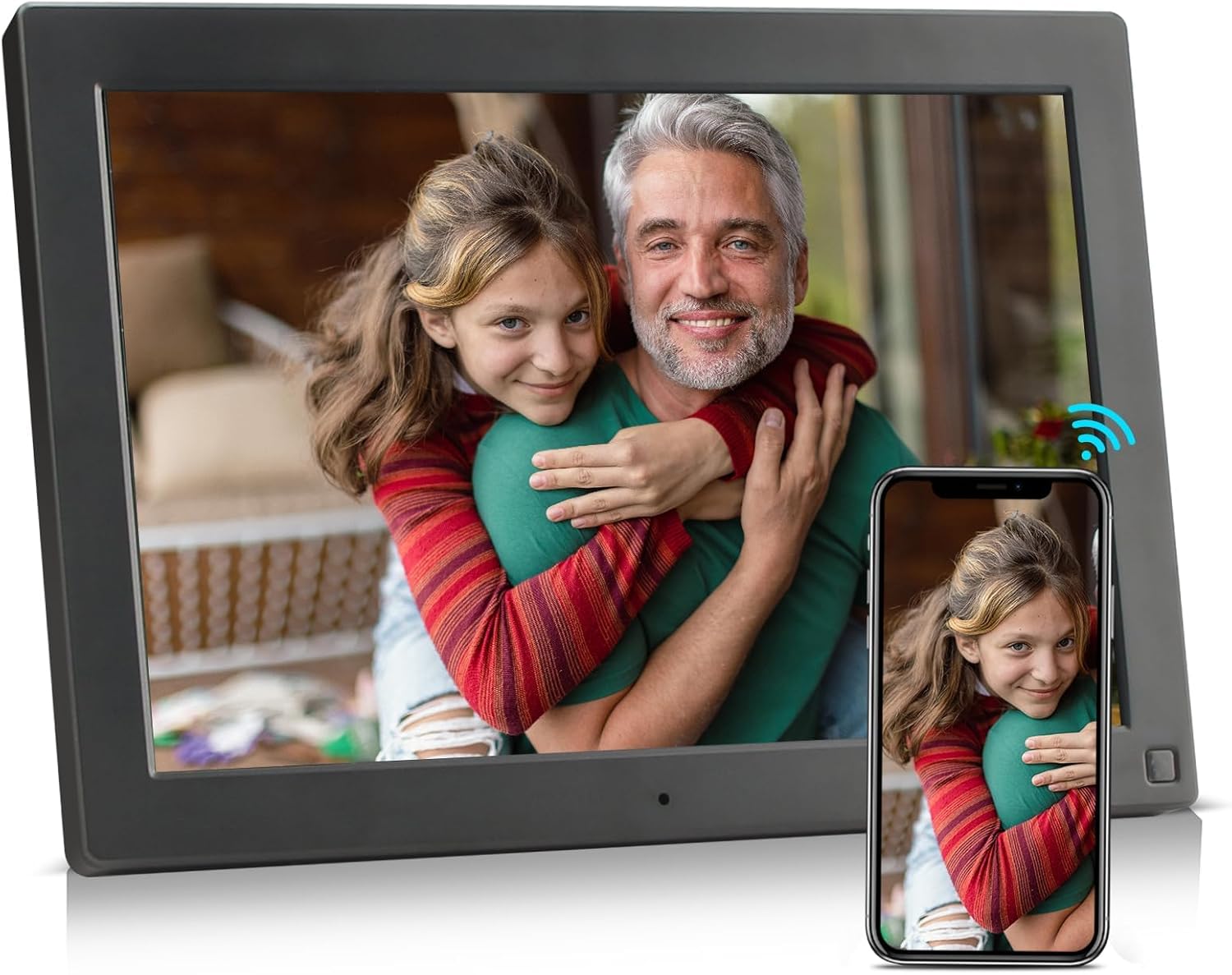
Image: The BSIMB Smart WiFi Digital Picture Frame, a 10.1-inch device with a wood-effect finish, showcasing a family photo. A smartphone next to it illustrates the wireless sharing capability.
1. Киришүү
This manual provides instructions for the setup, operation, and maintenance of your BSIMB Smart WiFi Digital Picture Frame. This device allows you to instantly share photos and videos with loved ones via Wi-Fi, email, and a dedicated app. It features a 10.1-inch HD IPS touch screen and an auto-rotate function for versatile display options.
2. Продукт бүтүп калдыview
2.1 Компоненттер
- 10.1-inch HD IPS Touch Screen Display
- Adjustable Back Stand
- Power Port
- USB порту
- Микро SD карта уячасы
- Кубат баскычы
2.2 Негизги өзгөчөлүктөрү
- 10.1 Inch HD IPS Display: Provides clear and vibrant image quality with a resolution of 1280x800.
- Сенсордук экран интерфейси: Enables easy navigation and settings adjustment.
- Wi-Fi туташуусу: Allows for instant sharing of photos and videos from anywhere.
- Автоматтык айландыруу функциясы: Automatically adjusts photo orientation for landscape or portrait display.
- Көп функциялуулугу: Includes clock, calendar, scheduled power on/off, and picture zoom.
- Жөнгө салынуучу стенд: The freely bendable back stand allows for various viewбурчтар.

Image: The digital picture frame showcasing a high-resolution image, with specifications like 10.1-inch size and 1280x800 resolution overlaid.

Image: A diagram illustrating the adjustable back stand of the digital picture frame, demonstrating its flexibility to achieve various viewбурчтар.
3. Кутуда эмне бар
Сураныч, кутудан чыкканда пакеттин мазмунун текшериңиз:
- BSIMB Smart WiFi Digital Picture Frame
- Кубаттуу адаптер
- Колдонуучунун Колдонмосу (бул документ)
4. Орнотуу
Follow these steps to set up your digital picture frame:
- Күйгүзүү: Connect the power adapter to the frame's power port and plug it into an electrical outlet. The frame will automatically power on.
- Баштапкы орнотуу: Follow the on-screen prompts to select your language, time zone, and connect to your Wi-Fi network.
- Колдонмону жүктөп алыңыз: Download the dedicated BSIMB app on your smartphone from your device's app store.
- Pair the Frame: Open the app and create an account. Scan the QR code displayed on your frame's screen to pair your device with the app. This unique frame ID ensures secure connection.

Image: A visual guide detailing the three simple steps to begin using the digital picture frame, from app download to content upload.
5. Иштөө нускамалары
5.1 Sharing Photos and Videos
You can share media to your frame using the following methods:
- Колдонмо аркылуу: Use the BSIMB app on your smartphone to select and send photos or videos directly to your frame.
- Электрондук почта аркылуу: Send photos or videos as attachments to the unique email address assigned to your frame.
- Via USB Drive/Micro SD Card: Insert a USB drive or Micro SD card (up to 32GB, not included) into the designated slot to transfer media directly to the frame's internal storage.
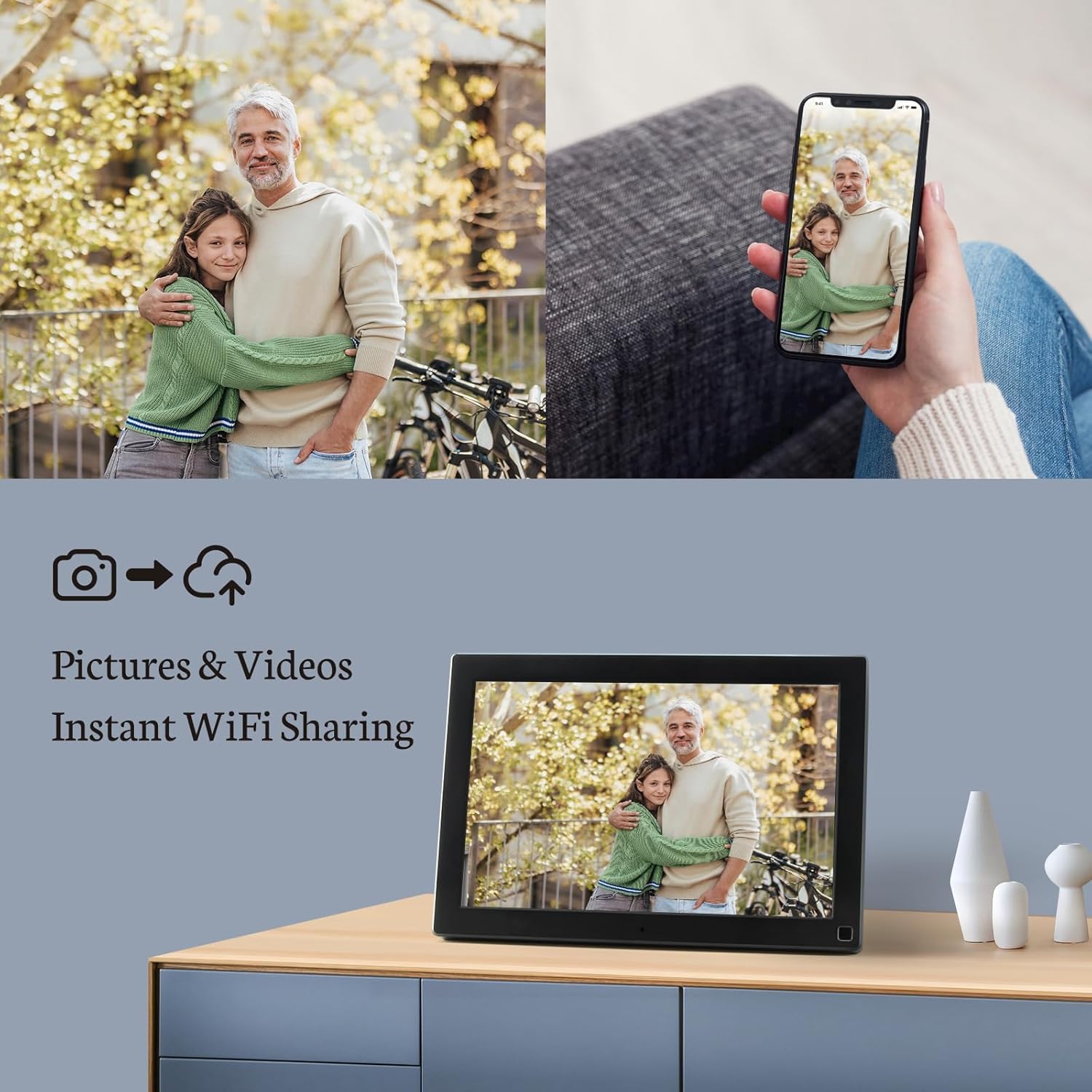
Image: The digital picture frame on a surface, with a smartphone nearby, illustrating the process of instantly sharing photos and videos wirelessly.

Image: A visual representation of how photos can be shared securely and privately to the frame from a smartphone, email, or PC, all connected via Wi-Fi.
5.2 Сенсордук экран навигациясы
The frame's touch screen allows for intuitive control:
- Серпүү: Сүрөттөр жана видеолор арасында жылдыруу үчүн солго же оңго серпиңиз.
- таптаңыз: Tap on the screen to access menus, settings, or pause/play media.
- Чымчып-кичирейтүү: Сүрөттөрдү чоңойтуу же кичирейтүү үчүн эки манжаңызды колдонуңуз.
5.3 Settings and Features
Access the settings menu to customize your frame:
- Автоматтык айлантуу: The frame automatically adjusts the orientation of photos to fit the screen, whether in landscape or portrait mode.
- Жарыктык: Adjust the display brightness to suit your environment.
- Уйку режими: Schedule specific times for the frame to turn off and on automatically to save energy.
- Фондук музыка: Enable background music playback while photos are displayed.
- Clock & Calendar: Учурдагы убакытты жана датаны көрсөтүү.
- Picture Zoom: Utilize the zoom function for detailed viewсүрөттөрдү түзүү.
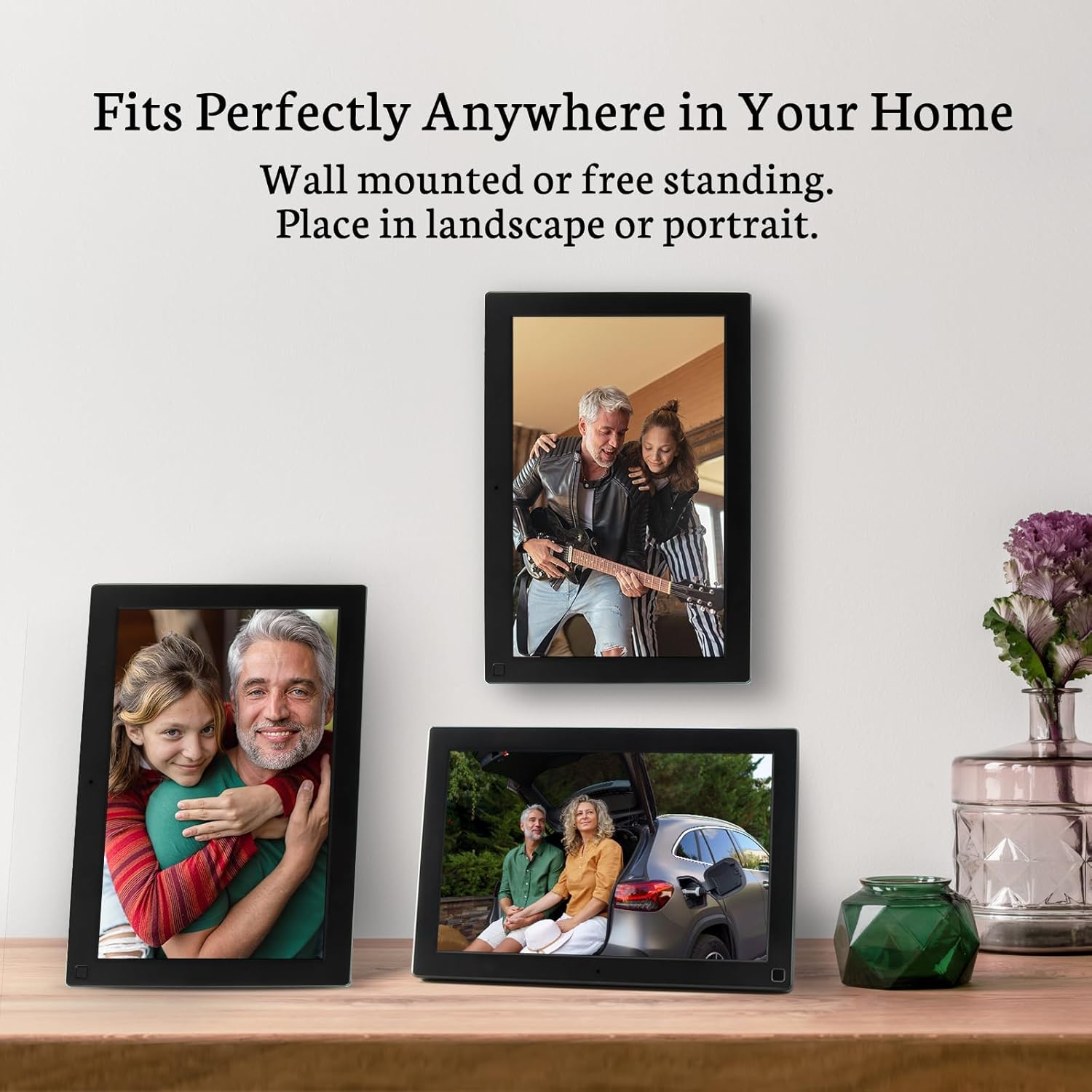
Image: Multiple digital picture frames arranged in a home, showcasing their ability to be placed in both landscape and portrait orientations, either free-standing or wall-mounted.
6. Техникалык тейлөө
Санарип сүрөт алкагыңыздын узак мөөнөттүү иштешин жана оптималдуу иштешин камсыз кылуу үчүн, төмөнкү техникалык тейлөө көрсөтмөлөрүн аткарыңыз:
- Экранды тазалоо: Экранды жумшак, түксүз чүпүрөк менен акырын сүртүңүз. өжөр тактар үчүн, бир аз гampчүпүрөккө суу же электроника үчүн атайын иштелип чыккан экранды тазалоо эритмеси. Катуу химиялык заттардан же абразивдүү материалдардан алыс болуңуз.
- Жалпы кам көрүү: Раманы түз күн нурунан, өтө жогорку температурадан жана жогорку нымдуулуктан алыс кармаңыз. Түзмөктү сууга же башка суюктуктарга тийгизбеңиз.
- Чаңды тазалоо: Use a soft brush or compressed air to remove dust from the frame's vents and ports.
7. Кыйынчылыктарды
If you encounter issues with your BSIMB Smart WiFi Digital Picture Frame, refer to the following common problems and solutions:
- Кадр күйгүзүлбөйт:
Кубат адаптери рамкага жана иштеп жаткан электр розеткасына бекем туташтырылганын текшериңиз. Зарыл болсо, башка розетканы колдонуп көрүңүз. - Wi-Fi'га туташуу мүмкүн эмес:
Verify that your Wi-Fi network is active and within range. Double-check the Wi-Fi password. Restart your router and the digital frame. Ensure the frame is not too far from the router. - Сүрөттөр көрсөтүлбөй жатат:
Confirm that photos have been successfully uploaded via the app, email, or USB/SD card. Check the frame's internal storage or the connected external media. Ensure the file formats are supported (JPEG, PNG for images; MP4 for videos). - Сенсордук экран жооп бербейт:
Restart the frame by holding down the power button. Ensure the screen is clean and free of debris. - Auto-Rotate Not Working:
Check the settings menu to ensure the auto-rotate function is enabled.
Эгер көйгөй чечилбесе, кардарларды колдоо менен байланышыңыз.
8. Техникалык шарттар
| Өзгөчөлүк | Деталь |
|---|---|
| Модель номери | W10DB |
| Screen Size | 10.1 дюйм |
| Дисплей түрү | IPS Full HD сенсордук экраны |
| Резолюция | 1280x800 HD |
| Ички сактагыч | 16 ГБ |
| Байланыш | Wi-Fi |
| Шайкеш түзмөктөр | Смартфон |
| Түс | Wood Pattern |
| Продукциянын өлчөмдөрү | 11.26 x 8.03 x 0.99 дюйм |
| Элемент Салмагы | 2.38 фунт |
9. Кепилдик жана колдоо
Your BSIMB Smart WiFi Digital Picture Frame comes with comprehensive support:
- Кепилдик: The product includes a 12-month replacement warranty from the date of purchase.
- Өмүр бою колдоо: BSIMB provides lifetime technical support for this product.
- Купуялык: The free app utilizes Secure Device Grid technology to ensure your photos are saved locally on the frame and are not stored or accessed by the app itself.
For technical assistance or warranty claims, please refer to the contact information provided with your purchase documentation or visit the official BSIMB support webсайт.

Image: The digital picture frame presented with a gift-ready package, highlighting features such as privacy, lifetime support, and user-friendliness for seniors.


