Eonon E46A12S Унаа стереосу колдонуучунун колдонмосу
Model: E46A12S-6G-U | Brand: EONON
1. Киришүү
This manual provides detailed instructions for the installation, operation, and maintenance of your Eonon 6+64GB Car Stereo, Model E46A12S QCM6125. This head unit is designed to enhance your driving experience with advanced features such as Android 13, Wireless CarPlay, Android Auto, GPS navigation, and more.
Please read this manual thoroughly before installation and operation to ensure proper use and to maximize the product's capabilities.

Figure 1.1: Eonon E46A12S Car Stereo Main Unit
2. Орнотуу жана орнотуу
2.1. Унаа шайкештиги
The E46A12S head unit is compatible with BMW E46 3 Series models manufactured between 1999 and 2005. This includes models such as 325i, 330i, and M3. The unit is designed for a plug-and-play installation, requiring no additional frame or cable changes for compatible vehicles.

2.1-сүрөт: Мисamples of Compatible BMW E46 Dashboard Configurations
2.2. Power Cable Connector Verification
Before installation, confirm the type of power cable connector in your car's center console. There are typically three types of connectors:
- 17-pin or 40-pin connector (without empty pins): The unit can be installed directly.
- 17-pin connector with 4 empty pins: This configuration is NOT suitable for direct installation.
- Blue & white connector in the trunk: If the connector in the trunk is a 17-pin or 40-pin type, an additional Eonon A0590 extension harness (not included) is required for installation. If this trunk connector is a 17-pin type with 4 empty pins, it is not suitable.
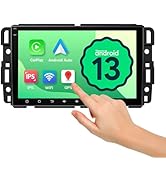
Figure 2.2: Power Cable Connector Types and Compatibility
2.3. AC Control Panel Relocation
If your car's air conditioning control panel is located in the center console where the new stereo will be installed, you will need to remove it and relocate it to the position below the new car stereo. This ensures proper fitment and access to controls.
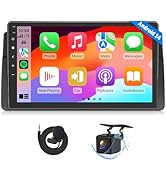
Figure 2.3: AC Control Panel Relocation for Installation
3. Иштөө нускамалары
3.1. Система бүттүview
The E46A12S operates on the Android 13 system, powered by an Octa-core processor with 6GB RAM and 64GB ROM. This configuration ensures responsive performance for all tasks and ample storage for media and applications. The 11nm LPP processing technology contributes to efficient operation.

Figure 3.1: System Specifications and Android 13 Interface
3.2. Дисплей өзгөчөлүктөрү
The unit features a 9-inch QLED capacitive touch screen with a 1280x720 HD resolution. This display provides vibrant colors and clear visuals from various viewing angles. It includes three brightness modes (Light, Dark, and Auto) for optimal visibility in different lighting conditions, enhancing driving safety and comfort.

Figure 3.2: QLED Display with Day and Night Brightness Modes
3.3. Зымсыз CarPlay жана Android Auto
Enjoy seamless integration with your smartphone via Wireless CarPlay and Android Auto. Once connected wirelessly through Bluetooth and Wi-Fi, the system will automatically connect on subsequent uses. This allows access to navigation, hands-free calling, music playback, and other applications directly from the head unit's display. The unit also supports wired/wireless Mirror Link for apps not supported by CarPlay or Android Auto.

Figure 3.3: Wireless CarPlay and Android Auto Functionality
Video 3.1: Demonstration of Eonon E46A12S Features, including CarPlay and Android Auto.
3.4. Audio Features (Built-in DSP)
The E46A12S car radio includes a built-in Hexagon 686 DSP and a max ST TDA7851 4*48W output power amplifier, providing an immersive sound experience. It features a 15-band graphic equalizer and 6 preset EQ modes, allowing for detailed audio customization to suit your preferences.
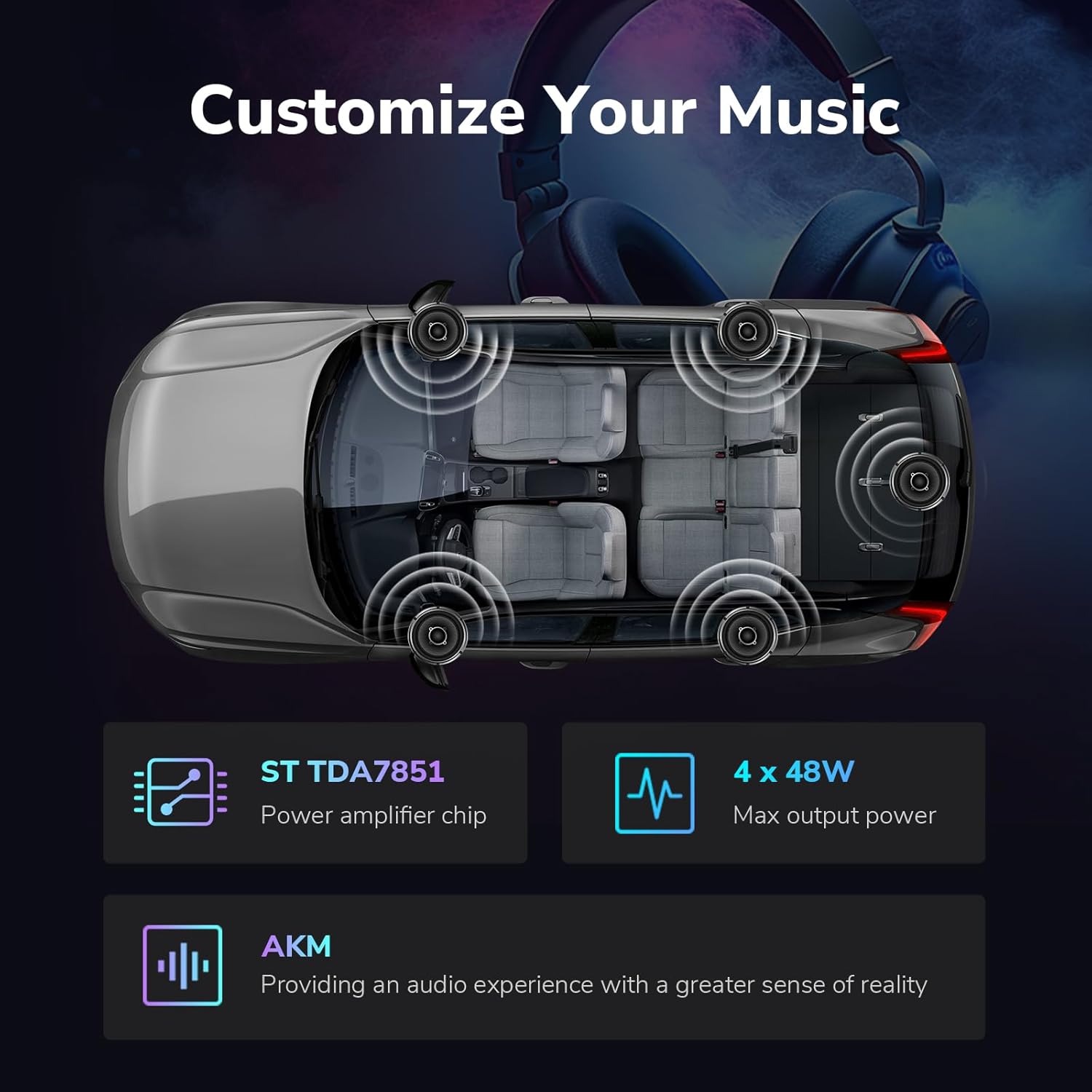
Figure 3.4: Audio Customization with Built-in DSP
3.5. Интернет байланышы
The unit supports both 2.4G/5G Wi-Fi and 4G SIM card internet access. Simply insert a Micro-SIM network card to enjoy 4G connectivity anywhere, or connect to a Wi-Fi hotspot for internet access.

Figure 3.5: Wi-Fi and 4G SIM Card Internet Access
3.6. Кошумча функциялар
- Fast Boot Time: The system is designed for quick startup.
- USB порттору: Equipped with three USB interfaces for charging devices or playing media from USB sticks.
- Руль башкаруусу: Supports analog steering wheel control signals, allowing you to manage basic functions without taking your hands off the wheel.
- Бөлүнгөн экран функциясы: Enables simultaneous display of two applications, such as navigation and music.
- OEM Feature Retention: Retains factory features like Harman Kardon sound system integration, door information display, and driving data.
- HDMI HD Video Output: For connecting external displays.

Figure 3.6: ашыкview of Key Operational Features
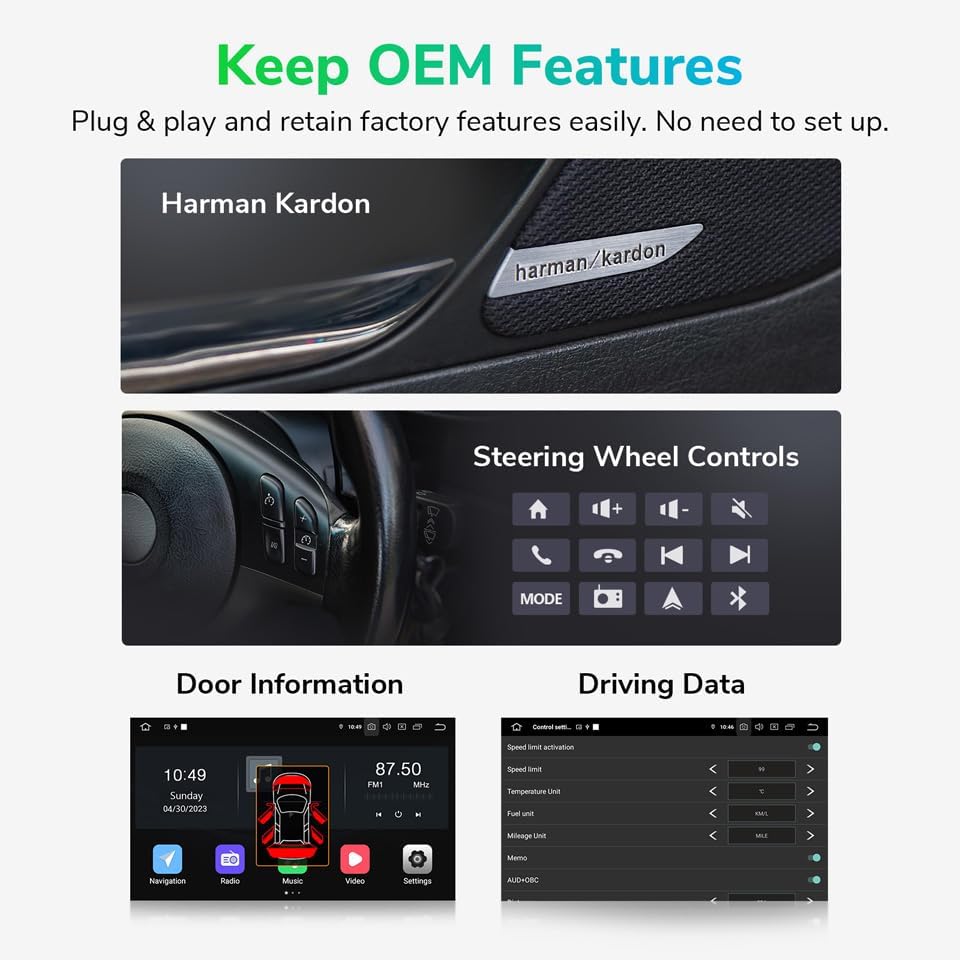
Figure 3.7: Integration with Original Equipment Manufacturer (OEM) Features
3.7. Optional Accessories Integration
The E46A12S supports various optional accessories to further enhance your driving experience:
- AHD Reversing Camera (A0125): Supports 1080P HD rear camera input for improved parking and reversing safety. This camera is sold separately.
- Dash Camera (R0020): Supports dash camera input for recording driving footage. This camera is sold separately and requires an SD card.
- Bluetooth OBD2 Scanner (V0056): Allows for real-time vehicle information display and diagnostics. This scanner is not included.

Figure 3.8: Support for Optional AHD Reversing Camera

Figure 3.9: Support for Optional Dash Camera
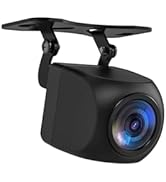
Figure 3.10: Support for Optional Bluetooth OBD2 Scanner
4. Техникалык тейлөө
4.1. Программалык камсыздоону жаңыртуу
The E46A12S supports Over-The-Air (OTA) software updates. Regularly checking for and installing updates can help fix software issues, enhance security, and improve overall performance. When an update is detected, follow the on-screen prompts to download and install it.

4.1-сүрөт: Программалык камсыздоону жаңыртуу интерфейси
5. Кыйынчылыктарды
If you encounter issues with your Eonon E46A12S car stereo, please refer to the following common troubleshooting steps:
| Көйгөй | Мүмкүн болгон себеп / Чечим |
|---|---|
| Түзмөк күйбөйт. | Check power cable connections. Ensure vehicle ignition is on. Verify fuse integrity. |
| Үн чыгышы жок. | Check speaker connections. Verify amplifier connections (if applicable). Adjust volume settings. Ensure the correct audio source is selected. |
| CarPlay/Android Auto туташпай жатат. | Ensure Bluetooth and Wi-Fi are enabled on your phone and the head unit. Restart both devices. Check for software updates on the head unit. |
| GPS сигналы начар же так эмес. | GPS антеннасынын туура орнотулганын жана так болушун текшериңиз view асмандан. Тоскоолдуктардан качыңыз. |
| Сенсордук экран жооп бербейт же так эмес. | Restart the unit. Perform a screen calibration if available in settings. Ensure screen is clean and free of debris. |
Эгерде бул чечимдерди колдонуп көргөндөн кийин көйгөй чечилбесе, кошумча жардам алуу үчүн Eonon кардарларды колдоо кызматына кайрылыңыз.
6. Техникалык шарттар
| Өзгөчөлүк | Деталь |
|---|---|
| Модель номери | E46A12S-6G-U |
| Операция системасы | Android 13 |
| Процессор | Octa-core (Qualcomm Snapdragon 665) |
| RAM | 6 ГБ |
| ROM | 64 ГБ |
| Дисплей өлчөмү | 9 дюймдук QLED |
| Резолюция | 1280x720 HD |
| Байланыш | Bluetooth, USB, Wi-Fi (2.4G/5G), 4G LTE (Micro-SIM) |
| Аудио чыгаруу күчү | 4*48W (ST TDA7851) |
| DSP | Built-in Hexagon 686 DSP, 15-band graphic equalizer, 6 preset EQ modes |
| Продукциянын өлчөмдөрү | 9.69"L x 8.98"W x 5.31"H |
| Элемент Салмагы | 2.86 фунт |
6.1. Камтылган компоненттер
- Электр зымы
- GPS антеннасы
- 4G antenna (x2)
- USB адаптер кабели (x2)
- Аудио/видео адаптер кабели (x2)
- Reversing video input cable
- 15А сактагыч
- SIM карта ээси
- Тышкы микрофон
- КАНБУС
- Manual
- Эки тараптуу чаптама чаптама
- Radio antenna adapter cable

Figure 6.1: Included Components and Wiring Diagram
7. Кепилдик жана колдоо
7.1. Кепилдик маалыматы
Eonon products typically come with a manufacturer's warranty covering defects in materials and workmanship. Please refer to the warranty card included with your product or visit the official Eonon webатайын кепилдик шарттары жана шарттары үчүн сайт.
7.2. Кардарларды колдоо кызматы
For technical assistance, troubleshooting, or any inquiries regarding your Eonon E46A12S car stereo, please contact Eonon customer support. You can find contact information on the official Eonon webсайт же сатып алуу платформасы аркылуу.
Additional resources, including FAQs and updated drivers/firmware, may be available on the Eonon support page: www.eonon.com


