Introduction
This manual provides instructions for the D-Link DUB-M530-US USB-C 5-in-1 Hub. This device expands the connectivity of your USB Type-C enabled computer by adding an HDMI port, two USB 3.0 ports, and a dual SD/microSD card reader.
Продукттун туура иштешин камсыз кылуу жана зыян келтирбөө үчүн бул колдонмону колдонуудан мурун кылдат окуп чыгыңыз.
Продукт бүттүview
The D-Link DUB-M530-US is designed to provide versatile connectivity for modern devices. It features:
- 1x HDMI port supporting up to 4K Ultra-HD @ 30 Hz resolution.
- Перифериялык түзүлүштөрдү туташтыруу үчүн 2x USB 3.0 порттору.
- 1x SD card reader.
- 1x microSD card reader.
- USB-C and Thunderbolt 3 compatibility.
- Support for DisplayPort Alternate Mode over USB-C.
- Plug-and-Play functionality.

Сүрөт 1: Алдыңкы view of the D-Link DUB-M530-US USB-C 5-in-1 Hub, showing the HDMI port, two USB 3.0 ports, and the SD/microSD card slots. The attached USB-C cable is visible.
Орнотуу нускамалары
- Хост түзмөккө туташуу: Plug the USB-C connector of the DUB-M530-US hub into an available USB Type-C port on your computer (laptop, desktop, tablet, or smartphone). Ensure your device's USB-C port supports DisplayPort Alternate Mode for video output.
- Connect HDMI Display (Optional): If you wish to use an external display, connect an HDMI cable from your monitor or TV to the HDMI port on the DUB-M530-US hub.
- USB перифериялык түзүлүштөрүн туташтыруу (милдеттүү эмес): Plug your USB devices (e.g., mouse, keyboard, USB flash drive) into the USB 3.0 ports on the hub.
- Эстутум карталарын салыңыз (кошумча): Insert an SD card into the SD card slot or a microSD card into the microSD card slot as needed. Ensure the card is inserted correctly.
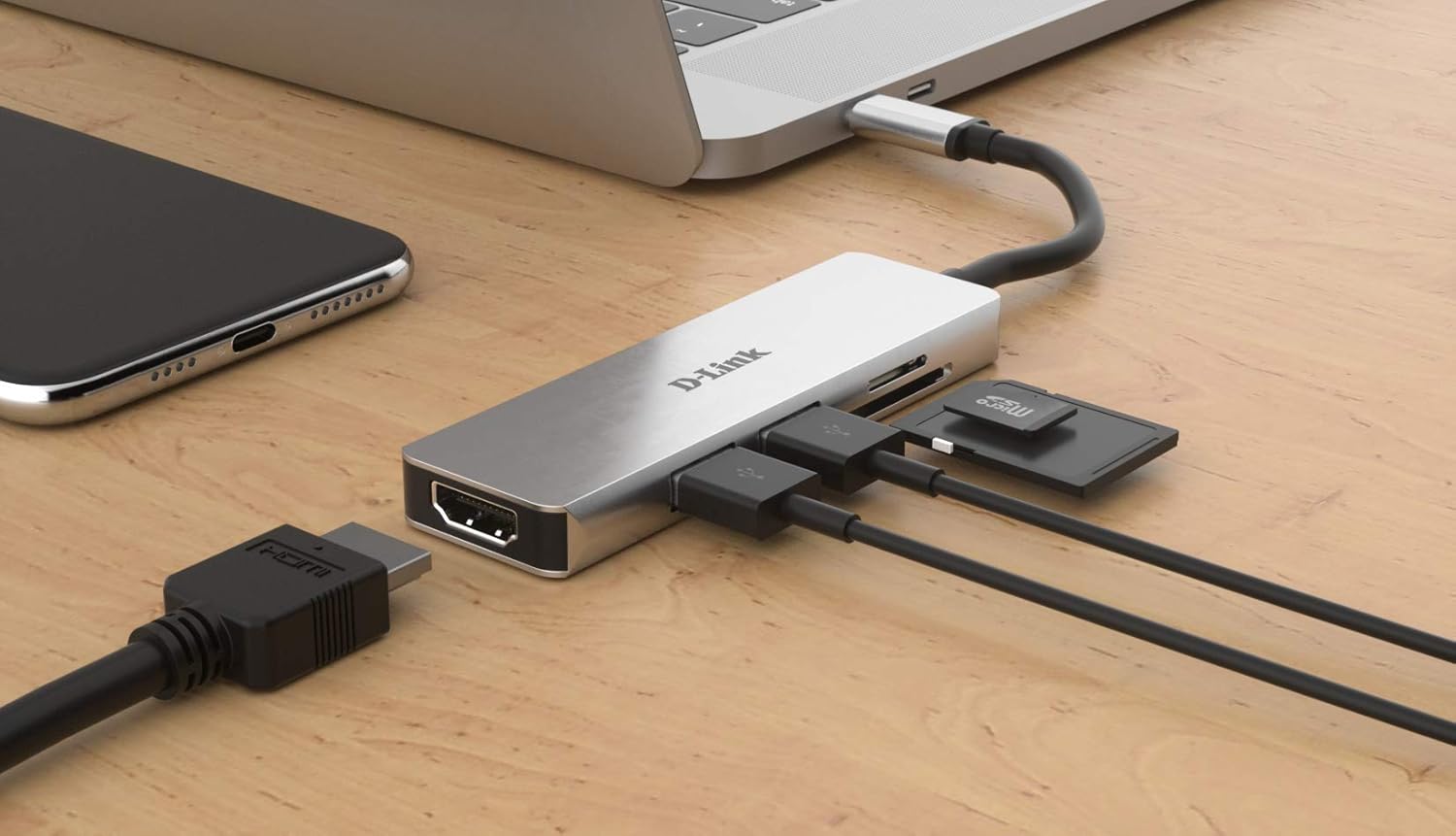
Image 2: The D-Link DUB-M530-US hub connected to a laptop via its USB-C cable. An HDMI cable, two USB devices, and an SD card are shown connected to the hub, illustrating a typical setup.
Иштөө нускамалары
Using the HDMI Port:
Once connected, your operating system should automatically detect the external display. You may need to configure display settings (e.g., extend, duplicate) within your computer's display preferences.
- Windows: Right-click on the desktop, select "Display settings," and configure multiple displays.
- MacOS: Go to "System Preferences" > "Displays" to arrange or mirror displays.
- Linux: Use your desktop environment's display configuration tool.
Using USB 3.0 Ports:
Connect any standard USB device. The ports are backward compatible with USB 2.0 devices. Data transfer speeds will depend on the connected device and the host system's capabilities.
Using SD/microSD Card Readers:
Insert your SD or microSD card into the corresponding slot. The card will appear as a removable drive in your computer's file explorer. Ensure only one card is inserted per slot at a time.
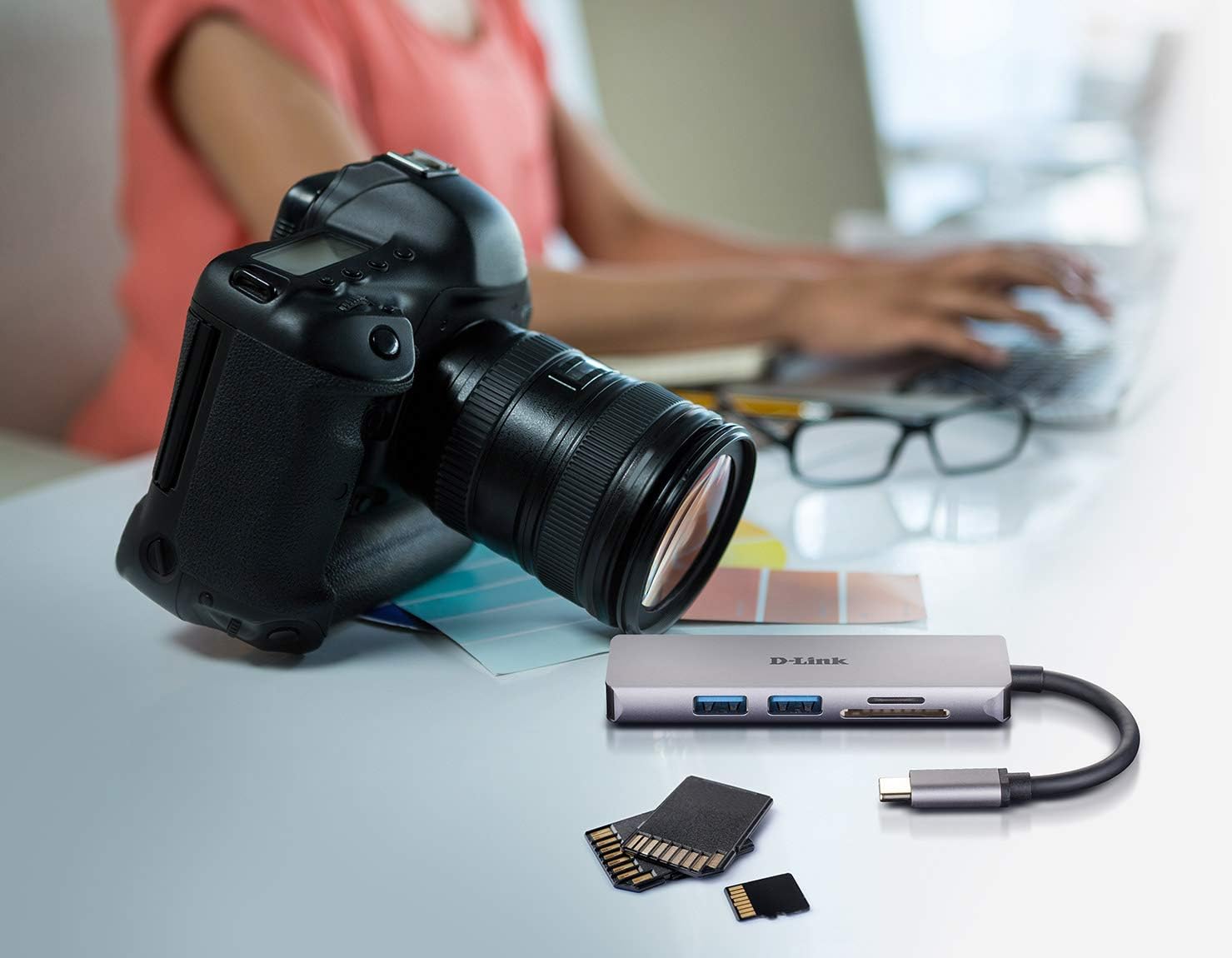
Image 3: The D-Link DUB-M530-US hub positioned next to a DSLR camera and various memory cards, illustrating its use for transferring photos and data from camera memory cards to a computer.
Техникалык тейлөө
- Keep the hub clean and free from dust. Use a soft, dry cloth for cleaning.
- Аппаратты экстремалдык температурага, нымдуулукка же тике күн нуруна тийгизүүдөн сактаңыз.
- Do not attempt to disassemble or repair the hub yourself. Refer to qualified service personnel.
- Disconnect the hub from your computer when not in use for extended periods.
Проблемаларды чечүү
- No video output via HDMI:
- Ensure your computer's USB-C port supports DisplayPort Alternate Mode. Not all USB-C ports support video output.
- Check the HDMI cable connection at both the hub and the display.
- Verify the display input source is set correctly on your monitor/TV.
- Компьютериңиздин графикалык драйверлерин жаңыртыңыз.
- Test with a different HDMI cable or display if possible.
- USB түзмөктөрү таанылган жок:
- Хабдын компьютериңизге бекем туташтырылганын текшериңиз.
- Try connecting the USB device directly to your computer to confirm it functions.
- Test the USB device in a different port on the hub.
- Some high-power USB devices may require direct connection or a powered hub.
- SD/microSD cards not detected:
- Картанын тиешелүү уячага толук жана туура салынганын текшериңиз.
- Verify the card is not physically damaged.
- Test the card with another reader or device to confirm functionality.
- Ensure only one card is inserted per slot.
Техникалык шарттар
| Өзгөчөлүк | Деталь |
|---|---|
| Модел | DUB-M530-US |
| Интерфейс | USB Type-C (Host connection) |
| Порттар | 1x HDMI, 2x USB 3.0, 1x SD Card Reader, 1x microSD Card Reader |
| HDMI Resolution | Up to 4K Ultra-HD @ 30 Hz |
| USB стандарты | USB 3.0 (USB 2.0 менен артка шайкеш келет) |
| Картаны окууну колдоо | SD, SDHC, SDXC, microSD, microSDHC, microSDXC |
| Шайкештик | USB-C and Thunderbolt 3 enabled devices (Mac, Windows, Linux) |
| Операция системасы | Linux, Mac, Windows |
| Өлчөмдөр | Болжол менен 7.8 x 5.5 x 1.5 дюйм (Пакеттин өлчөмдөрү) |
| Салмагы | Болжол менен 3.2 унция |
Кепилдик маалымат
D-Link products are backed by a limited warranty. For specific warranty terms and conditions applicable to your region, please refer to the official D-Link webсайтына же өнүмүңүз менен кошо берилген кепилдик картасына кайрылыңыз. Сатып алуунун далили катары сатып алуу дүмүрчөгүңүздү сактап коюңуз.
Техникалык колдоо
For technical assistance, product registration, or to download the latest drivers and firmware, please visit the official D-Link support webсайт:
When contacting support, please have your product model number (DUB-M530-US) and serial number ready.


