Introduction
This manual provides comprehensive instructions for the setup, operation, maintenance, and troubleshooting of your Amazon Echo Buds with Active Noise Cancellation. Please read this manual carefully to ensure proper use and to maximize the performance of your device.
Продукт бүттүview
The Amazon Echo Buds are wireless earbuds designed to deliver dynamic audio with active noise cancellation. They feature hands-free Alexa integration, a compact and comfortable design, and a long-lasting battery.

Image: Amazon Echo Buds (black) with their charging case open, showing the earbuds nestled inside. The case is compact and dark-colored.

Сүрөт: жакын план view of two black Amazon Echo Buds, highlighting their sleek design and the Amazon smile logo on each earbud.
Эмне камтылган
Your Amazon Echo Buds package includes:
- Echo Buds (2-Муун)
- Заряддоо корпусу
- 4 жуп кулак учтары
- 2 жуп канат учтары
- USB-C кабель
- Quick Start Guide
Жайгашуу
1. Charging Your Echo Buds
Before first use, fully charge your Echo Buds and the charging case. Connect the USB-C cable to the charging case and a power source. The LED indicator on the case will show charging status.
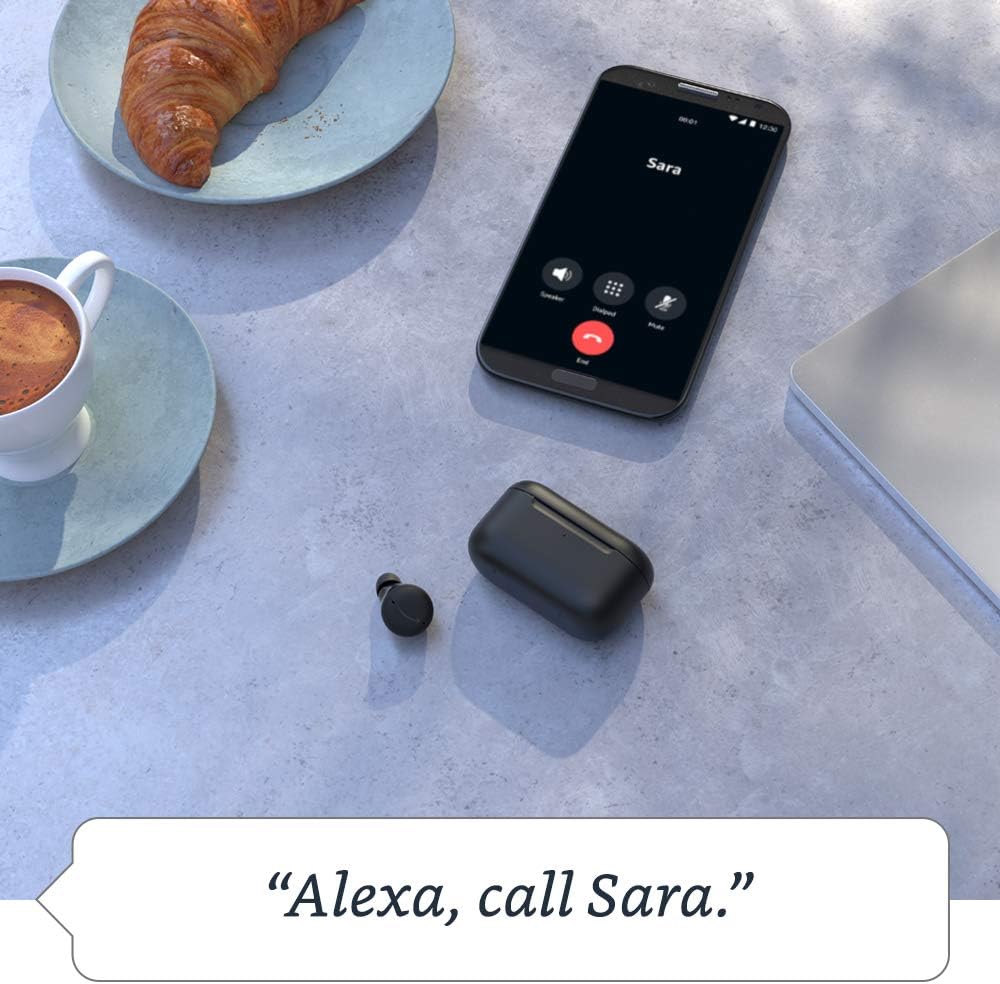
Image: The Echo Buds charging case resting on a wooden table next to a pair of glasses and a notebook, illustrating its compact size and portability.
2. Түзмөгүңүз менен жупташтыруу
- Open the charging case with the Echo Buds inside.
- Смартфонуңузда же планшетиңизде Bluetooth иштетилгенин текшериңиз.
- Open the Alexa app. If you don't have it, download it from your device's app store.
- Follow the on-screen instructions in the Alexa app to complete the pairing process.
3. Өзүңүзгө ылайыктуусун табуу
Proper fit is crucial for optimal sound quality and Active Noise Cancellation (ANC) performance. Experiment with the included ear tips and wing tips to find the most secure and comfortable fit for your ears.
- Кулакчынды кулак каналына салыңыз.
- Gently twist the earbud until it feels secure and forms a good seal.
- Use the "Ear Tip Fit Test" in the Alexa app to verify your fit.
Operating Your Echo Buds
Активдүү Шумду Жоюу (ANC)
The Echo Buds feature Active Noise Cancellation to reduce background noise. You can toggle ANC on/off or adjust its intensity via the Alexa app.

Image: A single black Echo Bud shown with a visual representation of sound waves, illustrating the concept of active noise cancellation.
Hands-Free Alexa
Access Alexa by simply saying "Alexa" followed by your command. You can use Alexa to:
- Stream music, podcasts, and Audible audiobooks.
- Чалууларды жасаңыз жана билдирүүлөрдү жөнөтүңүз.
- Set reminders and add items to your shopping list.
- Акылдуу үй түзмөктөрүн башкаруу.
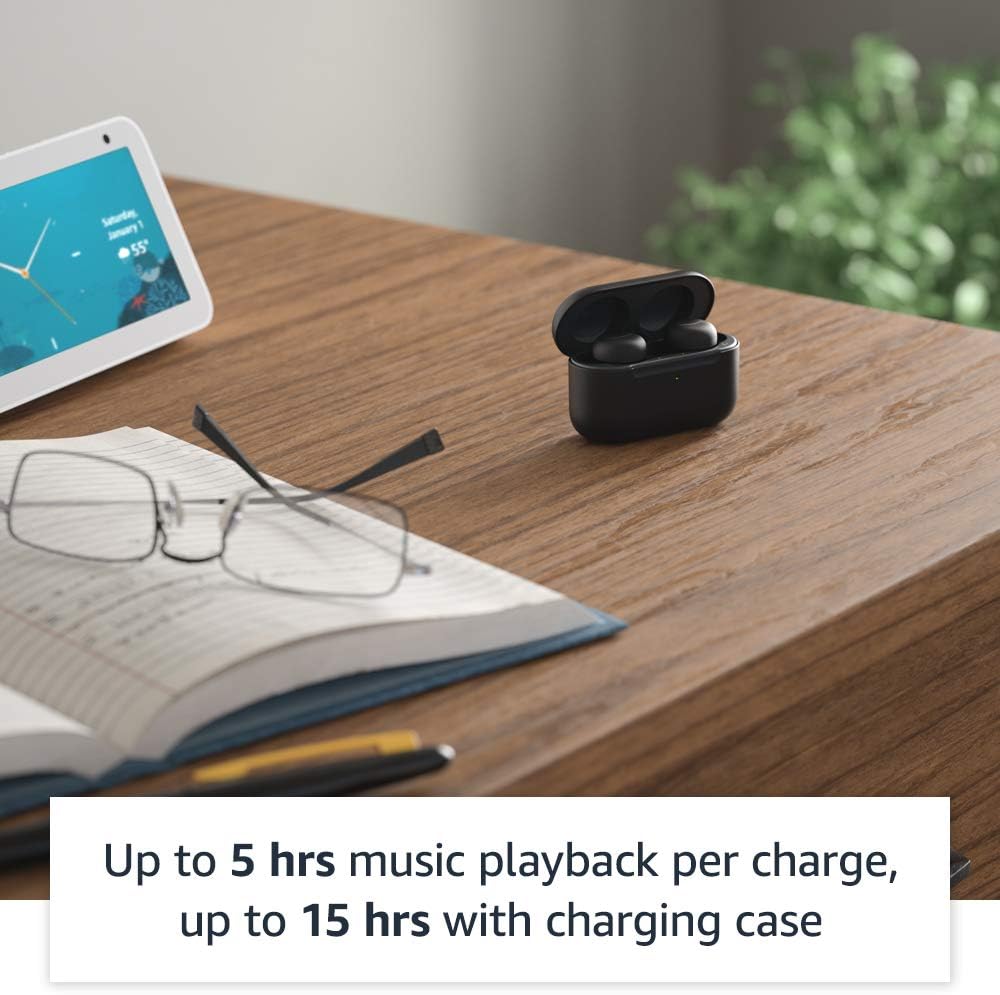
Image: A smartphone screen displaying a call interface with the text "Alexa, call Sara." below it, demonstrating the voice command feature of the Echo Buds.
Touch Controls
The Echo Buds feature customizable touch controls for playback, calls, and activating voice assistants. You can configure these settings within the Alexa app.
Көп чекиттүү жупташтыруу
The Echo Buds support multipoint pairing, allowing them to connect to two devices simultaneously and seamlessly switch between them.
Техникалык тейлөө
Cleaning Your Echo Buds
Regularly clean your Echo Buds and charging case to maintain optimal performance and hygiene.
- Кулакчындарды жана кутучаны сүртүү үчүн жумшак, кургак, түксүз чүпүрөктү колдонуңуз.
- Кулагынын учтарын алып салып, жумшак самын жана суу менен тазалаңыз, анан кайра кийер алдында жакшылап кургатып алыңыз.
- Do not use abrasive cleaners or submerge the earbuds or case in water.
Батареянын иштөө мөөнөтү
Батареянын иштөө мөөнөтүн көбөйтүү үчүн:
- Store the earbuds in the charging case when not in use.
- Charge the case regularly.
- A 15-minute quick charge provides up to 2 hours of music playback.
Проблемаларды чечүү
Жалпы маселелер жана чечимдер
| Маселе | Мүмкүн себеп | Чечим |
|---|---|---|
| Кулакчындардан үн чыкпайт | Low battery, not paired, incorrect audio output selected. | Charge earbuds, re-pair with device, check device's audio settings. |
| ANC эффективдүү эмес | Poor earbud fit, ANC disabled. | Adjust earbud fit, perform Ear Tip Fit Test in Alexa app, enable ANC in Alexa app. |
| Alexa жооп бербейт | Microphones muted, no internet connection, app issue. | Ensure mics are not muted in Alexa app, check Wi-Fi/data connection, restart Alexa app or phone. |
| Кулакчындар заряддалбай жатат | Improper placement in case, dirty charging contacts, faulty cable/charger. | Ensure earbuds are seated correctly, clean charging contacts, try a different USB-C cable/charger. |
Resetting Your Echo Buds
If issues persist, you may need to reset your Echo Buds. Refer to the Alexa app for specific instructions on performing a factory reset.
Техникалык шарттар
- Көлөм (наушник): 20.0 x 19.1 x 19.1 mm (without ear tip or wing tip)
- Size (Case): 66.8 x 28.6 x 39.1 мм
- Салмагы (кулакчын): 5.7 g (without ear tip or wing tip)
- Weight (Case): 44.4 g (47.6 g for wireless charging case)
- Байланыш: Bluetooth 5.0, Wi-Fi or mobile data connection (via Alexa app)
- Баяндамачылар: 5.7 мм динамикалык айдоочу
- Микрофондор: 3 per earbud (2 external beamforming + 1 internal)
- IPX рейтинги: IPX4 (earbuds only) - tested to withstand water splashing
- Батареянын иштөө мөөнөтү: Up to 5 hours music playback with ANC/Hands-Free Alexa; up to 15 hours total with charging case. Up to 2 hours with 15-minute quick charge.
- Процессорлор: Realtek RTL8763C Bluetooth System on Chip, NXP Digital Signal Processor
Кепилдик жана колдоо
Your Amazon Echo Buds come with a 1-year limited warranty and service. Extended warranties may be available for purchase separately.
Кошумча жардам алуу үчүн, баш багыңыз Amazon түзмөктөрүн колдоо page or contact Amazon Customer Service.
Купуялык өзгөчөлүктөрү
Amazon Echo Buds are designed with multiple layers of privacy controls, including wake word technology, a streaming indicator, a mute button in the Alexa app, and the ability to view and delete your voice recordings. For more details, visit the Alexa Privacy Hub.


