1. Киришүү
Сатып алганыңыз үчүн рахматasing the AKAI R190BT Portable DAB/Bluetooth/USB Radio. This manual provides essential information for the safe and correct operation of your device. Please read it thoroughly before use and retain it for future reference.

Сүрөт 1.1: Фронт view of the AKAI R190BT Portable Radio. The radio features a display screen, control buttons (Info/Menu, Select, Preset), and a volume knob. It has a brown speaker grille and a handle for portability.
2. Коопсуздук маалыматы
- Өрт же электр тогуна урунуп калбаш үчүн аппаратты жамгырга же нымга тийгизбеңиз.
- в ачпагылаasinг. Бардык тейлөөлөрдү квалификациялуу кызматкерлерге тапшырыңыз.
- Агрегаттын айланасын туура желдетүүнү камсыз кылыңыз.
- Аппаратты жылуулук булактарынын жанына же тике күн нуруна коюудан алыс болуңуз.
- Белгиленген кубат адаптерин же батарейкаларды гана колдонуңуз.
3. Продукт бүтүп калдыview
The AKAI R190BT is a versatile portable radio offering multiple audio playback options:
- DAB/DAB+ Digital Radio: Жогорку сапаттагы санариптик радио берүүлөрдөн ырахат алыңыз.
- Bluetooth байланышы: Туура келген түзмөктөрдөн аудиону зымсыз агым.
- USB ойнотуу: MP3 ойнотуу fileUSB флешкасынан.
- SD картаны ойнотуу: MP3 ойнотуу files SD картадан.
- AUX киргизүү: Тышкы аудио булактарын 3.5 мм аудио кабели аркылуу туташтырыңыз.
- Портативдик дизайн: Features a carry handle and can be powered by batteries for on-the-go use.
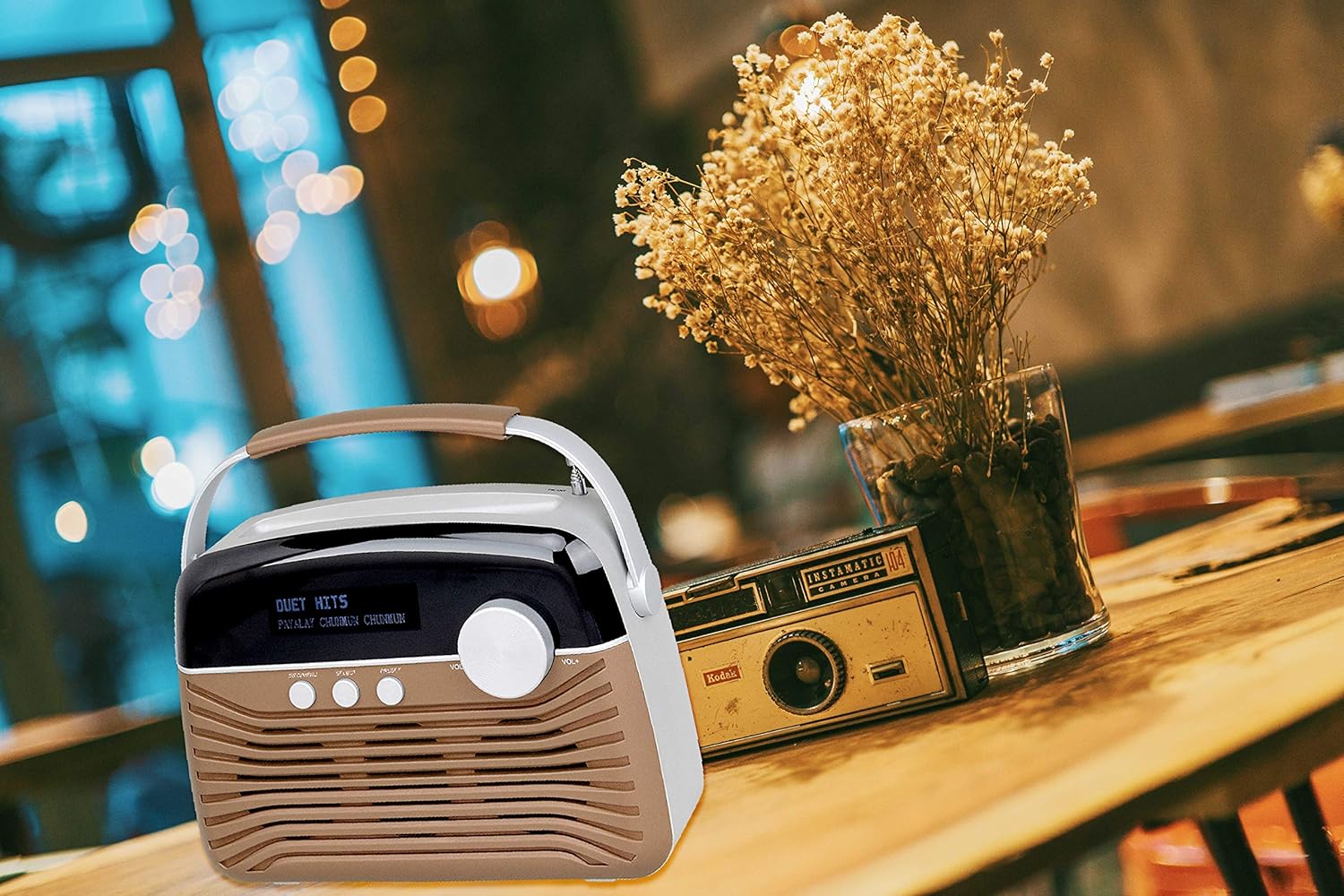
Сүрөт 3.1: The AKAI R190BT Portable Radio placed on a wooden table next to a vase of dried flowers, demonstrating its compact and portable design suitable for various indoor settings.
4. Орнотуу
4.1 Агрегатты кубаттоо
The AKAI R190BT can be powered by either AC power or batteries.
- AC кубаттуулугу: Connect the provided AC power adapter to the DC input jack on the radio and then to a standard wall outlet.
- Батарея кубаттуулугу: The unit requires 4 batteries (not included). Open the battery compartment cover on the back of the unit, insert the batteries according to the polarity markings, and close the cover securely.
4.2 Антенна
Extend the telescopic antenna fully for optimal DAB radio reception.
5. Иштөө нускамалары
5.1 Күйгүзүү/өчүрүү
басыңыз Күч button (usually integrated with the volume knob or a separate button) to turn the radio on or off.
5.2 Үндү башкаруу
айлантыңыз Көлөм үнүн жогорулатуу үчүн саат жебеси боюнча баскычты, аны азайтуу үчүн саат жебесине каршы.
5.3 DAB радио режими
- басыңыз Mode button (if available, or cycle through modes using a dedicated button) to select DAB mode.
- Радио биринчи жолу колдонулганда же сканерлөө башталганда жеткиликтүү DAB станцияларын автоматтык түрдө издейт.
- колдонуу Тандоо or navigation buttons to browse through the list of available stations.
- Басыңыз Тандоо станцияны тандооңузду ырастоо үчүн.
- To perform a full scan, navigate to the "Full Scan" option in the menu (accessed via Маалымат/Меню баскычы).
5.4 Bluetooth режими
- басыңыз Mode button to select Bluetooth mode. The display will show "Bluetooth" or a similar indicator, and the unit will enter pairing mode.
- Bluetooth иштетилген түзмөгүңүздө (смартфон, планшет ж.б.) Bluetooth'ду иштетиңиз жана жеткиликтүү түзмөктөрдү издеңиз.
- Select "AKAI R190BT" from the list of devices.
- Once paired, the radio will confirm the connection, and you can start streaming audio from your device.
5.5 USB/SD Playback Mode
- USB флеш-дискти USB портуна же SD картанын уячасына салыңыз.
- басыңыз Mode button to select USB or SD mode. The radio will automatically detect and begin playing compatible MP3 files.
- Use the navigation buttons (e.g., Previous/Next, Play/Pause) to control playback.
5.6 AUX киргизүү режими
- Connect an external audio device (e.g., MP3 player) to the AUX IN jack on the radio using a 3.5mm audio cable.
- басыңыз Mode AUX режимин тандоо үчүн баскычты басыңыз.
- Тышкы аудио түзмөгүңүздөн ойнотууну башкарыңыз.
6. Техникалык тейлөө
- Тазалоо: Агрегатты жумшак, кургак чүпүрөк менен сүртүңүз. Абразивдүү тазалагычтарды же эриткичтерди колдонбоңуз.
- Батареяга кам көрүү: Эгерде түзмөк көпкө чейин колдонулбаса, агып кетпеши үчүн батарейкаларды алып салыңыз.
- Сактагыч: Радиону салкын, кургак жерде, түз күндүн нурунан жана экстремалдык температурадан алыс сактаңыз.
7. Кыйынчылыктарды
| Көйгөй | Мүмкүн себеп | Чечим |
|---|---|---|
| Күч жок | Кубат адаптери туташтырылган эмес; Батареялар түгөндү же туура эмес орнотулган. | Check AC adapter connection; Replace batteries or ensure correct polarity. |
| Үн жок | Үнү өтө төмөн; Үнсүз режим иштетилген; Туура эмес режим тандалган. | Increase volume; Check if muted; Select the correct input mode (DAB, Bluetooth, USB, SD, AUX). |
| Начар DAB кабыл алуу | Антенна узартылган эмес; Алсыз сигнал аймагы. | Fully extend the telescopic antenna; Reposition the radio for better signal. Perform a full scan. |
| Bluetooth жупташтырылган жок | Радио жупташтыруу режиминде эмес; Түзмөк өтө алыс; Түзмөк мурунтан эле башка түзмөк менен жупташтырылган. | Ensure radio is in Bluetooth mode and "pairing"; Move device closer; Disconnect from other devices. |
| USB/SD ойнобой жатат | Туура эмес file format; USB/SD card not inserted correctly or corrupted. | камсыз кылуу fileMP3 форматында; USB/SD картаны кайра салыңыз; Башка USB/SD картаны колдонуп көрүңүз. |
8. Техникалык шарттар
| Өзгөчөлүк | Деталь |
|---|---|
| Бренд | AKAI |
| Модел | R190BT |
| Байланыш технологиясы | Bluetooth, USB |
| Аудио чыгаруу режими | Стерео |
| Динамиктин максималдуу чыгаруу күчү | 4 Ватт |
| Power Source | Battery-Powered (AC adapter also supported) |
| Батареялар талап кылынат | Yes (4 batteries, not included) |
| Камтылган компоненттер | User Manual |
| Өлчөмдөрү (пакет) | 21.5 x 19.5 x 6.5 см |
| Салмагы (пакет) | 5 кг |
| Түс | Күрөң |
9. Кепилдик жана колдоо
This product comes with a user manual. For specific warranty details, please refer to the documentation included in the product packaging or contact AKAI customer support. Information regarding software updates is currently unavailable.
For further assistance or technical support, please visit the official AKAI webсайтка же кардарларды тейлөө бөлүмүнө кайрылыңыз.


