1. Introduction and Overview
The Cshidworld Cshid MA10 Wireless Earbuds are designed to provide a superior audio experience with advanced features for everyday use. Featuring Bluetooth 5.0 technology, CVC 8.0 noise cancellation, and a portable charging case, these earbuds offer convenience, high-fidelity sound, and extended playtime. Their ergonomic design ensures a comfortable and secure fit, while IPX5 water and sweat resistance makes them suitable for various activities.

Image: Cshidworld Cshid MA10 Wireless Earbuds in their charging case.
2. Пакеттин мазмуну
Сураныч, бардык буюмдар бар экенине ынануу үчүн пакетти кылдат текшериңиз:
- 2 x TWS Bluetooth Earbuds (Left and Right)
- 1 x Portable заряддоо кутусу
- 1 x Micro USB заряддоо кабели
- 1 x User Manual
3. Продукциянын өзгөчөлүктөрү
- Bluetooth 5.0 & CVC 8.0 Noise Cancellation: Provides a stable connection, faster pairing, and clear audio with effective noise reduction for calls.
- Жогорку тактыктагы үн: Equipped with a 13mm vibrating diaphragm and HD rendering technology for natural, authentic sound and powerful bass.
- Бир кадам жупташтыруу: Automatic power-on and pairing when removed from the charging case.
- Узартылган ойноо убактысы: Up to 5 hours of playback on a single charge, with an additional 25 hours provided by the portable charging case, totaling 30 hours.
- Эргономикалык дизайн: Lightweight and designed for a secure and comfortable fit for various ear shapes.
- IPX5 сууга жана терге туруктуу: Offers protection against sweat and light splashes, ideal for workouts and outdoor activities.

Image: Advanced Bluetooth 5.0 technology within the earbud.
4. Орнотуу
4.1 Алгачкы заряддоо
Before first use, fully charge the earbuds and the charging case. Connect the Micro USB charging cable to the charging case and a power source. The charging time is approximately 1.5 hours for a full charge.

Image: Earbuds and charging case, highlighting extended playtime.
4.2 Жупташтыруу боюнча көрсөтмөлөр
Follow these steps to connect your Cshidworld earbuds to your device:
- Автоматтык күйгүзүү: For initial use, open the charging case and remove both earbuds. They will automatically power on and connect to each other. You will hear a voice prompt: "Power On" then "TWS Connected".
- Bluetooth жупташууда: On your mobile phone, open the Bluetooth settings and ensure Bluetooth is enabled for detection.
- Түзмөктү тандоо: In the list of available devices, locate and tap on "M10" to connect. The earbud LED will flash blue continuously once connected. You will hear a voice prompt: "Connected".
The earbuds are now paired and ready for use. They will automatically reconnect to the last paired device when removed from the case, if Bluetooth is enabled on the device.

Image: Instant pairing process shown on a smartphone.
5. Иштөө нускамалары
5.1 Сенсордук башкаруу
The Cshidworld Cshid MA10 earbuds feature intuitive touch controls for easy management of calls and music playback.
- Ойнотуу/тындыруу: Кулакчындарды бир жолу таптаңыз.
- Кийинки трек: Оң кулакчынды эки жолу таптаңыз.
- Мурунку трек: Сол кулакчынды эки жолу таптаңыз.
- Чалууга жооп берүү/аяктоо: Кирүүчү чалуу же активдүү чалуу учурунда гарнитураны бир жолу таптаңыз.
- Чакырууну четке кагуу: Кирүүчү чалуу учурунда кулакчындын бирин 2 секунд басып туруңуз.
- Үн Жардамчысын жандыруу: Сол кулакчынды эки жолу таптаңыз.

Image: Smart touch control feature on the earbud.
5.2 Чалууларды жасоо
The earbuds are equipped with a high-quality microphone for clear hands-free calls. Ensure both earbuds are connected for the best call experience.
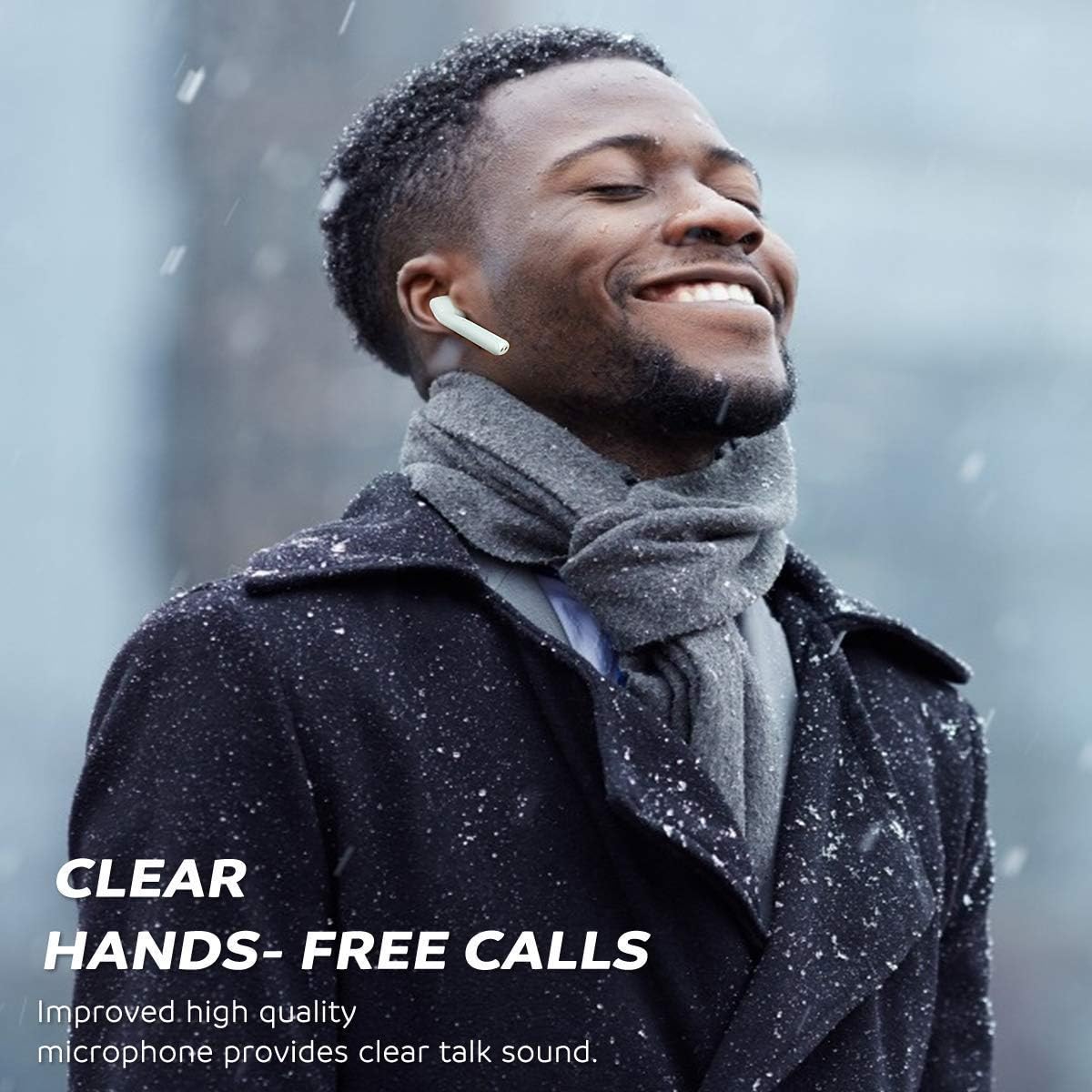
Image: Clear hands-free calls with the earbuds.
5.3 Listening to Music
Enjoy rich, clear audio for your music, podcasts, and other media. Adjust volume directly from your connected device or use the earbud controls if supported by your device and media player.
6. Техникалык тейлөө
6.1 Тазалоо
Үзгүлтүксүз тазалоо үндүн сапатын жана гигиенасын сактоого жардам берет:
- Кулакчындарды жана кубаттоочу кутуну жумшак, кургак, түксүз чүпүрөк менен акырын сүртүңүз.
- Абразивдүү тазалагычтарды, спиртти же химиялык эриткичтерди колдонбоңуз.
- Clean the charging contacts on both the earbuds and the case periodically with a dry cotton swab to ensure proper charging.
6.2 Сактоо
When not in use, store the earbuds in their charging case to protect them from dust, damage, and to keep them charged. Store in a cool, dry place away from direct sunlight and extreme temperatures.

Image: IPX5 sweat-resistant feature, suitable for active use.
7. Кыйынчылыктарды
7.1 Кулакчындарды баштапкы абалга келтирүү
If you experience connection issues or only one earbud is working, you may need to reset the earbuds:
- Мобилдик түзмөгүңүздө Bluetooth'ду өчүрүңүз.
- Ensure both earbuds are powered off.
- Place both earbuds close to each other.
- Press and hold both function buttons (touch areas) on the earbuds for 10 seconds. Release when the earbud LED flashes red once.
- The earbuds will manually power on and enter automatic pairing mode (the right earbud will flash red and blue, the left earbud LED will be off).
- Once they pair with each other, the default settings recovery is complete.
- Re-enable Bluetooth on your device and reconnect to "M10".
7.2 Жалпы маселелер
- Earbuds not connecting to each other: Perform a reset as described above.
- Кулакчындар телефонго туташпай жатат: Ensure Bluetooth is on, earbuds are charged, and try forgetting the device on your phone's Bluetooth settings before re-pairing.
- Бир кулакчындан үн чыкпайт: Check battery levels, ensure both earbuds are properly paired to each other, or perform a reset.
- Заряддоо маселелери: Кубаттоочу кабелдин бекем туташтырылганын жана кулакчындардын жана капчыктын кубаттоочу контакттары таза жана таштандылардан таза экенин текшериңиз.
8. Техникалык шарттар
| Өзгөчөлүк | Спецификация |
|---|---|
| Bluetooth версиясы | V5.0 + CSR |
| Операциялык аралык | 10 метрге чейин (33 фут) |
| Earbud Playtime | Болжол менен. Заряддоого 5 саат |
| Жалпы ойноо убактысы (капка менен) | Болжол менен 30 саат |
| Күтүү убактысы | Болжол менен 30 саат |
| Кулакчындын батареянын кубаттуулугу | 3.7V, 55mAh Li-polymer |
| Заряддоо убактысы | Болжол менен 1.5 саат |
| Сууга туруктуулук рейтинги | IPX5 (Sweat and splash resistant) |
| Салмагы | 100 грамм (жалпы таңгак салмагы) |
| Материал | Plastic, TPE, Silicone |
| Байланыш | Зымсыз Bluetooth |
9. Коопсуздук маалыматы
Please read and follow these safety guidelines for safe and optimal use of your earbuds:
- Do not expose the earbuds or charging case to extreme temperatures, humidity, or corrosive materials.
- Avoid dropping, impacting, or disassembling the device. This may cause damage and void the warranty.
- Do not use the earbuds at excessively high volumes for prolonged periods, as this can cause hearing damage.
- Кулакчындарды жана кубаттоочу кутуну балдардан жана үй жаныбарларынан алыс кармаңыз.
- Dispose of the product responsibly according to local regulations. Do not dispose of with household waste.
10. Кепилдик жана колдоо
Specific warranty details and direct customer support contact information are not available in the provided product data. Please refer to the product packaging or the retailer's website for warranty terms and customer service contacts.


