1. Киришүү
The Owon PIR313-A Multi Sensor is a versatile device designed to enhance home security and environmental monitoring. It integrates Passive Infrared (PIR) motion detection with temperature and humidity sensing capabilities, all communicating via the ZigBee protocol. This manual provides essential information for the proper installation, operation, and maintenance of your sensor.
2. Продукциянын өзгөчөлүктөрү
- ZigBee HA 1.2 Compliant: Ensures compatibility with various mainstream ZigBee hubs.
- PIR кыймылды аныктоо: Detects movement within its specified range and angle.
- Экологиялык мониторинг: Айлана-чөйрөнүн температурасын жана нымдуулугун өлчөйт.
- Жогорку туруктуулук: Designed to minimize false alarms.
- Төмөн энергия керектөө: Contributes to an extended battery life.
- Батареянын аздыгы жөнүндө эскертүү: Notifies users when battery replacement is needed.
3. Пакеттин мазмуну
Пакетти ачкандан кийин, төмөнкү заттар камтылганын текшериңиз:
- Owon PIR313-A Multi Sensor unit
- Кронштейн орнотуу
- Adhesive tape for mounting
- Колдонуучунун Колдонмосу (бул документ)
Эскертүү: Иштөө үчүн 2x AA батарейкасы талап кылынат жана алар пакетке кирбейт.
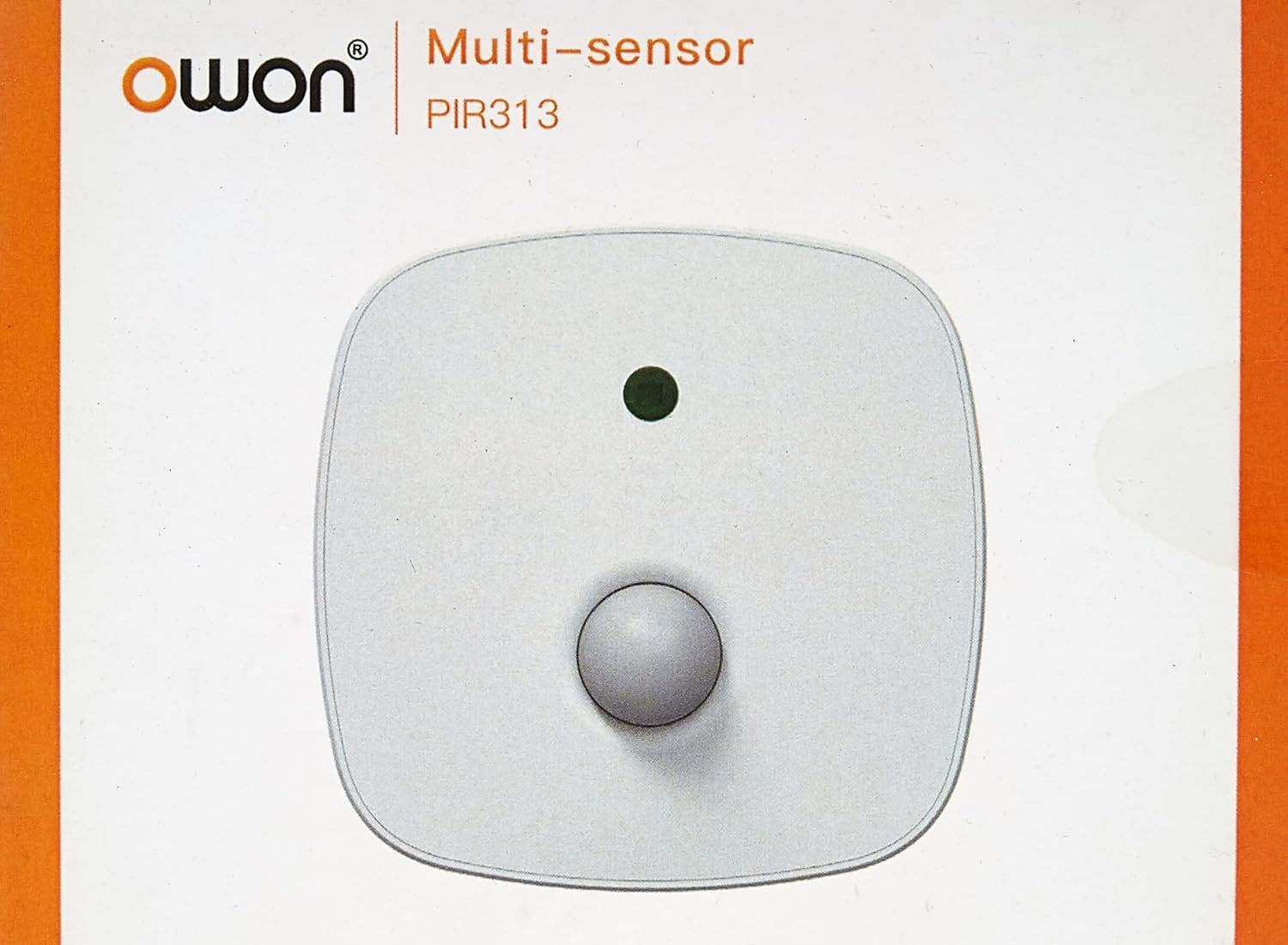
Сүрөт 3.1: Фронт view of the Owon PIR313-A Multi Sensor packaging, displaying the brand 'Owon' and model 'PIR313'.

Сүрөт 3.2: Артка view of the Owon PIR313-A Multi Sensor packaging, highlighting key features such as movement detection, temperature and humidity measurement, ZigBee compatibility, and low power consumption.
4. Коопсуздук маалыматы
- Аппаратты экстремалдык температурага, түз күндүн нуруна же жогорку нымдуулукка дуушар кылбаңыз.
- Avoid placing the device near strong magnetic fields or sources of radio frequency interference.
- Do not attempt to disassemble or modify the sensor, as this will void the warranty and may cause damage.
- Use only specified AA batteries. Ensure correct polarity when inserting batteries.
- Аппаратты балдар жетпеген жерде сактаңыз.
5. Орнотуу
5.1 Батареяны орнотуу
- Gently open the back cover of the sensor.
- Туура полярдуулукту (+/-) камсыз кылуу менен эки (2) AA батарейкасын салыңыз.
- Арткы капкакты бекем жабыңыз.

Сүрөт 5.1: Арткы view of the Owon PIR313-A Multi Sensor, showing the battery compartment cover and product label with model number PIR313.
5.2 Pairing with a ZigBee Gateway
A ZigBee Gateway (hub) is required to control and monitor this device from your smartphone or other connected devices. Refer to your ZigBee Gateway's instructions for specific pairing procedures. Generally, the steps involve:
- Put your ZigBee Gateway into pairing mode.
- On the PIR313-A sensor, locate the pairing button (often a small pinhole button). Press and hold it for a few seconds until the indicator light flashes, indicating it is in pairing mode.
- Once successfully paired, the indicator light will stop flashing or change color according to the sensor's status.
- Confirm the device appears in your ZigBee Gateway's application.
5.3 Сенсорду орнотуу
Choose a suitable location for the sensor, typically in a corner or on a wall, where it can cover the desired detection area without obstruction. Avoid placing it directly facing heat sources or windows where direct sunlight or drafts might cause false readings.
- Туура адгезияны камсыз кылуу үчүн монтаждоо бетин тазалаңыз.
- Attach the adhesive tape to the back of the mounting bracket.
- Secure the mounting bracket to the desired location.
- Сенсордук блокту монтаждоо кронштейнине бекитиңиз.

Сүрөт 5.2: Mounting accessories, including adhesive tape and a bracket, for securing the Owon PIR313-A Multi Sensor to a surface.

Сүрөт 5.3: Фронт view of the Owon PIR313-A Multi Sensor, showing the PIR lens and indicator light.
6. Иштөө
Once the sensor is installed and successfully paired with your ZigBee Gateway, it will begin to operate automatically.
- Кыймылды аныктоо: The sensor will detect movement within its 6-meter range and 120-degree angle. Upon detection, it will send a signal to your ZigBee Gateway.
- Температура жана нымдуулук мониторинги: The sensor continuously monitors the ambient temperature and humidity, transmitting this data to your ZigBee Gateway.
- Эскертмелер: Depending on your ZigBee Gateway's configuration, you can set up notifications for motion detection, temperature thresholds, humidity levels, and low battery warnings.
7. Техникалык тейлөө
- Батареяны алмаштыруу: When a low battery warning is received, replace both AA batteries promptly to ensure continuous operation. Follow the battery installation steps in Section 5.1.
- Тазалоо: Periodically wipe the sensor's exterior with a soft, dry cloth. Do not use liquid cleaners or abrasive materials, as they may damage the device. Ensure the PIR lens is kept clean and free from dust for optimal performance.
- Программалык камсыздоонун жаңыртуулары: Check your ZigBee Gateway's application for any available firmware updates for the sensor. Follow the application's instructions for updating.
8. Кыйынчылыктарды
| Маселе | Мүмкүн себеп | Чечим |
|---|---|---|
| Sensor not pairing with Gateway | Sensor not in pairing mode; Gateway not in pairing mode; Interference; Distance too great. | Ensure both sensor and Gateway are in pairing mode. Reduce distance between devices. Check for sources of interference. Try resetting the sensor (if applicable, refer to manufacturer's instructions for reset procedure). |
| Кыймылды аныктоо жок | Obstruction; Incorrect placement; Low battery; Sensor malfunction. | Ensure clear line of sight for the sensor. Reposition the sensor for optimal coverage. Replace batteries. If issue persists, contact support. |
| Температура/нымдуулук көрсөткүчтөрү туура эмес | Sensor placed near heat/cold source; Sensor exposed to direct sunlight or drafts. | Relocate the sensor away from direct heat/cold sources, sunlight, or drafts. |
| Low battery warning received | Батареялар түгөнүп калган. | Replace both AA batteries immediately following instructions in Section 5.1. |
9. Техникалык шарттар
| Параметр | Нарк |
|---|---|
| Модель номери | PIR313 |
| Operating Voltage | DC 3V (2*AA батарея) |
| Күтүү агымы | ≤40uA |
| Ойготкуч ток | ≤30mA |
| Жарыктык диапазону | 0 ~128 klx |
| Жарыктыктын резолюциясы | 0.1 лкс |
| Температура диапазону | -10~85°C |
| Температуранын тактыгы | ±0.4°C |
| нымдуулук колому | 0~80% RH |
| Нымдуулуктун тактыгы | ± 4% RH |
| Аралыкты аныктоо | 6m |
| Аныктоо бурч | 120° |
| Battery Life (All-in-one version) | Болжол менен 1 жыл |
| Тармак режими | ZigBee |
| Ad-Hoc Networking Distance | ≤ 100 m (open area) |
| Иштеп жаткан айлана-чөйрөнүн температурасы | -10 ~ 50°C |
| Иштеп жаткан чөйрөнүн нымдуулугу | Maximum 95%RH (non-condensing) |
| Анти-RF интерференциясы | 10MHz – 1GHz 20 V/m |
| Өлчөмдөрү (L x W x Y) | 83 x 83 x 28 мм |
| Элемент Салмагы | 142 г |
10. Кепилдик жана колдоо
Specific warranty terms and conditions for the Owon PIR313-A Multi Sensor may vary by region and retailer. Please retain your proof of purchase and refer to the warranty information provided at the time of purchase or contact your seller for details.
For technical support or further inquiries, please contact the manufacturer or your authorized dealer. Ensure you have your product model number (PIR313) and purchase details available when seeking support.


