PRITOM L10 Tablet User Manual
Модели: L10
1. Киришүү
Thank you for choosing the PRITOM L10 Tablet. This manual provides essential information for setting up, operating, and maintaining your device. Please read it thoroughly to ensure proper use and to maximize your tablet's performance and longevity.
2. Коопсуздук маалыматы
- Планшетти экстремалдык температурага, тике күн нуруна же жогорку нымдуулукка тийгизбеңиз.
- Планшетті түшүрүп алуудан же катуу соккуга кабылтуудан алыс болуңуз.
- Use only the charger and cables provided or approved by PRITOM to prevent damage and ensure safety.
- Планшетти суудан жана башка суюктуктардан алыс кармаңыз.
- Do not attempt to disassemble or repair the tablet yourself. Contact authorized service personnel for assistance.
- Планшетти жана анын батареясын жергиликтүү эрежелерге ылайык таштаңыз.
3. Пакеттин мазмуну
Пакетти ачкандан кийин, төмөнкү нерселердин бардыгы камтылганын текшериңиз:
- PRITOM Tronpad L10 Tablet PC
- Заряддагыч
- Type-C кабели
- HD screen film
- User Manual
4. Продукт бүтүп калдыview
The PRITOM L10 tablet features a sleek design with a 10-inch IPS HD display and a durable metal body. Familiarize yourself with the device's physical components.

Сүрөт: алдыңкы жана арткы view of the PRITOM L10 Tablet, showcasinанын дисплейи жана арткы камерасы.
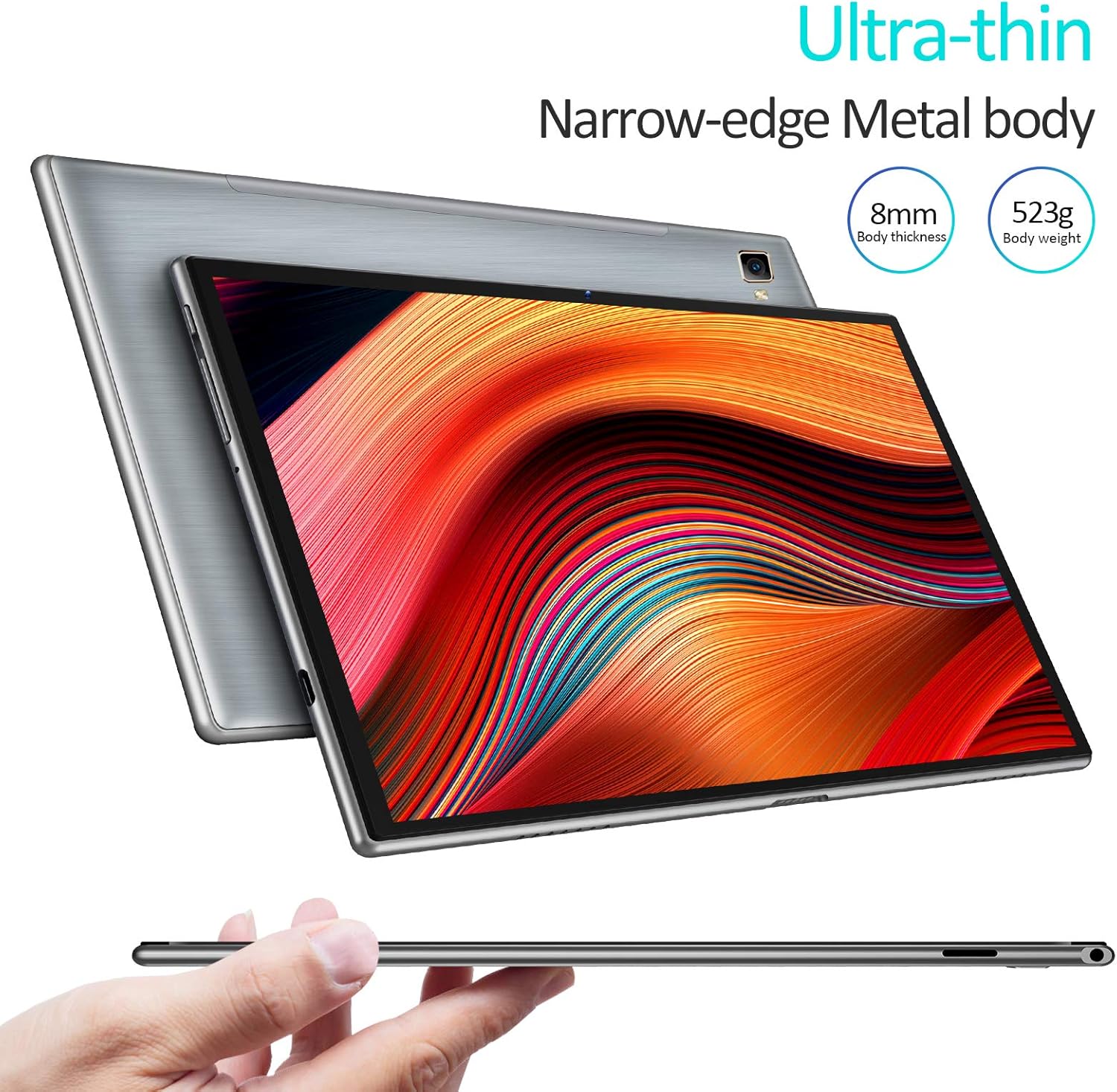
Image: The PRITOM L10 Tablet demonstrating its ultra-thin profile and narrow-edge metal body.
Физикалык компоненттер:
- Дисплей: 10-inch IPS HD (1280x800) with 2.5D glass touch panel.
- Алдыңкы камера: Дисплейдин үстүндө жайгашкан.
- Арткы камера: Located on the back panel.
- Кубат баскычы: Typically on the side or top edge.
- Үн баскычтары: Кубат баскычына жанаша.
- Тип-C Port: Заряддоо жана маалыматтарды өткөрүү үчүн.
- Микро SD карта слоту: For expandable storage (up to 128GB).
- Dual BOX Speakers: For enhanced audio output.
5. Орнотуу
5.1 Алгачкы заряддоо
Before first use, fully charge your PRITOM L10 tablet. Connect the Type-C cable to the tablet's charging port and the other end to the provided charger. Plug the charger into a power outlet. The tablet supports 15W fast charging and can be fully charged in approximately 2.8 hours.
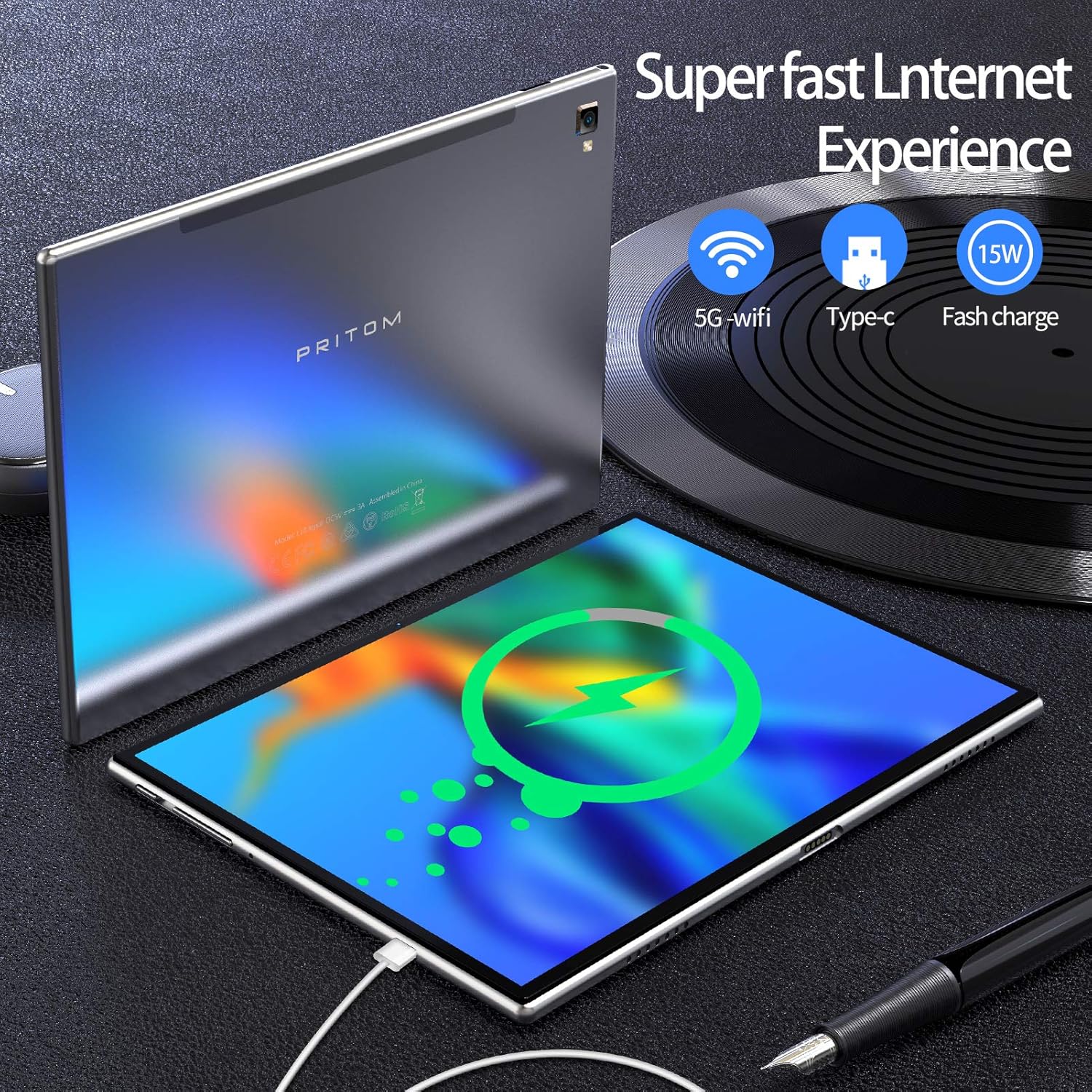
Image: The PRITOM L10 Tablet connected to a Type-C charger, illustrating its fast charging capability and 5G Wi-Fi support.
5.2 Күйгүзүү/өчүрүү
- Күйгүзүү үчүн: Press and hold the Power button until the PRITOM logo appears on the screen.
- Өчүрүү үчүн: Өчүрүү менюсу пайда болгонго чейин Күйгүзүү баскычын басып, кармап туруңуз. Түзмөктү өчүрүү үчүн "Өчүрүү" дегенди тандаңыз.
- Кайра баштоо үчүн: Өчүрүү менюсунан "Кайра баштоо" дегенди тандаңыз.
5.3 Баштапкы орнотуу устасы
The first time you power on the tablet, you will be guided through an initial setup wizard. Follow the on-screen prompts to:
- Тилиңизди тандаңыз.
- Wi-Fi тармагына туташыңыз.
- Set up your Google account (optional, but recommended for app downloads).
- Дата менен убакытты конфигурациялаңыз.
6. Планшетиңизди иштетүү
6.1 Негизги навигация
The PRITOM L10 runs on Android 10.0, offering an intuitive user interface. Use touch gestures such as tapping, swiping, pinching, and spreading to navigate the system, open apps, and interact with content.
6.2 Wi-Fi байланышы
Wi-Fi тармагына туташуу үчүн:
- барыңыз Орнотуулар > Тармак жана интернет > Wi-Fi.
- Wi-Fi күйгүзүңүз.
- Тизмеден каалаган тармакты тандаңыз.
- Эгер суралса, сырсөздү киргизип, таптаңыз Туташуу.
The tablet supports both 2.4GHz and 5GHz Wi-Fi bands for faster and more stable connections.
Сүрөт: Ылдамдыктын артыкчылыгын көрсөткөн визуалдык салыштырууtage of 2.4G+5G dual-band Wi-Fi on the PRITOM L10 Tablet.
6.3 Колдонмо башкаруу
Download and install applications from the Google Play Store. You can also manage installed apps by going to Орнотуулар > Колдонмолор жана эскертмелер.

Image: The PRITOM L10 Tablet being used for creative or productivity tasks, demonstrating its versatility for various applications.
6.4 Сактагычты башкаруу
The tablet comes with 32GB of internal storage. You can expand this by inserting a microSD card (not included) into the dedicated slot, supporting up to an additional 128GB. This allows for ample space for apps, photos, videos, and documents.

Image: A visual representation of the PRITOM L10 Tablet's 3GB RAM, 32GB ROM, and expandable storage up to 128GB.
6.5 Дисплей орнотуулары
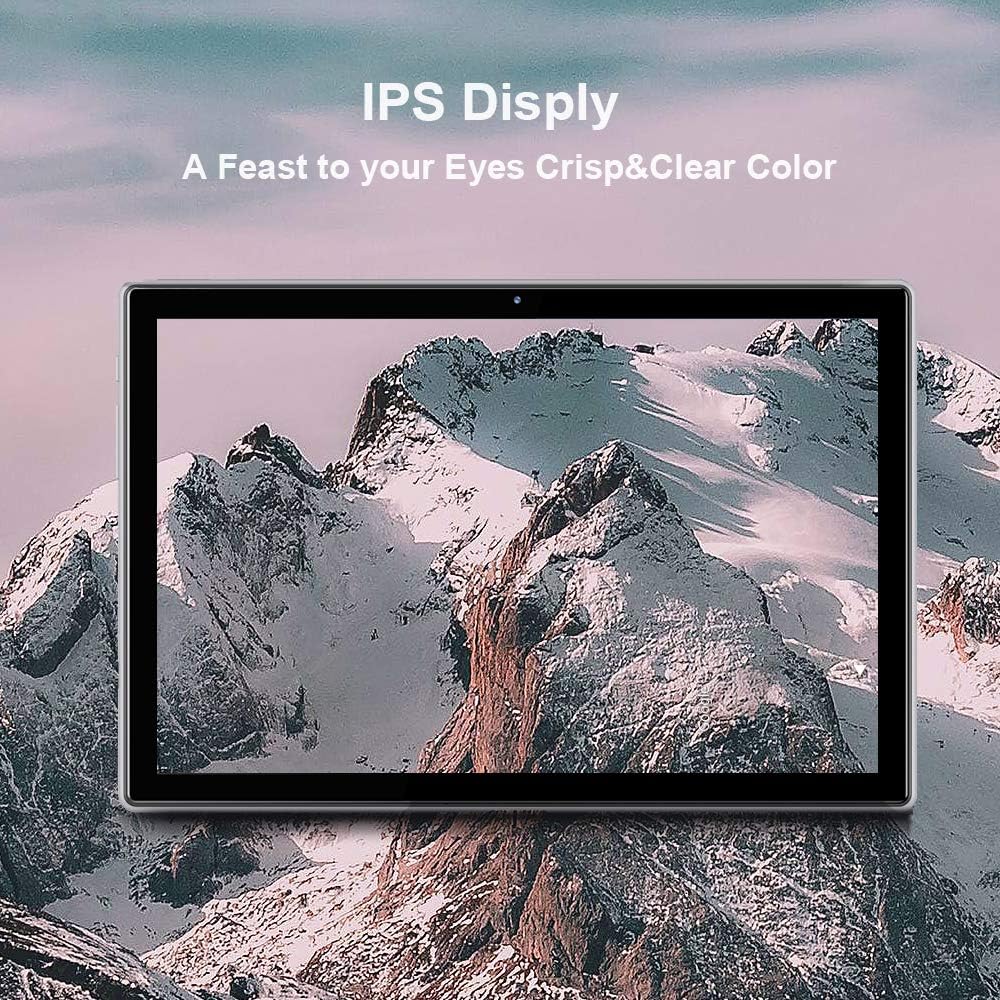
The 1280x800 HD IPS display provides crisp and clear visuals. Utilize the Eye Health mode, which automatically adjusts and optimizes the backlight for a more comfortable viewing experience, especially during nighttime reading.

Image: Close-up of the PRITOM L10 Tablet's stunning IPS display, highlighting its brilliant picture quality and 2.5D glass touch screen.
6.6 аудио
Equipped with dual BOX speakers, the PRITOM L10 enhances your audio experience with large volume and intelligent tuning for flexible music rendering and 3D surround sound.

Image: A visual representation of the PRITOM L10 Tablet's dual speaker system and intelligent tuning for enhanced audio.
7. Техникалык тейлөө
7.1 Тазалоо
Планшетиңизди тазалоо үчүн жумшак, түксүз чүпүрөктү колдонуңуз. өжөр тактар үчүн, бир аз гampчүпүрөккө суу же экран тазалоочу каражат. Катуу химиялык заттарды же абразивдик материалдарды колдонуудан алыс болуңуз.
7.2 Программалык камсыздоо жаңыртуулары
Планшетиңизде эң акыркы функциялар жана коопсуздук патчтары бар экенин текшерүү үчүн тутум жаңыртууларын мезгил-мезгили менен текшерип туруңуз. барыңыз Орнотуулар > Система > Системаны жаңыртуу.
7.3 Батареяга кам көрүү
6000 мАч батарея 10 саатка чейин иштөөгө мүмкүндүк берет. Батареянын иштөө мөөнөтүн узартуу үчүн:
- Батареяны бат-баттан толук кубаттап калуудан алыс болуңуз.
- Планшет толгондон кийин аны көпкө чейин заряддап турган абалда калтырбаңыз.
- Keep the tablet in a cool, dry place when not in use.
8. Кыйынчылыктарды
If you encounter issues with your PRITOM L10 Tablet, refer to the following common solutions:
| Көйгөй | Чечим |
|---|---|
| Планшет күйбөйт. | Ensure the tablet is fully charged. Connect the charger and wait a few minutes before attempting to power on again. |
| Wi-Fi туташуу маселелери. | Жөндөөлөрдөн Wi-Fi иштетилгенин текшериңиз. Wi-Fi роутериңизди өчүрүп күйгүзүңүз. Тармакты унутуп, кайра туташыңыз. |
| Колдонмолор жай иштеп жатат же бузулуп жатат. | Close unnecessary background apps. Clear app cache (Settings > Apps & notifications > [App Name] > Storage & cache). Restart the tablet. |
| Планшеттин сактагычы толуп калган. | Керексиз жок кылуу files or apps. Transfer media to a computer. Insert a microSD card for expandable storage. |
| Экран жооп бербей жатат. | Күйгүзүү баскычын болжол менен 10-15 секунд басып туруу менен мажбурлап өчүрүп-күйгүзүүнү аткарыңыз. |
9. Техникалык шарттар
Key technical specifications for the PRITOM L10 Tablet:
| Өзгөчөлүк | Деталь |
|---|---|
| Модель номери | L10 |
| Операция системасы | Android 10 |
| Процессор | Octa-core, 1.7 GHz ARM |
| RAM | 3 ГБ |
| Ички сактагыч | 32 ГБ |
| Кеңейтүүчү сактагыч | MicroSD up to 128 GB (not included) |
| Screen Size | 10 дюйм |
| Screen Resolution | 1280 x 800 HD IPS |
| Зымсыз түрү | 802.11ac (2.4GHz & 5GHz) |
| Батарея сыйымдуулугу | 6000mAh |
| Элемент Салмагы | 1.15 фунт |
| Продукциянын өлчөмдөрү | 9.7 x 6.4 x 0.31 дюйм |
| Түс | Silver |
10. Кепилдик жана колдоо
For warranty information and technical support, please refer to the documentation included with your purchase or visit the official PRITOM webсайт. Кепилдик дооматтар үчүн сатып алганыңыздын далилин сактаңыз.


