1. Киришүү
Thank you for choosing the VMAI 36-Inch Soundbar. This soundbar is designed to significantly enhance your home entertainment experience by delivering crystal clear, powerful audio. With multiple connectivity options and a sleek design, it integrates seamlessly into any living space. Please read this manual thoroughly before use to ensure proper setup and operation.

Image: The VMAI 36-inch soundbar in black, accompanied by its remote control, showcasing анын компакттуу жана көрктүү дизайны.
2. Пакеттин мазмуну
Сураныч, бардык буюмдар бар экенин жана жакшы абалда экендигин текшерүү үчүн пакетти кылдат текшериңиз:
- VMAI 36-Inch Soundbar
- Алыстан башкаруу
- Кубаттуу адаптер
- Оптикалык кабель
- 3.5 мм аудио кабелине RCA
- HDMI ARC кабели
- Wall Mounting Kit (screws, wall anchors, mounting brackets)
- User Manual
3. Продукциянын өзгөчөлүктөрү
- Crystal Clear үн: 60W sound output with less than 1% total harmonic distortion, providing rich and detailed audio for an immersive experience.
- Өркүндөтүлгөн Bluetooth 5.0: Ensures stable and fast wireless connectivity with low power consumption, allowing seamless streaming from your smart devices.
- Бир нече туташуу параметрлери: Supports HDMI ARC, Optical, AUX input, and USB flash drive for versatile connection to various audio sources.
- Personalized Sound Settings: Adjust sound modes (Music, Movie, News, 3D) and fine-tune treble and bass levels using the included smart remote control.
- ийкемдүү орнотуу Дизайн: Can be placed under your TV, on a cabinet, or easily mounted on the wall with the included premium mounting kit.
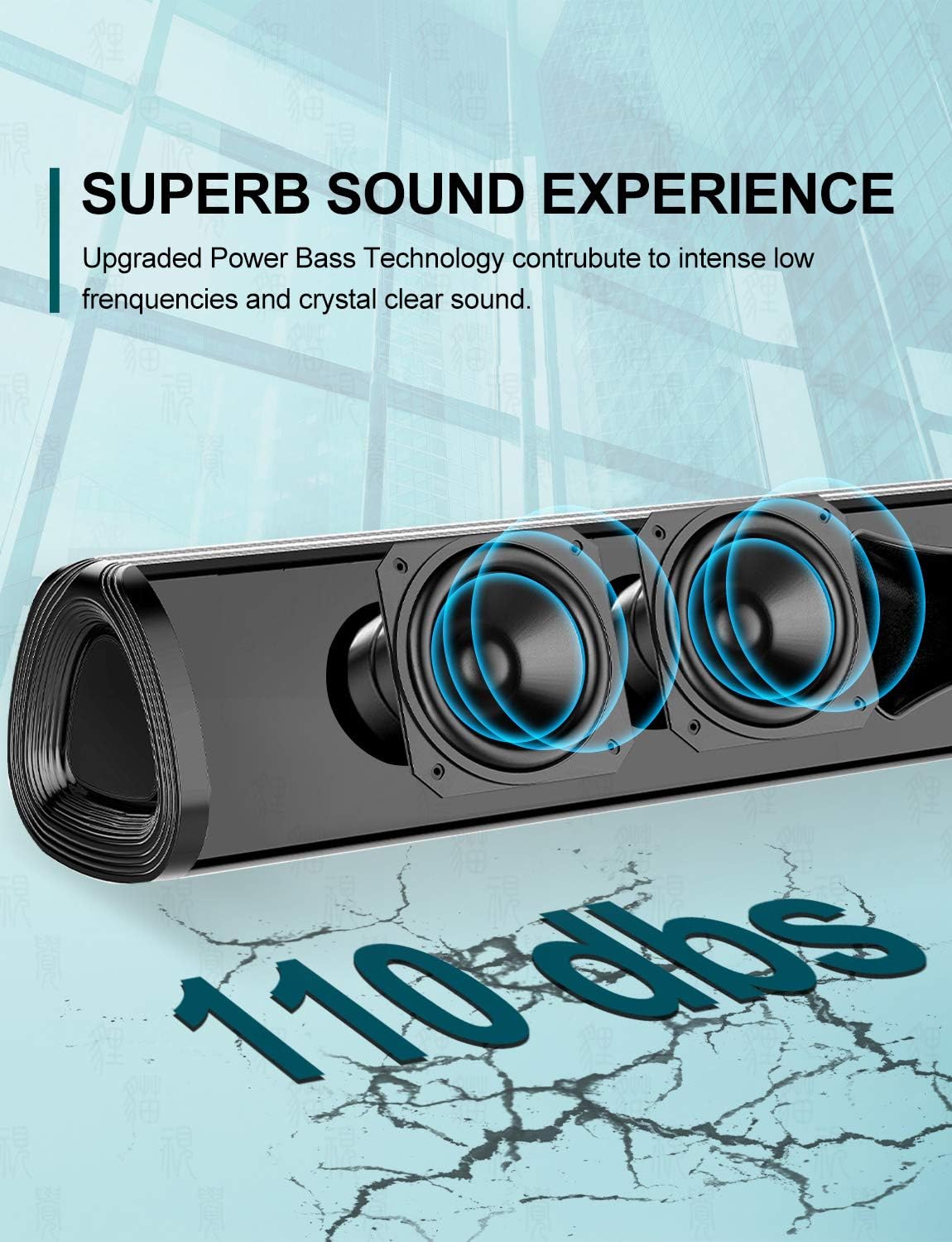
Сүрөт: жакын план view of the soundbar's internal speakers, illustrating the powerful sound output with a visual representation of 110 decibels.
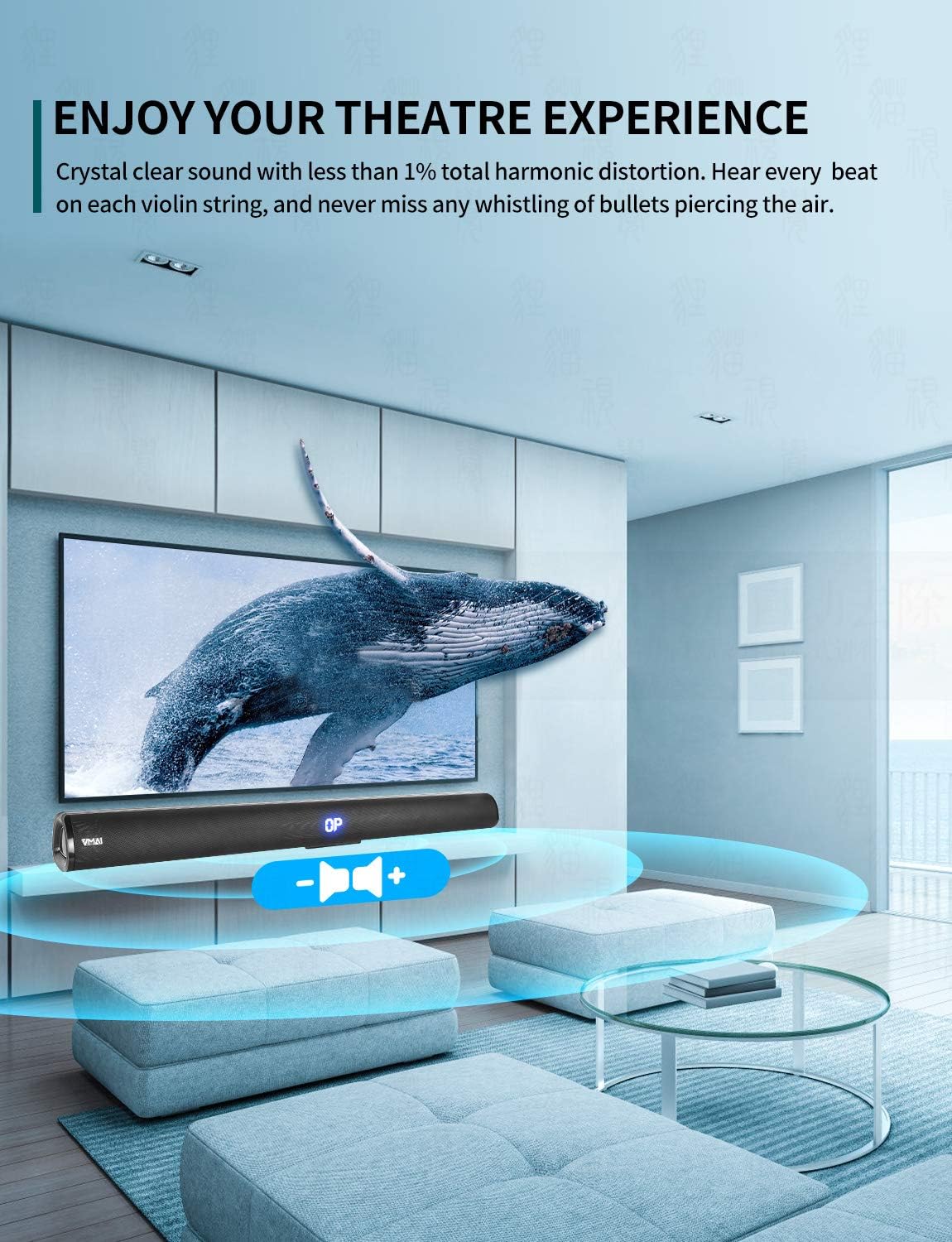
Image: A family enjoying a movie with the soundbar enhancing the audio experience, demonstrating its capability to create an immersive home theater environment.
4. Орнотуу
4.1 Жайгаштыруу параметрлери
The VMAI Soundbar offers versatile placement to suit your home setup:
- Иш тактада жайгаштыруу: Place the soundbar on a flat, stable surface directly in front of your TV. Ensure there are no obstructions in front of the soundbar to allow for optimal sound projection.
- Дубалга орнотуу: Use the included wall mounting kit to securely attach the soundbar to a wall below your TV. Refer to the detailed wall mounting instructions provided in the kit for proper installation.

Image: A visual guide demonstrating the two primary placement options for the soundbar: mounted on a wall below a television and placed on a desktop surface.
4.2 Кубат туташтыруу
- Кубат адаптерин саундбардын артындагы DC IN портуна туташтырыңыз.
- Кубат адаптеринин экинчи учун розеткага сайыңыз.
- The soundbar will enter standby mode, indicated by an LED light.
4.3 Connecting to Your TV/Devices
Choose the most suitable connection method for your device:

Image: The rear panel of the soundbar displaying its various input ports including HDMI ARC, Optical, AUX, and DC IN, along with the corresponding connection cables.
HDMI ARC Connection (Recommended)
- Connect one end of the HDMI cable (included) to the HDMI ARC port on the soundbar.
- Экинчи учун телевизоруңуздагы HDMI ARC портуна туташтырыңыз.
- Ensure your TV's HDMI ARC function is enabled in its settings. This allows you to control the soundbar volume with your TV remote.
Оптикалык туташуу
- Connect one end of the Optical cable (included) to the OPTICAL port on the soundbar.
- Connect the other end to the Optical Digital Audio Out port on your TV or audio source.
- Ensure your TV's audio output is set to 'PCM' format, as some TVs may default to other formats incompatible with optical input.
AUX туташуу
- Connect one end of the RCA to 3.5mm audio cable (included) to the AUX port on the soundbar.
- Connect the RCA ends to the corresponding audio output ports (usually red and white) on your TV or audio source.
Bluetooth туташуу
- Power on the soundbar and select 'Bluetooth' input mode using the remote or side buttons. The LED display will show 'BT'.
- Смартфонуңузда же башка түзмөгүңүздө Bluetooth'ду иштетиңиз.
- Издөө 'VMAI Soundbar' in the list of available devices and select it to pair.
- Once paired, the soundbar will indicate a successful connection, and you can play audio wirelessly.
USB (Flash Drive) Connection
- MP3 аудиосу бар USB флэш-дискти салыңыз fileүн панелиндеги USB портуна.
- The soundbar will automatically switch to USB mode and begin playing the audio files.
5. Иштөө нускамалары
5.1 Башкаруу
The soundbar can be controlled via the side panel buttons or the included remote control.

Сүрөт: деталдуу view of the soundbar's remote control and its side panel buttons, highlighting the various controls for power, volume, and input selection.
Side Panel Buttons:
- Кубат баскычы: Саундбарды күйгүзүү/өчүрүү үчүн басыңыз.
- Киргизүүнү тандоо баскычы: Press to cycle through input modes (HDMI ARC, Optical, AUX, Bluetooth, USB).
- Үн - / + баскычтары: Үндү азайтуу же жогорулатуу үчүн басыңыз.
Алыстан башкаруу функциялары:
- Power (⏸): Turns the soundbar On/Off.
- Үнсүз (🔇): Үндүн үнүн өчүрөт же ачат.
- Киргизүү: Киргизүү режимдери аркылуу циклдерди өткөрөт.
- Көлөм +/-: Негизги үндү тууралайт.
- Бас +/-: Басс деңгээлин тууралайт.
- Требл +/-: Үчтүк деңгээлди тууралайт.
- Үн режимдери:
- МУЗЫКА: Музыка ойнотуу үчүн оптималдаштырылган.
- КИНО: Enhanced for cinematic audio.
- ЖАНЫЛЫКТАР: Clearer dialogue for news and talk shows.
- 3D: Creates a virtual surround sound effect.
- Bluetooth Pairing (PAIR): Bluetooth жупташтыруу режимин баштайт.
- Playback Controls (for USB/Bluetooth): Ойнотуу/тындыруу, мурунку трек, кийинки трек.
6. Техникалык тейлөө
To ensure the longevity and optimal performance of your VMAI Soundbar, follow these maintenance guidelines:
- Тазалоо: Use a soft, dry cloth to wipe the surface of the soundbar. Do not use liquid cleaners, abrasive cleaners, or chemical sprays, as they may damage the finish or internal components.
- Вентиляция: Ашыкча ысып кетүүнүн алдын алуу үчүн саундбардын желдеткичтери жабылбаганын текшериңиз.
- Сактагыч: If storing the soundbar for an extended period, disconnect it from power and store it in a cool, dry place away from direct sunlight and extreme temperatures.
- Нымдуулуктан качыңыз: Keep the soundbar away from water and high humidity environments. It is not waterproof.
7. Кыйынчылыктарды
If you encounter any issues with your soundbar, please refer to the following common problems and solutions:
| Көйгөй | Мүмкүн себеп | Чечим |
|---|---|---|
| Саундбардан үн жок |
|
|
| Бурмаланган же начар үн сапаты |
|
|
| Пульт иштебей жатат |
|
|
| Bluetooth жупташуу көйгөйлөрү |
|
|
8. Техникалык шарттар
| Өзгөчөлүк | Деталь |
|---|---|
| Модель аты | HD-019 |
| Динамик түрү | Саундбар |
| Өзгөчөлүктөр | Зымсыз, Bluetooth, Ampөмүрлүү |
| Сунушталган Колдонуулар | Үй театры |
| Шайкеш түзмөктөр | TV, Projector, Computer, Blu-ray player, Tablet, XBOX, PS5, Ampкөтөргүч, смартфон |
| Controller Type | Баскыч, алыстан башкаруу |
| Айланадагы үн конфигурациясы | 2.0 канал |
| Түс | Jet Black |
| Продукциянын өлчөмдөрү (D x W x Y) | 7.8 см х 90 см х 7.6 см |
| Элемент Салмагы | 2 килограмм |
| Максималдуу Bluetooth диапазону | 15 метр |
| Динамиктин максималдуу чыгаруу күчү | 60 Ватт |
| Байланыш технологиясы | Wired (HDMI ARC, Optical, AUX, USB), Bluetooth (Wireless) |
| Монтаж түрү | Дубалга орнотуу, Үстөл үстүндөгү |
9. Кепилдик жана колдоо
The VMAI 36-Inch Soundbar comes with a 12 айлык кепилдик сатып алынган күндөн тартып. Бул кепилдик өндүрүштүн кемчиликтерин жана нормалдуу колдонуудагы чеберчиликти камтыйт.
For technical support, warranty claims, or any questions regarding your product, please contact VMAI customer service through the retailer's platform or visit the official VMAI website for contact information. Please have your purchase receipt and product model number (HD-019) ready when contacting support.


