1. Киришүү
The Zebronics ZEB-BS2H1000 is a high-performance 2D handheld barcode scanner designed for efficient and accurate data capture. It supports USB connectivity, making it compatible with various systems such as desktops and laptops. This manual provides essential information for setting up, operating, and maintaining your scanner.
2. Продукт бүтүп калдыview
Familiarize yourself with the components of your ZEB-BS2H1000 barcode scanner.
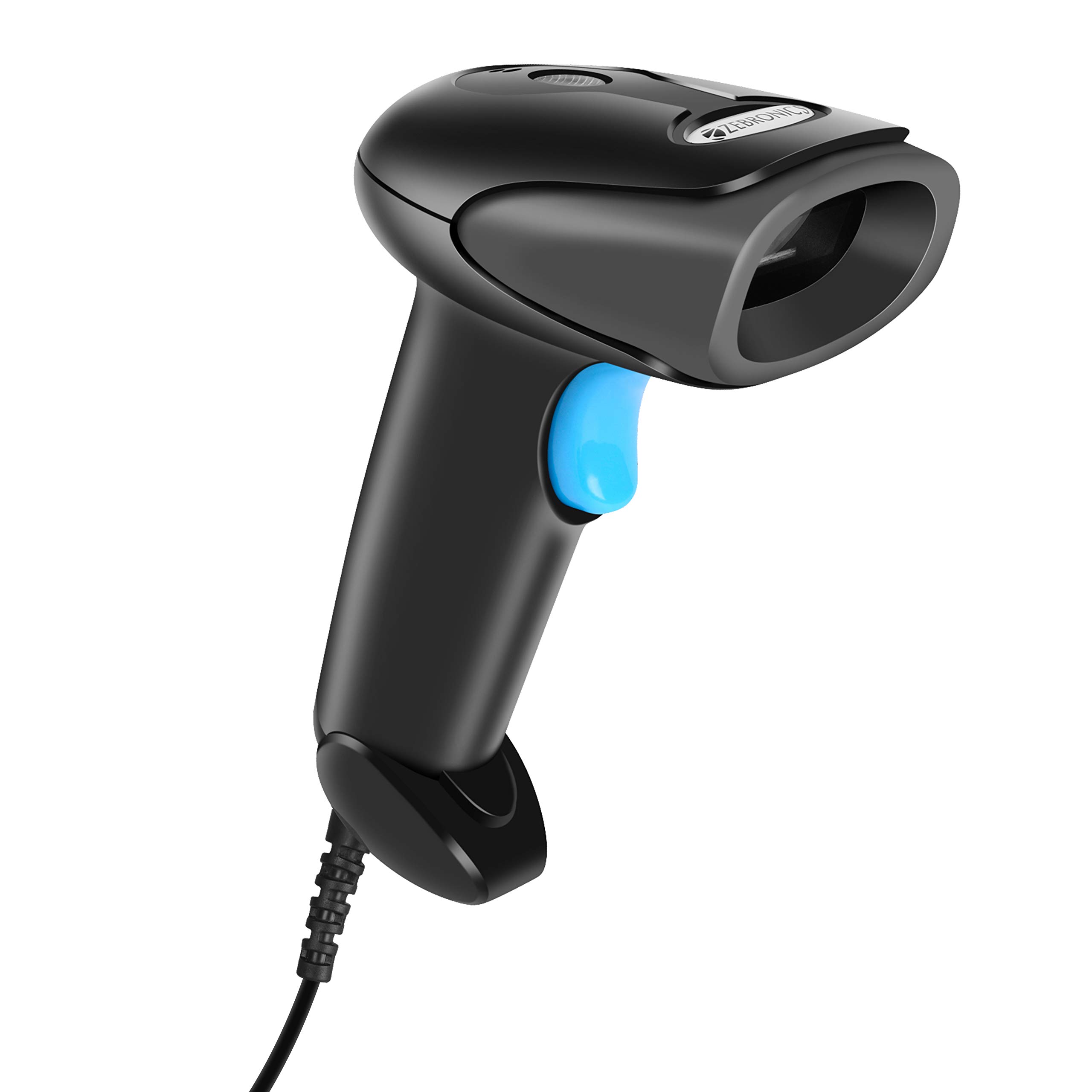
Фронт view of the Zebronics ZEB-BS2H1000 2D Handheld Barcode Scanner.

Key features of the scanner: 2D scanning capability, USB interface for connectivity, trigger for operation, and an LED indicator for status.

The scanner includes a speaker for audible feedback and a light source for illuminating barcodes during scanning.

Ergonomic hand grip for comfortable use and a prominent trigger button for initiating scans.
3. Орнотуу
Follow these steps to set up your Zebronics ZEB-BS2H1000 barcode scanner.
- Сканерди таңгактан чыгаруу: Сканерди жана анын USB кабелин таңгактан этияттык менен алып чыгыңыз.
- Компьютерге туташуу: Plug the USB cable from the scanner into an available USB port on your desktop or laptop computer.
- Драйверди орнотуу: The scanner is typically plug-and-play. Your operating system should automatically detect and install the necessary drivers. No manual driver installation is usually required.
- Ырастоо: Once connected, the scanner's LED indicator may light up, and you might hear a short beep, indicating it is ready for use.
4. Иштөө нускамалары
Learn how to effectively use your ZEB-BS2H1000 scanner for barcode reading.

The scanner being used to read a QR code on a package, demonstrating its application in inventory or shipping.
- Hold the Scanner: Grip the scanner comfortably in your hand.
- Aim at Barcode: Point the scanner's light source directly at the barcode you wish to scan. Ensure the entire barcode is within the scanning area.
- Press the Trigger: Press and hold the trigger button. The scanner will emit a light beam.
- Scan Confirmation: Upon a successful scan, the scanner will typically emit a beep (from the speaker) and the LED indicator will flash. The scanned data will appear in the active application on your connected computer.
- 2D штрих-код сканерлөө: This scanner is capable of reading both 1D and 2D barcodes, including QR codes.
The ZEB-BS2H1000 is suitable for various applications:
- Airport / Hotels Check-in
- Сатуу пункту (POS)
- Складды башкаруу
- Китепканалар
- Cargo & Shipping
- Attendance & Biometrics
- Courier Services
- Super Markets
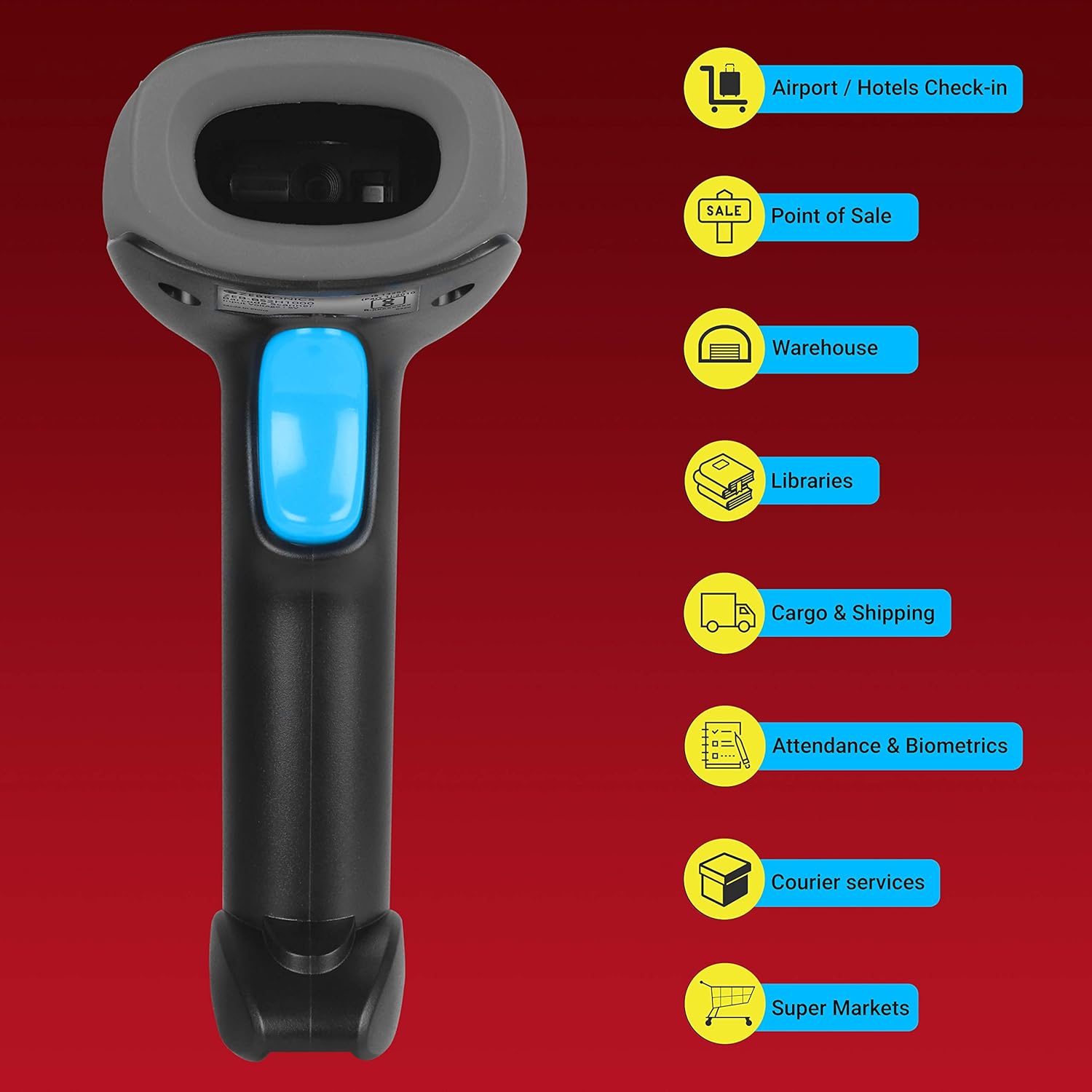
Visual representation of common environments where the ZEB-BS2H1000 barcode scanner can be effectively utilized.
5. Техникалык тейлөө
Тийиштүү техникалык тейлөө сканериңиздин узак мөөнөттүү иштешин жана оптималдуу иштешин камсыз кылат.
- Тазалоо: Use a soft, dry, lint-free cloth to clean the scanner's exterior. For the scanning window, use a soft cloth lightly dampened with water or a mild, non-abrasive cleaner. Avoid harsh chemicals or abrasive materials.
- Сактагыч: Сканерди күн нурунан жана экстремалдык температурадан алыс салкын, кургак жерде сактаңыз.
- Кабельге кам көрүү: Ички зыян келтирбөө үчүн USB кабелин өтө ийип же бурап албаңыз.
6. Кыйынчылыктарды
Эгерде сиз сканериңиз менен көйгөйлөргө туш болсоңуз, төмөнкү кеңири таралган көйгөйлөрдү жана чечимдерди караңыз.
| Көйгөй | Мүмкүн себеп | Чечим |
|---|---|---|
| Сканер күйбөйт же жооп бербейт. | USB кабели туура эмес туташкан же USB порту бузук. | USB кабелинин сканерге да, компьютерге да бекем сайылганын текшериңиз. Башка USB портун колдонуп көрүңүз. |
| Сканер штрих-коддорду окубайт. | Barcode is damaged, poorly printed, or scanner is not aimed correctly. | Ensure the barcode is clear and undamaged. Aim the scanner directly at the center of the barcode. Try scanning a different, known-good barcode. |
| Сканерленген маалыматтар туура эмес же толук эмес. | Partial scan or incorrect scanner settings. | Ensure the entire barcode is scanned. If issues persist, consult the product support for advanced configuration options. |
| No beep or LED flash after scanning. | Scanner feedback settings disabled or scanner malfunction. | Check if the scanner is successfully transmitting data to the computer. If so, feedback settings might be off. If not, refer to power-on troubleshooting. |
7. Техникалык шарттар
Technical specifications for the Zebronics ZEB-BS2H1000 barcode scanner.
- Бренд: ЗЕБРОНИКА
- Модел: ZEB-BS2H1000
- Түзмөк түрү: Колдук 2D штрих-код сканери
- Байланыш технологиясы: USB кабели
- Шайкеш түзмөктөр: Иш такта, ноутбук
- Продукциянын өлчөмдөрү: 8.6 x 6.5 x 16.5 см
- Элемент Салмагы: 120 г
- Монтаждоочу аппаратура: Barcode Scanner - 1 unit
- Батареялар талап кылынат: Жок
8. Кепилдик жана колдоо
For warranty information or technical assistance, please contact Zebronics customer support. Details can typically be found on the official Zebronics webсайтында же продуктунун таңгагында.


