Introduction
The Lexon City USB Key is a compact and portable 32 GB flash drive designed for convenient data storage and transfer. This manual provides essential information for the proper use and care of your device.
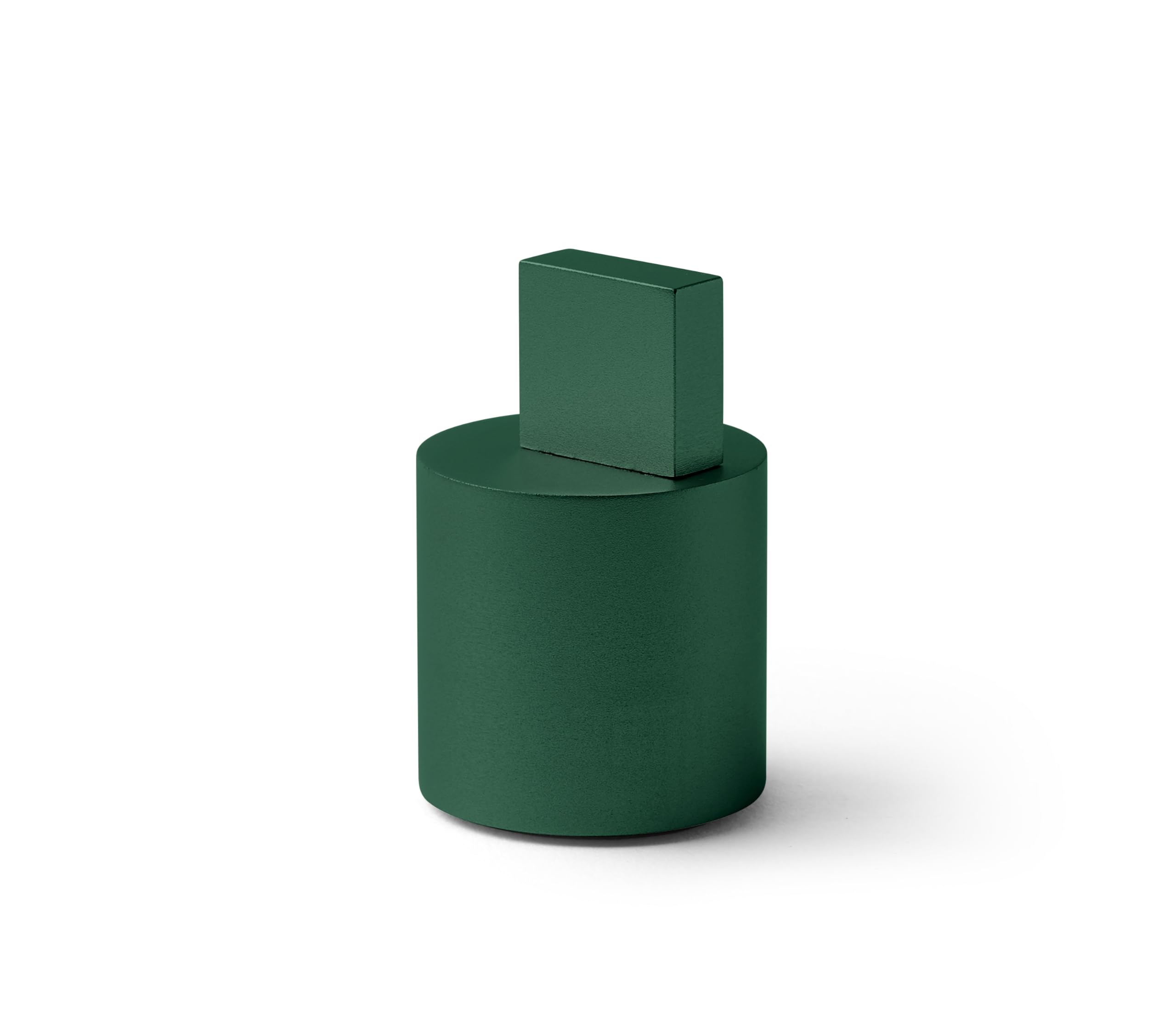
Image: The Lexon City USB Key in Soft Green, showing its compact design.
Продукт бүттүview
The Lexon City USB Key consists of two main parts: the USB flash drive and its protective cap. The cap is designed to protect the USB connector when not in use.
- USB туташтыргычы: Standard USB Type-A for connecting to computers and other devices.
- Flash эстутум: 32 GB capacity for storing digital files.
- Коргоочу капкак: Covers the USB connector to prevent damage and dust accumulation.

Image: The Lexon City USB Key with its cap removed, inserted into a laptop's USB port. The cap rests beside it.
Жайгашуу
- Капкакты алып салуу: Gently pull the protective cap off the USB key to expose the USB connector.
- USB портуна салыңыз: Insert the USB key into an available USB Type-A port on your computer or compatible device. Ensure the connector is oriented correctly to avoid damage.
- Түзмөктү таануу: Your operating system should automatically detect the USB key. A new drive letter or device icon will appear in your file изилдөөчү же иш тактасы.

Сүрөт: жакын план view of the Lexon City USB Key, in green, fully inserted into the USB port of a silver laptop. The cylindrical cap is placed next to the laptop.
Иштөө нускамалары
Once the USB key is recognized by your device, you can begin transferring files.
Өткөрүлүүдө Files to the USB Key:
- Компьютериңизди ачыңыз file explorer (e.g., Windows Explorer, Finder).
- табыңыз files or folders you wish to transfer.
- Тандалгандарды сүйрөп барып таштаңыз files/folders to the Lexon City USB Key drive icon, or copy and paste them into the drive.
- Wait for the transfer process to complete. Do not remove the USB key during file өткөрүп берүү.
Өткөрүлүүдө Files from the USB Key:
- Open the Lexon City USB Key drive in your file изилдөөчү.
- табыңыз files or folders you wish to transfer.
- Тандалгандарды сүйрөп барып таштаңыз files/folders to your desired location on your computer, or copy and paste them.
- Өткөрүп берүү процессинин аягына чыгышын күтүңүз.
Safely Removing the USB Key:
Always safely eject the USB key before physically removing it to prevent data corruption.
- Windows: Click the "Safely Remove Hardware and Eject Media" icon in the system tray, then select the USB key.
- MacOS: Drag the USB key icon from your desktop or Finder sidebar to the Trash, or right-click (Control-click) the icon and select "Eject."
Техникалык тейлөө
- Коргоо: Always keep the protective cap on the USB key when not in use to shield the connector from dust, dirt, and physical damage.
- Тазалоо: If necessary, gently wipe the exterior of the USB key with a soft, dry, lint-free cloth. Do not use liquid cleaners or solvents.
- Сактагыч: Store the USB key in a cool, dry place, away from extreme temperatures, direct sunlight, and strong magnetic fields.
- Физикалык стресстен качыңыз: Do not bend, drop, or apply excessive force to the USB key.
Проблемаларды чечүү
| Көйгөй | Мүмкүн себеп | Чечим |
|---|---|---|
| USB key not recognized. | Incorrect insertion, faulty USB port, driver issue. |
|
| Которуу мүмкүн эмес files. | Insufficient space, file system limitations, write protection. |
|
| "Аппаратты коопсуз алып салуу" опциясы жеткиликтүү эмес. | Files are still in use by an application. |
|
Техникалык шарттар
| Бренд | Лексон |
| Модель аты | CITY USB KEY |
| Элемент моделинин номери | LD136V9 |
| Эстутум сактоо сыйымдуулугу | 32 ГБ |
| Flash эс тутум түрү | CompactFlash (Note: This is likely a generic category, actual internal memory type is NAND Flash) |
| Аппараттык интерфейс | USB |
| Аппараттык байланыш технологиясы | USB түрү А |
| Продукциянын өлчөмдөрү | 1.22"D x 1.22"W x 0.28"H |
| Элемент Салмагы | 2.46 унция |
| Түс | ЖАШЫЛ |
| Өзгөчө өзгөчөлүк | Жеңил |
Кепилдик жана колдоо
The Lexon City USB Key typically comes with a 1-year international warranty. For specific warranty details and to register your product, please refer to the documentation included with your purchase or visit the official Lexon webсайт.
For technical support or further assistance, please contact Lexon customer service through their official webсайт: lexon-design.com.

Image: The back of the Lexon City USB Key packaging, displaying regulatory compliance symbols (CE, FC, recycling) and the official website address: lexon-design.com.


