Introduction
The Trust Primo Touch Bluetooth True Wireless Earphones offer a truly wireless audio experience with intuitive touch controls. Designed for freedom and convenience, these earphones provide up to 10 hours of playtime on the go, thanks to their compact charging case.
- Truly wireless earphones for ultimate freedom (10 meter range).
- Stylish and on-trend design.
- Comfort fit ear shell pods that keep you alert for nearby sounds.
Продукт бүттүview

The Trust Primo Touch True Wireless Earbuds are shown in their open charging case, with both earbuds upright and ready for use or charging.

A detailed close-up of the Trust Primo Touch True Wireless Earbuds, showcasing their sleek design and the subtle Trust branding.

A user enjoying music outdoors with the Trust Primo Touch Earbuds, demonstrating the freedom of movement provided by the wireless design.
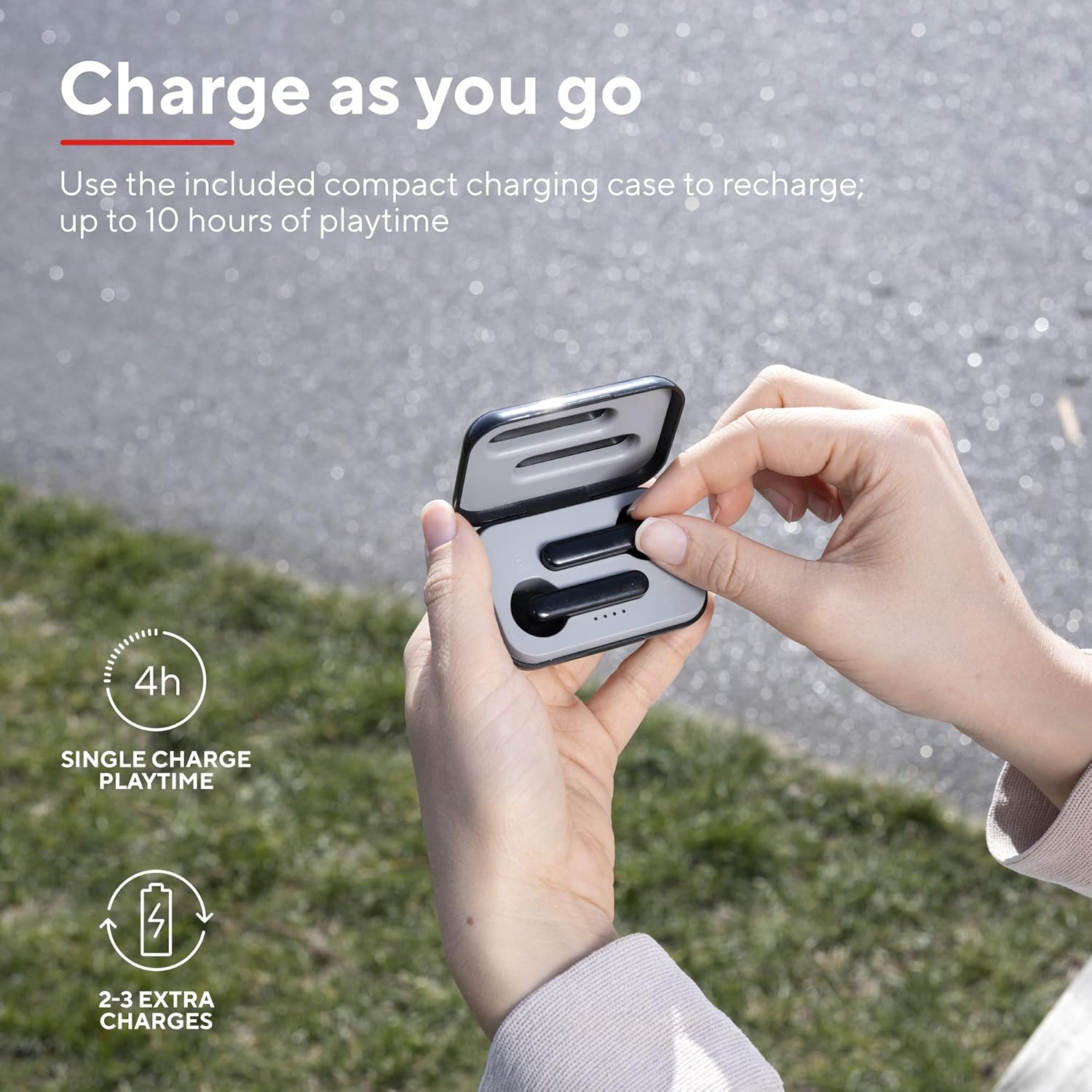
A user placing an earbud into the compact charging case, highlighting the convenience of recharging on the go for extended playtime.

Жакын план view of the earbuds, showcasing their modern, minimalist design and emphasizing their clear sound quality.

A user interacting with the touch controls on an earbud, illustrating the ease of managing audio playback and calls without reaching for a device.

А тарап проfile of a person wearing one of the earbuds, demonstrating its ergonomic design for a comfortable and secure fit.
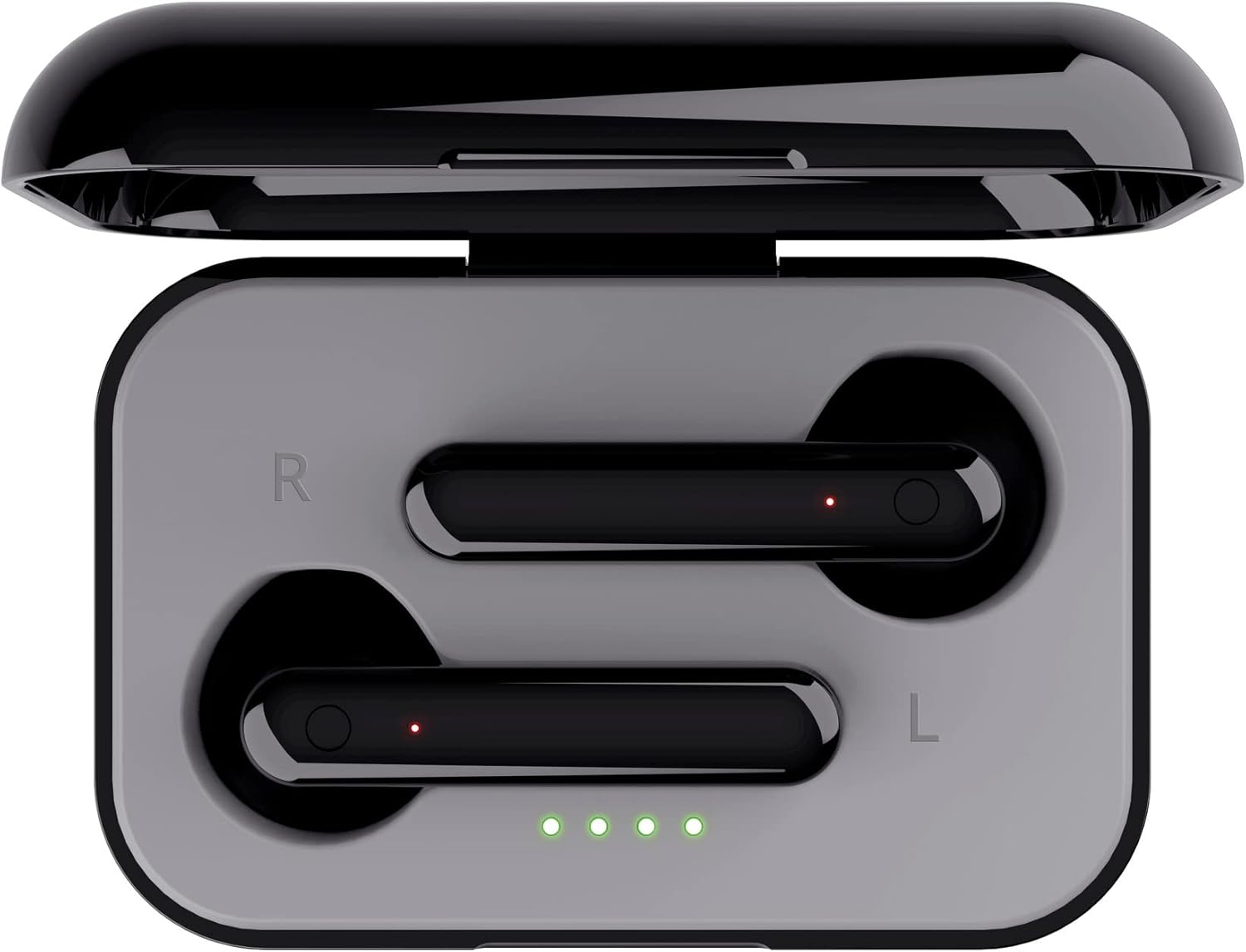
Жогортон ылдый view of the open charging case with the earbuds inside, clearly showing the LED charging indicators.

Жогортон ылдый view of the closed charging case, featuring the Trust brand logo on its sleek black surface.

The Trust Primo Touch Earbuds are displayed alongside their open charging case, providing a complete view продукт компоненттеринин.
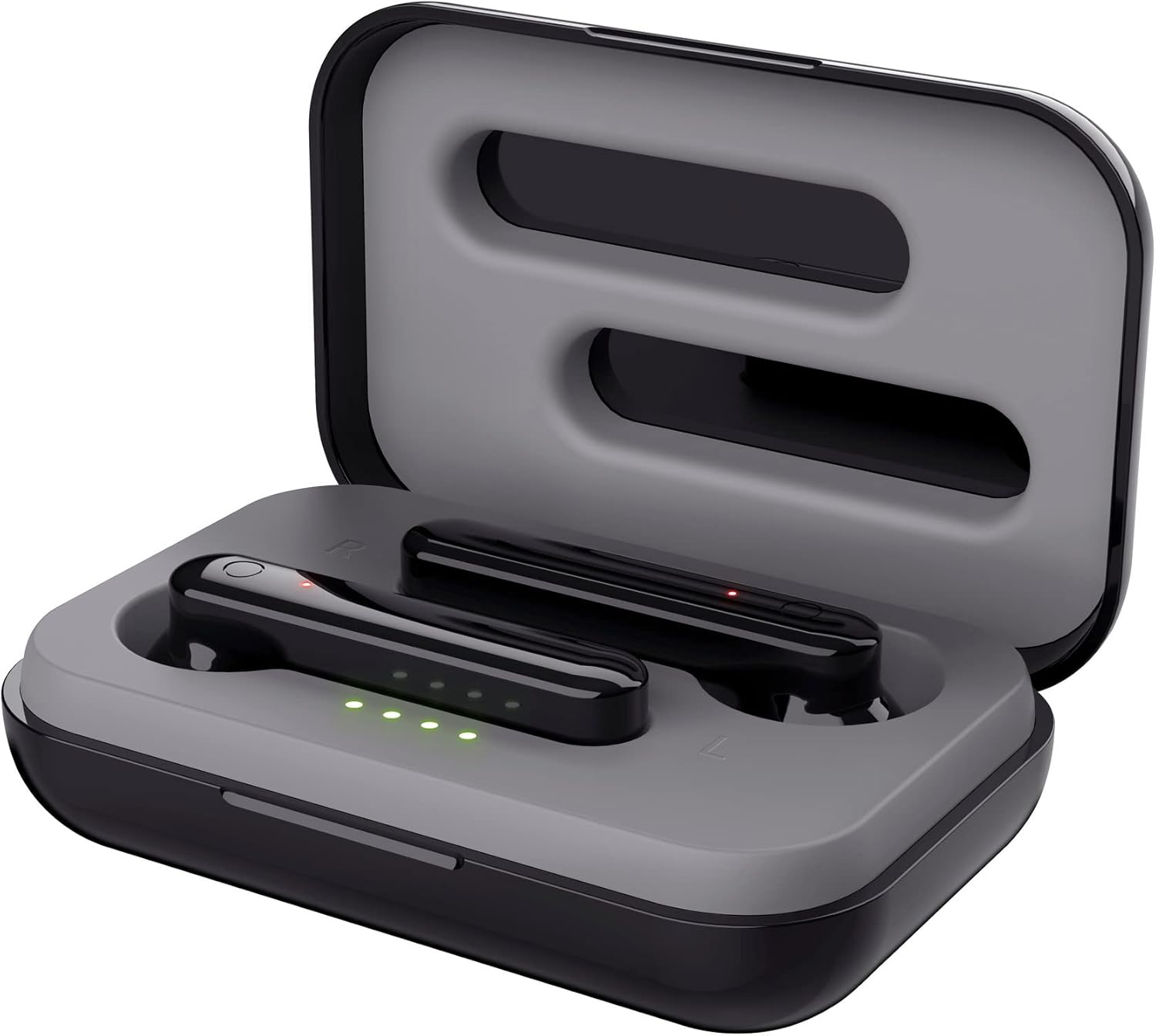
An angled top view of the earbuds nestled within their open charging case, showing the precise fit and charging contacts.

The retail packaging for the Trust Primo Touch Wireless Earphones, showcasing key features and design elements.
Жайгашуу
1. Наушникти жана капты заряддоо
Before first use, fully charge the earphones and the charging case. Place the earbuds into the charging case. Connect the charging case to a USB power source using the provided cable. The LED indicators on the case will show the charging status. A full charge provides up to 4 hours of playtime for the earbuds, with the case offering 2-3 additional charges.
2. Түзмөгүңүз менен жупташтыруу
- Кулакчындардын заряддалганын текшериңиз.
- Open the charging case. The earphones will automatically enter pairing mode (indicated by flashing LEDs on the earbuds).
- Түзмөгүңүздө (смартфон, планшет ж.б.) Bluetooth жөндөөлөрүнө өтүп, Bluetooth күйгүзүңүз.
- Издөө available devices and select "Trust Primo Touch" from the list.
- Туташтырылгандан кийин, кулакчындын LED жарыктары күйүп-өчүүнү токтотот, бул ийгиликтүү жупташууну билдирет.
Иштеп жатат
Touch Controls
The Trust Primo Touch earphones feature intuitive touch controls on each earbud. Refer to the following for common functions:
| Акция | Функция |
|---|---|
| Бир таптоо (Сол/Оң гарнитура) | Музыка ойнотуу/тындыруу, Чалууга жооп берүү/аяктоо |
| Эки жолу таптаңыз (оң кулакчын) | Кийинки трек |
| Эки жолу таптаңыз (Сол кулакчын) | Мурунку трек |
| Узун басуу (Сол/Оң кулакчын) | Үн Жардамчысын жандырыңыз (Siri, Google Жардамчы) |
| Long Press (during incoming call) | Чакырууну четке кагуу |
Күйгүзүү/өчүрүү
- Күйгүзүү: Open the charging case, or long-press the touch area on both earbuds for a few seconds if they are out of the case and off.
- Өчүрүү: Place the earbuds back into the charging case and close the lid, or long-press the touch area on both earbuds for a few seconds until the indicator light turns off.
Техникалык тейлөө
Тазалоо
- Кулакчындарды жана заряддоо кутусун жумшак, кургак, түксүз чүпүрөк менен дайыма тазалап туруңуз.
- Абразивдүү тазалагычтарды, спиртти же химиялык эриткичтерди колдонбоңуз.
- Туура кубаттоо үчүн кулакчындардагы жана корпустагы заряддоо контакттарын акырын тазалаңыз.
Сактагыч
Колдонбогондо, наушниктерди чаңдан жана бузулуудан коргоо үчүн заряддоо кутучасында сактаңыз. Кургак, салкын жерде сактаңыз.
Проблемаларды чечүү
Earbuds Not Pairing with Each Other or Device
- Эки кулакчындын тең кубатталганын текшериңиз.
- Эки гарнитураны тең заряддоо кутусуна салып, капкагын жаап, бир нече секунд күтө туруңуз, анан кайра ачыңыз.
- On your device, forget or unpair "Trust Primo Touch" from your Bluetooth settings.
- Түзмөгүңүздү өчүрүп-күйгүзүп, жупташтыруу процессин кайрадан аракет кылып көрүңүз.
Үн жок же үнү төмөн
- Түзмөгүңүздөгү жана кулакчындардын үнүнүн деңгээлин текшериңиз.
- Кулакчындар түзмөгүңүзгө туура туташтырылганын текшериңиз.
- Кулакчындын динамик торлорундагы бардык таштандыларды тазалаңыз.
Микрофон маселелери
- Кулакчындар туура туташып, телефонуңуздагы аудио киргизүү түзмөгү катары тандалганын текшериңиз.
- Check for any obstructions near the microphone opening on the earbuds.
Техникалык шарттар
| Өзгөчөлүк | Деталь |
|---|---|
| Бренд | Trust |
| Модель номери | 23712 |
| Түс | Кара |
| Кулак жайгаштыруу | Кулакта |
| Форма фактору | Кулакта |
| Noise Control | Үн изоляциясы |
| Продукциянын өлчөмдөрү | 150 x 5 x 5 см; 40 г |
| Батареялар | 1 А батарейка талап кылынат (кошулган) |
| Өндүрүүчү | Trust |
| Биринчи жеткиликтүү күн | 14-июль 2020-жыл |
Кепилдик жана колдоо
Кепилдик жөнүндө маалымат жана техникалык колдоо алуу үчүн, расмий Trust компаниясына кайрылыңыз website or contact Trust customer service directly. Keep your proof of purchase for any warranty claims.
You can typically find support resources, FAQs, and contact details on the manufacturer's official webсайт:


