1. Киришүү
Сатып алганыңыз үчүн рахматasing the TOPTRO X2 Mini Projector. This manual provides detailed instructions for setting up, operating, and maintaining your projector. Please read this manual thoroughly before use to ensure proper operation and to extend the lifespan of your device. Keep this manual for future reference.
Коопсуздук маалыматы
- l болгондо проектордун объективине тике карабаamp күйүк.
- Ашыкча ысып кетүүнүн алдын алуу үчүн проектордун айланасында туура желдетүүнү камсыз кылыңыз.
- Проекторду жамгырга же нымдуулукка дуушар кылбаңыз.
- Проектор менен келген кубат адаптерин гана колдонуңуз.
- Do not attempt to repair the projector yourself. Contact qualified service personnel for assistance.
- Проекторду жылуулук булактарынан жана түз күн нурунан алыс кармаңыз.
2. Пакеттин мазмуну
Пакетиңизде бардык буюмдар бар экенин текшериңиз:
- TOPTRO X2 Mini Projector
- Алыстан башкаруу
- Электр кабели
- HDMI кабели
- AV Cable
- User Manual
- Объективдин капкагы

Image: The TOPTRO X2 Mini Projector shown with its carrying case and a smartphone displaying projected content. This image illustrates the compact size and portability of the projector, along with its primary function of displaying media.
3. Продукт бүтүп калдыview
Проектордун макети
Сүрөт: алдыңкы жана каптал view of the TOPTRO X2 Mini Projector, highlighting the lens, focus ring, and ventilation grilles. This provides a visual guide to the projector's external components.
Киргизүү/чыгыш порттору
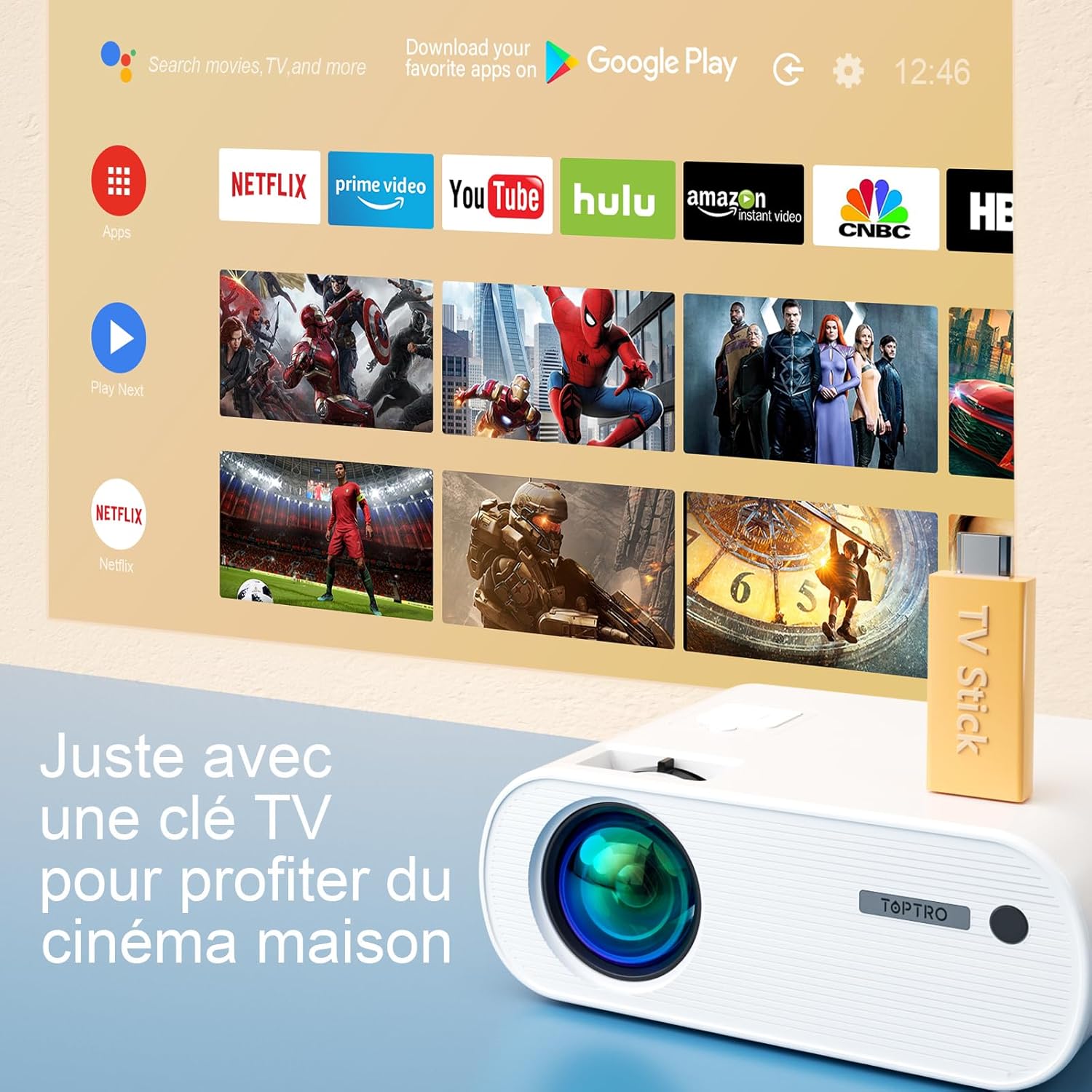
Image: Close-up of the rear panel of the TOPTRO X2 Mini Projector, showing various input/output ports including HDMI, USB, AV, and power input. This helps users identify where to connect their devices.
- Power Input
- HDMI порту
- USB порту
- AV порт
- Аудио чыгышы (3.5 мм)
- VGA порту
- SD карта уячасы
Башкаруу панели

Сүрөт: жогорудан төмөнгө view of the TOPTRO X2 Mini Projector's control panel, showing navigation buttons and the power button. This image assists users in understanding the on-device controls.
The projector can be controlled using the onboard buttons or the included remote control.
4. Баштапкы орнотуу
4.1 Күйгүзүү
- Кубат кабелин проектордун кубат киргизүү булагына, андан кийин розеткага туташтырыңыз.
- Аппаратты иштетүү үчүн проектордун же пульттун кубат баскычын басыңыз.
4.2 Фокусту тууралоо
Проекцияланган сүрөт даана жана курч болгонго чейин проектордун линзасындагы фокустук шакекчени айландырыңыз.

Image: A hand adjusting the focus ring on the TOPTRO X2 Mini Projector, with a blurred image on the left and a sharp image on the right, demonstrating the effect of focus adjustment. This visual aid helps users understand how to achieve a clear picture.
4.3 Негизги таштарды оңдоо
The TOPTRO X2 features 4D Keystone Correction (±40° vertical and horizontal) and a 100% X/Y zoom function, adjustable via the remote control. This allows for a rectangular image even if the projector is not perfectly aligned with the screen.

Image: Diagram illustrating the effect of keystone correction, showing a distorted image being corrected into a perfect rectangle. This helps users visualize the function of keystone adjustment.
тууралоо үчүн:
- Navigate to the "Keystone Correction" menu using the remote control.
- Adjust the vertical and horizontal parameters until the image is rectangular.
- Use the zoom function (100% X/Y) to adjust the image size without moving the projector.
4.4 Жайгаштыруу параметрлери
The projector can be placed on a table or mounted to the ceiling.

Image: An image showing the TOPTRO X2 Mini Projector in two different setups: on a table and ceiling-mounted. This demonstrates the versatility of installation options for the projector.
5. Иштөө нускамалары
5.1 Киргизүү булагын тандоо
Press the "Source" button on the remote control or projector to select the desired input source (HDMI, USB, AV, VGA, Screen Mirroring).
5.2 Түзмөктөрдү туташтыруу
5.2.1 HDMI туташуу
Connect your device (e.g., laptop, game console, TV Stick) to the projector's HDMI port using an HDMI cable.

Image: The TOPTRO X2 Mini Projector connected to a TV Stick, displaying various streaming service icons on a projected screen. This illustrates how to connect and use a TV stick for media consumption.
5.2.2 USB туташуу
Медиа файлдарды ойнотуу үчүн USB дискти USB портуна салыңыз files directly. The projector supports various video, audio, and image formats.
5.2.3 AV туташуу
Use the provided AV cable to connect devices with AV output (e.g., DVD player).
5.2.4 VGA туташуу
Connect a computer to the VGA port using a VGA cable.
5.2.5 Wireless Connection (WiFi Screen Mirroring)
The TOPTRO X2 supports wireless screen mirroring for Android and iOS devices.

Image: The TOPTRO X2 Mini Projector wirelessly connected to multiple devices (smartphone, tablet, laptop), projecting a scenic image. This demonstrates the projector's WiFi screen mirroring capability for various devices.
- Select "Screen Mirroring" as the input source.
- Follow the on-screen instructions to connect your smartphone or tablet to the projector's WiFi network, then enable screen mirroring on your device.
5.2.6 Bluetooth аудио туташуусу
Connect external Bluetooth speakers or headphones for enhanced audio experience.

Image: The TOPTRO X2 Mini Projector wirelessly connected via Bluetooth to external speakers and headphones, with sound waves emanating from the projector. This illustrates the projector's Bluetooth audio output feature.
- Bluetooth аудио аспабыңыз жупташтыруу режиминде экенин текшериңиз.
- Проектордо Bluetooth жөндөөлөрү менюсуна өтүңүз.
- Жупташтыруу үчүн тизмеден түзмөгүңүздү тандаңыз.
5.3 Меню Навигациясы
Use the arrow keys and "OK" button on the remote control or projector to navigate through the on-screen menus for settings such as picture mode, sound mode, and system settings.
6. Техникалык тейлөө
6.1 Линзаны тазалоо
Use a soft, lint-free cloth or lens cleaning paper to gently wipe the projector lens. Avoid using abrasive cleaners.
6.2 Чаң чыпкасын тазалоо
The TOPTRO X2 features a removable dust filter to prevent dust accumulation and black spots on the projection. Regularly clean the filter to maintain optimal performance.
- Locate the removable dust filter cover on the side of the projector.
- Gently remove the cover and the filter.
- Clean the filter using a soft brush or compressed air.
- Фильтрди кайра салып, капкагын бекем жабыңыз.
6.3 Вентиляция
Ensure that the projector's ventilation openings are not blocked to allow for proper airflow and prevent overheating. The projector is equipped with a circulation cooling system and three independent smart fans to manage temperature.
7. Кыйынчылыктарды
| Көйгөй | Мүмкүн себеп | Чечим |
|---|---|---|
| Экранда сүрөт жок | Электр энергиясы туташкан эмес; Туура эмес киргизүү булагы; Линзанын капкагы кийилген | Электр кубатына туташууну текшериңиз; Туура киргизүү булагын тандаңыз; Линза капкагын алып салыңыз |
| бүдөмүк сүрөт | Focus not adjusted; Incorrect projection distance | Adjust focus ring; Adjust projector distance or use zoom function |
| Distorted image (trapezoid shape) | Проектор экранга перпендикуляр эмес | Use keystone correction function |
| Үн жок | Үн өтө төмөн; Үнсүз; Туура эмес аудио чыгаруу тандалды | Increase volume; Unmute; Check audio settings and connections |
| Пульт иштебей жатат | Batteries dead; Obstruction between remote and projector | Батареяларды алмаштырыңыз; Көрүү сызыгынын ачык болушун камсыз кылыңыз |
| Ашыкча ысып кетүү эскертүүсү | Бөгөттөлгөн желдетүү; Узак колдонуу | Ensure vents are clear; Allow projector to cool down |
8. Техникалык шарттар
| Өзгөчөлүк | Деталь |
|---|---|
| Бренд | TOPTRO |
| Модел | X2 |
| Native Resolution | 1920 x 1080P (Толук HD) |
| Колдоого алынган резолюция | Up to 4K Ultra HD |
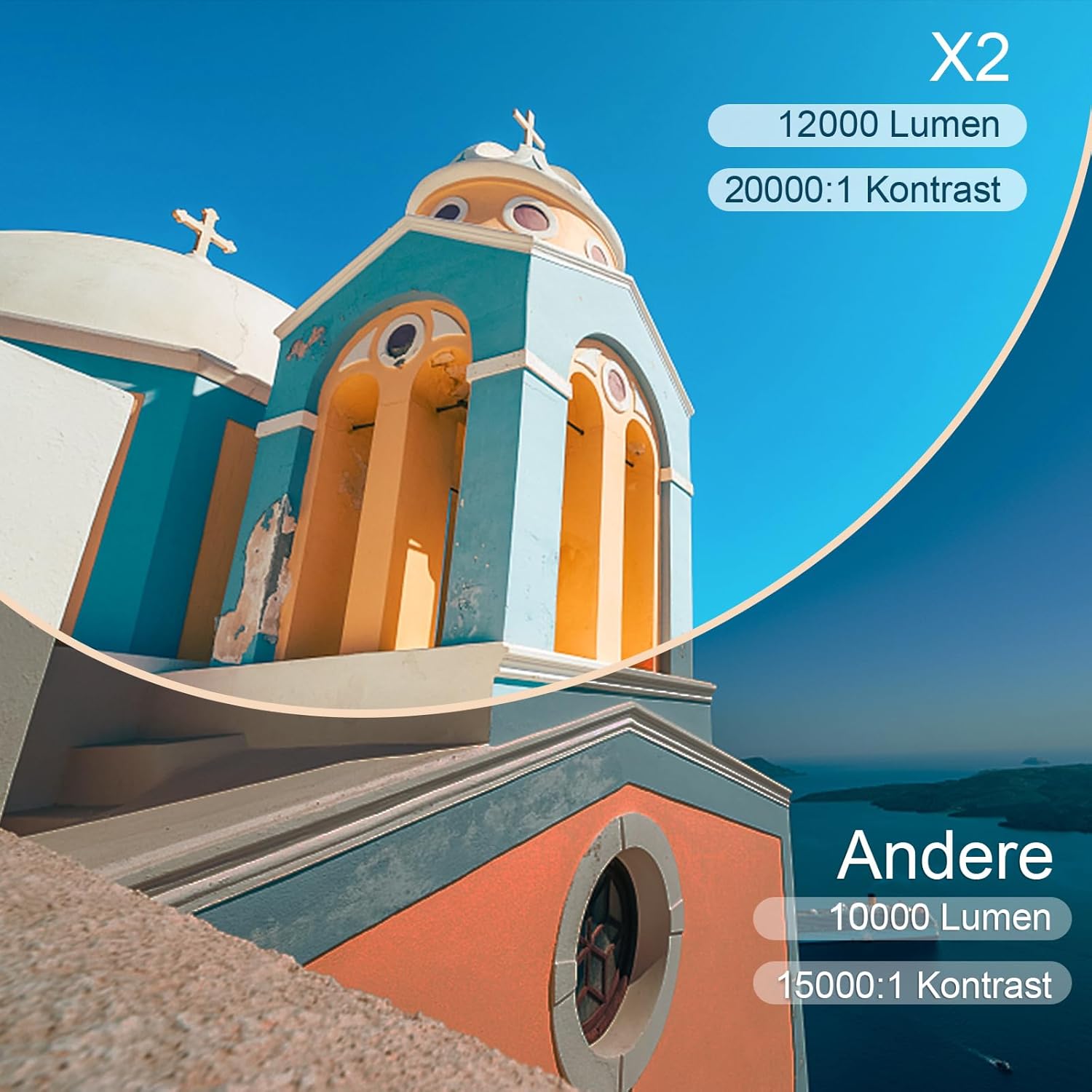
| Жарыктык | 6800 Lumens (Note: Marketing claims may vary, e.g., 7000 or 12000 lumens) |
| Контраст катышы | 8000:1 |
| Проекциянын өлчөмү | 300 дюймга чейин |
| Проекциялык аралык | Recommended 3.5m, Max 7m |
| Keystone Correction | 4D (±40° Vertical & Horizontal) |
| Zoom функциясы | 100% X/Y |
| Lamp Жашоо | 100 000 саат (LED) |
| Баяндамачылар | Built-in 10W Dual Subwoofer with SRS Sound |
| Байланыш | HDMI, USB, AV, VGA, WiFi, Bluetooth |
| Түс | Боз |
9. Кепилдик жана колдоо
Кепилдик маалымат
Please refer to the warranty card included in your package for detailed warranty terms and conditions. The warranty typically covers manufacturing defects for a specified period from the date of purchase.
Кардарларды колдоо
If you encounter any issues or have questions regarding your TOPTRO X2 Mini Projector, please contact TOPTRO customer support. Contact information can usually be found on the official TOPTRO webсайтында же кепилдик картасында.
When contacting support, please have your model number (X2) and purchase details ready.


