1. Киришүү
The Fodsports M1-S Plus is a Bluetooth motorcycle headset designed for communication and entertainment during rides. It supports group intercom for up to 8 riders, music sharing, FM radio, and hands-free calling. This manual provides detailed instructions for installation, operation, and maintenance of your M1-S Plus headset.

Image 1.1: Fodsports M1-S Plus Bluetooth Motorcycle Headset.
2. Коопсуздук маалыматы
- Жол коопсуздугун ар дайым биринчи орунга коюңуз. Түзмөктү унаа айдагандан алаксытпагандай кылып иштетпеңиз.
- Айдоодон мурун аппарат туулгаңызга бекем орнотулганын текшериңиз.
- Укуунун бузулушуна жол бербөө үчүн жогорку үн деңгээлинин узакка созулушунан качыңыз.
- Аппаратты ажыратууга же өзгөртүүгө аракет кылбаңыз, анткени бул кепилдикти жокко чыгарып, зыян келтириши мүмкүн.
- Аппаратты экстремалдык температурадан жана тике күн нурунан алыс кармаңыз.
3. Пакеттин мазмуну
Пакетиңизде бардык буюмдар бар экенин текшериңиз:
- 1 x M1-S Plus Bluetooth Motorcycle Intercom Headset (Blue)
- 1 x Detachable Boom Microphone
- 1 x Soft Button Microphone with Speakers
- 1 x USB-C заряддоо кабели
- 1 x Metal Clip
- 2 x Sticky Pads
- 2 x EVA Rubbers
- 1 x User Manual
- 1 x 2.5 ммден 3.5 ммге чейинки аудио кабель

Image 3.1: Included components in the M1-S Plus package.
4. Продукт бүтүп калдыview
The M1-S Plus features an intuitive design with large buttons for easy operation even with gloves. It integrates Bluetooth 5.0 for stable connections and CVC noise cancellation for clear audio.
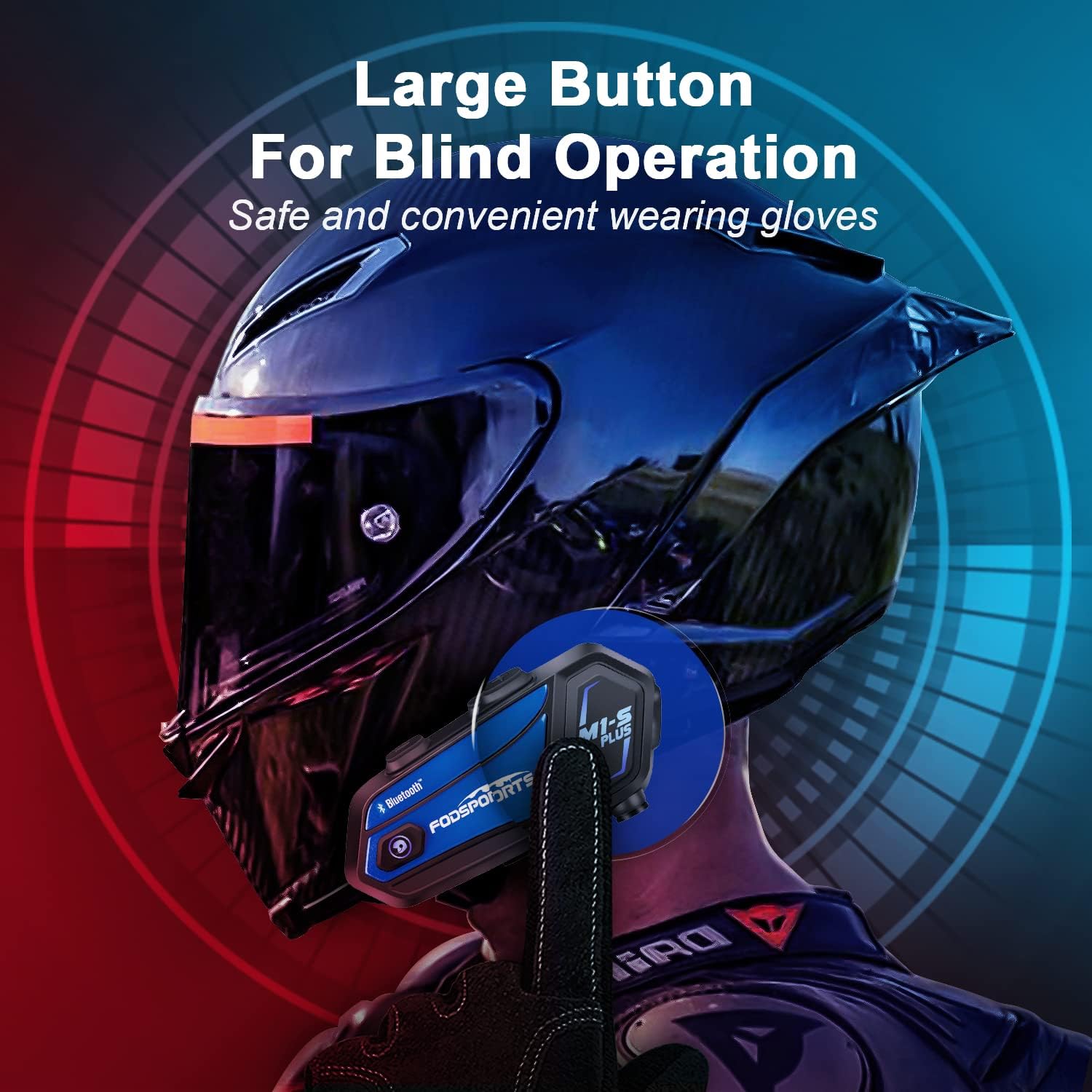
Image 4.1: M1-S Plus unit highlighting large buttons for blind operation.
5. Орнотуу
The M1-S Plus is designed for versatile installation on various helmet types. Choose between the metal clip or adhesive mount, and select the appropriate microphone for your helmet style.
5.1. Негизги блокту монтаждоо
You can mount the M1-S Plus using either the metal clip or the 3M adhesive sticker.
- Metal Clip Installation: Slide the metal clip between the helmet shell and the inner padding. Secure the M1-S Plus unit onto the clip.
- Adhesive Mount Installation: Clean the desired area on the helmet surface. Attach the 3M adhesive sticker to the unit base, then firmly press the base onto the helmet.
5.2. Microphone and Speaker Installation
The M1-S Plus includes two types of microphones to suit different helmet designs:
- Бум микрофону: Recommended for open-face, flip-up, and modular helmets. Position the microphone close to your mouth.
- Soft-Wire Microphone: Suitable for full-face helmets. Attach the microphone inside the helmet near your mouth using the adhesive.
Install the speakers inside the helmet's ear pockets. Use the provided EVA rubbers to adjust the speaker position for optimal sound and comfort, ensuring they are as close to your ears as possible.
Маанилүү: The speaker cable uses a Type-C interface. Ensure the microphone icon on the connector faces you when plugging it in to ensure both speakers function correctly.

Image 5.1: M1-S Plus compatibility with various helmet types and microphone options.

Image 5.2: Two-way installation guide for the M1-S Plus on a helmet.
6. Орнотуу жана жупташтыруу
6.1. Күйгүзүү/өчүрүү
- Күйгүзүү: Индикатор жарыгы күйүп-өчкөнгө чейин Кубат баскычын 3 секунд басып туруңуз.
- Өчүрүү: Индикатор жарыгы өчкөнгө чейин Кубат баскычын 3 секунд басып туруңуз.
6.2. Bluetooth Pairing with Phone
- Ensure the M1-S Plus is powered off.
- Күйгүзүү баскычын болжол менен 5-7 секунд басып, индикатор жарыгы кызыл жана көк түстөр менен кезектешип күйүп-өчкөнгө чейин, жупташтыруу режимин көрсөткөнгө чейин кармап туруңуз.
- Уюлдук телефонуңузда Bluetooth'ду күйгүзүп, жеткиликтүү түзмөктөрдү издеңиз.
- Select "Fodsports M1-S Plus" from the list.
- Жупташтырылгандан кийин, индикатор жарыгы жай көк түстө күйүп-өчөт.
6.3. Group Intercom Pairing (Up to 8 Riders)
The M1-S Plus supports intercom communication for up to 8 riders over a range of up to 2000 meters in open terrain.
- Ensure all M1-S Plus units are powered on and not connected to other devices.
- On the first unit, press and hold the Intercom button until the indicator light flashes red rapidly.
- On the second unit, press the Intercom button once. The units will search and connect.
- Repeat step 3 for additional units, pairing them one by one to the previously paired unit.
- Once all units are paired, a successful connection will be indicated by a voice prompt and a slow blue flash.

Image 6.1: M1-S Plus supporting group intercom for up to 8 riders.
6.4. Музыка бөлүшүү
The M1-S Plus allows two M1-S Plus units to share music from a single source.
- Ensure two M1-S Plus units are paired via Bluetooth intercom.
- On the unit playing music, press and hold the Volume + button for 3 seconds to initiate music sharing.
- The music will then be streamed to the second paired M1-S Plus unit.
- To stop sharing, press and hold the Volume + button for 3 seconds again.
Эскертүү: Music sharing is only supported between two M1-S Plus units.

Image 6.2: Music sharing functionality between two M1-S Plus units.
7. Иштөө нускамалары
7.1. Үндү башкаруу
- Көлөмүн жогорулатуу: Көлөм + баскычын басыңыз.
- Көлөмдү азайтуу: Үн көлөмү - баскычын басыңыз.
7.2. Телефон чалуулар
- Чакырууга жооп берүү: Кубат баскычын бир жолу басыңыз.
- Чакырууну четке кагуу: Кубат баскычын 2 секунд басып, кармап туруңуз.
- Чакырууну аяктоо: Чалуу учурунда Кубат баскычын бир жолу басыңыз.
- Акыркы номерди кайра терүү: Күйгүзүү/өчүрүү баскычын эки жолу басыңыз.
- Voice Dial (Siri/Google Assistant): Press the Volume + and Volume - buttons simultaneously.

Image 7.1: Voice command functionality for hands-free calls.
7.3. Музыканы ойнотуу
- Ойнотуу/тындыруу: Кубат баскычын бир жолу басыңыз.
- Кийинки трек: Press the Volume + button twice.
- Мурунку трек: Press the Volume - button twice.
7.4. Intercom Usage
- Домофонду баштоо: Press the Intercom button once.
- Домофондун аягы: Press the Intercom button once.
- Домофонду кайра туташтырыңыз: If a rider drops out of range for more than 5 minutes, press the Intercom button once to reconnect.
7.5. FM радиосу
- FMди күйгүзүү/өчүрүү: Press the FM button once.
- Каналдарды сканерлөө: FM баскычын 2 секунд басып, кармап туруңуз.
- Кийинки бекет: Көлөм + баскычын басыңыз.
- Мурунку станция: Үн көлөмү - баскычын басыңыз.

Image 7.2: M1-S Plus with built-in FM radio functionality.
7.6. Микрофонду үнсүз кылуу/үнсүз кылуу
During a call or intercom conversation, you can mute your microphone for privacy.
- Микрофондун үнүн басуу: Үн + баскычын 2 секунд басып, кармап туруңуз.
- Микрофондун үнүн чыгаруу: Press and hold the Volume + button for 2 seconds again.
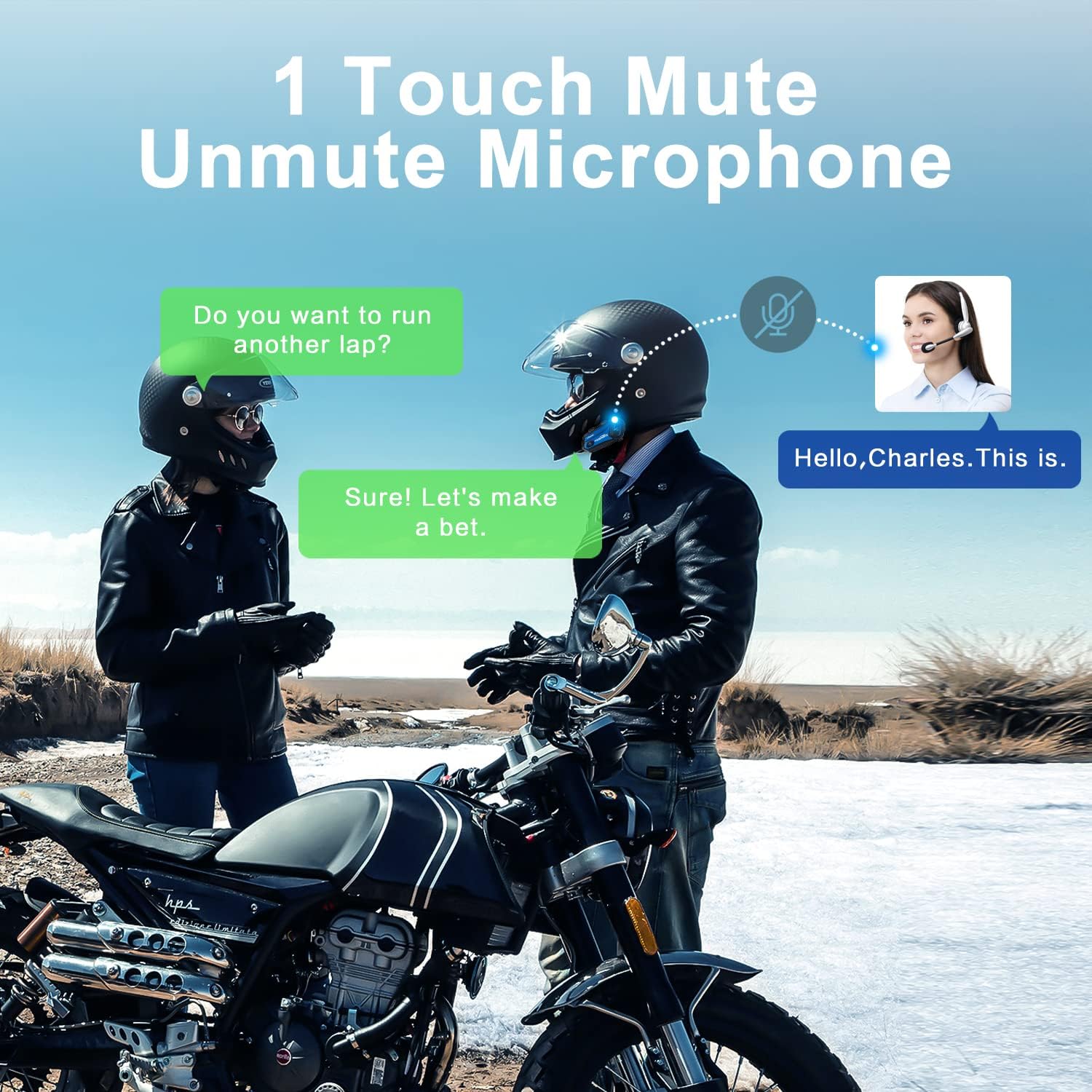
Image 7.3: One-touch mute/unmute microphone feature.
8. Техникалык тейлөө
- Заряддоо: Connect the device to a USB power source using the provided USB-C cable. The indicator light will be red during charging and turn blue when fully charged. Charging time is approximately 2-3 hours.
- Батареянын иштөө мөөнөтү: A full charge provides approximately 12-20 hours of talk time, 15 hours of music streaming, and 300 hours of standby time.
- Тазалоо: Түзмөктү тазалоо үчүн жумшак, кургак чүпүрөктү колдонуңуз. Катуу химиялык заттарды же абразивдүү материалдарды колдонуудан алыс болуңуз.
- Сактагыч: Аппаратты колдонбогондо салкын, кургак жерде сактаңыз.
- Суу каршылык: The M1-S Plus is waterproof, designed to handle various weather conditions.
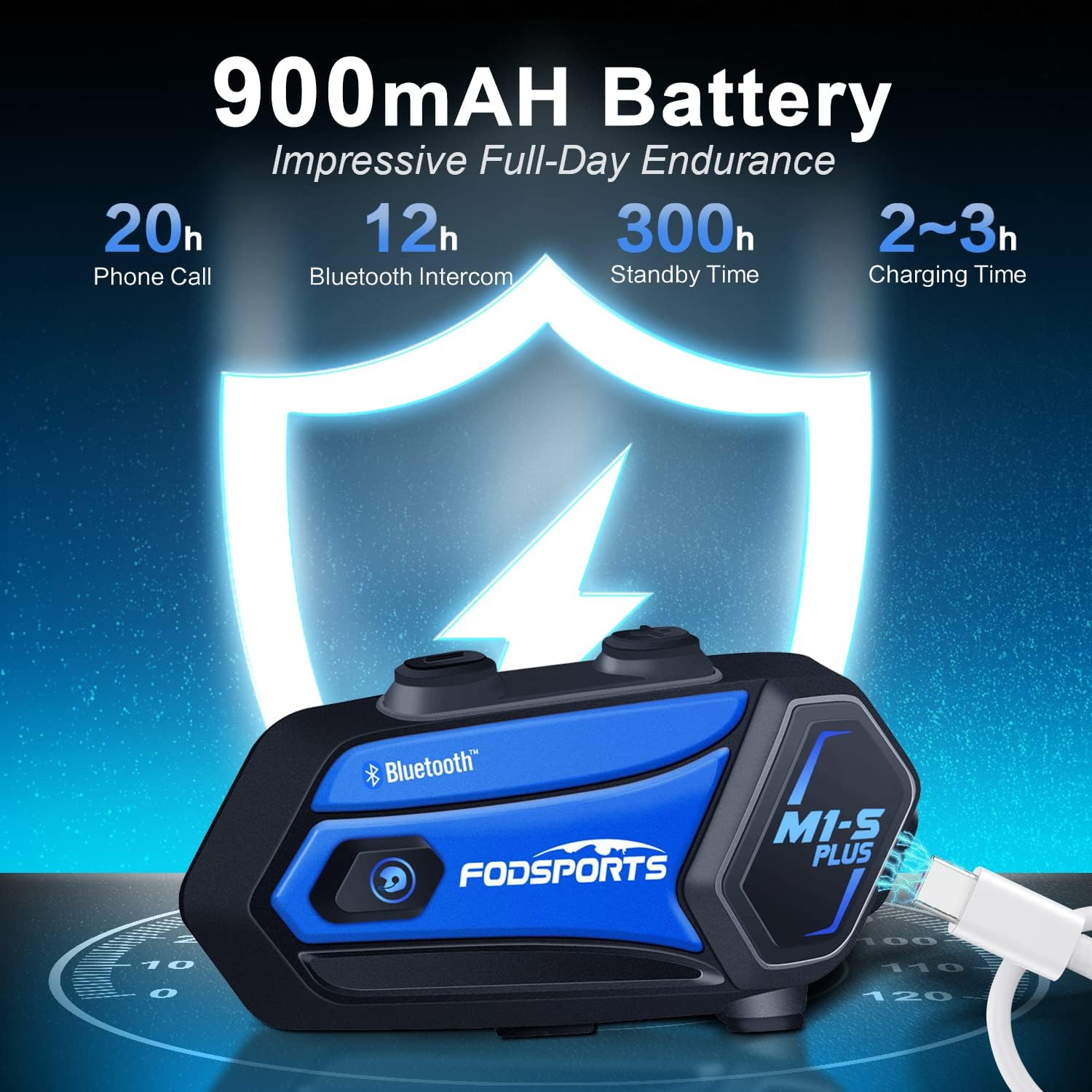
Image 8.1: M1-S Plus battery endurance and charging information.
9. Кыйынчылыктарды
- No Sound from One Speaker: Ensure the Type-C speaker cable is fully inserted and the microphone icon on the connector faces you.
- Төмөн үнү: Adjust the speaker position closer to your ears using the provided thicken pads. Ensure the device volume and your phone's volume are both set appropriately.
- Телефон менен жупташтырууга мүмкүн эмес: Ensure the M1-S Plus is in pairing mode (red and blue flashing light) and your phone's Bluetooth is enabled. Try restarting both devices.
- Домофондун үзгүлтүккө учурашы: If riders go out of range, they can reconnect by pressing the Intercom button once when back in range (within 5 minutes).
- FM радиосунун кабыл алуусу начар: FM reception can vary based on location. Try scanning for channels again or moving to an area with better signal.
- Түзмөк жооп бербейт: Try a soft reset by pressing and holding the Power button for 10 seconds. If issues persist, ensure the device is charged.
10. Техникалык шарттар
| Өзгөчөлүк | Деталь |
|---|---|
| Модель аты | M1-S Plus |
| Байланыш технологиясы | Bluetooth 5.0 |
| Intercom Group Size | 8 атчанга чейин |
| Домофон диапазону | Up to 2000 meters (open terrain) |
| Батарея сыйымдуулугу | 900mAh |
| Заряддоо убактысы | 2-3 саат |
| Talk Time | 12-20 саат |
| Music Streaming Time | 15 саат |
| Күтүү убактысы | 300 саат |
| Noise Control | Advanced CVC Noise Cancellation |
| Сууга туруктуулук деңгээли | Суу өткөрбөйт |
| Наушник уясы | USB-C порту |
| Материал | ABS пластик |
| Элемент Салмагы | 12.4 унция |
11. Кепилдик жана колдоо
For any missing accessories, quality issues, or operational problems, please contact Fodsports customer support. Refer to the contact information provided with your purchase or visit the official Fodsports webжардам үчүн сайт.
Кепилдик дооматтары үчүн сатып алганыңыздын далилин сактап коюңуз.


