1. Киришүү
Thank you for choosing the Hommie Smartwatch L3-ES. This device is designed to help you monitor your health and fitness, stay connected, and manage your daily activities with ease. Please read this manual carefully to understand the functions and proper operation of your new smartwatch.
The Hommie Smartwatch L3-ES features a 1.3-inch full touch IPS screen, continuous 24-hour heart rate monitoring, blood pressure tracking, sleep analysis, pedometer, calorie counter, and various sports modes. It also provides call and SMS notifications, ensuring you never miss important alerts.
2. Пакеттин мазмуну
Upon opening your Hommie Smartwatch L3-ES package, please verify that all the following items are included:
- 1 x Hommie Smartwatch (L3-ES)
- 1 x Leather Strap (pre-installed or separate)
- 1 x Black and Red Silicone Strap
- 1 x Military Green Fabric Strap
- 1 х магниттик заряддоо кабели
- 1 х экран коргоочу
- 1 x Greeting Card
- 1 x User Manual

Image: Contents of the Hommie Smartwatch L3-ES package, showing the smartwatch, three interchangeable straps (leather, silicone, fabric), a magnetic charging cable, a screen protector, and the user manual.
3. Орнотуу
3.1 Акылдуу саатты кубаттоо
Биринчи жолу колдонуудан мурун, акылдуу саатыңызды толугу менен кубаттаңыз. Магниттик кубаттоочу кабелди сааттын арткы жагындагы кубаттоочу чекиттерге туташтырып, USB учун кубат адаптерине (кошулмага кирбейт) же компьютердин USB портуна сайыңыз.
3.2 App Installation (Wearhealth)
To unlock the full potential of your Hommie Smartwatch, you need to download and install the Wearhealth application on your smartphone. Scan the QR code provided in the manual or on the packaging, or search for "Wearhealth" in your device's app store.
- iOS түзмөктөрү үчүн: Download Wearhealth from App Store
- For Android devices: Search "Wearhealth" on Google Play Store.
Image: Close-up of the user manual showing QR codes for downloading the Wearhealth application for both iOS and Android devices.
3.3 Смартфонуңуз менен жупташуу
- Смартфонуңузда Bluetooth иштетилгенин текшериңиз.
- Open the Wearhealth app.
- Follow the in-app instructions to search for and connect to your Hommie Smartwatch (L3-ES).
- Grant all necessary permissions requested by the app for full functionality (e.g., notifications, location, health data).
4. Иштөө нускамалары
4.1 Негизги операция
- Күйгүзүү/өчүрүү: Күйгүзүү же өчүрүү үчүн капталдагы баскычты басып, кармап туруңуз.
- Экранды активдештирүү: Raise your wrist or press the side button to wake the screen. The 3D acceleration sensor allows the screen to light up when rotated between 30 to 80 degrees.
- Навигация: Swipe left/right or up/down on the touch screen to navigate through menus and functions. Tap to select.
- Жарыктыкты жөндөө: Adjust screen brightness directly on the watch to suit different environments.
4.2 Ден соолуктун мониторинги
The smartwatch provides comprehensive health monitoring features:
- Жүрөктүн кагышын көзөмөлдөөчү: Жүрөктүн кагышын 24 саат бою үзгүлтүксүз көзөмөлдөө. View your real-time heart rate on the watch or detailed data in the app.
- Кан басымы Монитор: Measure your blood pressure directly from your wrist.
- Уйку монитору: Automatically tracks your sleep patterns from 10:00 PM to 8:00 AM, analyzing deep sleep, light sleep, and awake times.
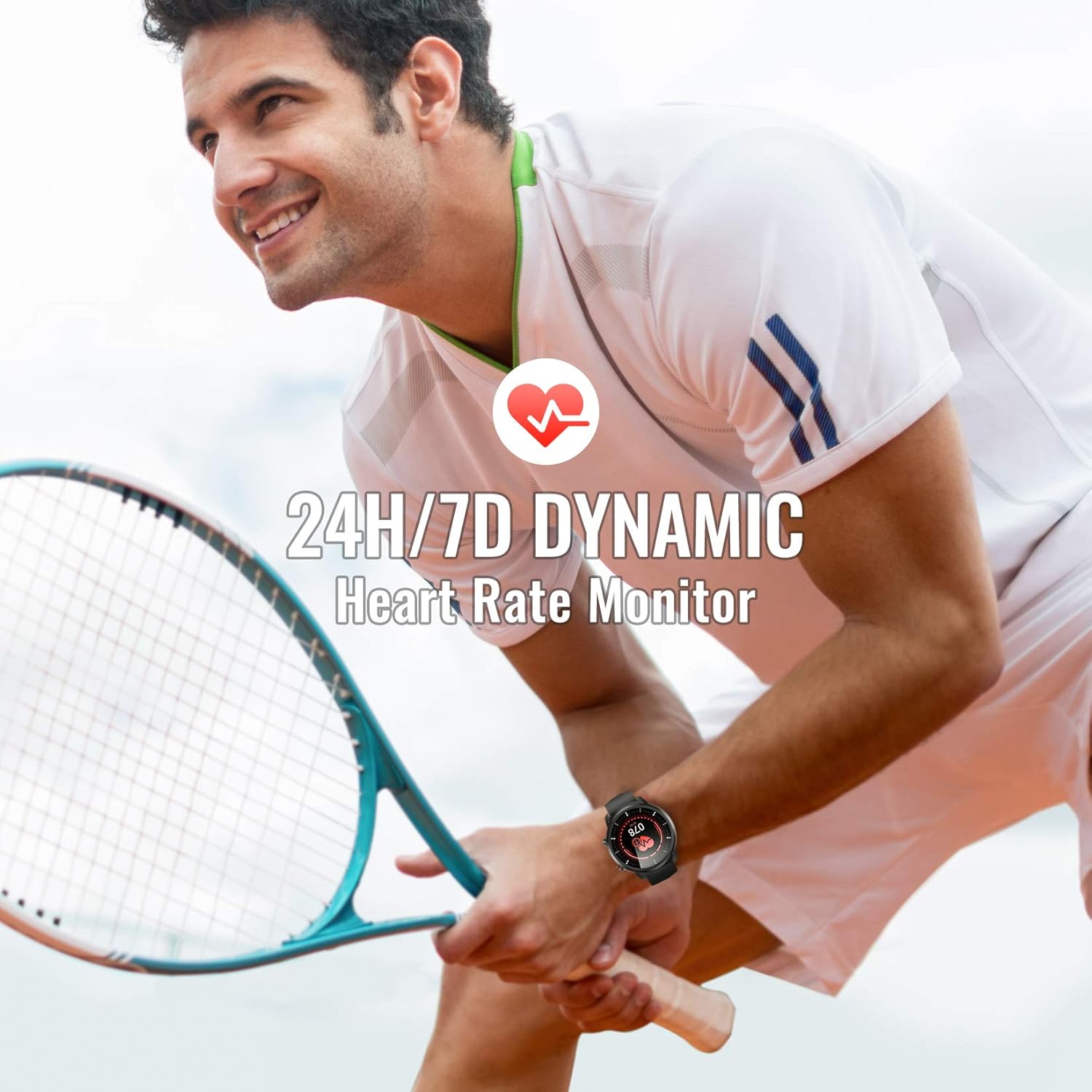
Image: A man playing tennis, wearing the Hommie Smartwatch, highlighting its 24-hour/7-day dynamic heart rate monitoring capability.

Image: A man sleeping, with the Hommie Smartwatch visible on his wrist. The image illustrates the smartwatch's sleep analysis feature, displaying total sleep time, and breakdowns of deep, light, and awake sleep stages.
4.3 Активдүүлүктү көзөмөлдөө жана спорт режимдери
The smartwatch records your daily activities and supports various sports modes:
- жөө: Tracks your steps throughout the day.
- Аралык: Кадамдарыңыздын негизинде басып өткөн аралыкты эсептейт.
- Калориялар: Estimates calories burned during your activities.
- Спорт режимдери: Includes 9 different sports modes such as running, basketball, climbing, and more. During sports, the watch records activity data.

Image: A man climbing outdoors, wearing the Hommie Smartwatch. The image highlights the watch's ability to track calories, distance, and steps, along with icons representing various sports modes like running, swimming, and football.
4.4 Notifications and Reminders
Түз эле билегиңизге эскертмелерди алып, байланышта болуңуз:
- Call & SMS Reminders: The watch vibrates to alert you of incoming calls and messages.
- Колдонмо эскертмелери: Receive alerts from social media apps like Facebook, WhatsApp, Instagram, and Twitter when connected to the Wearhealth app.
- Отуруучу эскертүүлөр: Саат сизге кыймылсыз бир нече убакыттан кийин кыймылдоону эскертип турат.
Note: The smartwatch cannot directly make calls or reply to text messages.
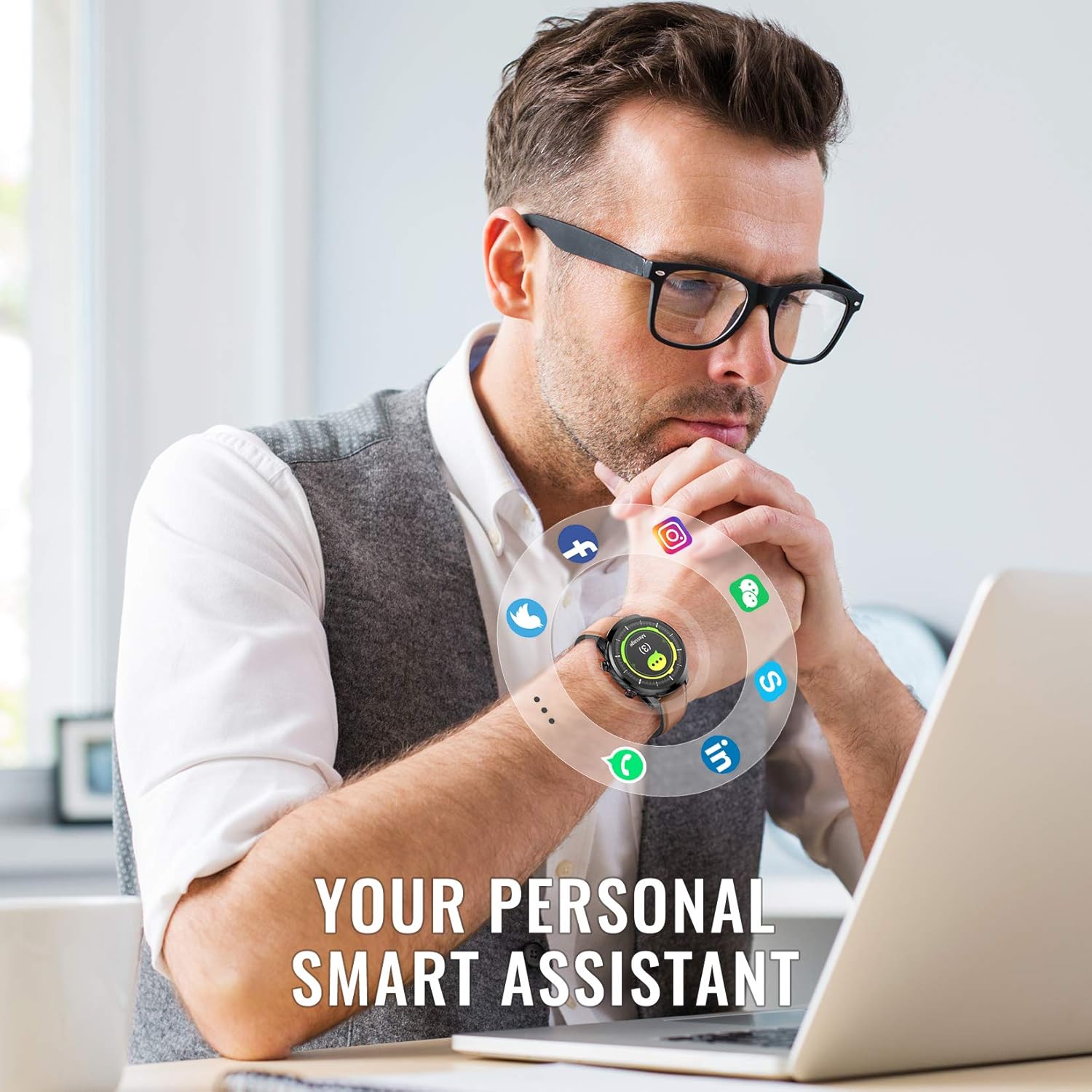
Image: A man working on a laptop, wearing the Hommie Smartwatch. Various social media and communication app icons (Facebook, Instagram, WhatsApp, Twitter, LinkedIn, phone, message) are shown around the watch, illustrating its notification capabilities.
4.5 Ыңгайлаштыруу
- Бетти көрүү: The Wearhealth app allows you to customize your favorite screen saver with 8 different dial styles.
- Боону алмаштыруу: Easily change between the included leather, silicone, and fabric straps to match your style or activity.

Image: The Hommie Smartwatch displayed with its three interchangeable straps (leather, military green fabric, and black/red silicone). The image also illustrates the variety of app custom dial options and 8 different watch face interfaces available.
5. Техникалык тейлөө
5.1 Сууга туруктуулук (IP68)
The Hommie Smartwatch is IP68 waterproof, meaning it can withstand immersion in water up to 10 meters deep. You can wear it for swimming, showering, or daily washing without issues. However, please observe the following precautions:
- Do not expose the watch to high-temperature water (e.g., hot showers, saunas).
- Do not wear it for deep diving (depths greater than 10 meters).
- Avoid contact with chemical solvents, detergents, or soaps, as these can damage the seals.
- After contact with saltwater, rinse the watch with fresh water and dry it thoroughly.
5.2 Заряддоо жана батареянын иштөө мөөнөтү
The smartwatch offers excellent battery life, lasting up to 10 days on a single charge and up to 20 days in standby mode. Use the provided magnetic charging cable for optimal charging. Avoid using damaged cables or non-certified chargers.
5.3 Тазалоо
Regularly clean your smartwatch and straps to prevent skin irritation and maintain its appearance. Use a soft, dry cloth to wipe the watch body. For straps, follow specific cleaning instructions based on the material (leather, silicone, fabric).
6. Кыйынчылыктарды
If you encounter issues with your Hommie Smartwatch, please refer to the following common solutions:
- Watch not connecting to app/phone:
- Телефонуңузда Bluetooth иштетилгенин жана саатыңыздын диапазонунда экенин текшериңиз.
- Акылдуу саатыңызды да, телефонуңузду да өчүрүп-күйгүзүңүз.
- Check if the Wearhealth app has all necessary permissions enabled in your phone's settings.
- Try unpairing and re-pairing the device through the Wearhealth app.
- Time/Date not syncing:
- Ensure the watch is successfully connected to the Wearhealth app. The time and date usually sync automatically upon connection.
- Check your phone's time and date settings.
- Эскертмелер көрүнбөй жатат:
- Verify that notification permissions are granted to the Wearhealth app in your phone's settings.
- Ensure the specific app notifications are enabled within the Wearhealth app settings.
- Check if the watch is in Do Not Disturb mode.
- Туура эмес ден соолук маалыматтары:
- Саатты билегиңизге бекем тагынып, билегиңизден бир манжаңыздын туурасындай алыстыкта турганыңызды текшериңиз.
- Сенсорду таза кармаңыз.
- Note that these devices are not medical instruments and data is for reference only.
- Экран жооп бербей жатат:
- Капталдагы баскычты басып, кармап туруу менен саатты өчүрүп-күйгүзүңүз.
- Экран таза жана кургак экенин текшериңиз.
7. Техникалык шарттар
| Өзгөчөлүк | Спецификация |
|---|---|
| Бренд | Hommie |
| Модел | L3-ES |
| Screen Size | 1.3 дюйм |
| Экран түрү | Digital IPS Full Touch |
| Байланыш | Bluetooth 4.0 же андан жогору |
| Операциялык системанын шайкештиги | Android 4.4 жана андан жогору, iOS 9.0 жана андан жогору |
| Сууга туруктуулук рейтинги | IP68 (10 метрге чейин) |
| Батарея түрү | Литий полимери |
| Батареянын иштөө мөөнөтү | Up to 10 days (usage), 20 days (standby) |
| Продукт Салмагы | 200 г |
| Өлчөмдөрү (пакет) | 18.8 x 11.91 x 2.39 см |
| Өзгөчөлүктөр | Heart Rate Monitor, Blood Pressure Monitor, Sleep Monitor, Pedometer, Activity Tracker, Call/SMS Reminders, Multiple Sports Modes |
| Сертификаттар | CE, RoHS, FCC |
8. Кепилдик жана колдоо
The Hommie Smartwatch L3-ES has been certified by CE, RoHS, and FCC, ensuring its quality and safety standards. For any product-related inquiries, technical support, or warranty claims, please contact Hommie customer service through the retailer's platform or the official Hommie webсайт.
Сураныч, кепилдик максаттары үчүн сатып алганыңыздын далилин сактап коюңуз.


