Introduction
This manual provides detailed instructions for the Amkette Evo Fox Elite Pro Wireless Gamepad. This device is designed for use with PC (X Input), PS3, and Android TV, offering a high-performance wireless gaming experience with dual vibration and extended battery life.


Орнотуу нускамалары
Follow these steps to set up your Amkette Evo Fox Elite Pro Wireless Gamepad for various platforms.
Пакеттин мазмуну:
- Amkette Evo Fox Elite Pro Wireless Gamepad
- High Performance USB Receiver
- Charging Cable (Charger included)
Charging the Gamepad:
Before initial use, ensure the gamepad is fully charged. Connect the charging cable to the gamepad and a power source. A full charge typically takes approximately 2 hours. The gamepad contains 2 Lithium Ion batteries.
Түзмөктөргө туташуу:
The gamepad utilizes a 2.4 GHz wireless USB receiver for connectivity.
- USB кабыл алгычты салыңыз: Plug the high-performance USB receiver into an available USB port on your PC, PS3 console, or Android TV.
- Power On the Gamepad: Press the central 'Evo Fox' button to power on the gamepad. The gamepad will automatically attempt to connect to the receiver.
- Автоматтык аныктоо: The gamepad features auto-detect functionality for PC, PS3, and Android TV. Once connected, the device should recognize the gamepad. For PC, it supports X Input.


Иштөө нускамалары
Understand the features and functions of your gamepad for optimal gaming performance.
Негизги башкаруу элементтери:
- Аналогдук таякчалар: Two high-precision analog sticks for movement and camera control.
- D-Pad: Так багыттоо киргизүү үчүн багыттоочу такта.
- Аракет баскычтары: Standard A, B, X, Y buttons (or corresponding PlayStation symbols) for in-game actions.
- Ийин баскычтары/Триггерлер: L1/R1 (bumpers) and L2/R2 (triggers) for additional controls.
- Баштоо/Тандоо/Үй баскычтары: Менюда навигация жана система функциялары үчүн.
Dual Vibration Feedback:
The gamepad is equipped with dual vibration motors that provide immersive haptic feedback during gameplay, enhancing realism for impacts, explosions, and other in-game events.

Батареянын иштөө мөөнөтү:
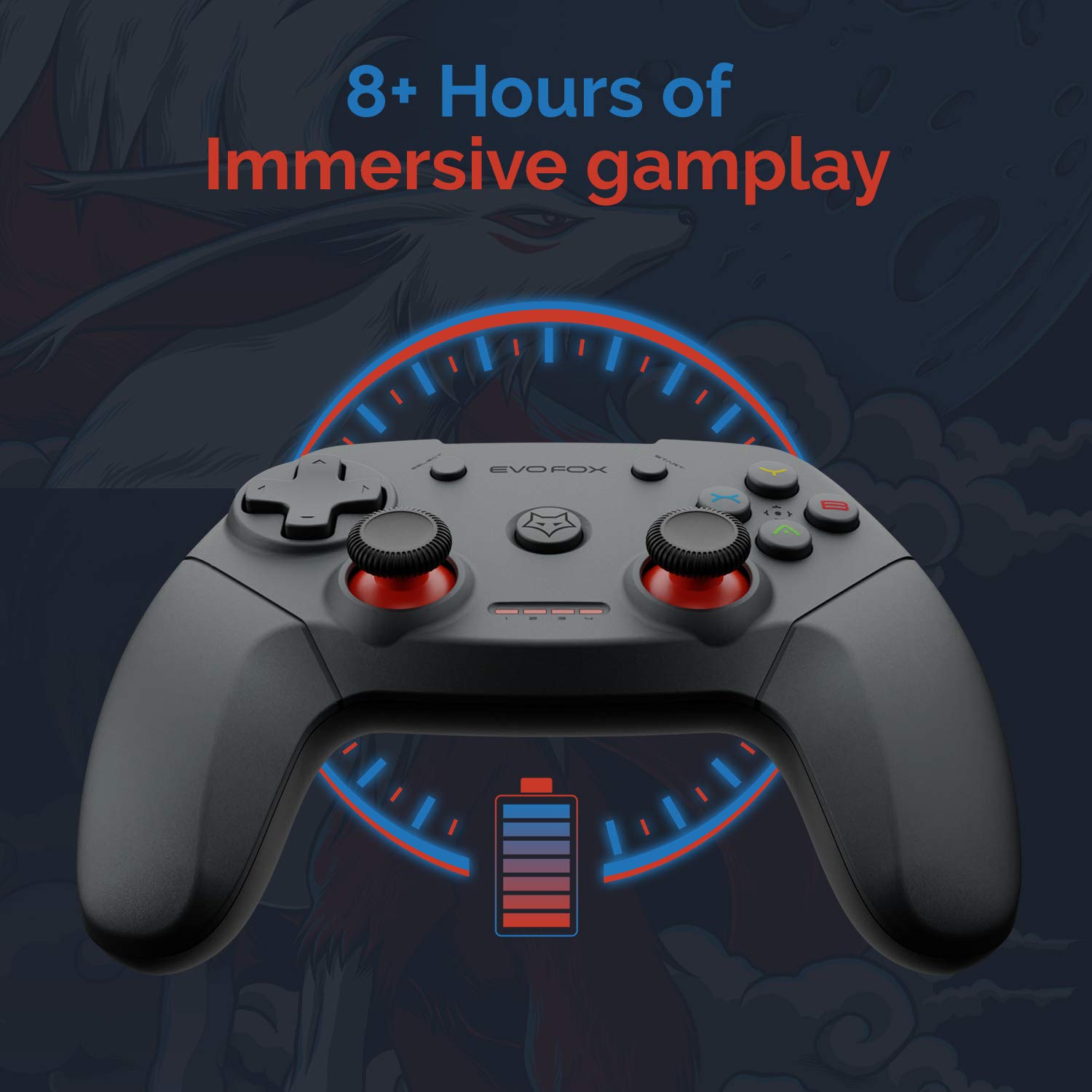
The gamepad offers an average battery life of 8+ hours on a single charge, allowing for extended gaming sessions. The battery indicator lights on the gamepad will provide an indication of the remaining charge.
Энергияны башкаруу:
The gamepad does not feature a dedicated 'off' button. To conserve battery life, it is recommended to remove the USB dongle from the connected device when the gamepad is not in use. Leaving the dongle connected may cause the gamepad to remain active and drain its battery, especially with wall-mounted TVs where the dongle might be less accessible.
Техникалык тейлөө
Proper care and maintenance will extend the life of your Amkette Evo Fox Elite Pro Wireless Gamepad.
- Тазалоо: Геймпаддын бетин тазалоо үчүн жумшак, кургак чүпүрөктү колдонуңуз. Катуу химиялык заттарды же абразивдүү материалдарды колдонуудан алыс болуңуз.
- Сактагыч: Геймпадды күн тийбеген жана экстремалдуу температурадан алыс, салкын, кургак жерде сактаңыз.
- Батареяга кам көрүү: Recharge the gamepad when the battery indicator is low. Avoid completely draining the battery frequently to prolong its overall lifespan.
- USB кабыл алгыч: Keep the USB receiver protected from dust and physical damage.
Проблемаларды чечүү
If you encounter issues with your gamepad, refer to the following common problems and solutions.
Туташуу маселелери:
- Gamepad Disconnects Frequently:
- Ensure the USB receiver is not in a hidden spot or obstructed, which can cause range issues. Consider using a USB extension cable if the receiver is far from the gamepad or in an obstructed location.
- Some users have reported conflicts with USB 3.0 ports or other USB devices (like a mouse) when connected to the same USB controller. Try connecting the gamepad's USB receiver to a USB 2.0 port, preferably on the back panel of a PC, and ensure other peripherals are on different USB controllers if possible.
- Геймпад жетиштүү заряддалганын текшериңиз.
- Геймпад туташпай жатат:
- Verify the USB receiver is securely plugged into the device.
- Press the central 'Evo Fox' button on the gamepad to ensure it is powered on.
- USB ресиверди башка USB портуна сайып көрүңүз.
- Resetting the Gamepad: If the gamepad is unresponsive, a hard reset may be required. Locate a small pinhole on the gamepad (often on the back or bottom). Use a thin object like a paperclip to press and hold the reset button inside for a few seconds.
Батарея маселелери:
- Gamepad Not Charging:
- Заряддоо кабелин жана кубат булагын туура туташуу үчүн текшериңиз.
- Башка заряддоо кабелин же USB портун колдонуп көрүңүз.
- Кыска батареянын иштөө мөөнөтү:
- Ensure the gamepad is fully charged before use (approx. 2 hours).
- Remember to remove the USB dongle when not in use to prevent passive battery drain.
Buttons/Joysticks Unresponsive:
- Perform a gamepad reset as described above.
- Ensure the gamepad is properly connected and recognized by your device.
- Test the gamepad with another game or application to rule out software-specific issues.
Техникалык шарттар
| Өзгөчөлүк | Деталь |
|---|---|
| Бренд | Amkette |
| Модель номери | 827 |
| Түс | Кара |
| Байланыш технологиясы | 2.4 GHz Wireless (via USB Receiver) |
| Шайкеш түзмөктөр | PC (X Input), PS3, Android TV |
| Controller Type | Gamepad |
| Аппараттык платформа | Иш такта |
| Операция системасы | Android |
| Продукциянын өлчөмдөрү | 18 x 12 x 12 см |
| Элемент Салмагы | 210 г |
| Батареялар | 2 литий-иондук батарейкалар (кошумча) |
| Батареяны заряддоо убактысы | 2 саат |
| Батареянын орточо иштөө мөөнөтү | 8 саат |
| Литий Батареясынын Энергия Мазмуну | 8 Ватт саат |
| Камтылган компоненттер | Gamepad, USB Receiver, Charger |
| Биринчи жеткиликтүү күн | 1-сентябрь 2020-жыл |
Кепилдик жана колдоо
Amkette provides comprehensive support for its products.
Кепилдик маалыматы:
The Amkette Evo Fox Elite Pro Wireless Gamepad comes with a 1 жылдык өндүрүш кепилдиги. Бул кепилдик нормалдуу колдонуудагы материалдардагы жана жасалгадагы кемчиликтерди камтыйт.
Кардарларды колдоо:
For any technical assistance, warranty claims, or product-related inquiries, please contact Amkette customer support:
- Телефон/WhatsApp: +919312691448
- Электрондук почта: techsupport@amkette.in
Колдоо кызматына кайрылганда продуктуңуздун моделинин номери (827) жана сатып алуу чоо-жайы даяр болсун.


