Introduction
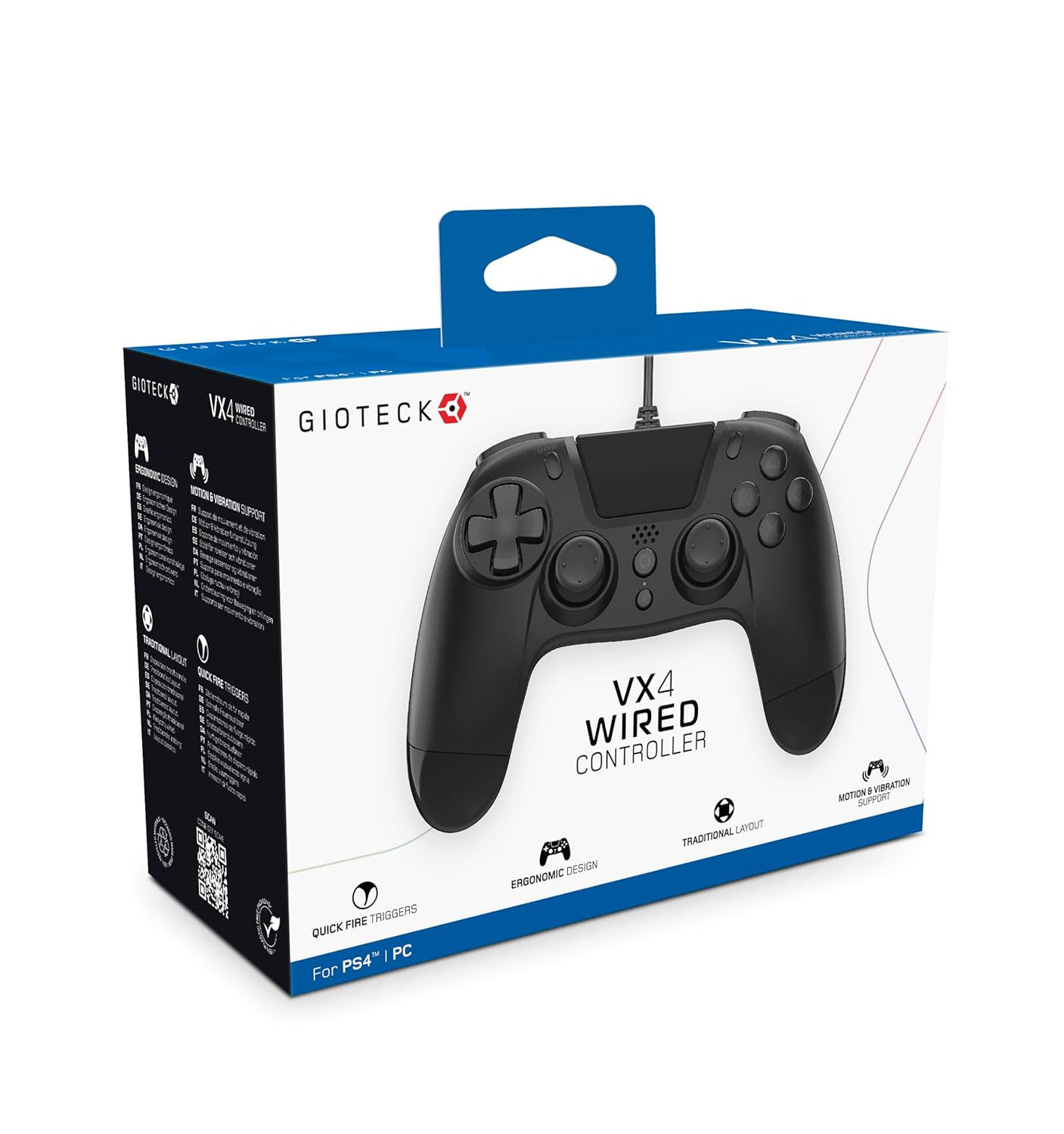
The Gioteck VX-4 Wired Controller is designed for PlayStation 4 and PC, offering a comfortable and responsive gaming experience. It features quick-fire triggers, a precision D-pad, and anti-slip rubber thumb sticks for enhanced performance, providing a next-level immersive gaming experience.
Негизги өзгөчөлүктөрү:
- Quick Fire triggers
- Эргономикалык дизайн
- Traditional PlayStation layout
Пакеттин мазмуну:
- Gioteck VX-4 Wired Controller
- Колдонуучунун Колдонмосу (бул документ)
Продукт бүттүview:
Жайгашуу
PlayStation 4кө туташуу:
- PlayStation 4 консолуңуз күйүп турганын текшериңиз.
- Insert the USB connector of the VX-4 Wired Controller into an available USB port on your PlayStation 4 console.
- The controller should be automatically recognized and ready for use.
Компьютерге туташуу:
- Компьютериңиз күйгүзүлгөнүн текшериңиз.
- Insert the USB connector of the VX-4 Wired Controller into an available USB port on your PC.
- The PC operating system should automatically install the necessary drivers. If prompted, allow the driver installation to complete.
- Контроллер шайкеш келген компьютер оюндары менен колдонууга даяр болот.

Иштөө нускамалары
Баскычтын түзүлүшү:
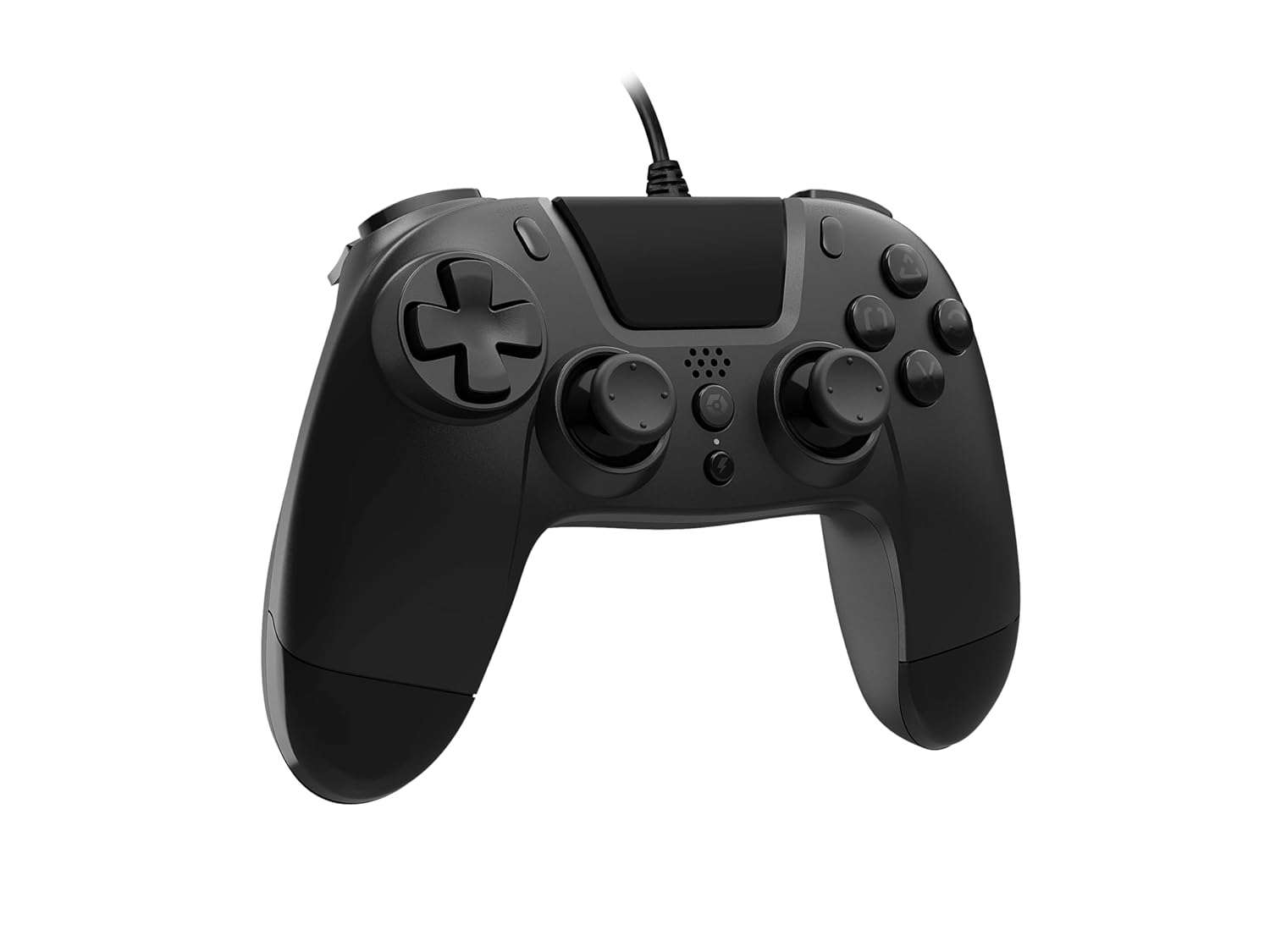
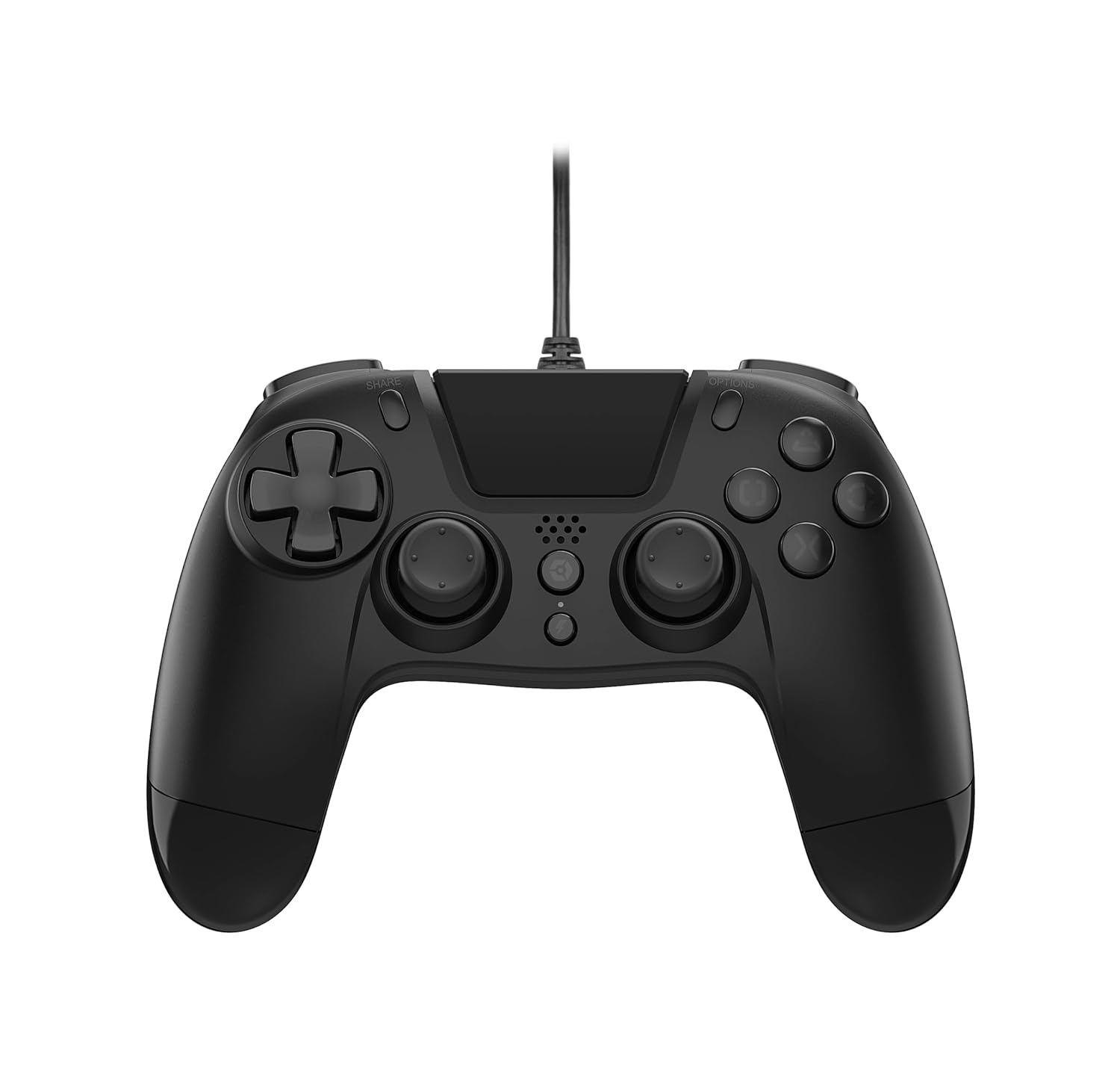
The VX-4 Wired Controller features a traditional PlayStation layout:
- Багыттоочу такта (D-Pad): Так багыт киргизүү үчүн.
- Сол аналогдук таякча: Кыймылдын негизги башкаруусу.
- Оң аналогдук таякча: Камера же мээлөөнү башкаруу.
- Аракет баскычтары (Үч бурчтук, Тегерек, Крест, Төрт бурчтук): Context-sensitive actions in games.
- БӨЛҮШҮҮ баскычы: Share gameplay moments (PS4 only).
- ПАРАМЕТРЛЕР баскычы: Access in-game menus or pause (PS4 only).
- PS баскычы: Access the PlayStation Home screen or power on/off the console (PS4 only).
- L1/R1 баскычтары: Shoulder buttons, typically for quick actions.
- L2/R2 триггерлери: Ылдамдатуу же атуу сыяктуу так киргизүү үчүн аналогдук триггерлер.
Контроллерди колдонуу:
Once connected, the controller functions similarly to a standard PlayStation 4 controller for compatible games. For PC, ensure the game supports XInput or DirectInput controllers for optimal performance.
Техникалык тейлөө
Тазалоо:
Башкаргычты тазалоо үчүн жумшак, кургак чүпүрөктү колдонуңуз. Өтө кир болсо, бир аз сүртүңүз.amp cloth can be used, but ensure no moisture enters the controller's internal components. Do not use harsh chemicals or abrasive cleaners, as these may damage the finish or internal electronics.
Сактагыч:
Store the controller in a cool, dry place away from direct sunlight and extreme temperatures. Avoid placing heavy objects on the controller to prevent damage to the cable or buttons.
Кабельге кам көрүү:
Do not sharply bend, twist, or pull on the controller cable. Always grasp the plug, not the cable, when connecting or disconnecting it from your console or PC to prevent internal wire damage.
Проблемаларды чечүү
Контроллер жооп бербей жатат:
- USB кабелинин контроллерге да, консолго/компьютерге бекем сайылганын текшериңиз.
- Консоль/компьютериңиздеги башка USB портуна контроллерди сайып көрүңүз.
- Консолуңузду же компьютериңизди өчүрүп-күйгүзүңүз.
- If on PC, check Device Manager to ensure the controller is recognized and drivers are installed correctly.
Туура иштебеген баскычтар же таякчалар:
- Баскычтардын же аналогдук таякчалардын айланасында кандайдыр бир физикалык тоскоолдуктар же таштандылар бар-жогун текшериңиз.
- Ensure the controller is clean (refer to Maintenance section).
- Test the controller with another game or application to determine if the issue is specific to one program.
Вибрация иштебей жатат:
- Verify that the game or application you are playing supports vibration feedback.
- Дирилдөө иштетилгенин текшерүү үчүн оюндагы жөндөөлөрдү текшериңиз.
Техникалык шарттар
| Өзгөчөлүк | Деталь |
|---|---|
| Модель номери | SWIAGJC |
| Байланыш | Зымдуу USB |
| Шайкештик | PlayStation 4, PC |
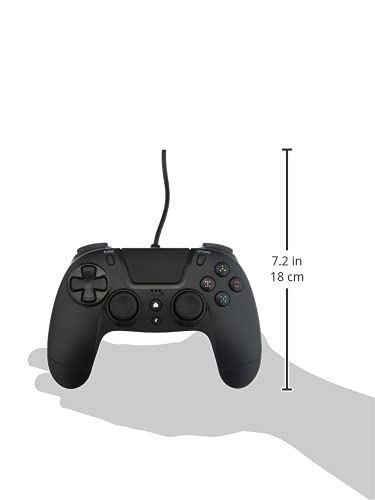
| Продукциянын өлчөмдөрү (контроллер) | Approximately 7.2 inches (18 cm) in height |
| Элемент Салмагы | 7.41 унция (210 грамм) |
| Өндүрүүчү | Gioteck |
Кепилдик жана колдоо
For warranty information and technical support regarding your Gioteck VX-4 Wired Controller, please refer to the official Gioteck webсайтына кириңиз же алардын кардарларды тейлөө кызматына түз кайрылыңыз. Кепилдик боюнча дооматтар үчүн сатып алганыңызды тастыктаган документти сактап коюу сунушталат.
Manufacturer: Gioteck
Алгачкы жеткиликтүү болгон күнү: 2020-жылдын 10-сентябры


