1. Киришүү
Thank you for choosing the NOKLEAD Digital Alarm Clock NK5256. This alarm clock features a large 6.5-inch LED display, full-range dimmable brightness, dual alarm settings with 5 unique sounds and 3 volume levels, a 9-minute snooze function, and a convenient USB charging port. This manual provides detailed instructions for setup, operation, and maintenance to ensure optimal performance.
Видео 1: Бүттүview of the NOKLEAD Digital Alarm Clock NK5256 features and functions.
2. Пакеттин мазмуну
Сураныч, пакетте төмөнкү нерселерди текшериңиз:
- 1 x NOKLEAD Digital Alarm Clock NK5256
- 1 х USB кубаттуу адаптер
- 1 x USB-C кабели
- 1 x User Manual

Сүрөт 1: Contents included in the NOKLEAD Digital Alarm Clock package.
3. Продукт бүтүп калдыview
The NOKLEAD Digital Alarm Clock NK5256 is designed for ease of use and clear visibility. Key features include:
- Чоң LED дисплей: 6.5-inch display with clear blue digits for easy reading.
- Full-Range Dimmer: Adjustable brightness from 5% to 100% via a slider switch.
- Кош ойготкучтар: Ар кандай графиктер үчүн эки көз карандысыз ойготкучту коюңуз.
- 5 Ойготкучтун үнү: Choose from beep, melody, birdsong, ocean waves, or chord music.
- 3 Көлөм деңгээли: Adjust alarm volume from 30dB to 90dB.
- 9 мүнөттүк тындыруу: Large snooze button for temporary alarm pause.
- 12/24 саат форматы: Easily switch between time display formats.
- USB кубаттоо порту: Мобилдик түзмөктөрүңүздү ыңгайлуу кубаттаңыз.
- Батареянын камдык көчүрмөсү: Built-in button cell battery preserves settings during power outages (display will be blank, alarm will not sound).

Сүрөт 2: Visual representation of the alarm clock's main features and dimensions.
4. Орнотуу
4.1 Кубат туташтыруу
- Connect the provided USB-C cable to the power input port on the back of the alarm clock.
- Plug the USB power adapter into a standard wall outlet.
- Дисплей күйүп, сааттын күйүп турганын көрсөтөт.
Эскертүү: The built-in button cell battery maintains time and alarm settings during a power interruption, but the display will be off and the alarm will not sound until power is restored.
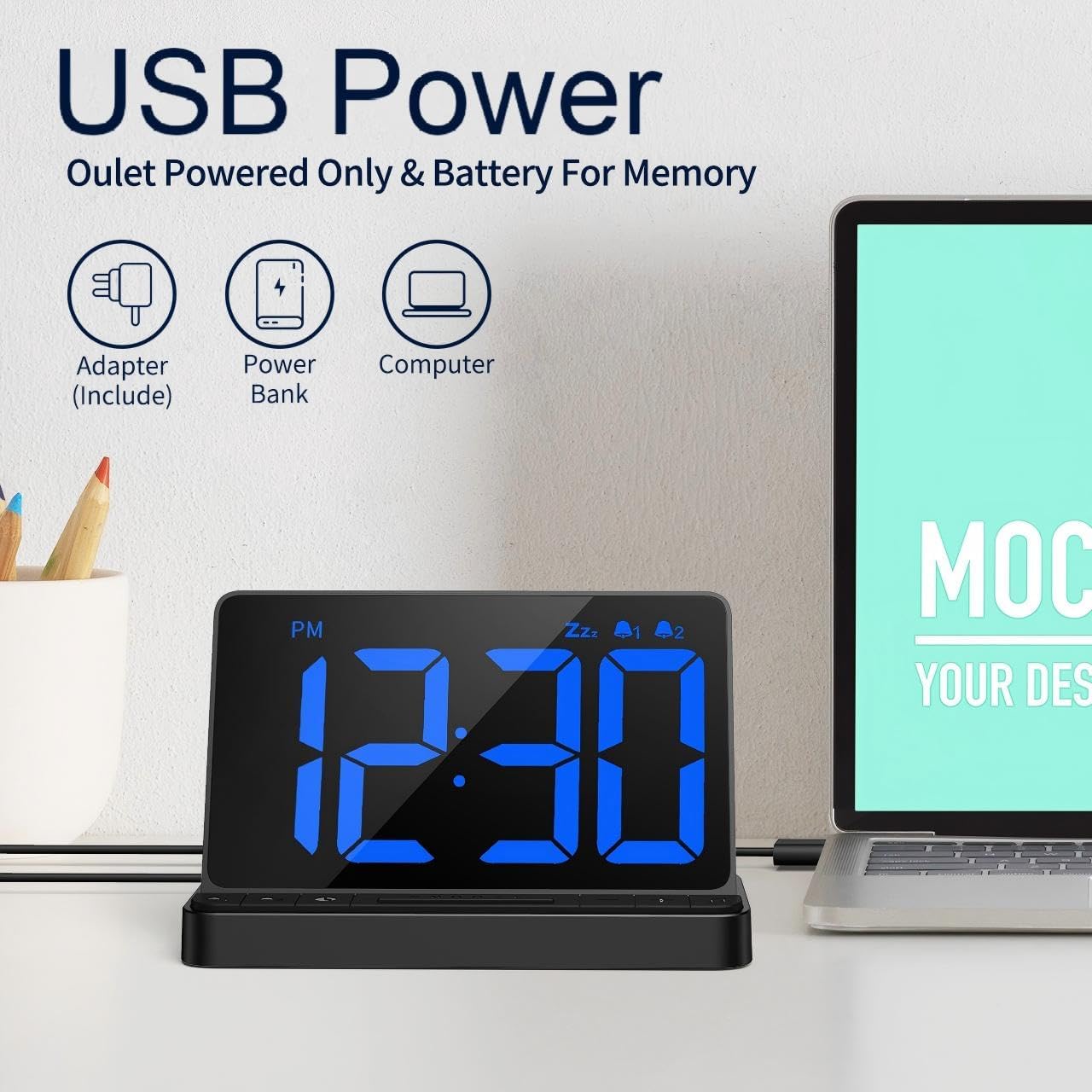
Сүрөт 3: Powering the alarm clock via USB.
4.2 Setting Time and 12/24 Hour Format
- басып, кармап туруңуз УБАКЫТТЫ ОРНОТУУ button (usually marked with a clock icon) to enter time setting mode. The hour digits will flash.
- колдонуу + or - саатты тууралоо үчүн баскычтар.
- басыңыз УБАКЫТТЫ ОРНОТУУ Саатты ырастоо жана мүнөт жөндөөсүнө өтүү үчүн баскычын кайра басыңыз. Мүнөттөрдүн сандары күйүп-өчүп турат.
- колдонуу + or - мүнөттөрдү тууралоо үчүн баскычтар.
- басыңыз УБАКЫТТЫ ОРНОТУУ button one more time to exit time setting mode.
- To switch between 12-hour (AM/PM) and 24-hour formats, briefly press the 12/24HR button (often the same as the УБАКЫТТЫ ОРНОТУУ button or a dedicated button).
Видео маалымдама: For a visual guide on switching between 12/24 hour format, refer to the main overview video at approximately 0:05-0:08.
5. Иштөө нускамалары
5.1 Ойготкучтарды орнотуу
Саат эки көз карандысыз ойготкучту (1-ойготкуч жана 2-ойготкуч) колдойт.
- басып, кармап туруңуз 1-ДАБЛ button (bell icon with '1') to enter Alarm 1 setting mode. The hour digits will flash.
- колдонуу + or - ойготкуч саатын тууралоо үчүн баскычтар.
- басыңыз 1-ДАБЛ Саатты ырастоо жана мүнөт жөндөөсүнө өтүү үчүн баскычын кайра басыңыз. Мүнөттөрдүн сандары күйүп-өчүп турат.
- колдонуу + or - ойготкуч мүнөттөрдү тууралоо үчүн баскычтар.
- басыңыз 1-ДАБЛ button one more time to exit Alarm 1 setting mode.
- Repeat the process for 2-ДАБЛ колдонуу 2-ДАБЛ button (bell icon with '2').
- To activate or deactivate an alarm, briefly press the corresponding 1-ДАБЛ or 2-ДАБЛ button. An indicator (e.g., bell icon) will appear on the display when the alarm is active.

Сүрөт 4: Setting up dual alarms for different wake-up times.
5.2 Alarm Sounds and Volume
You can customize your alarm experience with 5 unique sounds and 3 adjustable volume levels.
- Сигнал чырылдап жатканда, баскычын басыңыз МУЗЫКА НОТКА баскычы (көбүнчө ... менен айкалышат) + button) to cycle through the 5 available alarm sounds: Beep, Melody, Birdsong, Ocean Wave, Chord Music.
- To adjust the alarm volume, press the VOLUME баскычы (көбүнчө ... менен айкалышат) - button) to cycle through the 3 volume levels (L1: 30-75dB, L2: 80dB, L3: 85-90dB).
Видео маалымдама: For a demonstration of alarm sounds and volume adjustment, refer to the main overview video at approximately 0:23-0:37.
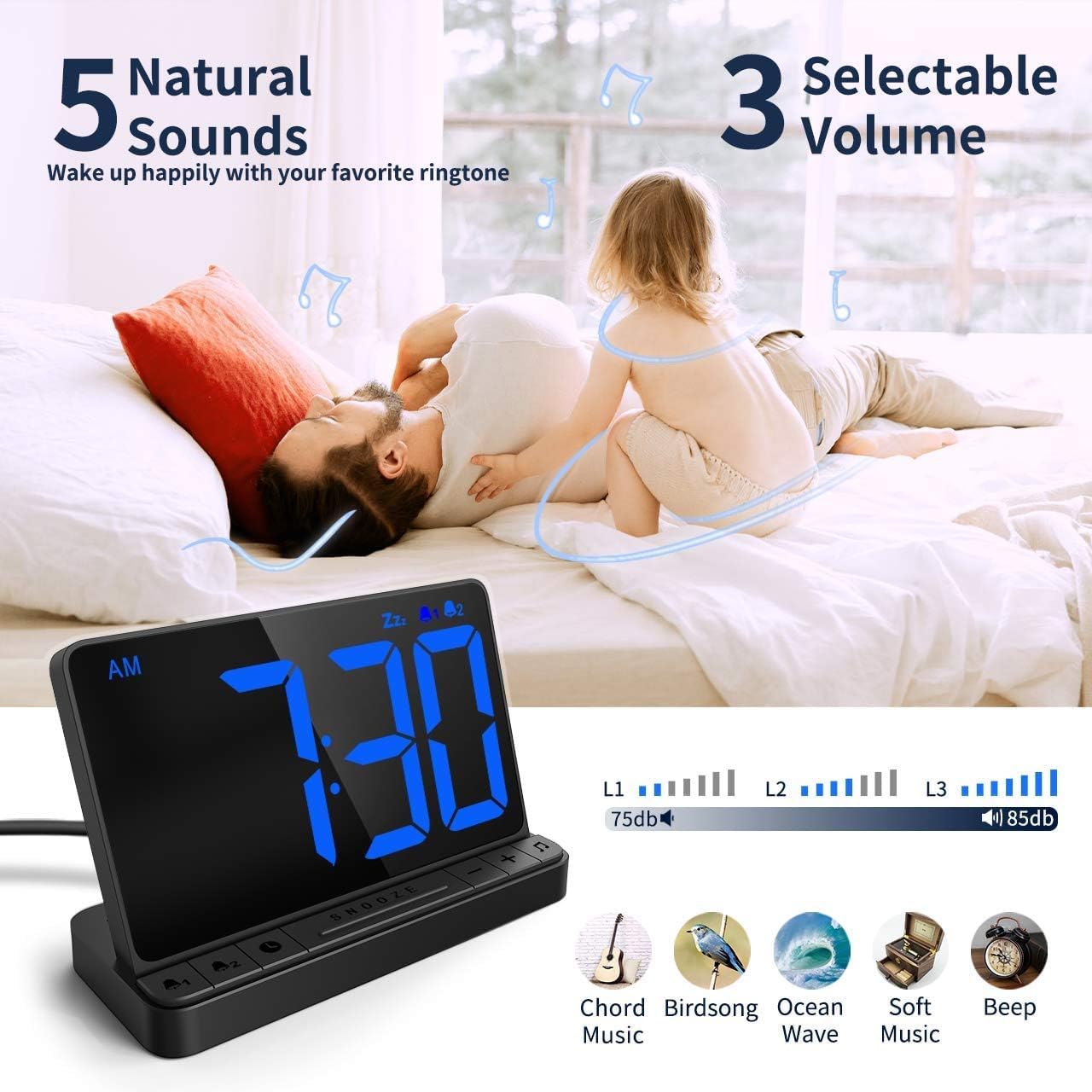
Сүрөт 5: Customizing alarm sounds and volume.
5.3 Тындыруу функциясы
Ойготкуч кагылганда, сиз кошумча 9 мүнөт уктоо үчүн тындыруу функциясын иштете аласыз.
- When the alarm is active, press the large СОЮЗ button located in the center of the clock.
- Ойготкуч 9 мүнөткө тыныгуу жасап, андан кийин кайра иштейт.
- To cancel the snooze and turn off the alarm completely, press any other button (e.g., 1-ДАБЛ or 2-ДАБЛ баскычы).
Видео маалымдама: For a visual guide on using the snooze function, refer to the main overview video at approximately 0:17-0:23.
5.4 Жарыктыкты жөндөө
The clock features a full-range dimmable display to suit your preference day and night.
- Locate the slider switch on the back or side of the alarm clock (refer to Image 6).
- Slide the switch to adjust the display brightness from 5% (dimmest) to 100% (brightest).
Видео маалымдама: For a demonstration of brightness adjustment, refer to the main overview video at approximately 0:05-0:12.
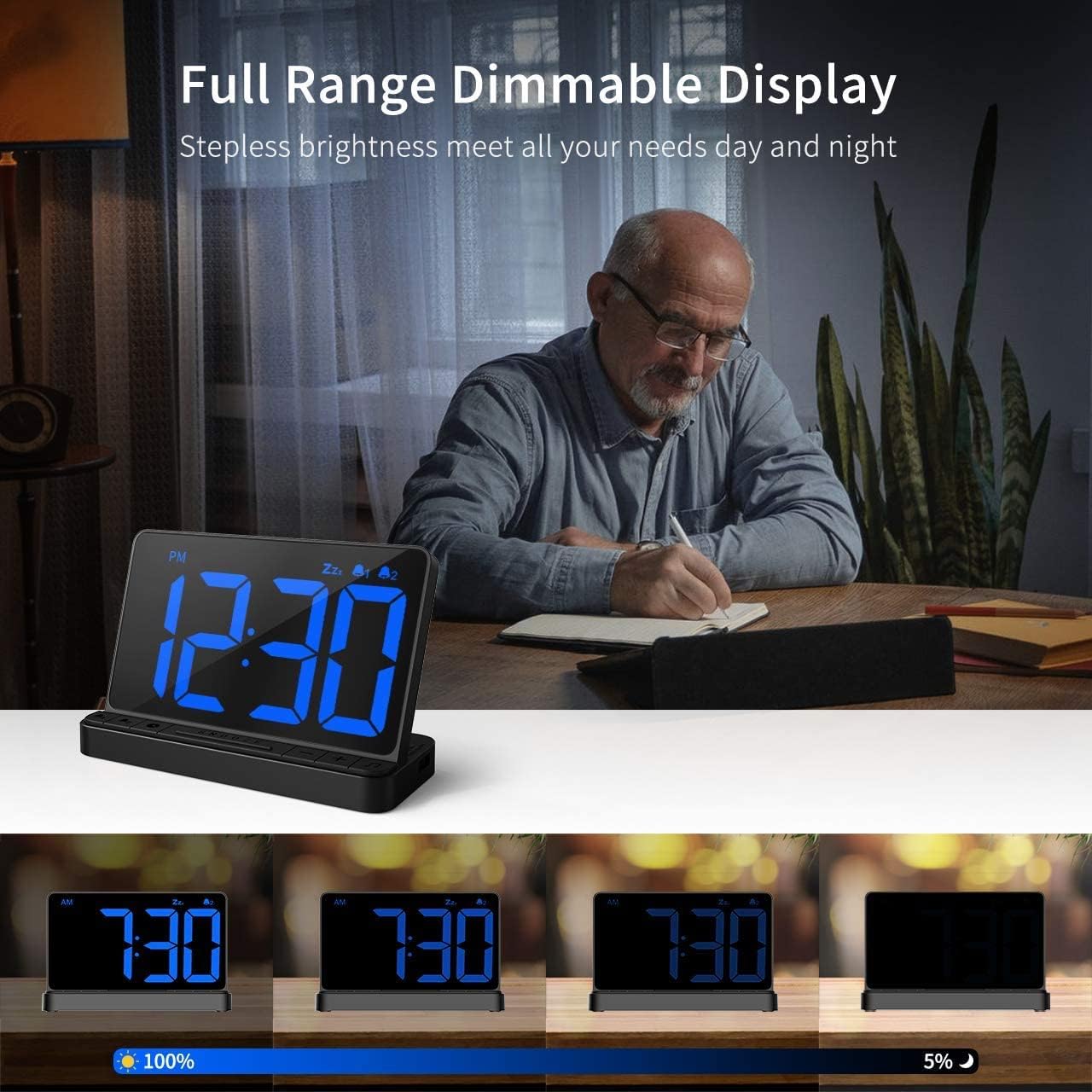
Сүрөт 6: Adjusting the display brightness using the slider.
5.5 USB кубаттоо порту
The alarm clock includes a USB output port for charging your mobile devices.
- Locate the USB output port on the side of the alarm clock.
- Түзмөгүңүздүн кубаттоочу кабелин ушул портко туташтырыңыз.
- The device will begin charging. Note that this port provides standard charging speed, not fast charging.
Видео маалымдама: For a visual guide on using the USB charging port, refer to the main overview video at approximately 0:12-0:16 and 0:37-0:40.


