1. Киришүү
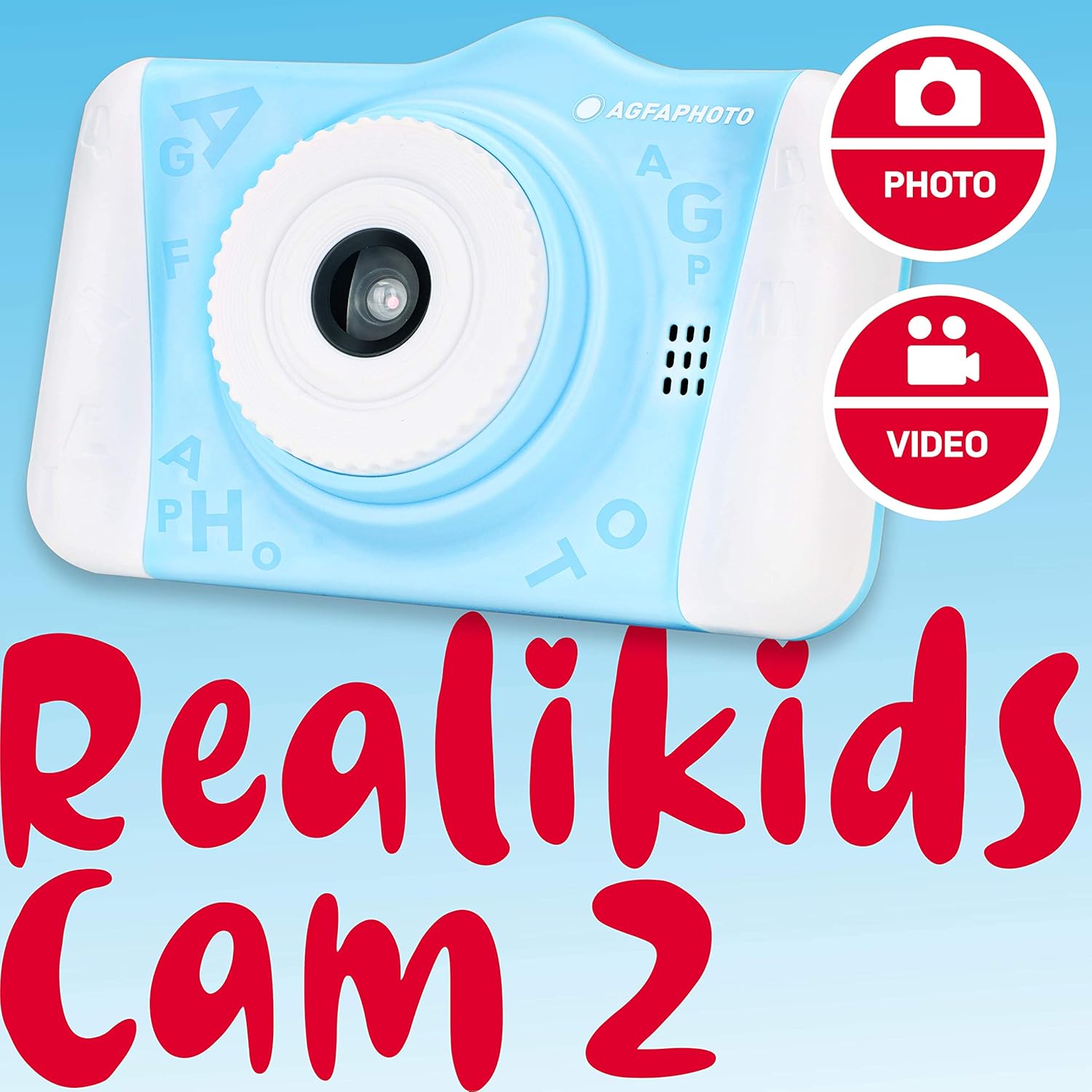
Welcome to the AGFA Photo Realikids Cam 2 digital camera instruction manual. This guide provides essential information for setting up, operating, and maintaining your new camera. Please read this manual carefully to ensure proper use and to maximize your child's enjoyment of the camera.
Кутуда эмне бар
- AGFA Photo Realikids Cam 2 Camera
- Built-in Lithium Battery (pre-installed)
- USB кабели
- Моюн боосу

2. Коопсуздук маалыматы
Коопсуз эксплуатацияны камсыз кылуу жана зыян келтирбөө үчүн төмөнкү коопсуздук эрежелерин сактаңыз:
- This product is intended for children aged 3 and above. Adult supervision is recommended.
- Do not expose the camera to water or excessive moisture. This camera is not water-resistant.
- Камераны жерге түшүрүүдөн же катуу тийүүдөн сактаныңыз.
- Do not attempt to disassemble or modify the camera. Repairs should only be performed by authorized personnel.
- Keep the USB cable away from heat sources and sharp objects.
- The camera contains a built-in lithium battery. Do not expose the battery to extreme temperatures, direct sunlight, or fire.
- Заряддоо үчүн берилген USB кабелин гана колдонуңуз.
3. Орнотуу
3.1 Батареяны заряддоо
The camera features a built-in lithium battery. Before first use, fully charge the camera.
- Connect the small end of the provided USB cable to the camera's USB port.
- USB кабелинин чоңураак учун стандарттуу USB кубат адаптерине (кошумча эмес) же компьютердин USB портуна туташтырыңыз.
- The charging indicator light will illuminate. Once charging is complete, the light may change color or turn off.
- Заряддоо адатта болжол менен 2-3 саатка созулат.

3.2 Микро SD картаны салуу
The camera requires a Micro SD card (not included) to save photos and videos. The camera supports cards up to 32GB.
- Камераңыздын капталынан Micro SD карта уячасын табыңыз.
- Gently insert the Micro SD card into the slot with the metal contacts facing down until it clicks into place.
- To remove the card, push it gently inward until it clicks, then release, and it will spring out.
3.3 Күйгүзүү/өчүрүү
- To power on: Press and hold the Power button (usually located on the top or side) for a few seconds until the screen illuminates.
- To power off: Press and hold the Power button again until the screen turns off.
4. Камераны иштетүү
The AGFA Photo Realikids Cam 2 is designed for ease of use with its intuitive controls and large 3.5-inch LCD screen.

4.1 Негизги башкаруу каражаттары
Камеранын баскычтары менен таанышыңыз:
- Кубат баскычы: Камераны күйгүзөт/өчүрөт.
- Жапкыч/ОК баскычы: Takes photos, starts/stops video recording, confirms selections.
- Режим баскычы: Сүрөт, видео жана ойнотуу режимдеринин ортосунда которулат.
- Чабыттоо баскычтары (өйдө/төмөн/сол/оң): Used to navigate menus, zoom in/out, or select options.
- Меню баскычы: Камера жөндөөлөрүнө жетет.
4.2 Сүрөт тартуу
- Камераны күйгүзүңүз.
- Press the Mode button until the camera is in Photo mode (indicated by a camera icon on the screen).
- ЖК экранды колдонуп кадрыңызды тартыңыз.
- Press the Shutter/OK button to take a picture.
4.3 Видеолорду жаздыруу
- Камераны күйгүзүңүз.
- Press the Mode button until the camera is in Video mode (indicated by a video camera icon on the screen).
- Press the Shutter/OK button once to start recording. A timer or recording indicator will appear on the screen.
- Жаздырууну токтотуу үчүн Zapiv/OK баскычын кайра басыңыз.
4.4 Селфи режими
The camera features a rear CMOS sensor for taking selfies.
- Ensure the camera is in Photo or Video mode.
- The camera automatically uses the front-facing lens for selfies when pointed towards the user.
- Frame yourself using the LCD screen.
- Press the Shutter/OK button to capture a selfie photo or start/stop a selfie video.

4.5 Photo Filters
Enhance your photos with 16 fun built-in filters.
- In Photo mode, press the Menu button to access filter options.
- Use the Navigation buttons to scroll through the available filters (e.g., princess crown, bunny ears, Santa hat).
- Select your desired filter and press the Shutter/OK button to apply it.
- Take your photo as usual.

4.6 Ойнотуу режими
View тартылган сүрөттөрүңүз жана видеолоруңуз.
- Press the Mode button until the camera is in Playback mode (indicated by a play icon).
- Сүрөттөрүңүздү жана видеолоруңузду жылдыруу үчүн Багыттоо баскычтарын колдонуңуз.
- Press the Shutter/OK button to view видео же сүрөттүн чоңойтулган версиясы.
5. Техникалык тейлөө
5.1 Камераны тазалоо
- Камеранын корпусун тазалоо үчүн жумшак, кургак чүпүрөктү колдонуңуз.
- For the lens and screen, use a specialized lens cleaning cloth to avoid scratches.
- Суюк тазалагычтарды же абразивдүү материалдарды колдонбоңуз.
5.2 Сактоо
- Камераны салкын, кургак жерде, күндүн нуру түз тийбеген жерде сактаңыз.
- Узак мөөнөткө сактасаңыз, анын иштөө мөөнөтүн узартуу үчүн батареянын жарым-жартылай заряддалганын (болжол менен 50%) текшериңиз.
- Remove the Micro SD card if not in use for a long time.
6. Кыйынчылыктарды
Камераңыз менен көйгөйлөргө туш болсоңуз, төмөнкү жалпы чечимдерди караңыз:
| Көйгөй | Мүмкүн чечим |
|---|---|
| Камера күйбөйт. | Батарея заряддалганын текшериңиз. Камераны USB кабели аркылуу кубат булагына туташтырыңыз. |
| Сүрөткө/видео тартууга болбойт. | Check if a Micro SD card is inserted correctly and has sufficient free space. The camera requires a memory card to save media. |
| Сүрөт/видео сапаты начар. | Ensure the lens is clean. Check lighting conditions. The camera is designed for casual use and may not produce professional-grade images. |
| Камера катып калат же жооп бербей калат. | Press and hold the Power button for 10-15 seconds to force a shutdown. Restart the camera. |
7. Техникалык шарттар
| Өзгөчөлүк | Деталь |
|---|---|
| Модель аты | ARKC2BL |
| Screen Size | 3.5 дюйм |
| Дисплей түрү | LCD |
| Фото сенсор технологиясы | CMOS |
| Натыйжалуу дагы эле чечим | 12 депутат |
| Video Resolution | 1080p |
| Колдоого алынган File Формат | AVI (Video), JPEG (Image) |
| Flash эс тутум түрү | Микро SD (32 ГБ чейин) |
| Батарея түрү | Орнотулган литий-ион |
| Байланыш технологиясы | USB |
| Өзгөчөлүктөр | Selfie Mode, Photo Filters, Burst Mode, Timer |
| Элемент Салмагы | 4.06 унция |
| Түс | Көк |
| Жаш диапазонунун сүрөттөлүшү | Бала |
8. Кепилдик жана колдоо
For warranty information or technical support, please refer to the documentation included with your purchase or visit the official AgfaPhoto webсайт. Кепилдик дооматтар үчүн сатып алганыңыздын далилин сактаңыз.


