1. Киришүү
Thank you for choosing the ATUMTEK Bluetooth Remote Shutter. This compact and portable device is designed to enhance your mobile photography experience by providing convenient remote control for your smartphone camera. With advanced Bluetooth 5.0 technology, it ensures stable and low-latency connectivity, allowing you to capture perfect photos and videos from a distance. This manual will guide you through the setup, operation, and maintenance of your new remote shutter.
2. Продукциянын өзгөчөлүктөрү
- Superior Bluetooth 5.0 Connectivity: Experience ultra-low latency and stable connection with the latest Bluetooth 5.0 technology. No app is required for pairing, and it’s compatible with iOS 7.0+ and Android 5.0+ smartphones, ensuring seamless remote photography.
- Батареянын узак иштөө мөөнөтү: Equipped with a 50mAh rechargeable battery, this Bluetooth remote allows you to take more than 15,000 photos on a full charge. The convenient Type-C charging port (5V/0.11A) ensures quick recharges when needed.
- Компакт жана портативдик дизайн: Measuring just 53.8 x 16.23 x 7.88mm and weighing only 5g, this mini remote is easy to carry and store. Its sleek, carbon fiber design adds a touch of elegance, making it the perfect accessory for any on-the-go photographer.
- Кеңейтилген алыскы диапазон: Capture perfect shots from a distance! With an effective remote range of over 10 meters, you can comfortably take group photos, selfies, or landscape shots without being restricted by proximity.
- Durable and Long-Lasting Buttons: The ABS construction ensures durability, while the button has a lifespan of over 30,000 clicks, providing reliability for countless photography sessions.
- Жалпы шайкештик: Designed to work with both iOS and Android systems, this remote shutter is compatible with iPhones and Android smartphones running iOS 7.0+ or Android 5.0+.
3. Пакеттин мазмуну
Сураныч, бардык буюмдар бар экенин текшерүү үчүн пакетти текшериңиз:
- ATUMTEK Bluetooth Remote Shutter (Model: ATYKQ064)
- USB-C заряддоо кабели
- User Manual

3.1-сүрөт: Пакеттин мазмуну
4. Баштоо
4.1 Charging the Remote Shutter
The remote shutter comes with a built-in rechargeable 50mAh battery. Before first use, or when the indicator light is dim, charge the device using the provided USB-C cable.
- Connect the USB-C end of the cable to the charging port on the remote shutter.
- Connect the USB-A end of the cable to a USB power source (e.g., computer USB port, wall adapter, power bank).
- The indicator light will show charging status (specific color/behavior not detailed, assume it turns off or changes color when fully charged).
- A full charge allows for over 15,000 photos.
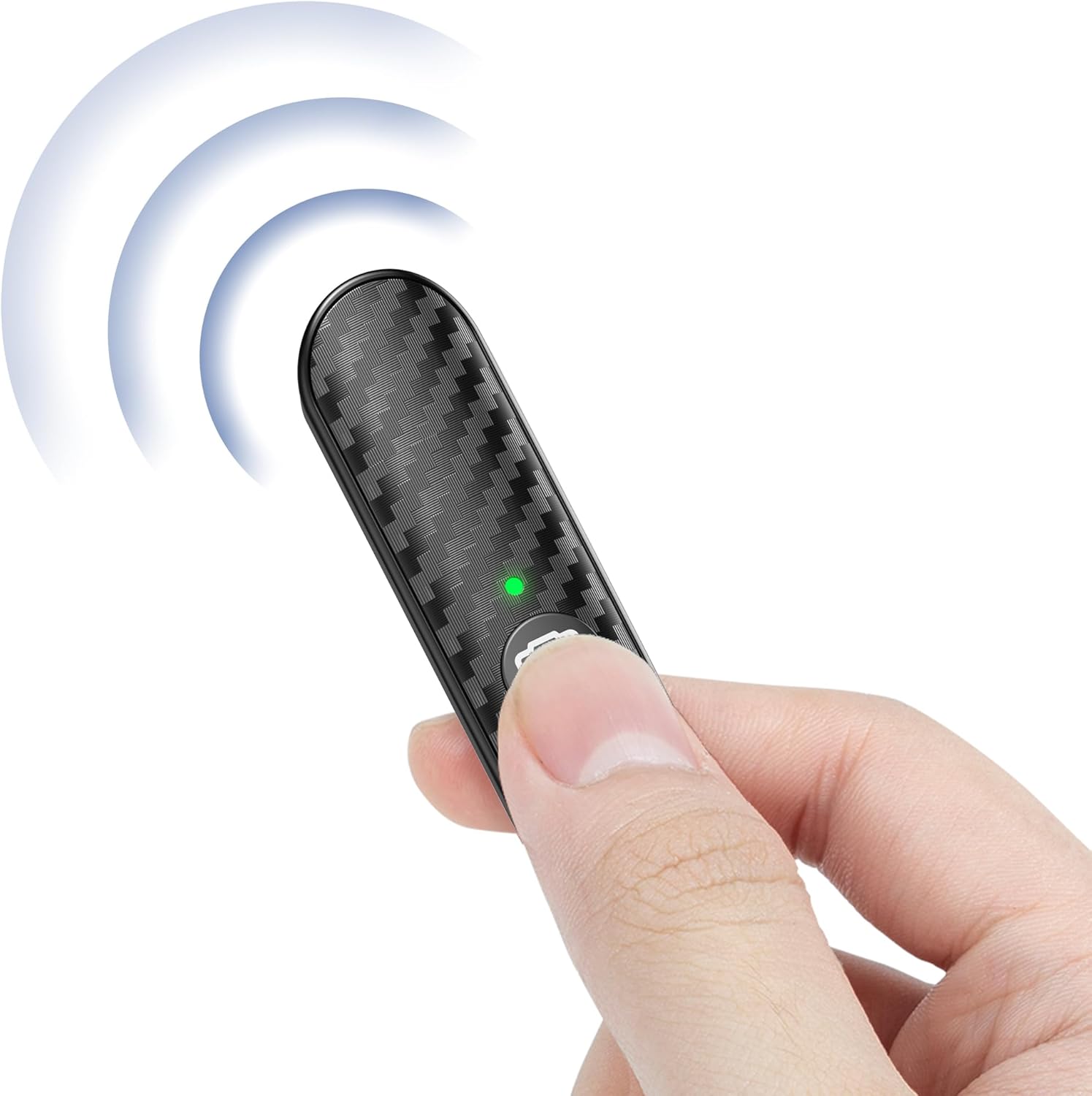
Figure 4.1: Remote Shutter with USB-C Cable

Figure 4.2: USB-C Charging Options
4.2 Смартфонуңуз менен жупташуу
The remote shutter uses Bluetooth for wireless connection. Follow these steps to pair it with your device:
- 1-кадам: Press and hold the button on the remote shutter for 3 seconds. The green indicator light will flash, indicating it's in pairing mode.
- 2-кадам: On your smartphone, go to Settings and turn on Bluetooth. Издөө available devices and select "ATUMTEK" from the list.
- 3-кадам: Once paired successfully, the green light on the remote will remain steady.
- 4-кадам: To turn off the remote, press and hold the button for 3 seconds.

Figure 4.3: Pairing Steps

Figure 4.4: Remote Shutter in Use
5. Иштөө нускамалары
Once paired, the ATUMTEK Bluetooth Remote Shutter is ready for use with your smartphone's camera application.
- Ensure your smartphone's camera app is open.
- Position your smartphone as desired (e.g., on a tripod, selfie stick).
- Press the camera button on the remote shutter to capture a photo or start/stop video recording. The remote supports both photo and video modes.
- The effective remote range is over 10 meters (33 feet), allowing for flexible shooting angles and group photos.

Figure 5.1: Photo and Video Mode Availability

Figure 5.2: Extended Remote Range
Video 5.1: Official product video demonstrating the features and usage of the ATUMTEK Bluetooth Remote Shutter.
6. Шайкештик
The ATUMTEK Bluetooth Remote Shutter is designed for wide compatibility with various smartphones and operating systems.
- iOS түзмөктөрү: Compatible with iOS 7.0 and above, including various iPhone models (e.g., iPhone 15, 14, 13, 12, 11, X, SE, 8, 7, 6s) and iPads.
- Android түзмөктөрү: Compatible with Android 5.0 and above, including various Samsung Galaxy (S, Note, Z Flip series), Google Pixel, Huawei, Sony Xperia, Motorola, and OnePlus models.
- Perfect Fit with ATUMTEK Selfie Stick Tripods: Designed to pair seamlessly with ATUMTEK ATSS002 & ATSS052 Series Selfie Stick Tripods (e.g., ATSS029, ATSS055, ATSS099, ATSS128, ATSS002, ATSS031, ATSS087, ATSS052, ATSS056, ATSS067, ATSS127).

Figure 6.1: Wide Smartphone Compatibility

Figure 6.2: Compatibility with ATUMTEK Selfie Stick Tripods
7. Техникалык шарттар
| Өзгөчөлүк | Деталь |
|---|---|
| Модель номери | ATYKQ064 |
| Байланыш | Bluetooth 5.0 |
| Батарея сыйымдуулугу | 50 мАч литий полимери (кайра заряддалуучу) |
| Заряддоо порту | USB Type-C (5V/0.11A) |
| Батареянын иштөө мөөнөтү | Over 15,000 photos per full charge |
| Remote Range | 10 метрден (33 фут) ашык |
| Баскычтын иштөө мөөнөтү | Over 30,000 clicks |
| Өлчөмдөр | х 53.8mm 16.23 х 7.88 (2.12 х 0.64 х 0.31 дюйм) |
| Салмагы | 5г (0.176 унция) |
| Материал | ABS (with Carbon Fiber Design) |
| Түс | Кара |
| Шайкеш OS | iOS 7.0+ жана Android 5.0+ |

7.1-сүрөт: Продукциянын өлчөмдөрү жана салмагы
8. Кароо жана тейлөө
- Keep the remote shutter dry. Do not expose it to moisture or liquids.
- Аппаратты жумшак, кургак чүпүрөк менен тазалаңыз. Катуу химиялык заттарды же абразивдүү материалдарды колдонуудан алыс болуңуз.
- Пультту колдонбогондо салкын, кургак жерде сактаңыз.
- Avoid extreme temperatures, as this can affect battery life and device performance.
- Түзмөктү өз алдынча бөлүктөргө бөлүүгө же оңдоого аракет кылбаңыз. Бул кепилдикти жокко чыгарат.
9. Кыйынчылыктарды
| Көйгөй | Мүмкүн чечим |
|---|---|
| Пульт жупташпай жатат. |
|
| Remote not taking photos/videos. |
|
| Батареянын иштөө мөөнөтү кыска. |
|
10. Кепилдик жана колдоо
ATUMTEK offers warranty coverage for all its branded products when purchased through authorized channels. If you encounter any issues or have questions regarding your ATUMTEK Bluetooth Remote Shutter, please do not hesitate to reach out to our dedicated support team for assistance.
Электрондук почта колдоо: support@atumtek.com
For more information and product updates, please visit the official ATUMTEK store: ATUMTEK Store on Amazon


