1. Киришүү
Thank you for choosing the MageGee G6 Wired Gaming Mouse. This ergonomic USB optical mouse is designed to enhance your gaming and work experience with its high precision sensor, adjustable speed levels, and vibrant LED backlighting. Please read this manual thoroughly to ensure proper setup and optimal performance.
2. Орнотуу
2.1 Пакеттин мазмуну
- MageGee G6 Wired Gaming Mouse
- Instruction Manual
2.2 Системалык талаптар
- Operating System: Windows 10, Windows 8, Windows 7, Windows XP, WinME, Vista, Linux, etc.
- Жеткиликтүү USB порт
2.3 Чычканды туташтыруу
- Locate an available USB port on your computer (PC, Laptop, or Desktop).
- Plug the USB connector of the MageGee G6 mouse into the USB port.
- The mouse is plug-and-play; no additional drivers or software are required for basic functionality.
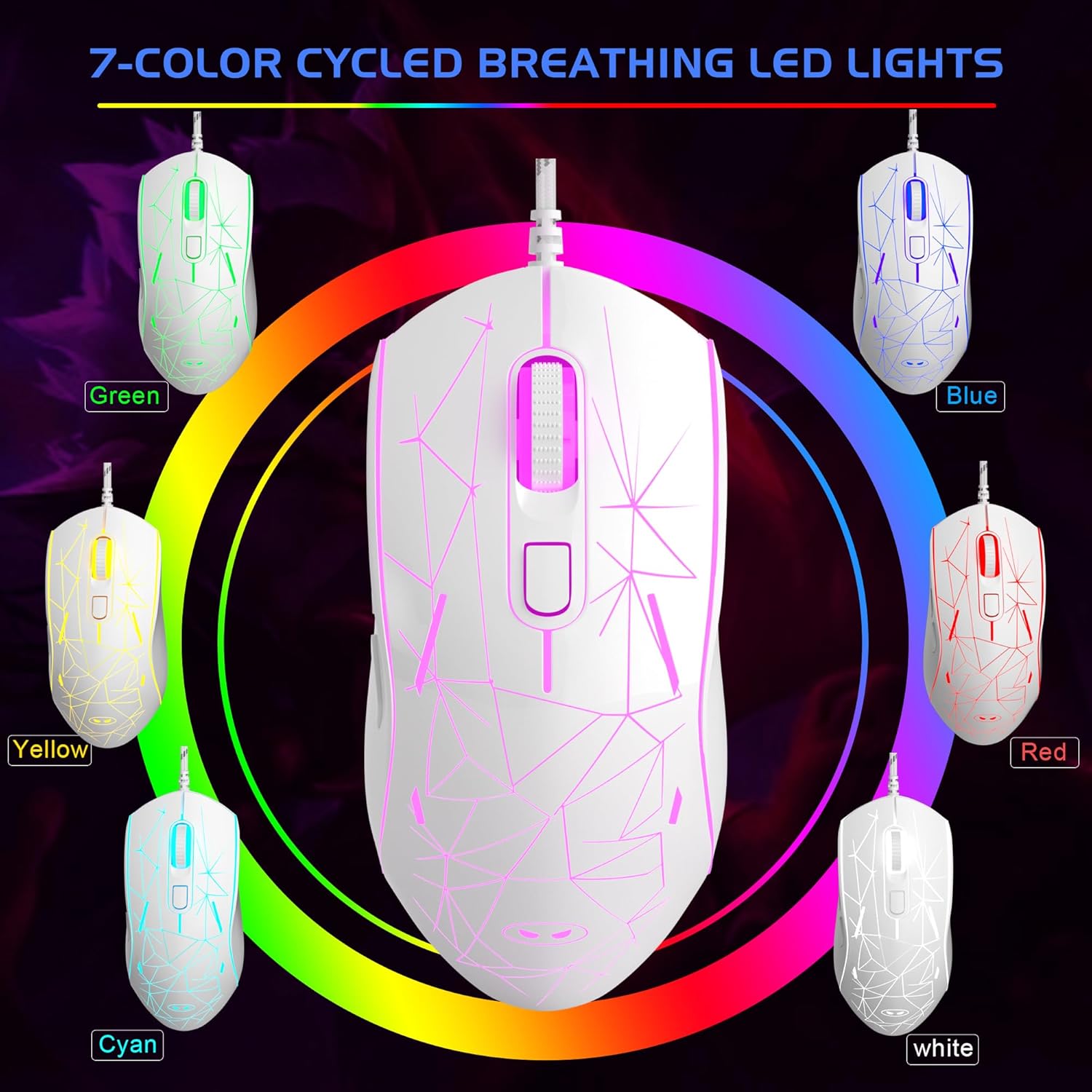
Image: The MageGee G6 Wired Gaming Mouse with its USB cable connected to a computer.
3. Иштөө нускамалары
3.1 Баскыч функциялары
The MageGee G6 offers 6 flexible buttons for versatile control:
- Сол баскыч: Стандарттык сол чыкылдатуу функциясы.
- Оң баскыч: Стандарттык оң баскычты чыкылдатуу функциясы.
- Жылдыруу дөңгөлөгү: Өйдө/ылдый жылдырат жана ортоңку чыкылдатуу баскычы катары иштейт.
- Speed Button (DPI Button): Adjusts the DPI (Dots Per Inch) sensitivity.
- Алга баскычы: Алга карай жылдырат web браузерлер же тиркемелер.
- Артка баскычы: Артка карай багыт алат web браузерлер же тиркемелер.
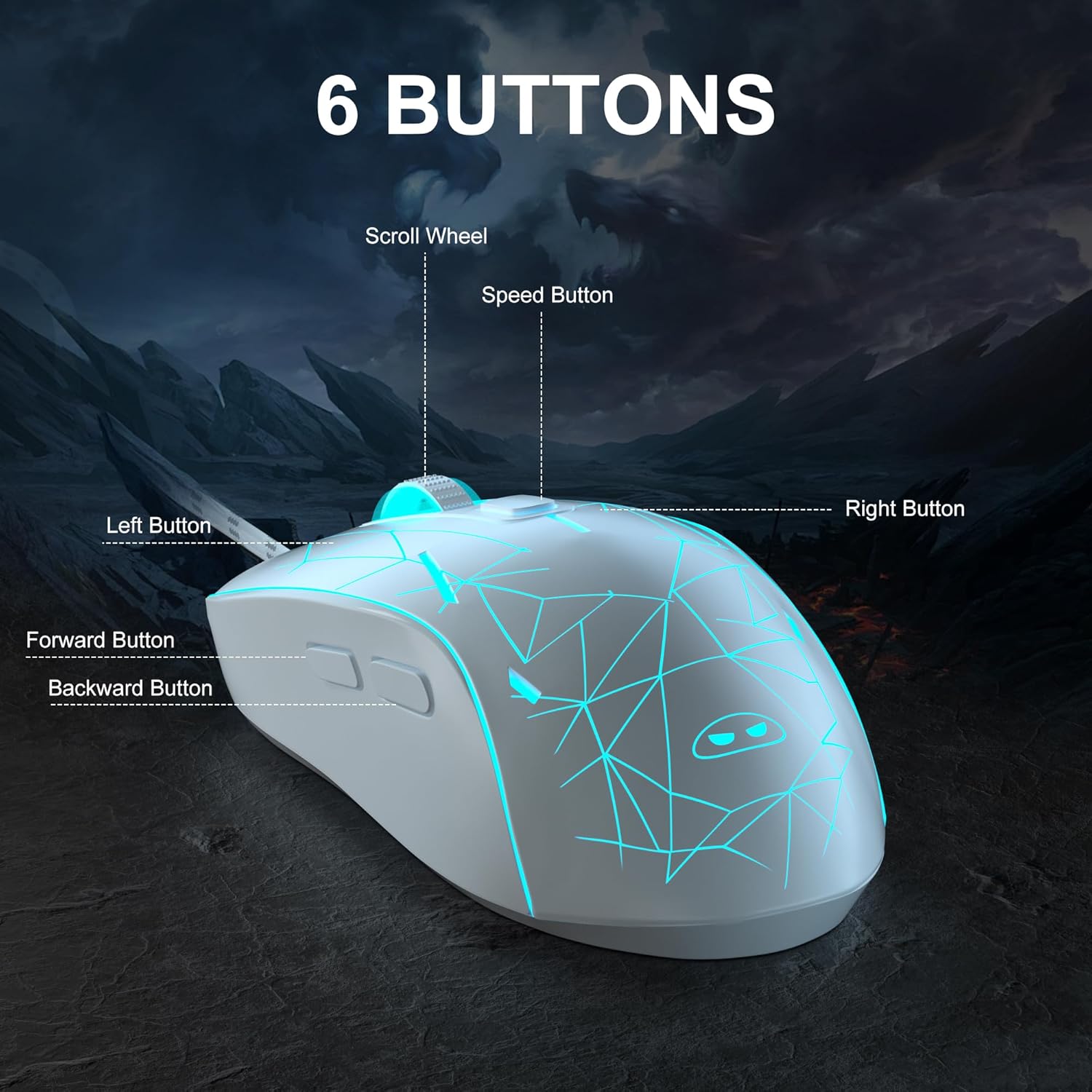
Сүрөт: деталдуу view of the MageGee G6 mouse highlighting the Left, Right, Scroll Wheel, Speed, Forward, and Back buttons.
3.2 Adjusting DPI Speed Levels
The MageGee G6 offers 6 adjustable DPI speed levels for precise cursor control:
- 600 DPI
- 800 DPI
- 1200 DPI
- 1600 DPI
- 2400 DPI
- 3200 DPI
басыңыз Ылдамдык баскычы (located below the scroll wheel) to cycle through the different DPI settings. Each press will change the sensitivity, allowing you to find the optimal speed for your tasks or games.
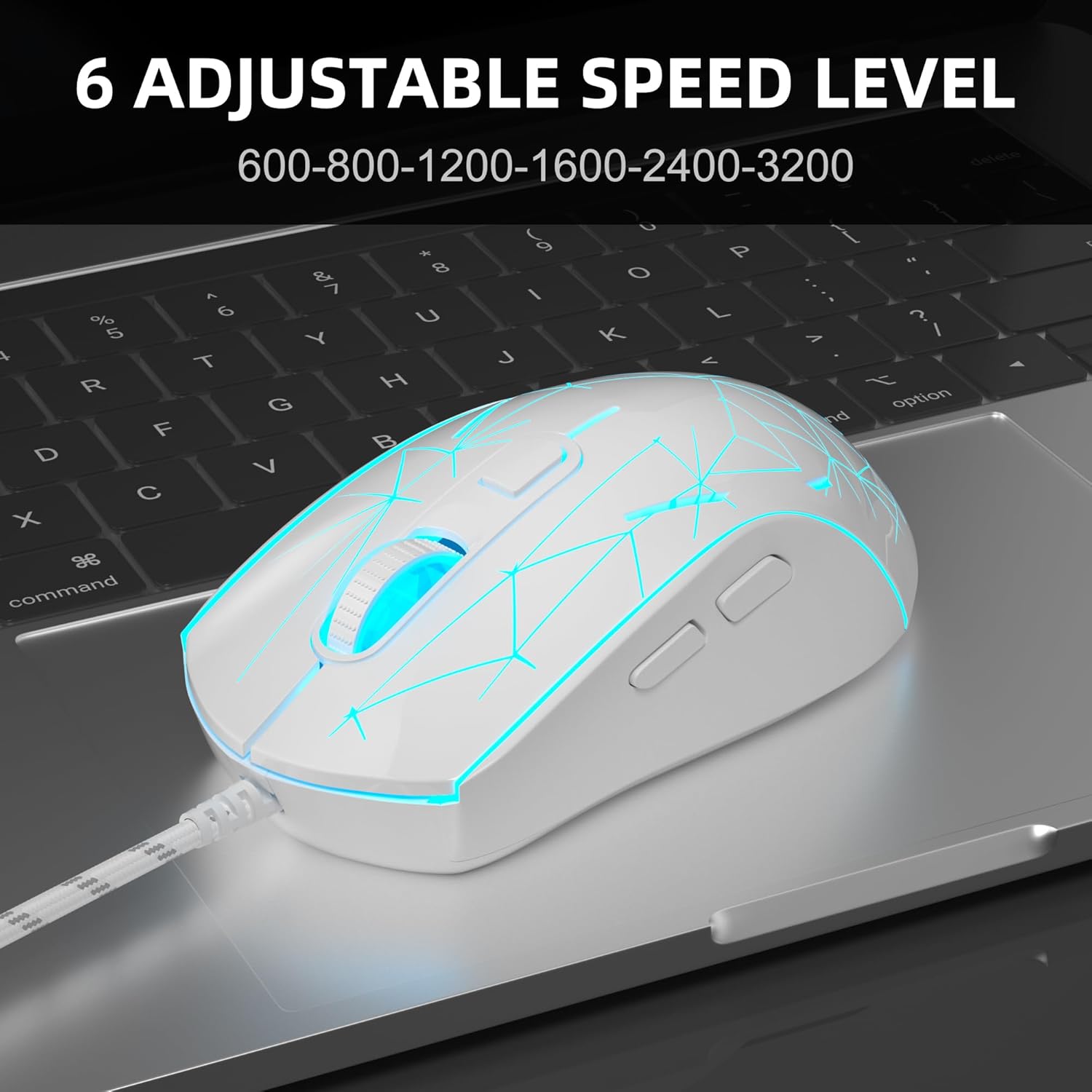
Image: The MageGee G6 mouse in use, demonstrating the adjustable DPI settings from 600 to 3200.
3.3 LED арткы жарыкты башкаруу
The MageGee G6 features 7-color breathing LED backlighting. You can control the lighting as follows:
- Түсү өзгөртүү: басыңыз Ылдамдык баскычы жана Алга баскычы simultaneously to cycle through and lock a specific color.
- Жарыктарды күйгүзүү/өчүрүү: басып, кармап туруңуз Ылдамдык баскычы for 3 seconds to toggle the LED lights on or off.
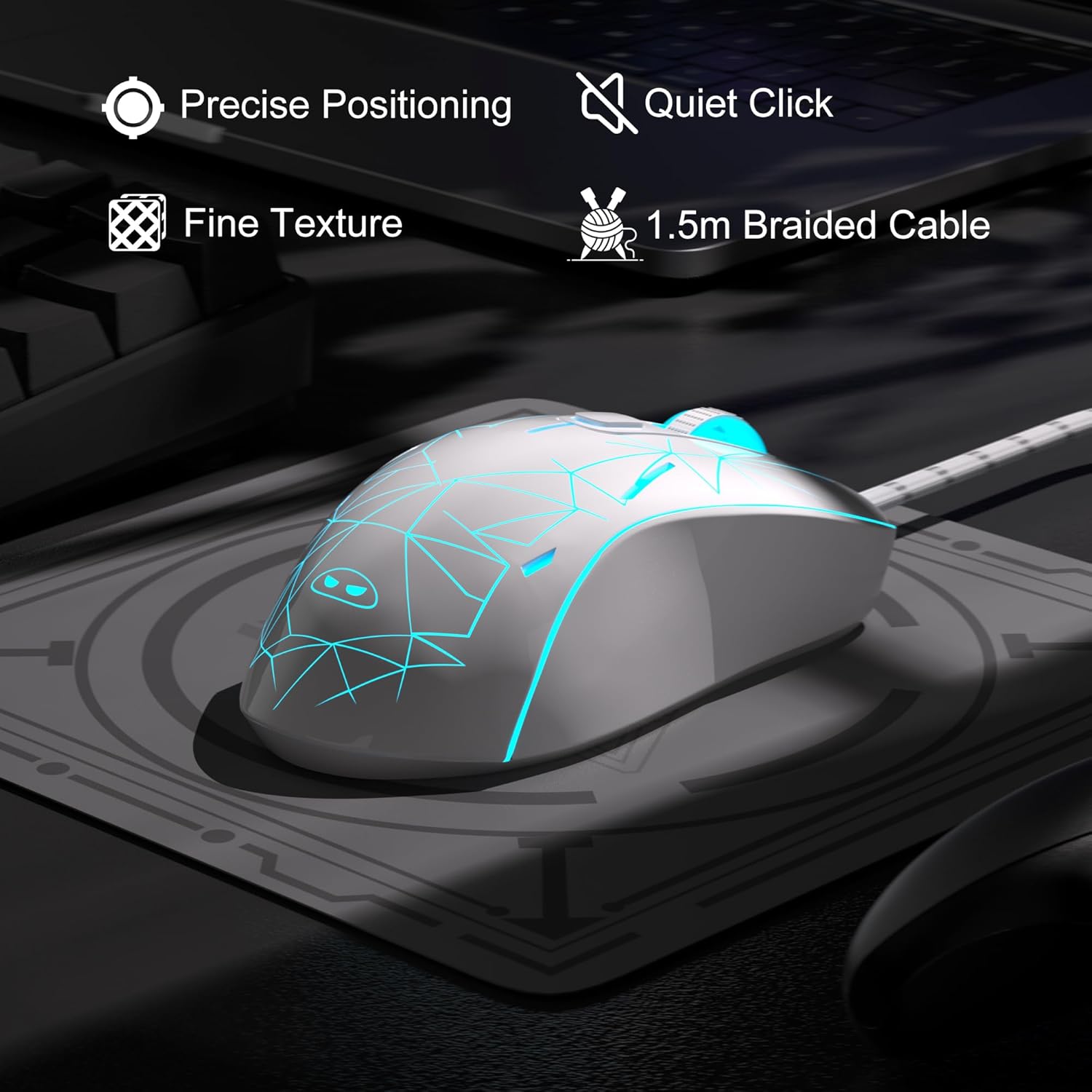
Image: The MageGee G6 mouse showcasing its 7-color breathing LED lights, including green, yellow, cyan, blue, red, and white.
4. Техникалык тейлөө
- Тазалоо: Чычканды тазалоо үчүн жумшак, кургак чүпүрөктү колдонуңуз. Катуу химиялык заттарды же абразивдүү материалдарды колдонуудан алыс болуңуз.
- Кабельге кам көрүү: Do not pull or twist the braided USB cable excessively to prevent damage.
- Сактагыч: Store the mouse in a dry place away from extreme temperatures.
5. Кыйынчылыктарды
5.1 Чычкан жооп бербейт
- USB кабели компьютериңиздеги иштеген USB портуна бекем сайылганын текшериңиз.
- Чычканды башка USB портуна сайып көрүңүз.
- Компьютериңизди өчүрүп күйгүзүңүз.
5.2 LED чырактары иштебей жатат
- Чычкандын компьютериңизге туура туташканын текшериңиз.
- басып, кармап туруңуз Ылдамдык баскычы for 3 seconds to toggle the LED lights on or off.
5.3 Cursor Movement is Erratic
- Чычкандын түбүндөгү оптикалык сенсорду жумшак чүпүрөк менен тазалаңыз.
- Чычканды ылайыктуу жерде (мисалы, чычкан аянтчасында) колдонуп жатканыңызды текшериңиз.
- Adjust the DPI sensitivity using the Ылдамдык баскычы.
6. Техникалык шарттар
| Өзгөчөлүк | Деталь |
|---|---|
| Бренд | MageGee |
| Модел | G6 |
| Байланыш технологиясы | USB, зымдуу |
| Кыймылды аныктоо технологиясы | Оптикалык |
| DPI деңгээли | 600/800/1200/1600/2400/3200 (Adjustable) |
| Buttons | 6 (Left, Right, Scroll Wheel, Speed, Forward, Back) |
| LED жарыгы | 7 Colors Breathing LED (Blue, Red, Green, Purple, Cyan, Yellow, White) |
| Кабелдин узундугу | 1.5 meters (Durable Braided Cable) |
| Эргономика | Ergonomic Design with Comfortable Grip |
| Шайкештик | Windows 10, 8, 7, XP, WinME, Vista, Linux, PC, Laptop, Desktop |
| Элемент Салмагы | 5.6 унция |
| Пакеттин өлчөмдөрү | 5.31 x 3.62 x 1.65 дюйм |
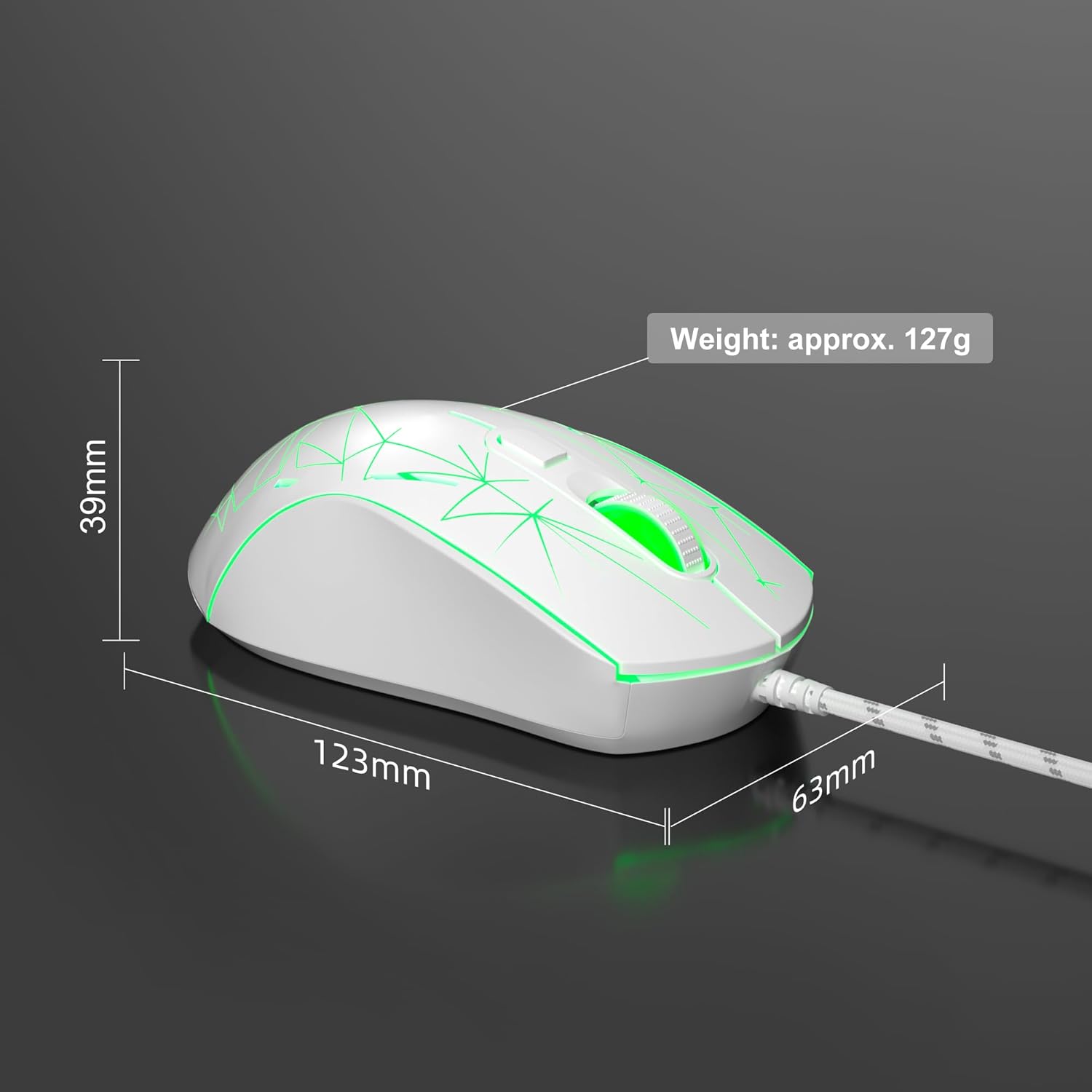
Image: Diagram illustrating the dimensions of the MageGee G6 Wired Gaming Mouse (123mm length, 63mm width, 39mm height, approx. 127g weight).
7. Кепилдик жана колдоо
For warranty information and customer support, please refer to the official MageGee webсайтка же сатуучуга кайрылыңыз. Кепилдик дооматтар үчүн сатып алуу дүмүрчөгүңүздү сактаңыз.
MageGee is committed to technological and product innovation, providing quality computer peripherals. Our after-sales team is available to promptly respond and solve your problems.
зыярат кылыңыз MageGee Store көбүрөөк өнүмдөр жана маалымат үчүн.


