Introduction
This manual provides instructions for the setup, operation, and maintenance of your Mooas Dual LED Moon Night Light Digital Alarm Clock (Model: MC-RLEDW2R). Please read this manual thoroughly before using the product to ensure proper function and longevity.

Figure 1: Mooas Dual LED Moon Night Light Digital Alarm Clock
Маанилүү коопсуздук маалыматы
- Аппаратты сууга же ашыкча нымдуулукка дуушар кылбаңыз.
- Аппаратты жылуулук булактарынын жанына же тике күн нуруна коюудан алыс болуңуз.
- Берилген кубат адаптерин жана кабелдерин гана колдонуңуз.
- Балдар жетпеген жерде сактаңыз.
- Аппаратты өз алдынча бөлүүгө же оңдоого аракет кылбаңыз. Жардам алуу үчүн кардарларды колдоо бөлүмүнө кайрылыңыз.
Пакеттин мазмуну
Пакетиңизде бардык буюмдар бар экенин текшериңиз:
- Mooas Dual LED Moon Night Light Digital Alarm Clock
- Алыстан башкаруу
- Кубат адаптери (USB кабели жана дубал адаптери)
- Колдонуучунун Колдонмосу (бул документ)
- CR2032 Battery (pre-installed for time memory)
Жайгашуу
1. Power Connection
- Берилген USB кабелин сааттын кубат киргизүү портуна туташтырыңыз.
- Plug the other end of the USB cable into the wall adapter.
- Insert the wall adapter into a standard electrical outlet.
- Сааттын дисплейи күйөт.
Эскертүү: CR2032 батарейкасы электр энергиясы учурунда убакыт жөндөөлөрүн сактоо үчүн алдын ала орнотулганtages. Ensure any protective tab is removed from the battery compartment if the clock does not retain time after initial setup.
2. Алыстан башкарууну орнотуу
The remote control is used for all settings and operations. It may have a protective plastic tab that needs to be removed from the battery compartment before first use.

Figure 2: Remote Control for the Mooas Clock
The remote control can be magnetically attached to the base of the clock for convenient storage.
Иштөө нускамалары
1. Убакыт жана дата орнотуу
Use the remote control to adjust time and date settings.
- Убакытты коюу: Press the "Time Set" button on the remote. Use the arrow buttons to adjust hours and minutes. Press "Time Set" again to confirm.
- Дата коюу: Press the "Date Set" button. Use arrow buttons to adjust year, month, and day. Press "Date Set" again to confirm.
- 12/24 Hour Mode: Press the "12/24H" button to switch between 12-hour and 24-hour display formats.
2. Ойготкуч функциясы
- Ойготкуч коюу: Press the "Alarm Set" button. Use arrow buttons to set the desired alarm time. Press "Alarm Set" again to confirm.
- Сигналды иштетүү/өчүрүү: Press the "Alarm ON/OFF" button to toggle the alarm. An alarm icon will appear on the display when active.
- Чырым: When the alarm sounds, press the "Snooze" button on the remote to temporarily silence it. The alarm will sound again after a set interval (typically 5-10 minutes).
- Сигналды токтотуу: To stop the alarm completely, press any other button on the remote or the "Alarm ON/OFF" button.
3. Adjusting Clock Display Brightness
The clock display has three brightness levels (High, Medium, Low).
- Press the "Clock Brightness" button on the remote control to cycle through the brightness levels.

Figure 3: Clock Display with White LED
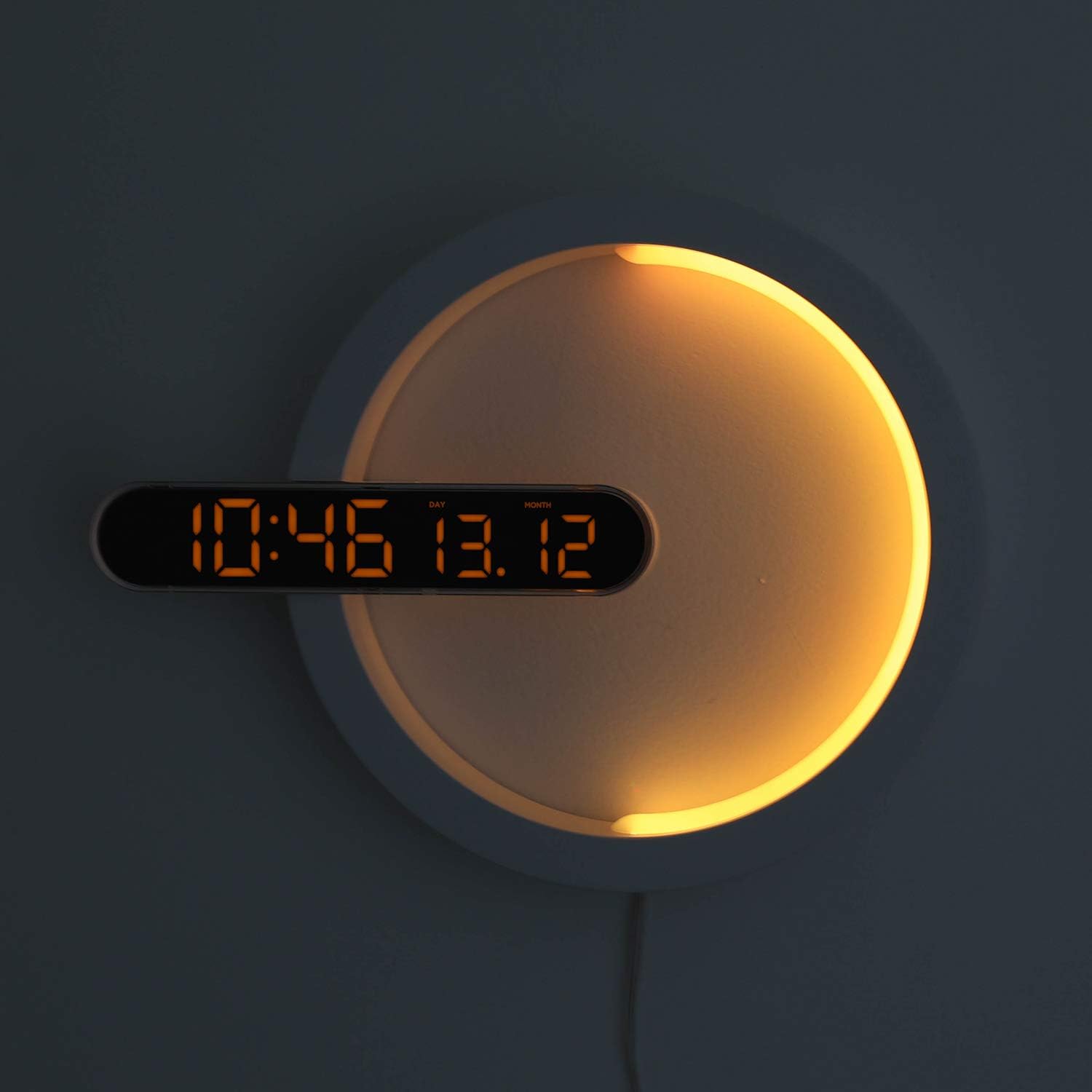
Figure 4: Clock Display with Orange LED
4. Түнкү жарык функциясы
The moon night light offers 7 distinct colors and an automatic color change mode.
- Түсү өзгөртүү: Press the "LED Color" button on the remote control to cycle through blue, sky blue, green, yellow, red, purple, white, and RGB auto change mode.
- Түнкү жарыктын жарыктыгы: The night light brightness is not independently adjustable via remote.
- Automatic Dimming Mode: The clock features an automatic dimming mode where the night light's color and brightness will automatically adjust to a dimmer setting during a specified time period (default: 6:00 PM to 6:00 AM). This setting can be customized using the remote control. Refer to the remote control's specific buttons for "Auto Dim Set" or similar.
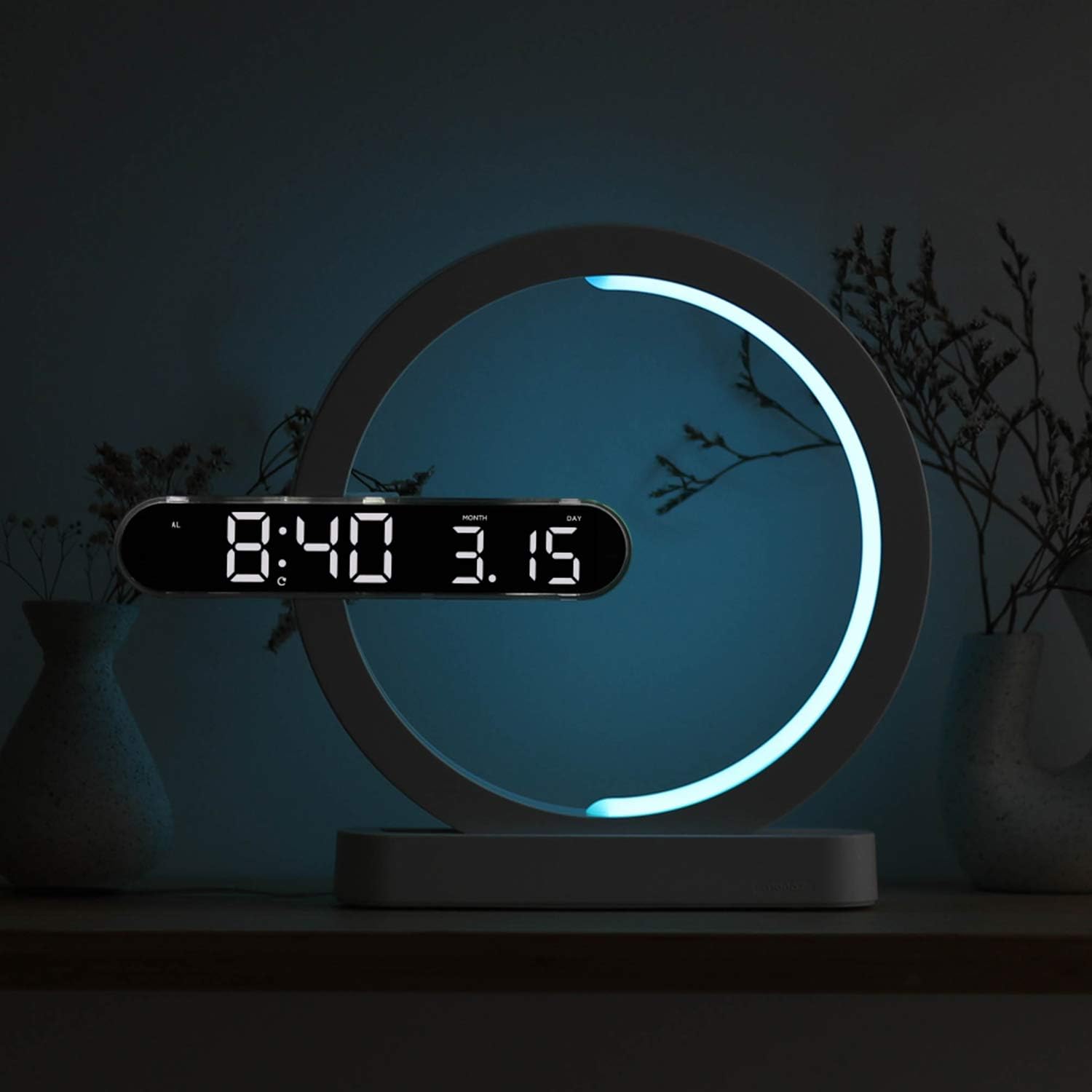
Figure 5: Available Night Light Colors
5. Колдонуу режимдери
The device can be used in various configurations:
- Саат режими: Only the digital clock display is active.
- Түнкү жарык режими: Only the moon night light is active.
- Clock + Night Light Mode: Both the digital clock and the moon night light are active simultaneously.
Specific buttons on the remote control allow switching between these modes. Consult the remote for labels such as "Mode" or dedicated ON/OFF buttons for clock and night light.

Figure 6: Wall-mounted usage example
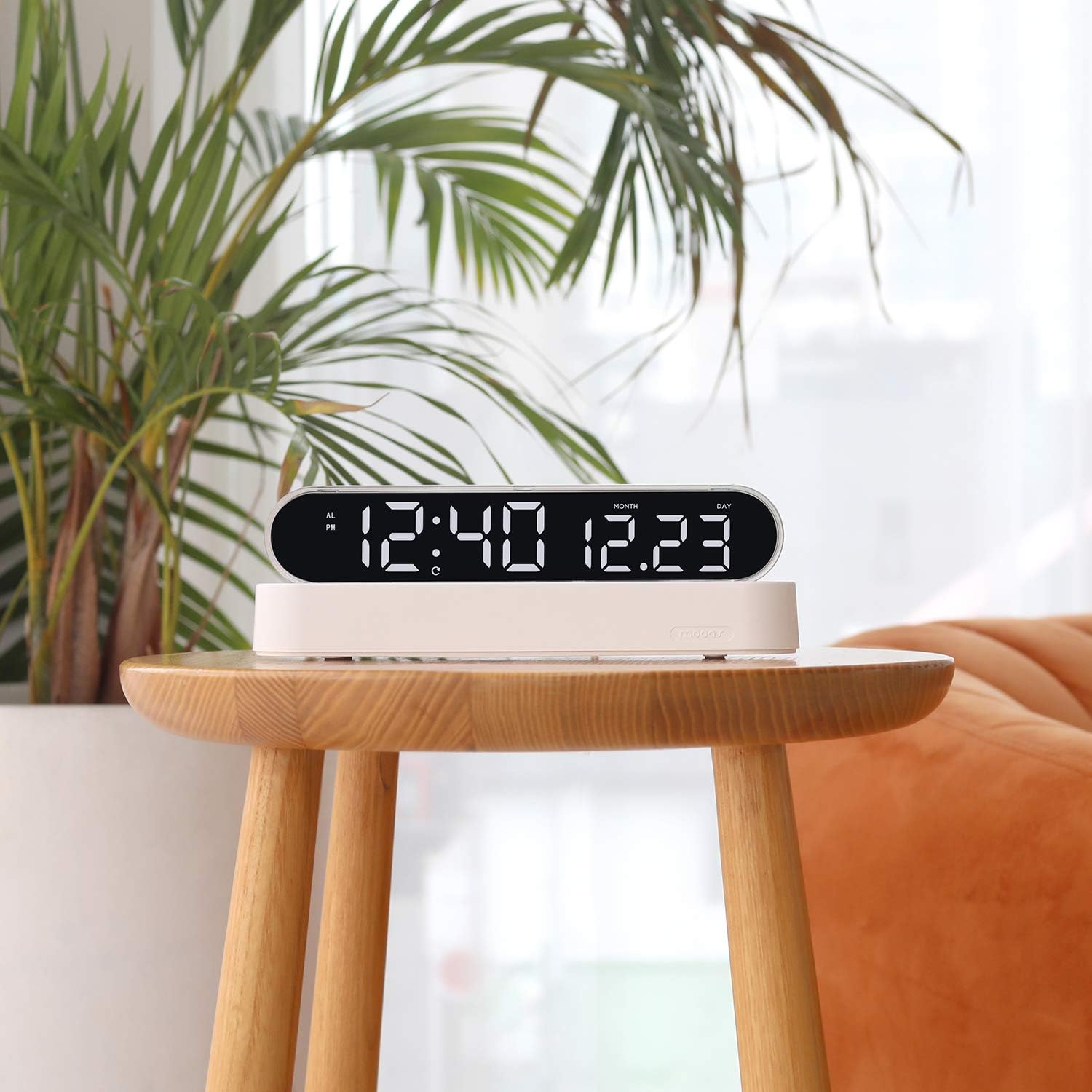
Figure 7: Desk clock usage example
Техникалык тейлөө
- Тазалоо: Аппаратты жумшак, кургак чүпүрөк менен сүртүңүз. Абразивдүү тазалагычтарды же эриткичтерди колдонбоңуз.
- Батареяны алмаштыруу (Алыстан башкаруу): If the remote control's functionality decreases, replace its battery (type not specified, usually CR2025 or CR2032).
- Time Memory Battery (CR2032): The CR2032 battery for time memory typically lasts several years. If the clock loses time settings after a power outage, replace this battery.
Проблемаларды чечүү
| Көйгөй | Мүмкүн себеп | Чечим |
|---|---|---|
| Сааттын дисплейи өчүк же иштебей жатат. | No power, loose connection, power adapter issue. | Ensure power cable is securely connected. Check if the power adapter is plugged into a working outlet. Try a different USB port or adapter if available. |
| Алыстан башкаруу пульту жооп бербей жатат. | Remote battery is dead or protective tab is still in place. | Remove the protective plastic tab from the remote's battery compartment. Replace the remote control battery if necessary. Ensure you are within range and pointing the remote at the clock. |
| Электр кубаты өчүрүлгөндөн кийин саат убакыт жөндөөлөрүн жогототtage. | CR2032 memory battery is dead or protective tab is still in place. | Ensure the protective tab is removed from the CR2032 battery compartment. Replace the CR2032 battery. |
| Night light is not changing colors. | Incorrect mode selected or remote issue. | Ensure the night light is active and not in a fixed color mode. Press the "LED Color" button repeatedly to cycle through colors. Check remote functionality. |
Техникалык шарттар
| Бренд | mooas |
| Модель номери | MC-RLEDW2R |
| Түс | Ак |
| Өлчөмдөрү (L x W x Y) | 30.71 x 25.17 x 5.36 см (12.09 x 9.91 x 2.11 дюйм) |
| Элемент Салмагы | 508 г (1.12 фунт) |
| Материал | Acrylic, ABS Acrylic |
| Жарык булагы түрү | LED |
| Clock Display Colors | White, Orange |
| Түнкү жарык түстөр | Blue, Sky Blue, Green, Yellow, Red, Purple, White, RGB Auto Change |
| Power Source | AC Powered (with CR2032 battery for time memory) |
| Өзгөчөлүктөр | Alarm, Adjustable Brightness (for clock display), Date Display, 12/24H Mode, Snooze, Remote Control |
Кепилдик маалымат
Mooas products are covered by a limited warranty against defects in materials and workmanship. The specific warranty period may vary by region and retailer. Please retain your proof of purchase for warranty claims. For detailed warranty terms and conditions, please refer to the documentation provided at the time of purchase or contact Mooas customer support.
Кардарларды колдоо
If you encounter any issues or have questions regarding your Mooas Dual LED Moon Night Light Digital Alarm Clock that are not addressed in this manual, please contact Mooas customer support. Contact information can typically be found on the product packaging or the official Mooas webсайт.
Онлайн колдоо үчүн төмөнкүгө кириңиз: www.mooas.com


