Altec Lansing SoundRover зымсыз троллейбус Bluetooth колонкасы колдонуучунун колдонмосу
Model: IMT7002-BLK
Бренд: Altec Lansing
Introduction
The Altec Lansing SoundRover Wireless Trolley Bluetooth Speaker is a versatile and powerful audio system designed for various occasions, from parties and karaoke to outdoor gatherings. This manual provides essential information on setting up, operating, and maintaining your SoundRover speaker to ensure optimal performance and longevity.
Кутуда эмне бар
Altec Lansing SoundRover Wireless Trolley Bluetooth Speaker
Зымсыз микрофон
AC Power Cable (for charging and continuous power)
Колдонуучунун Колдонмосу (бул документ)
Продукт бүттүview
Familiarize yourself with the key components and features of your SoundRover speaker.
Фронт View жана LED жарыктары
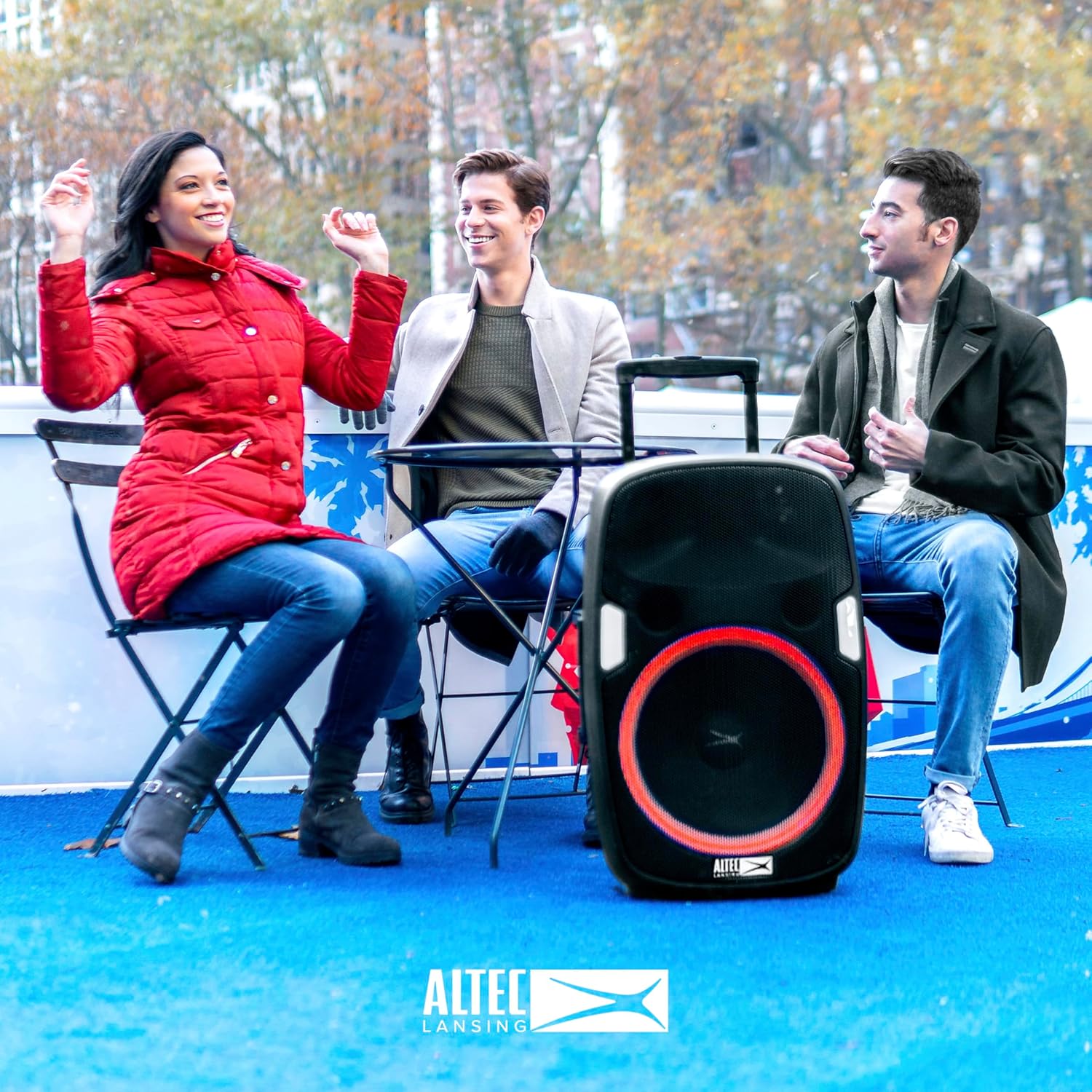
Сүрөт 1: Алдыңкы view of the SoundRover speaker, showcasing the main speaker and the dynamic LED light ring. The speaker features 7 LED light modes that beat, strobe, and pulse with your music, enhancing the party atmosphere.
Башкаруу панели (арткы) View)
Figure 2: The rear control panel includes power switch, AC input, antenna, USB power out, microphone input, auxiliary input, and adjustable knobs for mic level, bass, treble, and master volume. A digital display shows current mode and battery indicator.
Portability Features
Figure 3: The SoundRover is designed for easy transport with an integrated carry handle and smooth-rolling wheels, making it convenient to move for any event.
Included Wireless Microphone
Figure 4: The package includes a wireless microphone, perfect for karaoke, public announcements, or ampокуялар учурунда үнүңүздү көтөрүү.
Орнотуу колдонмосу
1. Динамикти кубаттоо
Before first use, fully charge the speaker. Connect the supplied AC power cable to the AC INPUT port on the rear panel and plug it into a standard wall outlet (100-240V AC 60Hz). The battery indicator will show charging status. A full charge provides approximately 6 hours of playtime.
2. Күйгүзүү / Өчүрүү
Locate the POWER switch on the rear control panel. Slide the switch to the "ON" position to power on the speaker. Slide to "OFF" to power off.
3. Bluetooth Жупташтыруу
Ensure the speaker is powered on and in Bluetooth mode (indicated by "bt" on the display).
Bluetooth иштетилген түзмөгүңүздө (смартфон, планшет ж.б.) Bluetooth'ду иштетиңиз жана жеткиликтүү түзмөктөрдү издеңиз.
Select "SoundRover" from the list of devices.
Once paired, the speaker will emit an audible confirmation, and the "bt" indicator will stabilize.
4. Микрофонду туташтыруу
Plug the wireless microphone's cable into the "MIC IN" jack on the rear panel. Adjust the "MIC LEVEL" knob to control the microphone's volume.
5. Using Aux-In
For non-Bluetooth devices, connect an auxiliary cable (not included) from your device's audio output to the "AUX IN" port on the rear panel. The speaker will automatically switch to Aux mode.
6. Using USB Power Out
The "USB POWER OUT" port (5V 1A) can be used to charge your smartphone or other USB-powered devices while the speaker is on.
Иштөө нускамалары
Аудио деңгээлдерин тууралоо
Көлөмү: Use the "VOLUME" knob on the rear panel to adjust the overall sound output.
Бас: Turn the "BASS" knob to increase or decrease the low-frequency sounds.
Үч кабат: Turn the "TREBLE" knob to increase or decrease the high-frequency sounds.
Микрофондун деңгээли: Adjust the "MIC LEVEL" knob to control the microphone's volume independently.
Жарык режимдерин өзгөртүү
Press the "LIGHT MODES" button on the control panel to cycle through the 7 different LED light modes. Press and hold the button to turn the lights off.
Figure 5: The speaker's LED lights can be customized to beat, strobe, or pulse, adding a visual element to your audio experience.
Using the Microphone for Karaoke/PA
With the microphone connected, you can sing along to music playing via Bluetooth or Aux-In, or use it for public announcements. Adjust the "MIC LEVEL" for desired microphone volume.
Video 1: Official product video demonstrating the Altec Lansing SoundRover Bluetooth Speaker with Microphone in use, highlighting its features for parties and events.
FM радиосунун функциясы
Extend the antenna on the rear panel for better reception. Press the "FM/LINE" button to switch to FM radio mode. Use the "PREV" and "NEXT" buttons to tune to different stations. Press and hold "HOLD/FM SCAN" to auto-scan and save available stations.
Техникалык тейлөө
Тазалоо: Динамиктин сыртын тазалоо үчүн жумшак, кургак чүпүрөктү колдонуңуз. Абразивдүү тазалагычтарды же эриткичтерди колдонбоңуз.
Сактагыч: Динамикти түз күн нурунан жана өтө температурадан алыс салкын, кургак жерде сактаңыз.
Батареяга кам көрүү: Батареянын иштөө мөөнөтүн узартуу үчүн, батареяны тез-тез толук зарядсыздандырбаңыз. Көпкө чейин колдонулбаса дагы, динамикти үзгүлтүксүз заряддап туруңуз.
Проблемаларды чечүү
Көйгөй
Чечим
Динамик күйбөйт.
Ensure the AC power cable is securely connected and plugged into a working outlet. Check if the battery is charged.
Динамиктен үн жок.
Check the volume level on both the speaker and your connected device. Ensure the correct input mode (Bluetooth, Aux) is selected.
Bluetooth түзмөгү жупташа албайт.
Make sure the speaker is in Bluetooth pairing mode. Ensure your device's Bluetooth is enabled and within range. Try unpairing and re-pairing.
Микрофон иштебей жатат.
Check if the microphone is properly plugged into the "MIC IN" jack. Adjust the "MIC LEVEL" knob. Ensure the microphone's power switch (if applicable) is on.
Техникалык шарттар
Өзгөчөлүк
Деталь
Модель аты
SoundRover
Динамик түрү
Вуфер
Динамиктин максималдуу чыгаруу күчү
180 Ватт
Байланыш технологиясы
Bluetooth, FM
Батареянын иштөө мөөнөтү
Up to 6 Hours (rechargeable)
USB өчүрүү
5V 1A (смартфонду кубаттоо үчүн)
Камтылган компоненттер
Wireless Microphone, USB ports for smartphone charging
Продукциянын өлчөмдөрү
15.75"D x 19.5"W x 30"H
Элемент Салмагы
34.1 фунт
Кепилдик жана колдоо
Кепилдик жөнүндө маалымат жана техникалык колдоо алуу үчүн, өнүмүңүз менен кошо берилген кепилдик картасын караңыз же расмий Altec Lansing дүкөнүнө баш багыңыз. webсайт. Сатып алуу квитанциясын кепилдик дооматтары үчүн сатып алуунун далили катары сактаңыз.
Эскертүү: Продукттун мүнөздөмөлөрү жана өзгөчөлүктөрү эскертүүсүз өзгөртүлүшү мүмкүн.
Тектеш документтер - IMT7002-BLK
Altec Lansing IMT8000 кече динамигин тез арада иштетүү боюнча колдонмо Altec Lansing IMT8000 көчмө кече динамиги боюнча кыскача колдонмо, анда орнотуу, башкаруу элементтери, аудио режимдери, микрофонду колдонуу, коопсуздук чаралары, мүнөздөмөлөр, FCC билдирүүсү жана кепилдик жөнүндө маалымат камтылган.
Altec Lansing SoundRover IMT8100 тез баштоо боюнча колдонмо Altec Lansing SoundRover IMT8100 зымсыз кече динамигин орнотуу, туташтыруу, башкаруу элементтери, аудио режимдери, жарык режимдери, динамиктерди жупташтыруу, микрофонду колдонуу, коопсуздук жана мүнөздөмөлөрүн камтыган кыскача колдонмо.
Altec Lansing ALP-K500 Party Star Bluetooth караоке колонкасы колдонуучунун колдонмосу Бул колдонуучу колдонмосунда Altec Lansing ALP-K500 Party Star Bluetooth караоке динамиги үчүн кеңири көрсөтмөлөр берилген. Altec Lansing караоке системаңыздын орнотуусу, функциялары, Bluetooth байланышы, CD+G ойнотуу, микрофонду колдонуу, LED жарыгы жана бузулууларды оңдоо жөнүндө билип алыңыз.