1. Киришүү
The Looki I3 Cam is an intelligent indoor security camera designed to provide real-time monitoring of your home. It is ideal for keeping an eye on your property when you are away, or for observing pets and children. The camera offers convenient features such as motion detection and two-way audio communication, all controllable via a dedicated mobile application. The package includes a free 32GB microSD card for secure storage of recordings.
2. Коопсуздук маалыматы
- Камера кулап калбашы үчүн туруктуу жерге орнотулганын текшериңиз.
- Камераны өтө жогорку температурага, нымдуулукка же түз күн нуруна дуушар кылбаңыз.
- Берилген кубат адаптерин жана USB кабелин гана колдонуңуз.
- Keep the camera away from water, despite its stated water resistance, as it is designed for indoor use.
- Do not attempt to disassemble or repair the camera yourself. Contact technical support for assistance.
- Балдар жана үй жаныбарлары жетпеген жерде сактаңыз.
3. Пакеттин мазмуну
Пакетиңизде бардык буюмдар бар экенин текшериңиз:
- Looki I3 Cam Indoor Security Camera
- 32GB MicroSD Card (pre-installed or separate)
- USB кубат адаптери
- USB кабели
- Ceiling/Wall Mount Bracket
- Монтаждоо бурамалар
- Колдонуучунун Колдонмосу (бул документ)
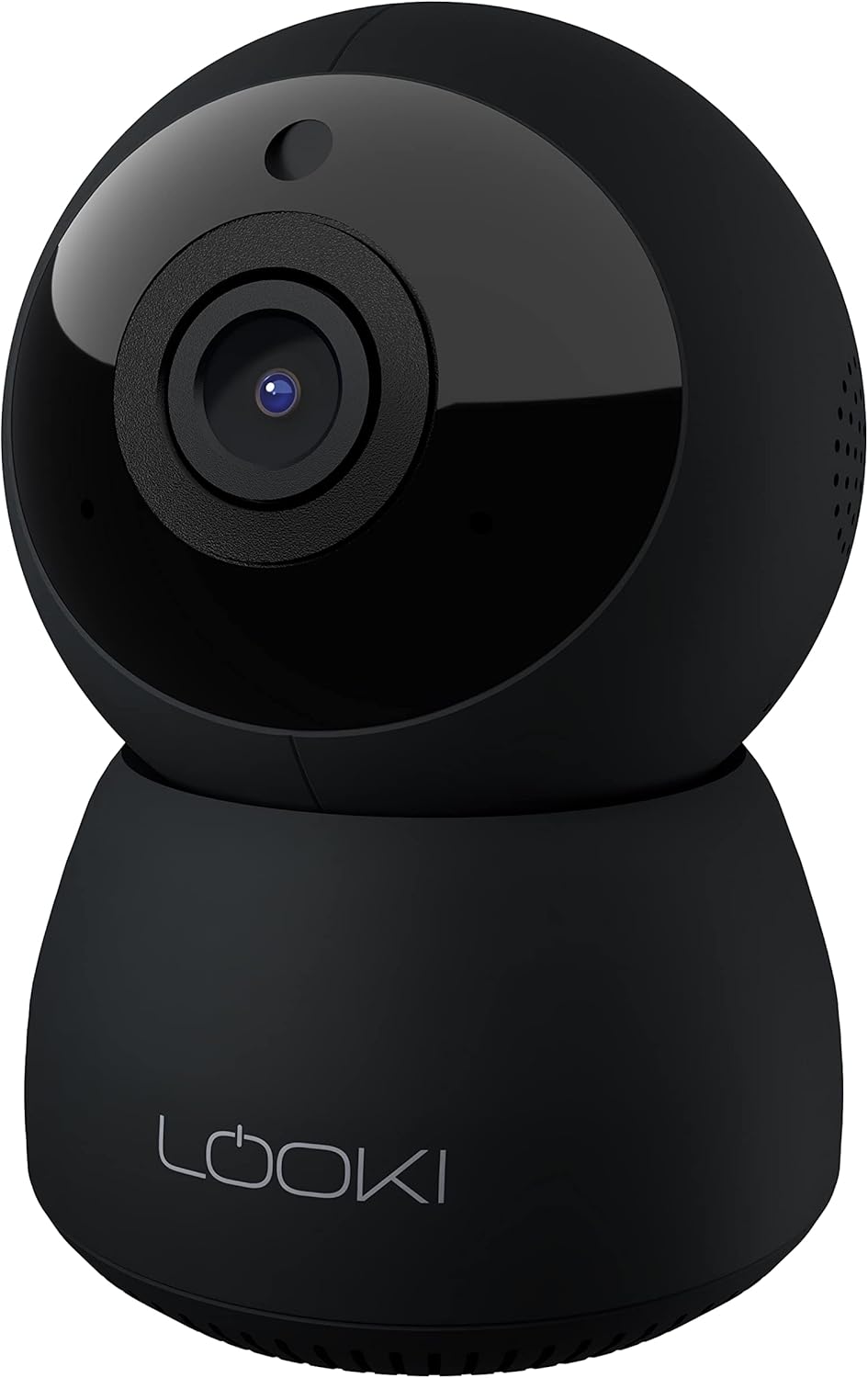
Figure 3.1: The Looki I3 Cam and its included accessories, such as the 32GB SD card, USB adapter, USB cable, and mounting hardware.
4. Продукт бүтүп калдыview
Familiarize yourself with the main components of your Looki I3 Cam.
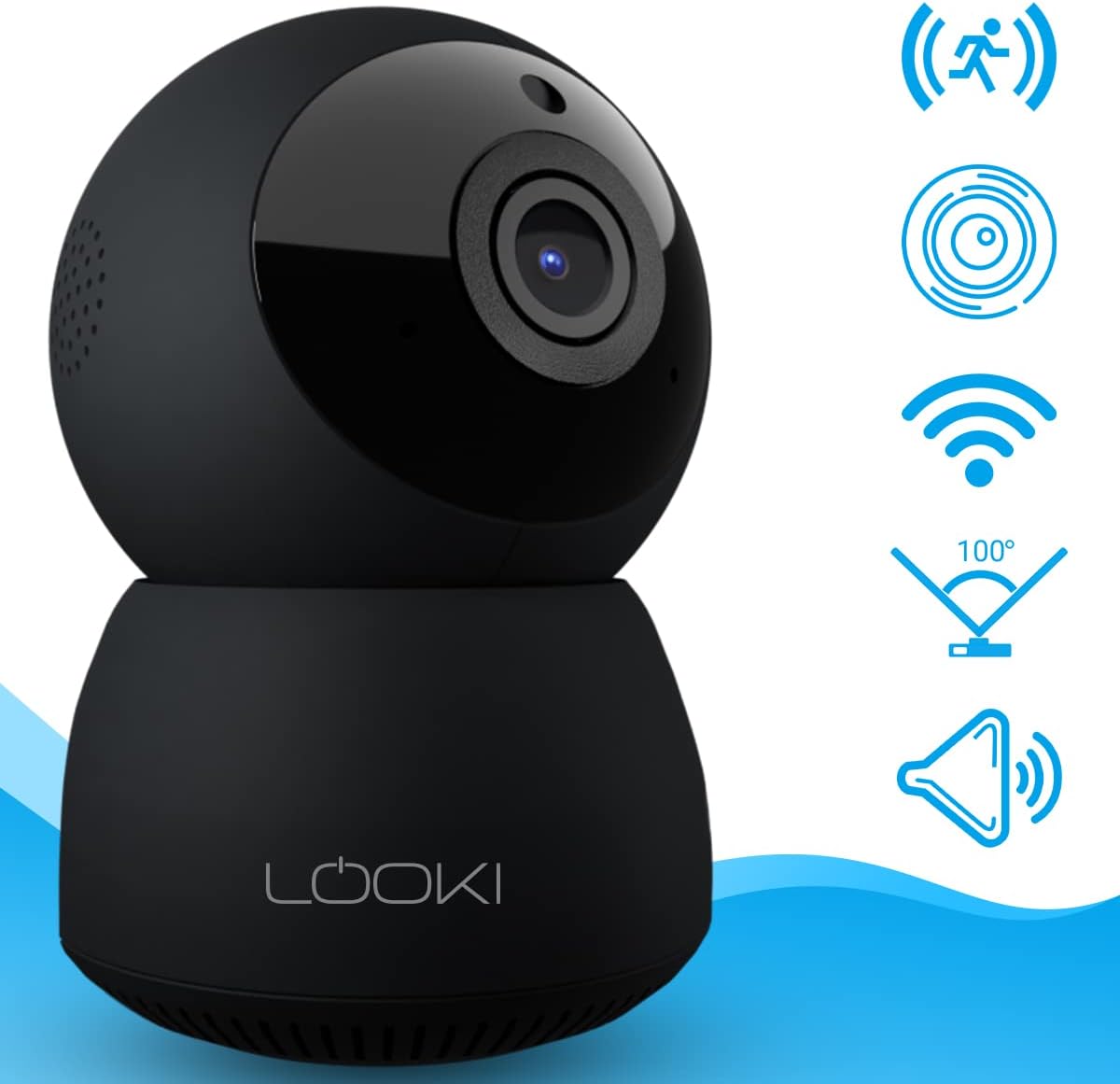
Сүрөт 4.1: Алдыңкы view of the Looki I3 Cam, showing the camera lens and indicator light.

4.2-сүрөт: Каптал view of the Looki I3 Cam, highlighting the sleek design.

4.3-сүрөт: Артка view of the Looki I3 Cam, showing the speaker grille and power port.
5. Орнотуу
Follow these steps to set up your Looki I3 Cam:
- Күйгүзүү: Connect the USB cable to the camera's power port and the USB adapter. Plug the adapter into a power outlet. The camera will power on and an indicator light will illuminate.
- Колдонмону жүктөп алуу: Download the official Looki app from your mobile device's app store (available for iOS).
- Эсеп түзүү: Колдонмону ачып, жаңы колдонуучу каттоо эсебин түзүңүз же сизде мурунтан эле бар болсо кириңиз.
- Түзмөк кошуу: Follow the in-app instructions to add your new Looki I3 Cam. This typically involves scanning a QR code on the camera or connecting to its temporary Wi-Fi network.
- Wi-Fi'га туташуу: Select your home Wi-Fi network and enter the password when prompted. Ensure your camera is within range of your Wi-Fi router.
- Монтаждоо (кошумча): If desired, use the included mount and screws to install the camera on a wall or ceiling. Ensure the mounting surface is sturdy enough to support the camera's weight.

Figure 5.1: The Looki I3 Cam connected to a smartphone, demonstrating live view capabilities and the inclusion of a 32GB SD card for storage.
6. Иштөө
Once set up, you can utilize the various features of your Looki I3 Cam through the mobile application.
6.1 Live View
Access the live video feed from your camera anytime, anywhere, directly from the app. The camera provides 1080p Full HD resolution for clear images.

Figure 6.1: A visual comparison demonstrating the superior clarity of 1080p Full HD resolution provided by the Looki I3 Cam compared to 720p.
6.2 Эки тараптуу аудио
The camera is equipped with a built-in speaker and microphone, allowing for two-way communication. You can speak through the camera and hear audio from its surroundings via the app.
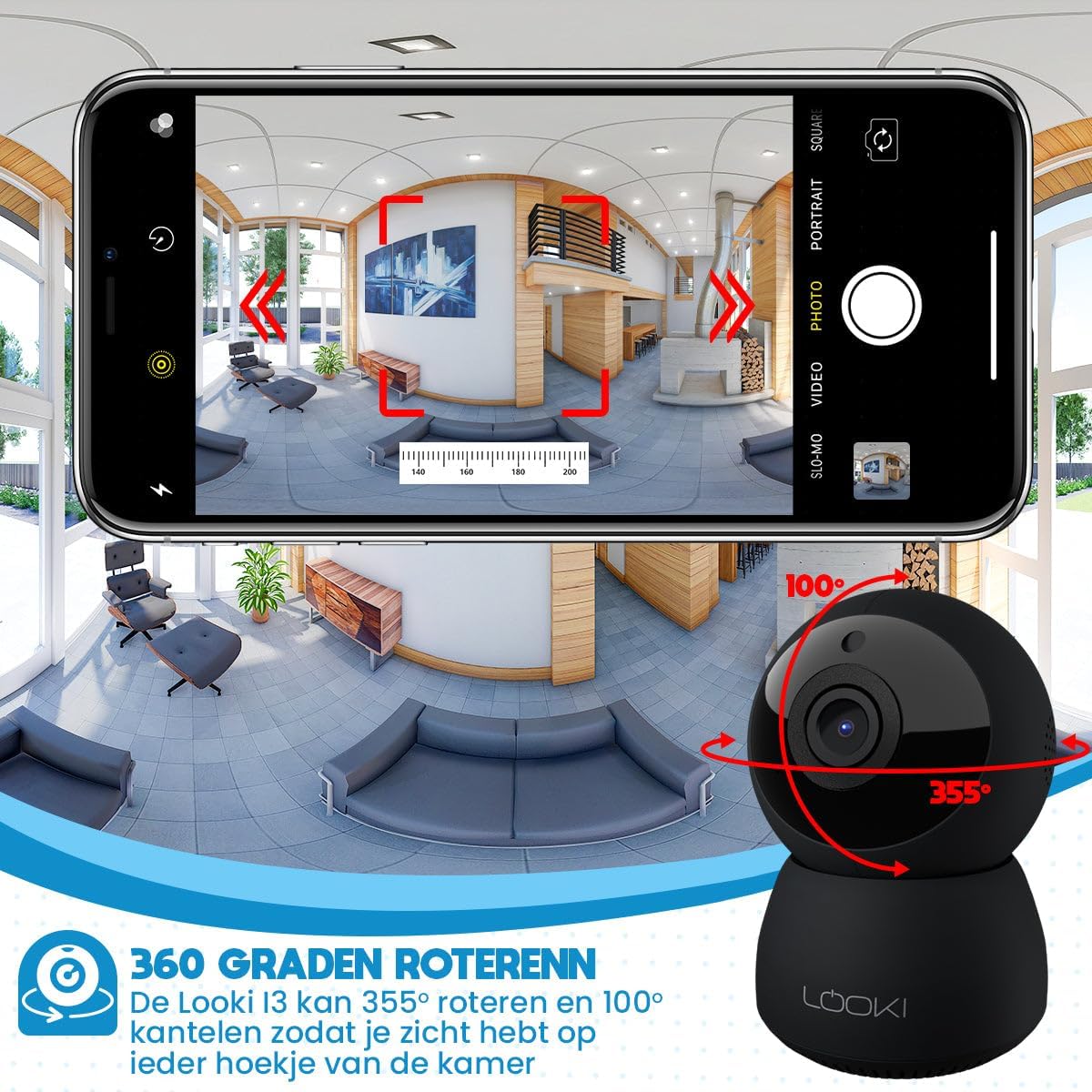
Figure 6.2: Illustration of the two-way audio feature, enabling communication through the camera from your mobile device.
6.3 Кыймылды аныктоо
The Looki I3 Cam features smart motion detection. When motion is detected, you will receive a push notification on your mobile device, and the camera will begin recording.
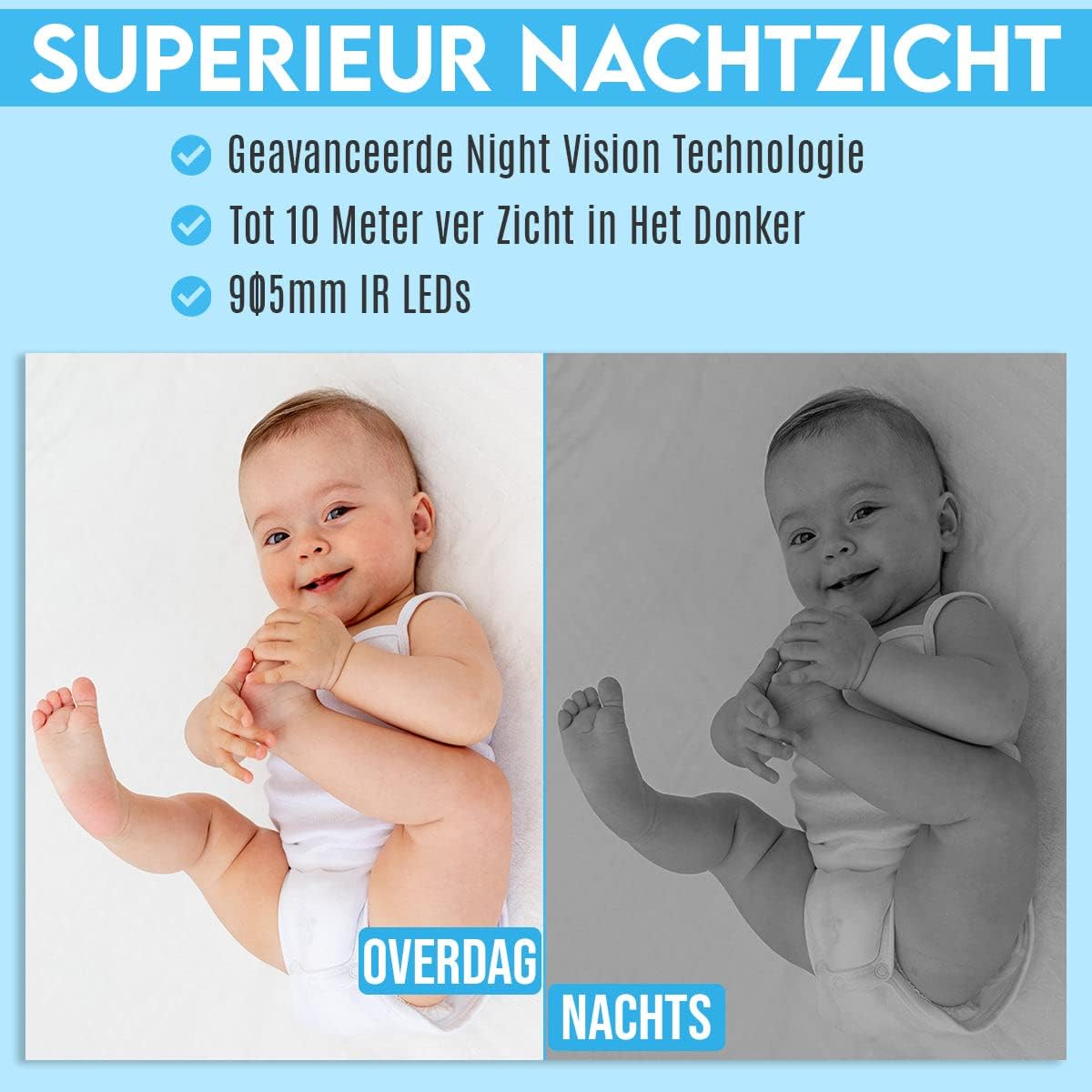
Figure 6.3: Depiction of the smart motion detection system, which alerts you to activity and initiates recording.
6.4 Түнкү көрүнүш
The camera is equipped with advanced night vision technology, allowing it to capture clear images in low-light conditions up to 10 meters away using 905mm IR LEDs.

Сүрөт 6.4: Мурункуample illustrating the camera's superior night vision, showing clear images in complete darkness.
6.5 Панорама жана жантайтуу
The Looki I3 Cam offers a 355-degree horizontal rotation (pan) and 100-degree vertical tilt, allowing you to remotely adjust the viewing angle to cover a wide area of your room.

Figure 6.5: Diagram showing the camera's 355-degree horizontal rotation and 100-degree vertical tilt capabilities for comprehensive room coverage.
7. Техникалык тейлөө
- Тазалоо: Камеранын линзасын жана корпусун тазалоо үчүн жумшак, кургак чүпүрөктү колдонуңуз. Суюк тазалагычтарды же аэрозолдорду колдонбоңуз.
- Сактагыч: Камераны узак убакытка сактасаңыз, аны кубаттан ажыратып, салкын, кургак жерде сактаңыз.
- Программалык камсыздоонун жаңыртуулары: Periodically check the app for available firmware updates to ensure optimal performance and security.
8. Кыйынчылыктарды
If you encounter issues with your Looki I3 Cam, refer to the following common solutions:
- Камера оффлайн: Check your Wi-Fi connection and ensure the camera is powered on. Restart the camera and your router.
- Колдонмого туташуу мүмкүн эмес: Ensure you have the latest version of the app. Try resetting the camera (refer to app instructions for reset procedure) and re-adding it.
- Видеонун сапаты начар: Check your internet speed. Ensure the camera lens is clean and free from obstructions.
- Кыймылды аныктоо иштебей жатат: Verify that motion detection is enabled in the app settings. Adjust sensitivity if necessary.
- Аудио жок: Check the volume settings on your phone and within the app. Ensure the camera's microphone is not obstructed.
For further assistance, please contact Looki technical support.
9. Техникалык шарттар
| Өзгөчөлүк | Спецификация |
|---|---|
| Модель аты | I3 Cam incl. 32GB SD Card (Black) |
| Элемент моделинин номери | i3 |
| Түс | Кара |
| Материал | Пластик |
| Салмагы | 341 грамм |
| Ички/тышкы колдонуу | Indoor |
| Видео жаздыруу чечими | 1080p |
| Viewбурч | 355 degrees (Pan), 100 degrees (Tilt) |
| Frame Rate | 60 кадр/сек |
| Зымсыз байланыш технологиясы | Wi-Fi |
| Байланыш технологиясы | Зымдуу, Зымсыз |
| Өзгөчөлүктөр | Night Vision, Motion Detector, HD Resolution, Two-Way Audio |
| Power Source | Электр кабели |
| Монтаж түрү | Standing, Wall Mount, Ceiling Mount |
| Controller Type | iOS (via Application) |
| Камтылган компоненттер | Camera, 32GB SD Card, USB Adapter, USB Cable, Mount, Screws |
| Сунушталган Колдонуулар | Pet Monitoring, Indoor Security |
10. Кепилдик жана колдоо
Looki provides lifetime technical support for the I3 Cam. If you have any questions, require assistance with setup, or encounter any issues not covered in this manual, please contact Looki customer service. Refer to the product packaging or the official Looki webбайланыш маалыматы үчүн сайт.


