Introduction
The CanSHUO Baby Monitor system provides comprehensive monitoring of your baby's environment. Featuring a 4.3-inch 1080P HD display and two adjustable cameras, it allows for simultaneous viewing of two rooms with its split-screen function. Key features include 2X digital zoom, voice-activated (VOX) mode for power saving, automatic infrared night vision, two-way audio communication, real-time temperature monitoring with alerts, and built-in lullabies to soothe your child. This system offers a secure, private connection without the need for Wi-Fi or complex app installations.
Пакеттин мазмуну
- 1 x 4.3" HD Video Monitor Unit
- 2 x Ымыркай камерасы
- 3 x Кубат адаптерлери (монитор жана камералар үчүн)
- Монтаждоо бурамдары жана дубал анкерлери
- 1 x Instruction Manual

Image: The complete CanSHUO Baby Monitor package contents, including the monitor, two cameras, and power adapters.
Продукт бүттүview
Монитор бирдиги
The monitor unit features a 4.3-inch HD display for clear real-time video. It includes intuitive buttons for navigation, menu access, volume control, and activating specific features like VOX mode and split-screen view. An extendable antenna ensures stable signal reception.
Камера бирдиги
Each camera unit is designed with a manually adjustable base, allowing for 360-degree rotation and flexible positioning to capture the desired view of the room. They are equipped with infrared LEDs for night vision and a microphone/speaker for two-way communication.

Image: A single CanSHUO camera unit demonstrating its adjustable angle for optimal room coverage.
Жайгашуу
- Charging the Monitor and Cameras: Connect the power adapters to the monitor and each camera unit. Plug the adapters into a power outlet. Ensure all units are fully charged before first use for optimal battery life.
- Positioning the Cameras: Place the camera units in your desired monitoring locations. For optimal viewing, position them on a flat surface or mount them on a wall using the provided screws and anchors. Adjust the camera angle manually to get the best view of your baby's area.
- Күйгүзүү: Press and hold the power button on both the monitor and camera units until they turn on. The units are pre-paired for plug-and-play use, requiring no Wi-Fi or app installation.
Иштөө нускамалары
Күйгүзүү/өчүрүү
To power on or off the monitor or camera, press and hold the power button located on each unit.
Бөлүнгөн экран режими
Activate the split-screen mode to view feeds from both cameras simultaneously on the monitor. Note that audio will only be active from one selected camera at a time. You can switch the active audio source using the monitor controls.
Video: Demonstration of the split-screen functionality on the CanSHUO baby monitor, showing simultaneous viewэки камерадан алынган.
Image: The monitor unit showing a split-screen view, allowing parents to monitor two different rooms simultaneously.
Эки тараптуу сүйлөшүү
Press and hold the microphone button on the monitor to speak to your baby through the camera's speaker. Release the button to hear your baby's response.

Image: A visual representation of the two-way talk feature, allowing parents to communicate with their baby remotely.
VOX / Power Saving Mode
In VOX mode, the monitor screen will automatically turn off to conserve battery when no sound is detected. It will automatically activate and display the video feed when the camera detects your baby crying or making significant noise, alerting you to check on them.
Video: A detailed look at the VOX (Voice Activated) and Power Saving modes, demonstrating how the monitor screen activates upon detecting sound.
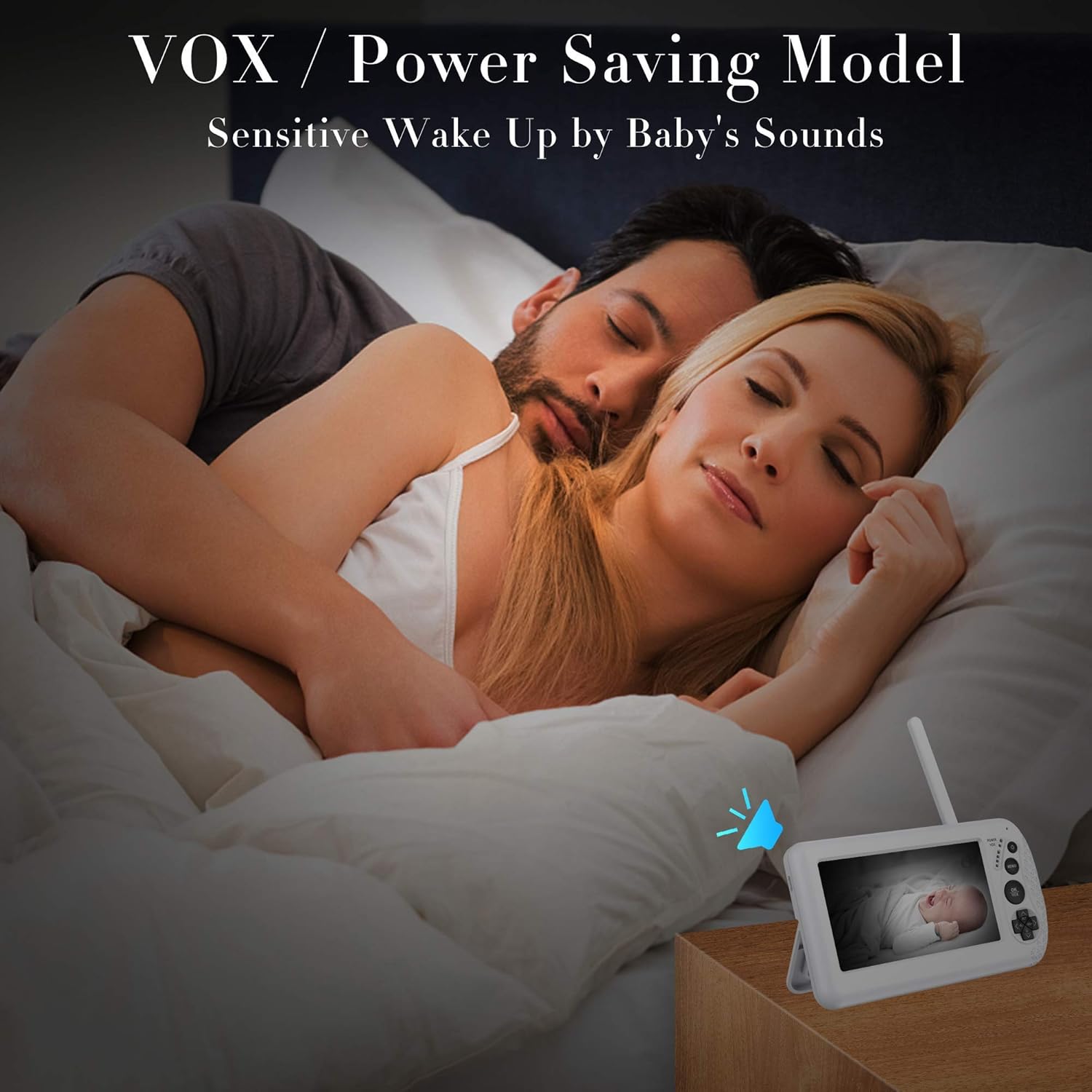
Image: The monitor in VOX/Power Saving mode, illustrating how it conserves battery while still being responsive to baby's sounds.
Автоматтык инфракызыл түнкү көрүү
Камера аз жарык шарттарында инфракызыл түнкү көрүүгө автоматтык түрдө которулуп, кара жана ак түстөгү тунук сүрөттү камсыз кылат view of your baby even in complete darkness.

Image: The camera's automatic infrared night vision feature, ensuring clear visibility of the baby in dark environments.
Орнотуулар
Navigate through the monitor's menu using the directional buttons to access and adjust various settings:
- Жарыктыкты жөндөө: Control the display brightness of the monitor.
- Үндү көзөмөлдөө: Камерадан аудионун үнүн тууралаңыз.
- Digital Zoom (2X): Балаңызга жакшылап көз чаптыруу үчүн видеотасманы чоңойтуңуз.
- Температура эскертүүсү: Set high and low temperature limits for the baby's room. The monitor will alert you if the temperature falls outside this range. You can also switch between Fahrenheit and Celsius.
- Бесик ырлары: Select from 5 built-in lullabies to play through the camera unit to help soothe your baby to sleep.

Image: A visual guide to the various features and settings available on the CanSHUO Baby Monitor, including screen size, ECO mode, night vision, zoom, lullabies, two-way talk, split screen, and night light.
Техникалык тейлөө
- Тазалоо: Мониторду жана камера блокторун тазалоо үчүн жумшак, кургак чүпүрөктү колдонуңуз. Абразивдүү тазалоочу каражаттарды же эриткичтерди колдонбоңуз.
- Батареяга кам көрүү: To prolong battery life, avoid exposing the monitor to extreme temperatures. Fully charge the monitor before extended periods of non-use.
Проблемаларды чечүү
| Маселе | Мүмкүн чечим |
|---|---|
| Monitor screen not turning on / No power | Ensure the power adapter is securely connected to the monitor and a working power outlet. Check if the battery is charged. Try removing and reinserting the battery if applicable. |
| No image / No signal from camera | Verify that the camera unit is powered on and within the operating range (up to 1000ft in open areas). Ensure no large obstructions are blocking the signal. |
| Үн жок / Үн сапаты начар | Check the monitor's volume settings. Ensure any protective plastic film has been removed from the camera's microphone. |
| Camera not holding position | Ensure the camera's adjustable joint is tightened sufficiently to hold its position. If wall-mounted, check the security of the mounting. |
| Night vision unclear | Ensure the camera lens is clean and free from obstructions. Verify the room is sufficiently dark for night vision to activate properly. |
| Батареянын иштөө мөөнөтү күтүлгөндөн кыскараак | Utilize the VOX (Voice Activated) / Power Saving mode to extend battery duration. Reduce screen brightness. |
Техникалык шарттар
| Өзгөчөлүк | Деталь |
|---|---|
| Дисплей өлчөмү | 4.3 дюйм |
| Video Resolution | 1080P HD |
| Байланыш | Wireless (No Wi-Fi required) |
| Диапазон | 1000 футка чейин (ачык аянтча) |
| Чоңойтуу | 2X Digital Zoom |
| Түнкү көрүнүш | Автоматтык инфракызыл |
| Аудио | 2-Way Talk, VOX Mode |
| Температура сенсору | Real-time monitoring, alerts |
| Бесик ырлары | 5 орнотулган |
| Power Source | AC Adapter, 1 Lithium Ion battery (included) |
| Модель номери | бала монитор |
| UPC | 725073226217 |
| Элемент Салмагы | 1.68 фунт |
| Пакеттин өлчөмдөрү | 8.66 x 6.85 x 4.09 дюйм |
Кепилдик жана колдоо
For warranty information or technical support, please refer to the contact details provided in your product packaging or visit the official CanSHUO webсайт. Кепилдик дооматтары үчүн сатып алуу дүмүрчөгүңүздү сактаңыз.


