Introduction
This manual provides a comprehensive guide for the Apple iPhone 12, designed to help users understand and effectively utilize their device. It covers essential setup procedures, core operating functions, advanced features of iOS 14, and practical troubleshooting tips. Whether you are a new iPhone user or looking to explore the full capabilities of your iPhone 12, this guide offers clear, step-by-step instructions.
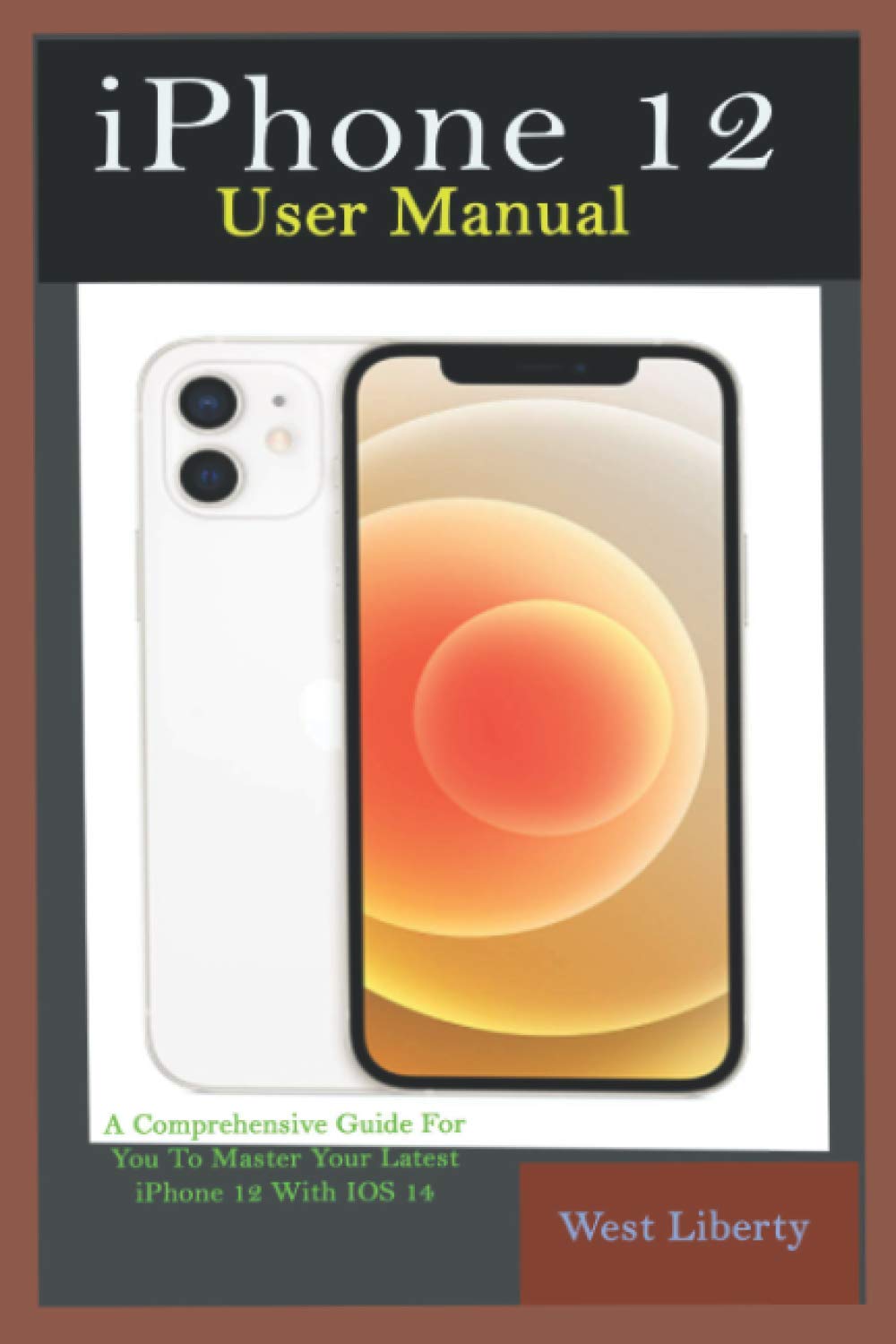
Image 1: Front cover of the physical user manual book for iPhone 12. The cover features the title 'ABOUT THE BOOK' and 'This Book Reveals The Full Potentials of Your iPhone 12 and the Secret Features to Unlock And Use To Master The Latest IOS 14'.
Жайгашуу
This section guides you through the initial setup process of your iPhone 12, ensuring your device is ready for use.
Баштапкы түзмөктү активдештирүү
- Күйгүзүү: Apple логотиби пайда болгонго чейин капталдагы баскычты басып, кармап туруңуз.
- Экрандагы көрсөтмөлөрдү аткарыңыз: Select your language, region, and connect to a Wi-Fi network.
- Маалыматтар жана купуялык: Review Маалыматтар жана купуялуулук жөнүндө маалымат.
Apple ID and iCloud Configuration
- Apple ID менен кириңиз: Enter your existing Apple ID and password. If you don't have one, you can create a new Apple ID.
- Change Apple ID Settings: Access and modify your Apple ID preferences via the Settings app.
- iCloud Settings: Configure iCloud to back up your data, sync photos, contacts, and more. Explore iCloud Drive for file башкаруу.
Software Updates and Basic Settings
- Программаны жаңылоо: Regularly check for and install the latest iOS updates (e.g., iOS 14.3.4) to ensure optimal performance and security. Go to Орнотуулар > Жалпы > Программаны жаңыртуу.
- Change Alert Styles: Customize how notifications appear for various apps in Орнотуулар > Эскертүүлөр.
iPhone 12 телефонуңузду иштетүү
Learn how to use the core functions and advanced features of your iPhone 12.
Чалуулар жана байланыштар
- Чалууларды жасоо: Номерлерди терүү же байланыштарды тандоо үчүн Телефон колдонмосун колдонуңуз.
- Чалууларды кабыл алуу: Answer or decline incoming calls.
- Setting Ringtone: Customize your ringtone in Орнотуулар > Үндөр жана сенсорлор.
Messaging and Keyboard
- About Keyboard: Explore keyboard features, including QuickType, dictation, and emoji.
- Speaking Their Language: Utilize translation features or third-party keyboard apps.
Internet and Apps
- Online World: Browse the internet using Safari.
- About Apps: Discover, download, and manage applications from the App Store.
- Change The App Store Settings: Adjust preferences for app downloads and updates.
- Buying Items: Make secure purchases within apps and online.
- Turn On Ask To Buy For Kids On iPhone: Manage family purchases and approvals.
Камера жана сүрөттөр
- Take A Look At Your Photos: Access and organize your photos in the Photos app.
- Record Video Slowly: Utilize Slo-Mo mode for slow-motion video capture.
- Select Slo-Mo Mode: Open the Camera app and swipe to 'Slo-Mo'.
- Adjust The Slow-Motion Portion Of The Video: Edit the start and end points of the slow-motion effect.
- See Capture A Live Photo: жана кантип алууну үйрөн view Live Photos.
- Add Effects To Live Photo: Apply various effects to your Live Photos.
- Share And Print Photos: Share images via messages, email, or social media, and print directly from your device.
Personalization and Features
- Түнкү нөөмөт: Adjust display colors to warmer tones for evening viewing.
- Экран убакыты: Monitor and manage device usage for yourself and family members.
- Determine The Boundaries Of Communication: Set limits on communication during Screen Time.
- Set Up A Family Share On The iPhone: Share purchases, subscriptions, and iCloud storage with family.
- How To Improve Voice Memo Recordings?: Tips for enhancing audio quality in Voice Memos.
- How To Remove Voice Memo Enhancement?: Revert Voice Memo recordings to their original state.
- Personalize Your News: Customize your news feed in the Apple News app.
- Relaxing With Your Device: Explore features like Focus modes and Do Not Disturb.
- Cycle Factor Management / Set Your First Sleep Schedule: Utilize the Health app for sleep tracking and scheduling.
Location Services and Wallet
- Set A Label For Your Location: Customize names for frequently visited locations.
- Share Your Location With A Friend: Use Messages or Find My app to share your whereabouts.
- Respond To The Request To Share The Place: Manage incoming location sharing requests.
- See A Friend's Place: View shared locations of friends.
- Contact A Friend / Find Directions To A Friend: Easily navigate to contacts' locations.
- Set A Friend's Place Tag: Label friends' locations for easy reference.
- Капчык: Add and manage credit/debit cards, transit cards, and loyalty cards.
- Add A Pass / Rearrange The Passages: Organize your digital passes within the Wallet app.
Техникалык тейлөө
Туура техникалык тейлөө iPhone 12 телефонуңуздун узак мөөнөттүү иштешин жана оптималдуу иштешин камсыздайт.
Программалык камсыздоо жаңыртуулары
Regularly update your iPhone's operating system (iOS) to benefit from the latest security patches, bug fixes, and new features. Go to Орнотуулар > Жалпы > Программаны жаңыртуу жеткиликтүү жаңыртууларды текшерүү жана орнотуу үчүн.
Аппаратыңызды тазалоо
To clean your iPhone, use a soft, lint-free cloth. Avoid abrasive materials, aerosols, solvents, or ammonia-based cleaners. For stubborn smudges, a slightly damp cloth with water is usually sufficient. Always power off your device before cleaning.
Батареяга кам көрүү
To maximize battery lifespan, avoid extreme temperatures. Optimize battery settings by enabling Low Power Mode when needed and checking battery usage in Орнотуулар > Батарея.
Проблемаларды чечүү
This section addresses common issues and provides solutions for your iPhone 12.
Security and Data Management
- How To Protect Your Phone From Viruses?: Install apps only from the App Store, avoid suspicious links, and keep iOS updated.
- Ascertain If Your iPhone Has A Virus: Look for unusual behavior, excessive data usage, or unexpected pop-ups.
- What Causes The Problem?: Typically, malware on iPhones is rare due to Apple's security measures, but phishing or compromised apps can pose risks.
- Clear The History And Data Of The Webсайт: In Safari, go to Settings > Safari > Clear History and Webсайт маалыматтары.
Device Restoration
- Restore iPhone From Backup: If experiencing issues, you can restore your iPhone from an iCloud or computer backup.
- Restore Your iPhone As A New Device: For persistent problems, you may need to erase all content and settings and set up your iPhone as new.
MagSafe Chargers for iPhone
Ensure proper alignment of your MagSafe charger for efficient wireless charging. If charging issues occur, check for obstructions or try a different power adapter.

Image 2: Back cover of the physical user manual book for iPhone 12. It displays the ISBN 9798711664901 barcode and the text 'ABOUT THE BOOK' with a summary of the book's content.
Техникалык шарттар
| Өзгөчөлүк | Деталь |
|---|---|
| ASIN | B08WZCVBPT |
| Жарыялоочу | Көз карандысыз басылып чыккан |
| Жарыяланган датасы | 20-февраль, 2021-жыл |
| Тил | Англисче |
| Басып чыгаруу узундугу | 228 бет |
| ISBN-13 | 979-8711664901 |
| Элемент Салмагы | 11 унция |
| Өлчөмдөр | 6 x 0.52 x 9 дюйм |
Кепилдик жана колдоо
The Apple iPhone 12 typically comes with a standard limited warranty from Apple. For detailed warranty information, please refer to Apple's official website or the documentation included with your device. For technical support, software assistance, or hardware service, visit the official Apple Support website or contact Apple customer service directly. You can also find helpful resources and community forums on the Apple Support page.


