Introduction
This manual provides comprehensive instructions for the ipega SW038 Ninja Run Pro Wireless Controller. It covers setup, operation, maintenance, and troubleshooting to ensure optimal performance and longevity of your device. This controller is designed for use with Nintendo Switch, Switch Lite, PS3, PC, and Android devices.
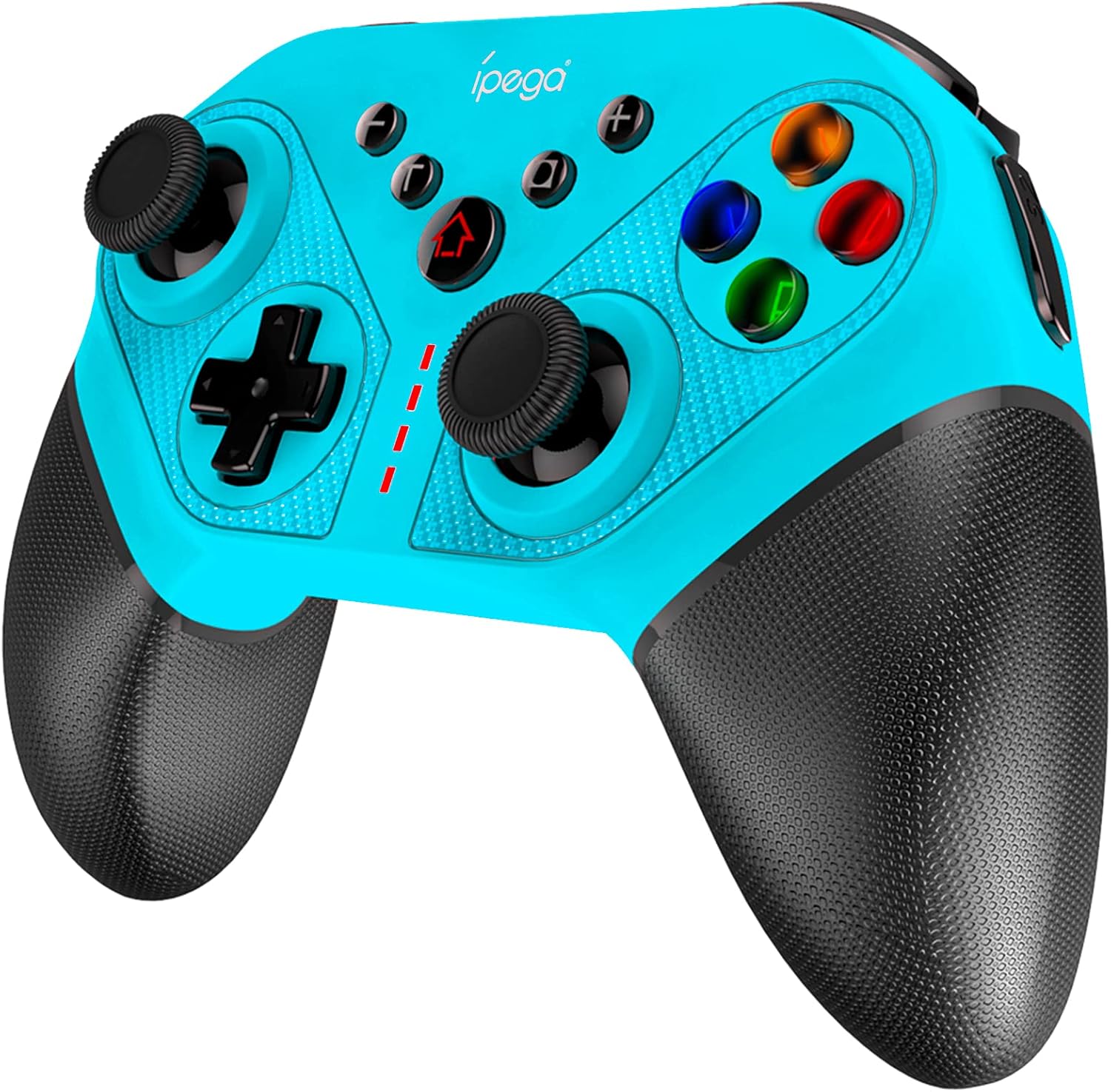
Figure 1: ipega SW038 Ninja Run Pro Wireless Controller (Blue)
Пакеттин мазмуну
Пакетте бардык буюмдар бар экенин текшериңиз:
- 1 x ipega SW038 Gaming Controller
- 1 х Колдонуучунун колдонмосу (бул документ)
- 1 x Protective Case (if included in specific bundles)
- 1 x USB-C тез кубаттоочу кабели
Продукт өзгөчөлүктөрү
The ipega SW038 controller is equipped with advanced features for an enhanced gaming experience:
- Жалпы шайкештик: Designed for Nintendo Switch, Switch Lite, PS3, PC, and Android devices.
- Батареянын узак иштөө мөөнөтү: Built-in 400mAh rechargeable Lithium battery provides approximately 12 hours of gaming time. Fully charges within 3 hours via USB-C.
- 6-октуу гироскоп: Supports precise motion control for accurate in-game movements.
- Dual Motors Vibration: Provides realistic and immersive haptic feedback.
- Ergonomic Design & Non-slip Handles: Ensures comfortable grip and prevents slipping during extended gaming sessions.
- 4 Memory Programmable Buttons (S1, S2, S3, S4): Allows for custom button mapping and simplified complex combos.
- Турбо функциясы: Enables rapid-fire input for competitive gaming.
- Скриншот баскычы: Оюндагы көз ирмемдерди заматта тартып алыңыз.
- Colorful LED Backlights: Illuminated ABXY buttons for enhanced visibility and aesthetics.

Figure 2: The ipega SW038 controller provides a real gaming experience with its ergonomic design and responsive controls.

Figure 3: Detail of the non-slip textured handles, designed for comfortable and secure grip.

Figure 4: Battery specifications: 400mAh capacity, 10-12 hours playing time, 3 hours charging time via USB-C.
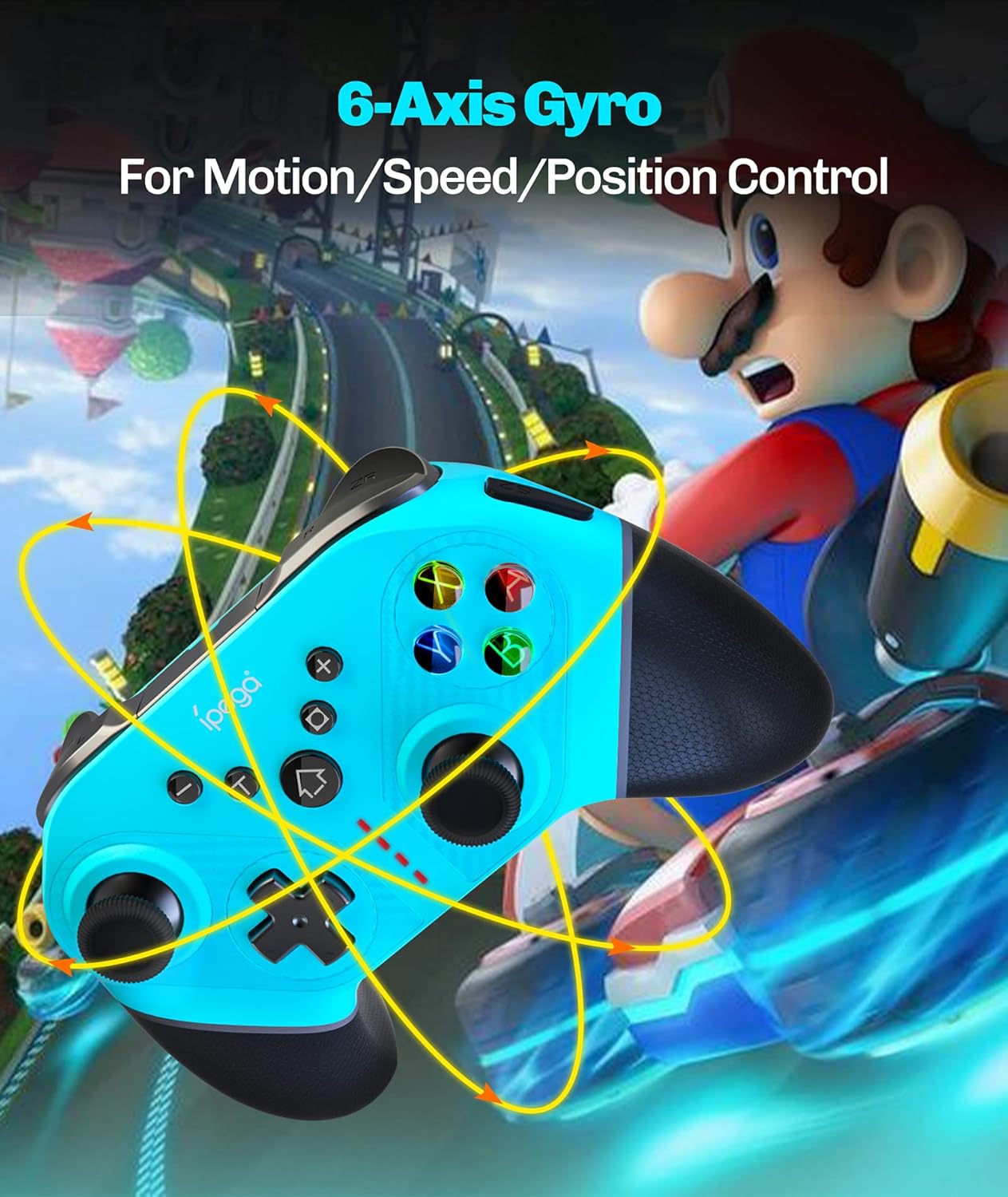
Figure 5: The 6-Axis Gyro feature allows for precise motion, speed, and position control in games.

Figure 6: The four memory programmable buttons (S1, S2, S3, S4) simplify complex in-game actions.

Figure 7: The ABXY buttons feature colorful LED backlights for improved visibility and aesthetic appeal.
Орнотуу жана туташуу
Follow these steps to connect your ipega SW038 controller to your device:
Connecting to Nintendo Switch/Switch Lite:
- HOME Менюсунан тандаңыз Контроллер, анда Катуу/Тартипти өзгөртүү.
- While the screen displays "Press L + R on the controller", press and hold the HOME баскычы жана Y баскычы on the ipega controller simultaneously for 3 seconds until the LED indicators start flashing rapidly.
- Туташкандан кийин контроллердогу тиешелүү ойноткучтун LED(лери) катуу күйөт.
PS3'ке туташуу:
- Connect the controller to the PS3 console using the provided USB-C cable.
- басыңыз HOME баскычы контроллерде.
- The controller will automatically pair and function as a wired controller. For wireless connection, disconnect the USB cable after initial pairing.
Connecting to PC (Windows):
- Connect the controller to your PC using the provided USB-C cable.
- Компьютер керектүү драйверлерди автоматтык түрдө таап, орнотууга тийиш.
- The controller will function as a wired XInput or DInput controller, depending on the game's requirements.
Android түзмөктөрүнө туташуу:
- Android түзмөгүңүздө Bluetooth'ду иштетиңиз.
- басып, кармап туруңуз HOME баскычы жана А баскычы on the ipega controller simultaneously for 3 seconds until the LED indicators start flashing rapidly.
- On your Android device, search for Bluetooth devices and select "PG-SW038" or similar.
- Once connected, the LED indicator on the controller will light up solid.
Иштөө нускамалары
Контроллерди заряддоо:
Connect the provided USB-C cable to the controller's charging port and the other end to a USB power source (e.g., console, PC, USB wall adapter). The LED indicators will show charging status and turn off when fully charged. You can continue playing while the controller charges.
Using Programmable Buttons (S1, S2, S3, S4):
The four programmable buttons on the back of the controller allow you to map single buttons or complex combos for quick execution. Refer to the specific programming instructions in the full manual (if available) or experiment with your game's control settings.
Турбо функциясы:
To activate Turbo for a button, press and hold the Турбо баскычы, then press the desired action button (e.g., A, B, X, Y, L, R, ZL, ZR). To deactivate Turbo, repeat the process.
Скриншот баскычы:
басыңыз Скриншот баскычы (located near the HOME button) to capture a screenshot of your current game screen. This feature is primarily supported on Nintendo Switch.
Вибрацияны жөндөө:
The dual motors provide adjustable vibration feedback. Specific adjustment methods may vary by console or game. Consult your console's settings or game options for vibration intensity control.
Техникалык тейлөө
- Тазалоо: Башкаргычты тазалоо үчүн жумшак, кургак чүпүрөктү колдонуңуз. Өтө кир болсо, бир аз сүртүңүзampчүпүрөктү суу менен. Катуу химиялык заттарды же абразивдүү тазалагычтарды колдонбоңуз.
- Сактагыч: Башкаргычты салкын, кургак жерде, күндүн түз тийген нурларынан жана өтө жогорку температурадан алыс сактаңыз. Эгер узак убакытка сактасаңыз, батареянын иштөө мөөнөтүн сактоо үчүн анын жарым-жартылай заряддалганын (болжол менен 50%) текшериңиз.
- Батареяга кам көрүү: Avoid fully discharging the battery frequently. Charge the controller regularly, even if not in use, to maintain battery performance.
Проблемаларды чечүү
| Көйгөй | Мүмкүн себеп | Чечим |
|---|---|---|
| Контроллер күйбөйт. | Батарея түгөнүп калды. | Берилген USB-C кабелин колдонуп, контроллерди кубаттаңыз. |
| Контроллер түзмөккө туташпай жатат. | Incorrect pairing mode; device Bluetooth off; interference. | Ensure correct pairing mode for your device (see Setup section). Turn off and on Bluetooth on your device. Move closer to the device. |
| Баскычтар же джойстиктер жооп бербейт. | Software glitch; physical damage; low battery. | Restart the controller and the device. Ensure controller is fully charged. If issues persist, contact customer support. |
| Вибрация иштебей жатат. | Vibration setting off in game/console; driver issue. | Check game and console settings to ensure vibration is enabled. Reconnect the controller. |
Техникалык шарттар
| Өзгөчөлүк | Деталь |
|---|---|
| Модель номери | PG-SW038 |
| Шайкештик | Nintendo Switch, Switch Lite, PS3, PC, Android |
| Байланыш | Wireless (Bluetooth), USB-C (Wired) |
| Батарея сыйымдуулугу | 400mAh литий батареясы |
| Ойнотуу убактысы | Болжол менен 12 саат |
| Заряддоо убактысы | Болжол менен 3 саат |
| Өлчөмдөрү (L x W x Y) | 15.5 x 6.3 x 11.5 см |
| Салмагы | 18 г |
| Түс | Көк |
Кепилдик маалымат
This ipega product comes with a worry-free 12-month warranty from the date of purchase. This warranty covers manufacturing defects and issues arising from normal use. It does not cover damage caused by misuse, accidents, unauthorized modifications, or natural disasters. Please retain your proof of purchase for warranty claims.
Кардарларды колдоо
For any questions, technical assistance, or warranty claims, please contact ipega customer service. Refer to the contact information provided on the product packaging or the official ipega website. Our friendly customer service team is ready to assist you.