1. Киришүү
The Mob Armor MobNetic Maxx is a robust magnetic phone holder designed for secure, hands-free device access in various environments, including vehicles, workshops, and gyms. Constructed from billet aluminum and featuring powerful rare-earth magnets, it provides a strong and reliable mounting solution for smartphones and other compatible devices.
This manual provides essential information for the proper installation, operation, and maintenance of your MobNetic Maxx to ensure optimal performance and longevity.
2. Продукт бүтүп калдыview
The MobNetic Maxx features a compact design with a powerful magnetic head and a sturdy base. It offers a 90-degree tilt and 360-degree rotation for flexible viewбурчтар.
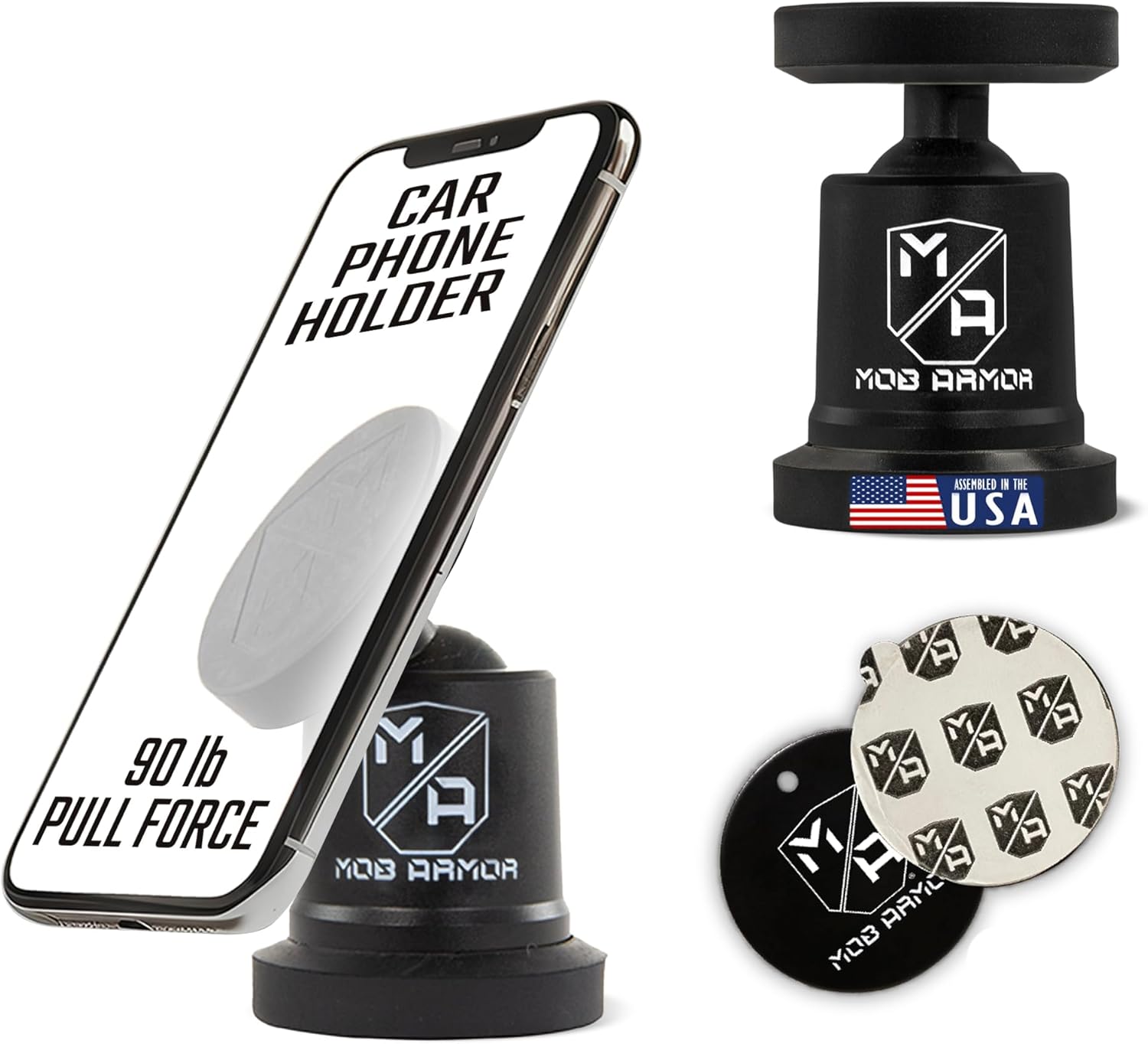
Image 2.1: The MobNetic Maxx magnetic phone holder securely holding a smartphone, highlighting its strong magnetic pull force and USA assembly.
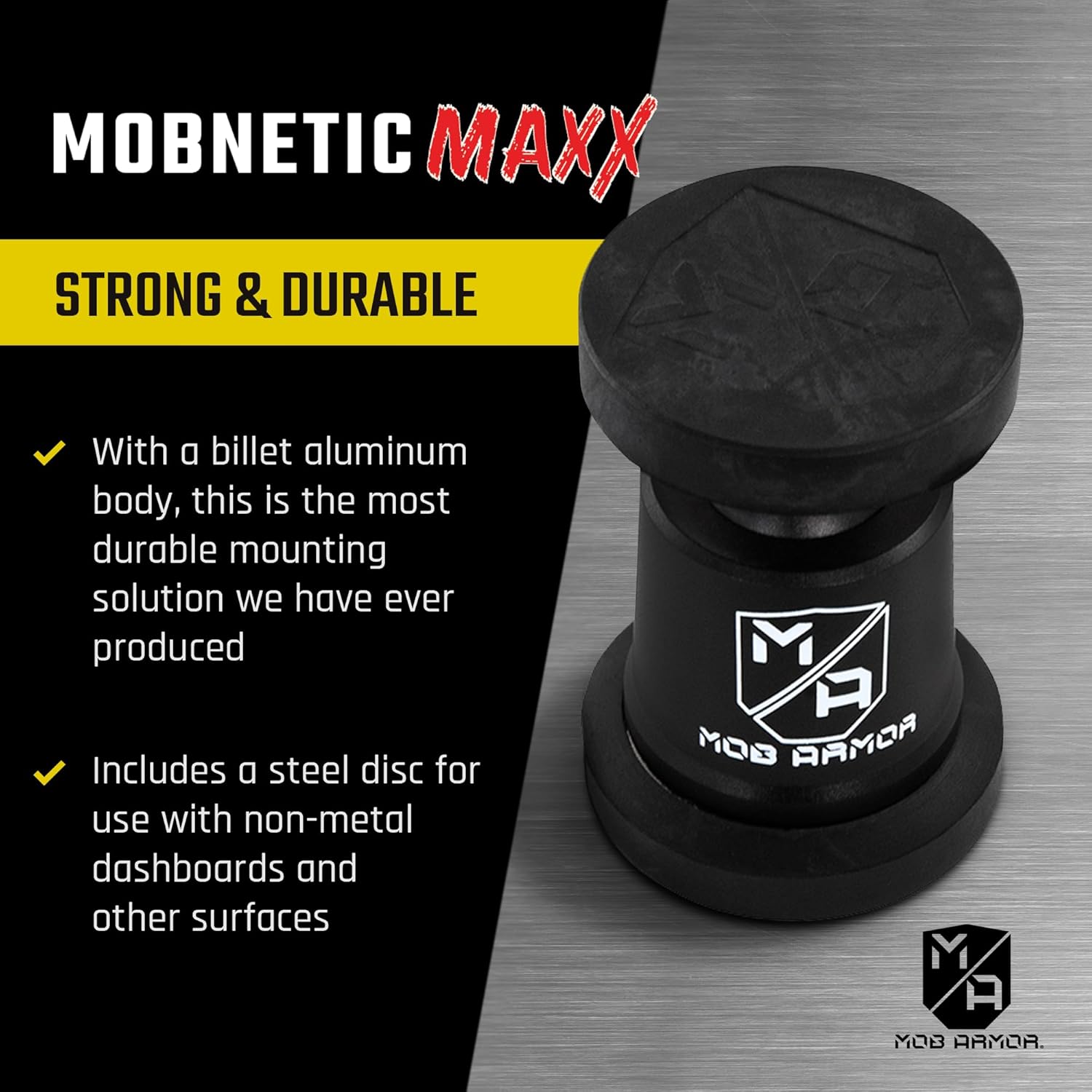
Сүрөт 2.2: деталдуу view of the MobNetic Maxx, showcasing its billet aluminum construction for enhanced durability.
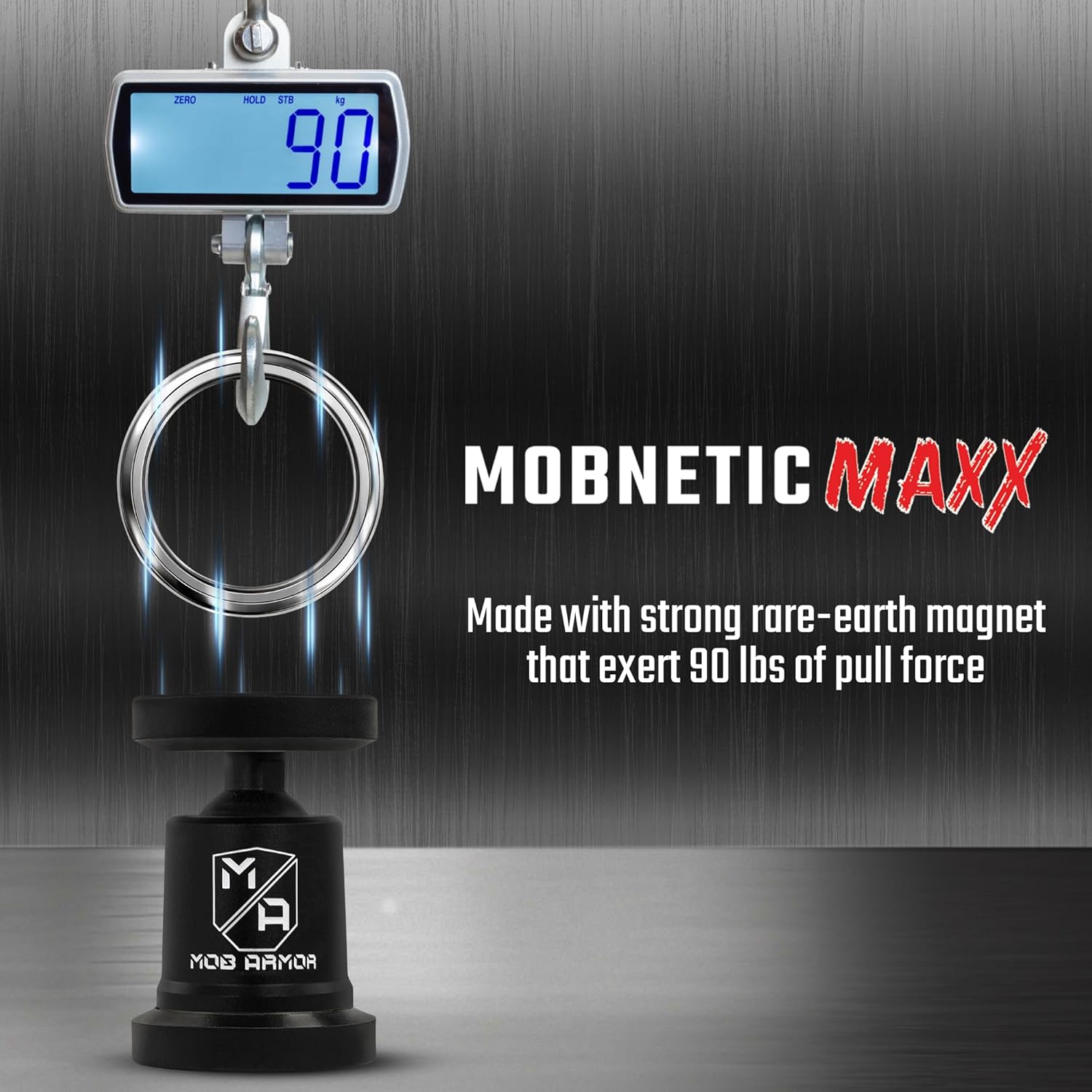
Image 2.3: Visual representation of the MobNetic Maxx's impressive 90 lbs pull force, demonstrated with a scale.
3. Пакеттин мазмуну
Пакетиңизде бардык буюмдар бар экенин текшериңиз:
- Mob Armor MobNetic Maxx Magnetic Mount
- Steel Mounting Disc(s) with adhesive backing
- Surface Cleaning Wipes (Degreasing and Alcohol Prep)
4. Техникалык шарттар
| Өзгөчөлүк | Деталь |
|---|---|
| Модел | MobNetic Maxx |
| Бренд | Мафия сооту |
| Материал | Billet Aluminum Body, Rare-Earth Magnets |
| Түс | Кара |
| Монтаж түрү | Surface Mount (Adhesive) |
| Тартуу күчү | 90 фунтка чейин |
| Жөнгө салуу мүмкүнчүлүгү | 90-degree Tilt, 360-degree Rotation |
| Шайкештик | Smartphones (iPhone, Android), other devices. Note: Not compatible with MagSafe charging. |
5. Орнотуу жана орнотуу
Proper installation of the MobNetic Maxx is crucial for its performance and the security of your device. Follow these steps carefully:
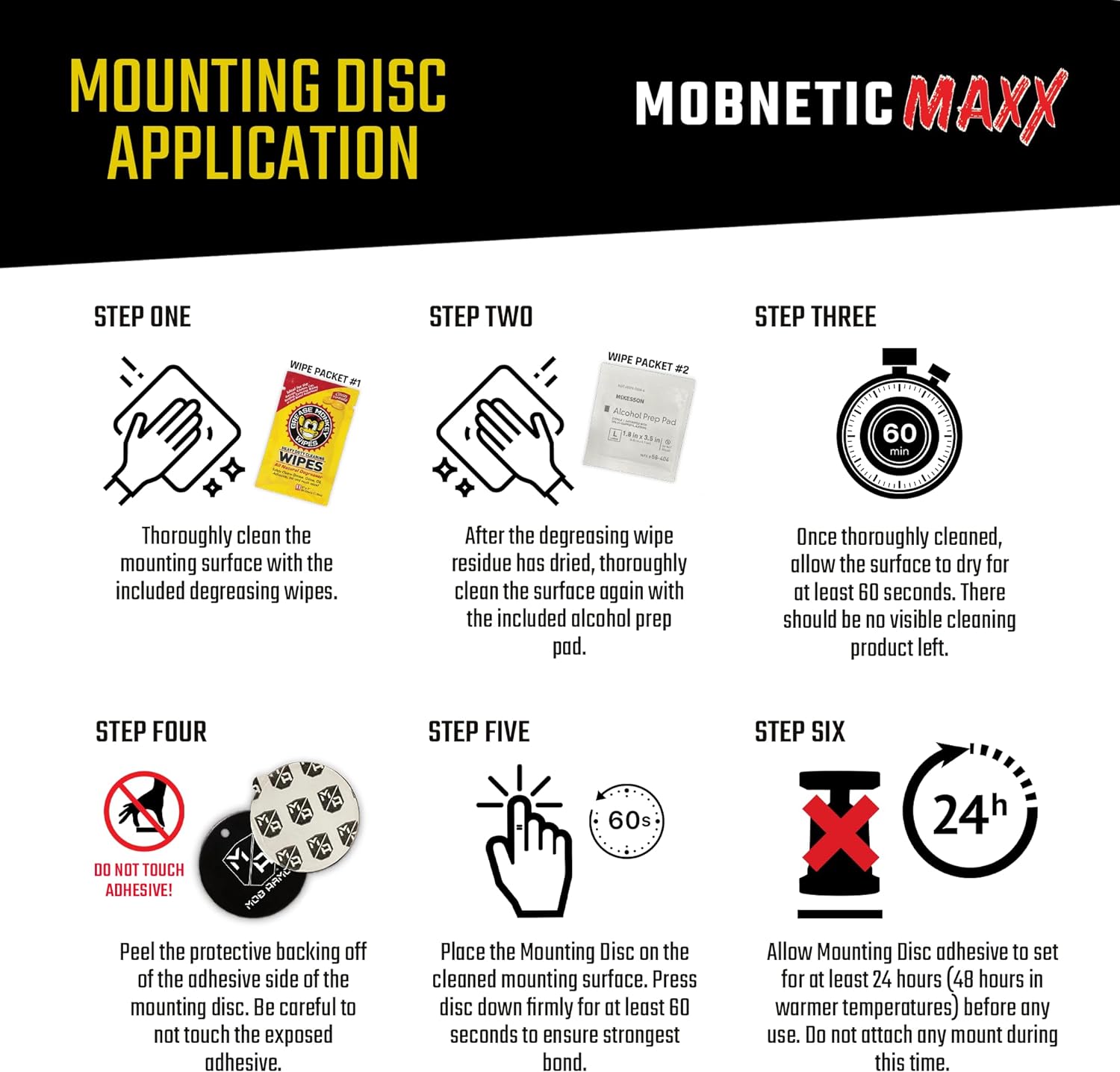
Image 5.1: Detailed instructions for the adhesive mounting disc application process.
- Step One: Thoroughly Clean Surface
Using the included degreasing wipes, thoroughly clean the intended mounting surface. Ensure all dirt, dust, and grease are removed. - Step Two: Degreasing Wipe Residue Removal
After the degreasing wipe residue has dried, thoroughly clean the surface again with the included alcohol prep pad. - Step Three: Allow Surface to Dry
Once thoroughly cleaned, allow the surface to dry for at least 60 seconds. There should be no visible cleaning product left. - Step Four: Peel Backing from Mounting Disc
Carefully peel the protective backing off the adhesive side of the mounting disc. Avoid touching the exposed adhesive. - Step Five: Apply Mounting Disc
Place the Mounting Disc on the cleaned mounting surface. Press the disc down firmly for at least 60 seconds to ensure the strongest bond. - Step Six: Allow Adhesive to Set
Allow the Mounting Disc adhesive to set for at least 24 hours (48 hours in warmer temperatures) before any use. Do not attach any mount during this time.
Alternatively, the MobNetic Maxx can be directly attached to metallic surfaces such as iron, steel, or nickel without the adhesive disc.
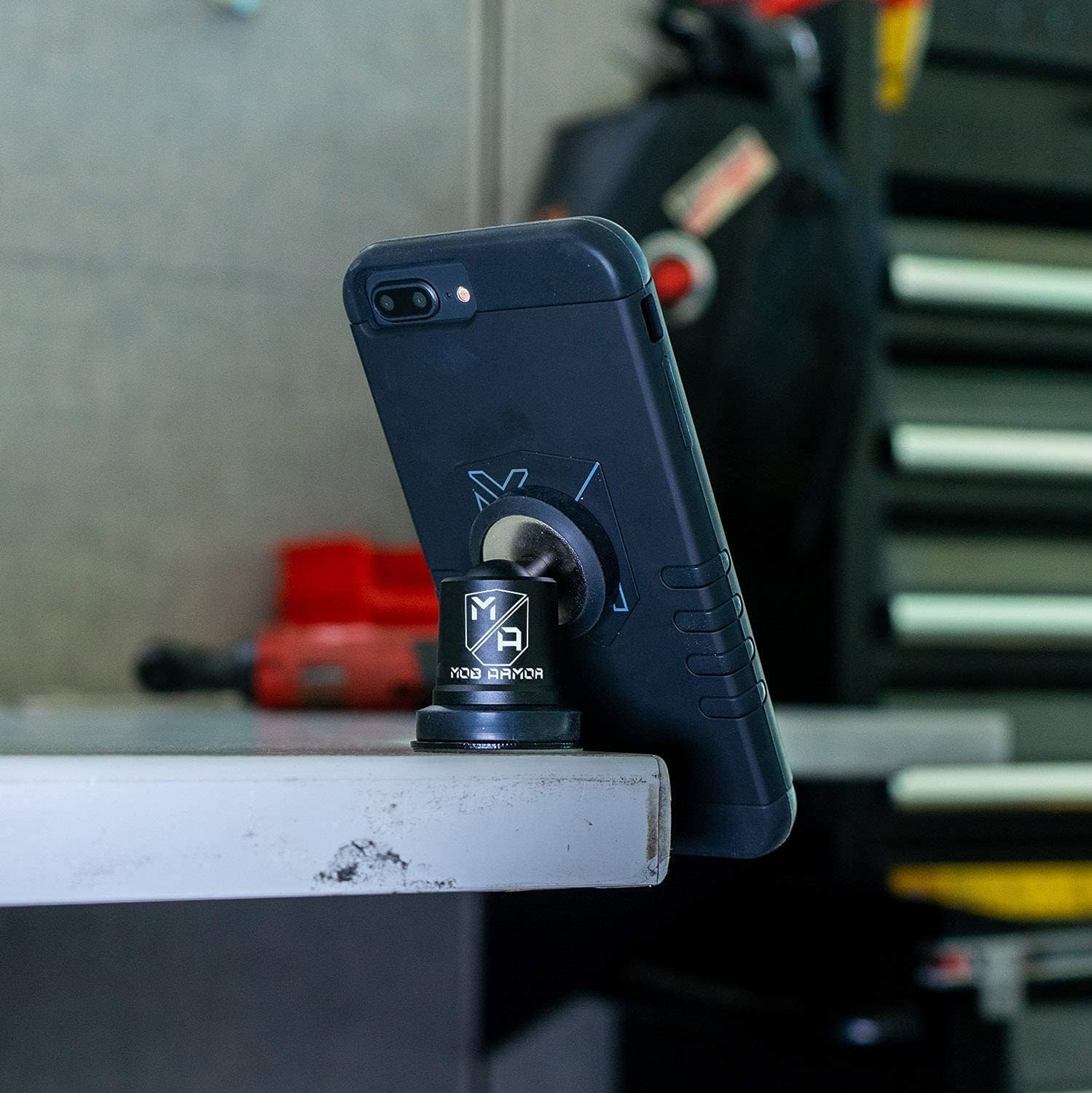
Image 5.2: The MobNetic Maxx mounted on a workbench, illustrating its adaptability to various surfaces.
6. Иштөө нускамалары
Using your MobNetic Maxx is straightforward:
- Түзмөктү тиркөө: Ensure your smartphone or compatible device has a metallic surface or a thin metallic plate (not included) attached to its back. Gently bring the device close to the magnetic head of the MobNetic Maxx. The strong magnets will securely hold your device in place.
- Тууралоо Viewбурч: The MobNetic Maxx allows for a 90-degree tilt and 360-degree rotation. Adjust the angle and orientation of your device as needed for optimal viewing.
- Түзмөктү алып салуу: To remove your device, simply pull it away from the magnetic head. For best practice, slide the device off the magnet rather than pulling directly outwards to reduce strain on the adhesive mount.
Маанилүү эскертүү: The MobNetic Maxx is not compatible with MagSafe charging. If your device uses MagSafe, ensure the magnetic plate does not interfere with the charging coil.
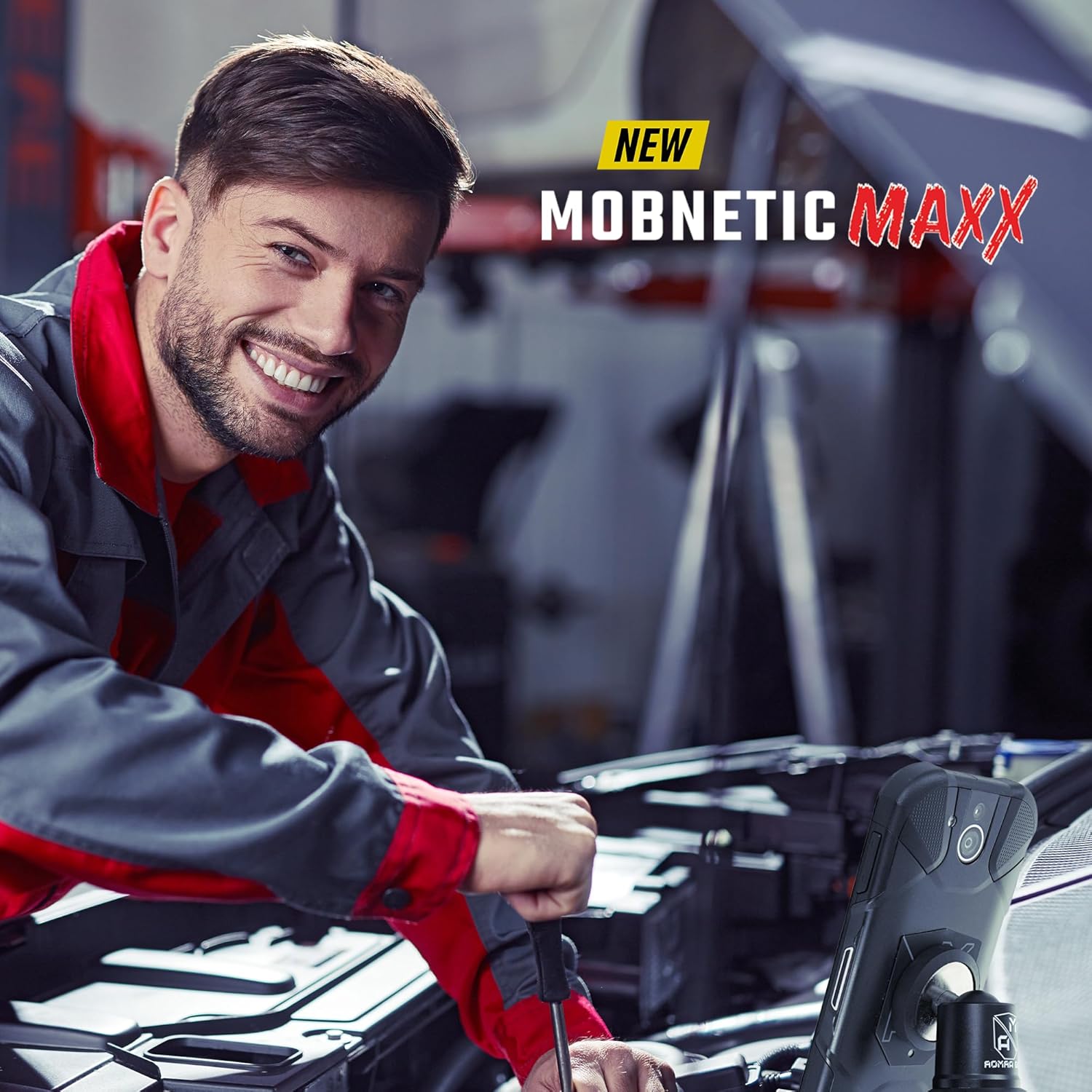
Сүрөт 6.1: Мисample of the MobNetic Maxx in use, providing hands-free access to a smartphone during work.
7. Кароо жана тейлөө
- Тазалоо: Wipe the MobNetic Maxx with a soft, damp cloth to remove dust or grime. Avoid using harsh chemicals or abrasive cleaners, as these can damage the finish.
- Желимдин узактыгы: The adhesive bond is designed for long-term use. Avoid frequently repositioning the adhesive disc once applied, as this can weaken the bond.
- Магниттик бети: Keep the magnetic surface clean and free of metallic debris to ensure a strong connection with your device.
8. Кыйынчылыктарды
If you encounter issues with your MobNetic Maxx, consider the following:
- Алсыз магниттик кармап туруу:
- Ensure the metallic plate on your device is properly aligned with the magnetic head.
- Check for any obstructions (e.g., thick phone cases) between the device and the mount.
- Verify the magnetic surface of the MobNetic Maxx is clean and free of debris.
- Mount Detaching from Surface:
- Revisit the installation steps (Section 5) to ensure the surface was properly cleaned and the adhesive was allowed sufficient curing time.
- Ensure the mounting surface is flat and smooth.
- Avoid exceeding the recommended pull force by attaching excessively heavy devices.
9. Коопсуздук маалыматы
- Сизге тоскоолдук кылбаңыз view while driving. Position the mount in a location that does not interfere with airbags or driver visibility.
- Keep magnets away from sensitive electronic devices, pacemakers, and magnetic storage media (e.g., credit cards, hard drives) to prevent potential interference or damage.
- Ensure your device is securely attached before driving or operating machinery.
- Бул продукт оюнчук эмес. Балдар жетпеген жерде сактаңыз.
10. Кепилдик жана колдоо
Mob Armor products are designed for durability and performance. For specific warranty details, product support, or to purchase replacement parts, please visit the official Mob Armor webсайтка же кардарларды тейлөө бөлүмүнө кайрылыңыз.
Байланыш маалыматы: Кызматка кайрылыңыз Amazon'догу Mob Armor дүкөнү же өндүрүүчүнүн webакыркы колдоо маалымат үчүн сайт.


