Introduction
Сатып алганыңыз үчүн рахматasing the DELTACO GAMING Chair, Model GAM-080. This ergonomic gaming chair is designed to provide comfort and support during long gaming sessions, featuring adjustable components and integrated RGB lighting. Please read this manual carefully before assembly and use to ensure proper operation and longevity of your chair.
Коопсуздук маалыматы
- Колдонуудан мурун бардык компоненттердин бекем бекитилишин текшериңиз.
- Стулга турбаңыз.
- Эгерде кандайдыр бир бөлүктөрү бузулган же жок болсо, отургучту колдонбоңуз.
- Жөндөө учурунда колду жана манжаларды кыймылдуу бөлүктөрдөн алыс кармаңыз.
- This chair is designed for a maximum weight of 120 kg (264 lbs). Exceeding this limit may cause damage or injury.
- The RGB lighting requires a USB power source. Ensure the cable is not pinched or damaged.
Пакеттин мазмуну
Монтаждоону баштоодон мурун, бардык бөлүктөрү бар экенин жана бузулбаганын текшериңиз. Эгерде кандайдыр бир бөлүктөрү жок же бузулуп калса, кардарларды колдоо менен байланышыңыз.
- Арткы таяныч
- Орун базасы
- Колтуктар (2)
- Жылдыз базасы
- Дөңгөлөктөр (5)
- Газ көтөрүүчү баллон
- Газ көтөргүч капкагы
- Механизм плитасы
- Бел жаздыкчасы
- Баштык үчүн жаздык
- Монтаждоо аппараттык каражаттары (буроолор, шайбалар, аллен ачкычы)
- RGB алыстан башкаруу
- USB Power Cable for RGB
Орнотуу жана чогултуу
Please follow these steps carefully for proper assembly. It is recommended to assemble the chair on a soft, clean surface to prevent damage.
- Жылдыздардын базасына роликтерди тиркөө: Беш дөңгөлөктүн ар бирин жылдызчанын түбүндөгү тешиктерге бекем бекитилгенге чейин киргизиңиз.
- Газ лифтин киргизүү: Place the gas lift cylinder into the center hole of the star base. Cover it with the gas lift cover.
- Механизмдин пластинасын отургучтун негизине бекитиңиз: Align the mechanism plate with the pre-drilled holes on the underside of the seat base. Ensure the front of the mechanism plate faces the front of the seat. Secure with screws.
- Колтук таянычтарын отургучтун негизине бекитүү: Secure the armrests to the sides of the seat base using the provided screws. Ensure they are firmly attached.
- Орундун арткы бөлүгүн отургучтун негизине бекитүү: Жөлөнгүчтү отургучтун негизиндеги бекитүүчү кронштейндер менен тегиздеңиз. Бурамалар менен бекитиңиз.
- Отургучту газ лифтине туташтырыңыз: Чогултулган отургучту жана аркалыкты газ көтөргүч цилиндрге этияттык менен орнотуңуз, анын борборлоштурулганын жана туруктуу экенин текшериңиз.
- Attach Headrest and Lumbar Cushions: Secure the headrest pillow and lumbar cushion to the chair using their respective straps.

Image: The DELTACO GAMING Chair fully assembled, showcasing its ergonomic design and RGB lighting strips along the edges.
Иштөө нускамалары
Бийиктигин тууралоо
To adjust the chair's height, pull the lever located on the right side of the seat upwards. While seated, lift your weight off the chair to raise it, or remain seated to lower it. Release the lever to lock the height.
Артка сүйрөө
The backrest can be reclined between 90 and 180 degrees. Pull the recline lever, typically located on the right side of the chair, and lean back or forward to achieve your desired angle. Release the lever to lock the backrest in position.

Image: An illustration demonstrating the chair's ability to recline from an upright position to a nearly flat position, indicated by an orange arrow.
RGB Lighting Operation
The chair features integrated RGB lighting with 332 LED modes. To activate the lighting, connect the chair's USB cable to a 5V USB power source (e.g., a power bank, computer USB port, or USB wall adapter). Use the included remote control to change colors, modes, and brightness.
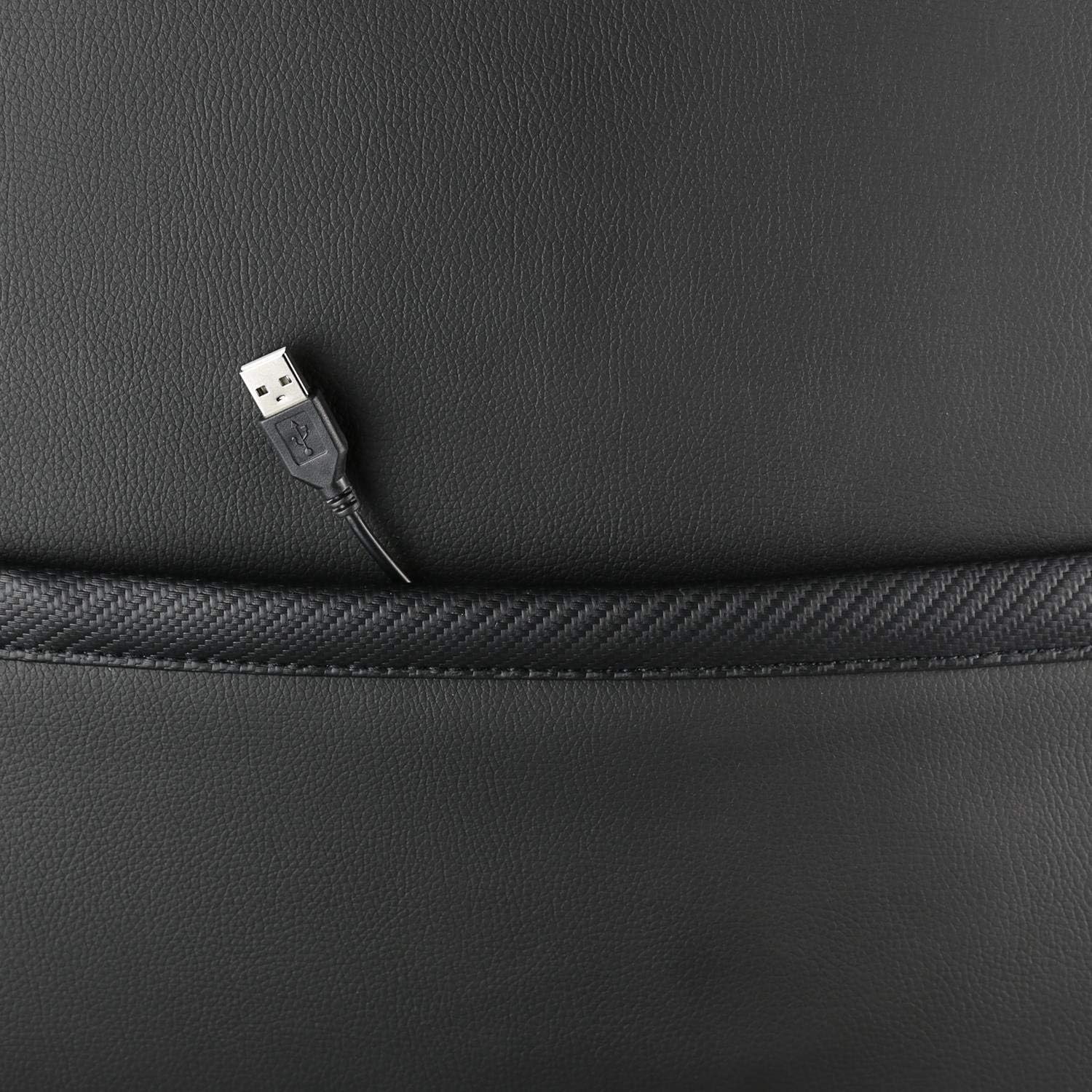
Сүрөт: жакын план view showing the USB power cable emerging from a pocket on the chair, used to power the RGB lighting.

Сүрөт: An overview image of the DELTACO GAMING RGB Gaming Chair highlighting features such as remote control for RGB lights, adjustable headrest, included lumbar cushion, and adjustable backrest from 90-180 degrees, along with 332 LED modes.
Техникалык тейлөө жана кам көрүү
- Тазалоо: Жарнама менен тазалаңызamp cloth. Do not use harsh chemicals or abrasive cleaners, as this may damage the faux leather.
- Текшерүү: Мезгил-мезгили менен бардык бурамалар менен болттордун бекемдигин текшерип туруңуз. Керек болсо кайра тартыңыз.
- Сактагыч: Store the chair in a cool, dry place away from direct sunlight to prevent material degradation.
- USB кабели: Ensure the USB power cable for the RGB lighting is not kinked or damaged.
Проблемаларды чечүү
| Көйгөй | Мүмкүн себеп | Чечим |
|---|---|---|
| Отургуч бийиктигин өзгөртпөйт. | Газ көтөргүч цилиндринин бузук иштеши же рычаг иштебей калышы. | Бийиктикти жөндөө рычагы толугу менен тартылганын текшериңиз. Эгерде көйгөй чечилбесе, газ көтөргүчтү алмаштыруу керек болушу мүмкүн. |
| Арка таянычы чалкалап же бекитилбейт. | Recline mechanism jammed or lever not engaged. | Check for obstructions around the recline mechanism. Ensure the recline lever is fully engaged. |
| RGB жарыктандыруу иштебейт. | USB power not connected, cable damaged, or remote control battery low. | Verify the USB cable is securely connected to a working 5V power source. Check the cable for damage. Replace remote control battery if necessary. |
| Chair is wobbly. | Loose screws or casters not fully inserted. | Tighten all assembly screws. Ensure all casters are fully inserted into the star base. |
Техникалык шарттар
| Өзгөчөлүк | Деталь |
|---|---|
| Модель аты | ГАМ-080 |
| Бренд | DELTACO GAMING |
| Түс | Кара |
| Материал | Faux leather, Foam |
| Максималдуу салмак боюнча сунуш | 120 килограмм (264 фунт) |
| Продукциянын өлчөмдөрү (L x W x Y) | 22.44 x 26.77 x 57.87 дюйм |
| Элемент Салмагы | 46.2 фунт |
| Өзгөчөлүктөр | RGB Lighting, Adjustable Backrest (90-180°), Adjustable Height, Lumbar Cushion, Headrest Pillow |
| Power Source for RGB | USB 5V |
Кепилдик жана колдоо
This DELTACO GAMING Chair (Model GAM-080) comes with a 1-year spare part availability duration within the EU, as per manufacturer specifications.
For technical support, warranty claims, or inquiries regarding spare parts, please contact DELTACO GAMING customer support. Refer to your purchase documentation for specific contact details or visit the official DELTACO GAMING webсайт.
Note: Proof of purchase may be required for warranty services.


