Introduction
Thank you for choosing the Konnek Stein QC21 1080P HD Indoor Security Camera. This manual provides detailed instructions for setting up, operating, and maintaining your camera. Please read this manual thoroughly before use to ensure proper functionality and safety. Keep this manual for future reference.
Пакеттин мазмуну
Пакетиңизде бардык буюмдар бар экенин текшериңиз:
- Konnek Stein QC21 Camera Body
- Кубаттуу адаптер
- USB кабели
- Монтаждык кронштейн (дубалга/шыпка орнотуу үчүн)
- Бурамалар жана дубал сайгычтары
- Колдонуучунун Колдонмосу (бул документ)
Продукт бүттүview
The Konnek Stein QC21 is a 1080P HD indoor security camera designed for comprehensive monitoring. It features 360-degree coverage, two-way audio, motion detection, and night vision capabilities.
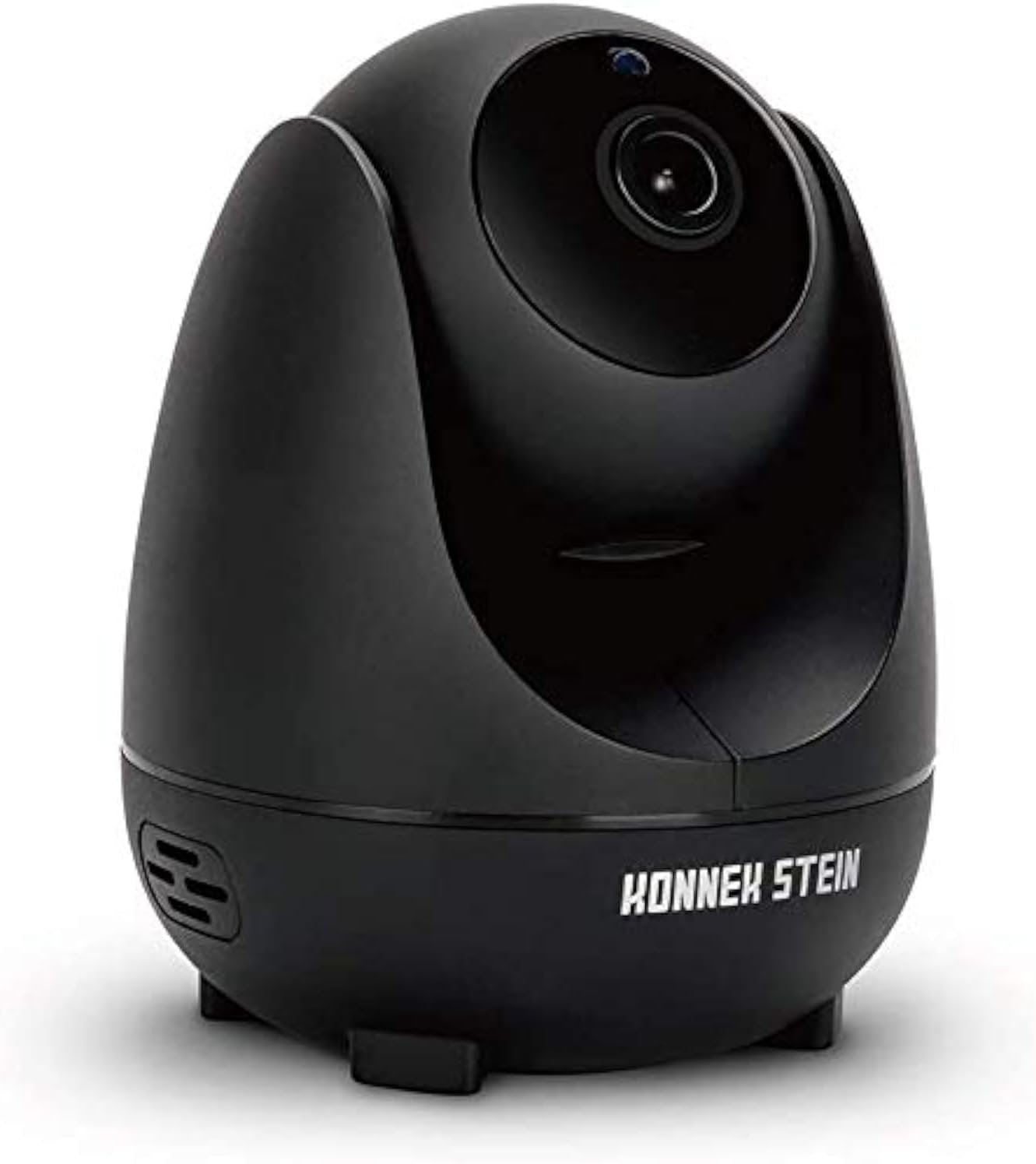
Сүрөт: алдыңкы view of the Konnek Stein QC21 indoor security camera, showcasing its dome-shaped design and lens.
Негизги өзгөчөлүктөрү:
- 1080P Full HD токтому: Так жана деталдуу видео foo камсыз кылатtage.
- 360-Degree Monitoring: Achieved through 355° horizontal and 110° vertical rotation.
- Эки тараптуу аудио: Камера аркылуу реалдуу убакыт режиминде байланышууга мүмкүндүк берет.
- Акылдуу кыймылды аныктоо: Alerts you to detected movement.
- IR Түнкү Көрүнүшү: Automatic switching to infrared night vision in low-light conditions.
- Бир нече сактагыч параметрлери: Supports local storage via SD card and cloud storage.
- Multi-Terminal & Multi-User Sharing: View on various devices and share access with others.
Орнотуу колдонмосу
1. Колдонмону орнотуу
The Konnek Stein QC21 camera uses the ENKLOV App. Download it from your device's app store:
- For Android devices: Search "ENKLOV" on Google Play Store.
- For iOS devices: Search "ENKLOV" on Apple App Store.
- Alternatively, scan the QR code provided in the quick start guide (if applicable) to download the app.
After installation, create an account and log in.
2. Камераны күйгүзүү
- Connect the USB cable to the camera's power port.
- Кубат адаптерин стандарттуу электр розеткасына сайыңыз.
- The camera will power on and initiate its self-test sequence. Wait for the indicator light to flash, indicating it's ready for connection.
3. Wi-Fi туташуусу
The camera supports 2.4GHz Wi-Fi networks only. 5GHz networks are not supported.
- Open the ENKLOV App on your smartphone.
- Tap the "Add Device" or "+" icon.
- Wi-Fi тармагыңызды тандап, сырсөздү киргизүү үчүн экрандагы көрсөтмөлөрдү аткарыңыз.
- The app will generate a QR code. Position your phone screen in front of the camera lens (approximately 15-20 cm away) until you hear a confirmation sound from the camera.
- Once connected, the camera's indicator light will turn solid, and you will see the camera feed in the app.
4. Монтаждоо параметрлери
Камераны жалпак бетке коюуга же дубалга же шыпка орнотууга болот.
- Столдун үстүнө жайгаштыруу: Simply place the camera on a stable, flat surface.
- Дубалга/шыпка орнотуу:
- Attach the mounting bracket to the desired location using the provided screws and wall plugs.
- Камераны монтаждык кронштейнге бекем бекитиңиз.
- In the app settings, you may need to enable "Image Flip" if mounting upside down on a ceiling to correct the video orientation.
Иштөө нускамалары
1. Түз эфир View жана панорамалоо/кыйшайтуу башкаруусу
Once connected, open the ENKLOV App and select your camera to view the live feed. Use the on-screen controls to pan (horizontal) and tilt (vertical) the camera lens to achieve a 360-degree view сиздин мейкиндиктин.
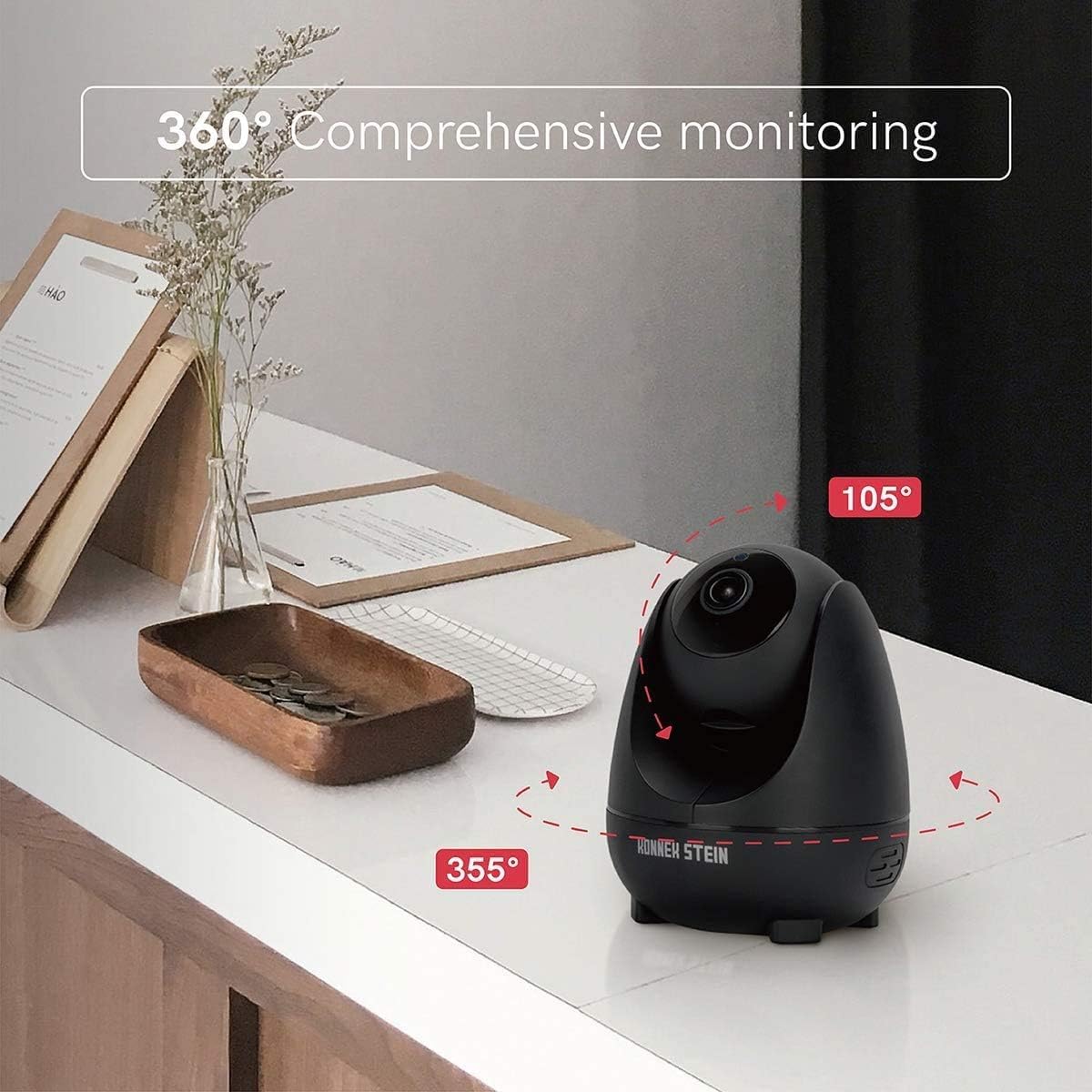
Image: Diagram illustrating the 355-degree horizontal and 105-degree vertical rotation capabilities of the Konnek Stein QC21 camera, providing comprehensive monitoring.
2. Эки тараптуу аудио
Камерада эки тараптуу байланыш үчүн орнотулган микрофон жана динамик бар.
- Түз эфирде view interface of the app, tap the microphone icon to speak through the camera.
- Камеранын чөйрөсүнөн аудио угуу үчүн динамик сүрөтчөсүн таптаңыз.

Image: Illustration of the two-way audio function, showing a person speaking into a phone and a child hearing the message through the camera.
3. Акылдуу кыймылды аныктоо
Enable motion detection to receive alerts on your smartphone when movement is detected.
- Navigate to the camera settings within the ENKLOV App.
- Locate and enable "Motion Detection" or "Alarm Settings."
- Сезгичтик деңгээлин тууралаңыз жана зарылчылыкка жараша аныктоо аймактарын орнотуңуз.
- You will receive push notifications on your phone when motion is detected.

Image: A smartphone displaying a "Motion Detection 1 New notice" alert, with the camera shown detecting movement in the background.
4. Түнкү көрүнүш
The camera automatically switches to infrared night vision mode in low-light conditions, providing clear black and white video footage.

Сүрөт: Камеранын бөлүнгөн сүрөтү view in daylight (full color) and in night mode (infrared black and white).
5. Жаздыруу жана сактоо
The Konnek Stein QC21 supports two primary storage methods:
- Микро SD карта сактагычы: Insert a Micro SD card (not included) into the camera's designated slot for local recording. The camera will automatically record based on your settings (e.g., continuous recording, motion-triggered recording).
- Булуттагы сактагыч: The camera offers optional cloud storage services for secure off-site backup of your recordings. Refer to the ENKLOV App for subscription details and activation.
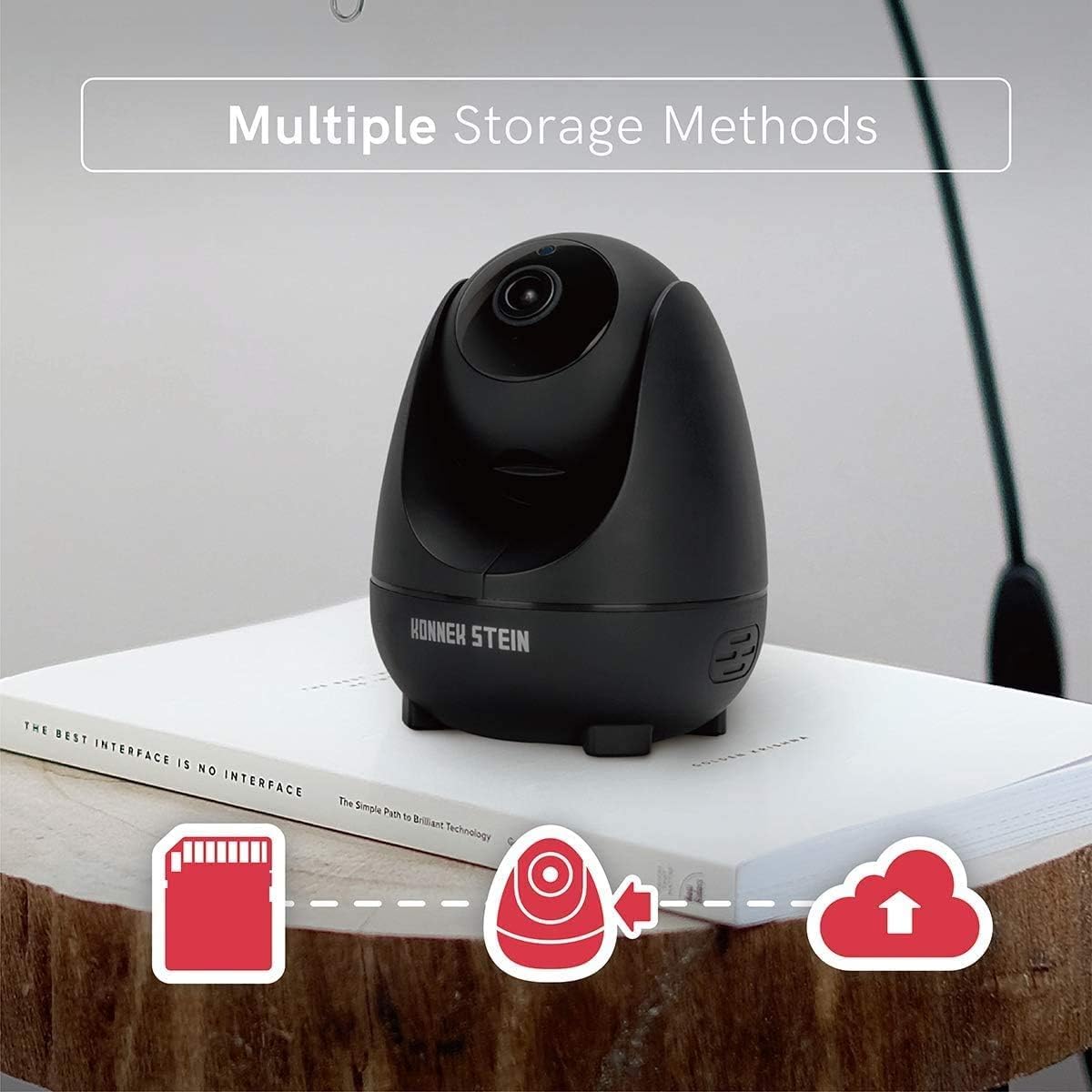
Image: Icons representing Micro SD card storage, local device storage, and cloud storage options for the camera.
6. Multi-Terminal & Multi-User Sharing
The ENKLOV App allows viewing on multiple devices (Android, iOS, Windows, MAC) and sharing access with other users.
- Multi-Terminal View: Install the ENKLOV App on your preferred devices and log in with your account to access the camera feed.
- Көп колдонуучу менен бөлүшүү: In the app, navigate to the camera settings and find the "Share Device" option. You can invite other users to view your camera feed by entering their account details.

Image: Diagram showing compatibility with iOS, Android, and Windows, and an icon representing multi-user sharing, with a smartphone displaying the camera's live feed.
Проблемаларды чечүү
| Көйгөй | Мүмкүн чечим |
|---|---|
| Камера Wi-Fi'га туташа албай жатат. |
|
| No live video feed in the app. |
|
| Кыймылды аныктоо эскертмелери алынган жок. |
|
| Эки тараптуу аудио иштебей жатат. |
|
Техникалык шарттар
| Модель аты | QC21 |
| Video Resolution | 1080P Full HD |
| Viewбурч | 360 Degrees (355° Horizontal, 110° Vertical) |
| Frame Rate | секундасына 25 кадр |
| Түнкү көрүнүш | Infrared (9*940nm IR LED) |
| Аудио | Эки тараптуу аудио |
| Байланыш | Wi-Fi (2.4 ГГц гана) |
| Сактагыч параметрлери | Micro SD картасы (128 ГБ чейин, кошулган эмес), булут сактагычы |
| Power Source | Corded Electric (10W) |
| Монтаж түрү | Дубалга монтаждоо, стол |
| Өлчөмдөрү (L x W x Y) | 9.1 x 9.1 x 11.5 см |
| Салмагы | 430 г |
| Шайкеш түзмөктөр | Smartphone (Android, iOS), PC |
Техникалык тейлөө
- Тазалоо: Камеранын линзасын жана корпусун тазалоо үчүн жумшак, кургак чүпүрөктү колдонуңуз. Катуу химиялык заттарды же абразивдүү тазалагычтарды колдонуудан алыс болуңуз.
- Программалык камсыздоонун жаңыртуулары: Regularly check the ENKLOV App for available firmware updates to ensure optimal performance and security. Follow the in-app instructions for updating.
- Жайгашкан жери: Камераны туруктуу жерге, түз күн нурунан, жылуулук булактарынан жана нымдуулуктан алыс коюңуз.
- Тармактын туруктуулугу: A stable Wi-Fi connection is crucial for consistent performance. Ensure your router is functioning correctly and the camera is within good signal range.
Кепилдик жана колдоо
Konnek Stein products are designed for reliability and performance. For warranty information, please refer to the warranty card included with your product or contact Konnek Stein customer support.
If you encounter any issues not covered in this manual, please visit the official Konnek Stein webсайтка же жардам үчүн кардарларды тейлөөгө кайрылыңыз.
- Онлайн колдоо: Visit the Konnek Stein official webКөп берилүүчү суроолор, көйгөйлөрдү чечүү боюнча колдонмолор жана байланыш маалыматы үчүн сайт.
- Электрондук почта колдоо: For specific inquiries, please refer to the contact section on the official webсайт.
- Телефондук колдоо: Contact numbers may be available on the official Konnek Stein webтүз жардам сайты.


