Introduction
This manual provides detailed instructions for the installation, operation, maintenance, and troubleshooting of your SilverStone Technology ST1300-TI 80 Plus Titanium 1300W Fully Modular ATX/PS2 Power Supply. Please read this manual thoroughly before installation and operation to ensure proper functionality and safety.

An overview of the SilverStone ST1300-TI 1300W power supply, showcasing its design and the product packaging.
Коопсуздук маалыматы
Электр менен камсыздоого жана туташкан компоненттерге жаракат алуунун же бузулуунун алдын алуу үчүн ар дайым төмөнкү коопсуздук чараларын сактаңыз:
- Электр менен камсыздоо блогун ачпаңыз. Жогорку томtages электр кубатынан ажыратылган учурда да ичинде бар.
- Орнотуудан же тейлөөдөн мурун кубат булагы AC розеткасынан ажыратылганын текшериңиз.
- Электр менен камсыздоону жакшы желдетилген жерге орнотуңуз.
- Кубат менен камсыздалган модулдук кабелдерди гана колдонуңуз. Шайкеш келбеген кабелдерди колдонуу зыян келтириши мүмкүн.
- Электр булагына нымдуулук же өтө жогорку температура таасир этүүдөн алыс болуңуз.
- If the power supply is damaged or malfunctions, discontinue use immediately and contact SilverStone support.
Пакеттин мазмуну
Пакетте бардык буюмдар бар экенин текшериңиз:
- SilverStone ST1300-TI Power Supply Unit
- Modular Cable Set (ATX 20+4 pin, EPS/ATX 4+4 pin, PCIe 6+2 pin, SATA, 4-pin Peripheral)
- AC Power Cord
- Монтаждоо бурамалар
- Колдонуучунун Колдонмосу (бул документ)
- Cable Ties (optional, may be included)
Орнотуу жана орнотуу
Follow these steps for proper installation of your power supply:
- Системаңызды даярдаңыз: Ensure your computer case is compatible with ATX/PS2 form factor power supplies. Disconnect all power from your system and open the computer case.
- Кубат менен жабдууну орнотуу: Carefully slide the ST1300-TI into the power supply bay of your computer case. Align the screw holes and secure the power supply with the provided mounting screws.
- Модулдук кабелдерди туташтыруу:

This image provides an angled perspective of the ST1300-TI power supply, highlighting the array of modular cable connection ports on the front panel and the top-mounted cooling fan.
Connect only the necessary modular cables to the power supply. The ST1300-TI is fully modular, allowing for cleaner cable management.
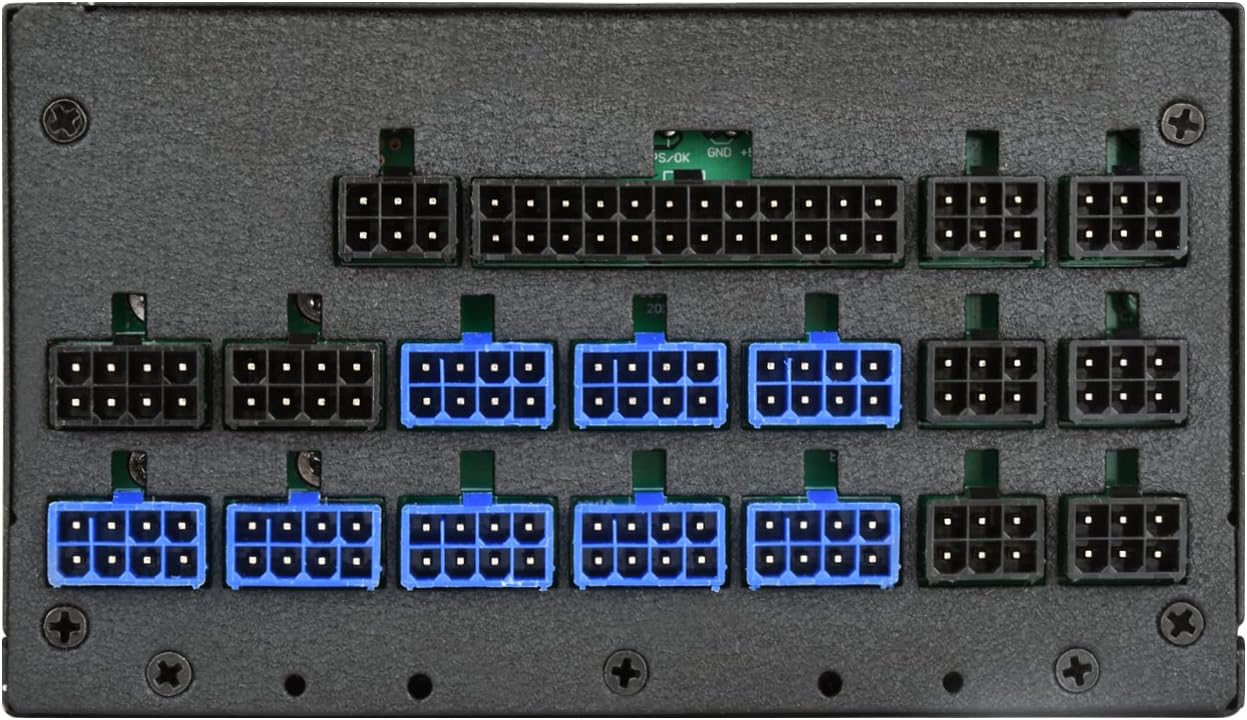
А деталдуу view of the modular cable connection ports on the SilverStone ST1300-TI power supply, indicating various types of connectors for different components.
- 20+4 Pin ATX Motherboard Cable: Connect to the main power connector on your motherboard.
- 4+4 Pin EPS/ATX 12V Cable: Connect to the CPU power connector on your motherboard.
- 6+2 Pin PCIe Cables: Connect to your graphics cards (GPUs) as required.
- SATA электр кабелдери: SSD, HDD жана оптикалык дисктер сыяктуу SATA түзмөктөрүнө туташуу.
- 4-pin Peripheral (Molex) Cables: Зарыл болсо, эски перифериялык түзүлүшкө же каптын күйөрмандарына туташыңыз.
- Кабелдик башкаруу: Корпусуңуздун ичиндеги аба агымын жана кооздукту жакшыртуу үчүн кабелдерди тыкан өткөрүңүз.
- Ишти жабуу: Бардык туташуулар коопсуз болгондон кийин, компьютериңиздин корпусун жабыңыз.
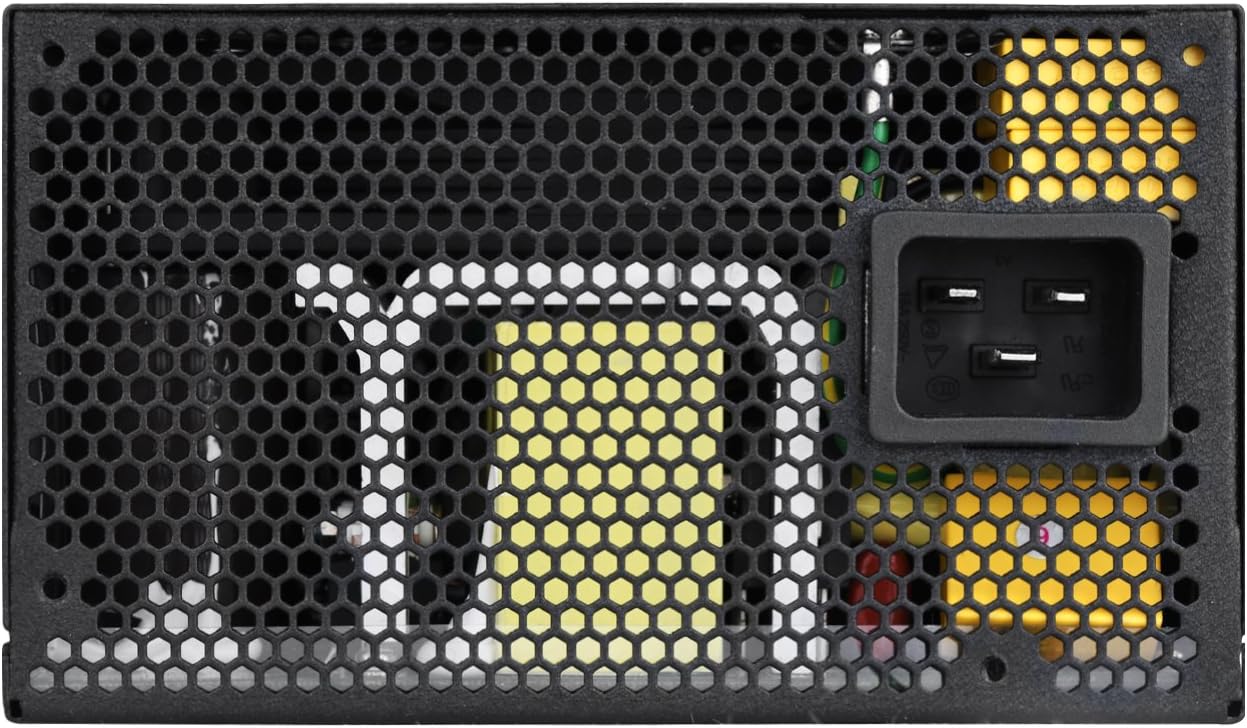
- AC кубатына туташтыруу: Plug the provided AC power cord into the power supply's AC inlet and then into a wall outlet or surge protector.
Иштөө нускамалары
To power on your system:
- Ensure the power switch on the back of the ST1300-TI power supply is in the "ON" (I) position.
- Компьютериңиздин корпусундагы кубат баскычын басыңыз.
The ST1300-TI features an ultra-silent 135mm fan with intelligent semi-fanless operation. The fan may not spin at low loads to minimize noise, activating only when necessary to maintain optimal temperatures.
A direct overhead view of the 135mm cooling fan and its protective grille on the SilverStone ST1300-TI power supply.
Техникалык тейлөө
Үзгүлтүксүз техникалык тейлөө электр менен камсыздооңуздун узак мөөнөттүү иштешин жана оптималдуу иштешин камсыз кылууга жардам берет:
- Тазалоо: Periodically clean the exterior of the power supply and its fan grille using a soft, dry cloth. For deeper cleaning, use compressed air to remove dust from the fan and internal components, ensuring the system is powered off and unplugged.
- Текшерүү: Regularly inspect cables for any signs of wear, fraying, or damage. Ensure all connections are secure.
- Вентиляция: Ensure that the power supply's intake and exhaust vents are not obstructed to allow for proper airflow.
Проблемаларды чечүү
If you encounter issues with your ST1300-TI power supply, refer to the following common problems and solutions:
| Көйгөй | Мүмкүн себеп | Чечим |
|---|---|---|
| Система күйбөйт. |
|
|
| Система күйөт, бирок дароо өчүрүлөт. |
|
|
| желдеткич айланбай жатат. |
|
|
For further assistance, please refer to the support section or SilverStone's official webсайт.
Техникалык шарттар
Key specifications for the SilverStone ST1300-TI power supply:

The product label on the SilverStone ST1300-TI power supply, displaying electrical specifications such as AC input, DC output voltages, and maximum power ratings.
| Өзгөчөлүк | Деталь |
|---|---|
| Модель аты | SST-ST1300-TI-X |
| Бренд | SilverStone |
| Форма фактору | ATX |
| Чыгуу Wattage | 1300 Вт |
| Натыйжалуулук рейтинги | 80 плюс титан |
| Модулдуулук | Толугу менен модулдук |
| Муздатуу ыкмасы | Air (135mm fan with intelligent semi-fanless operation) |
| Иштөө температурасы | 24 ℃ иштөө температурасы менен 7/50 үзгүлтүксүз кубаттуулукту чыгаруу |
| Конденсаторлор | Япониянын электролиттик конденсаторлору |
| Тtage Регламент | Strict ±3% voltage regulation and low ripple & noise |
| Өлчөмдөрү (LxWxH) | 7.09 x 5.91 x 3.39 дюйм (180 x 150 x 86 мм) |
| Салмагы | 8.7 фунт (3.95 кг) |
Кепилдик жана колдоо
For detailed warranty information, please refer to the official SilverStone Technology website or the warranty card included with your product. SilverStone provides technical support for their products.
Онлайн колдоо: SilverStone Technology компаниясынын расмий сайтына кириңиз webКөп берилүүчү суроолор, драйверлерди жүктөө жана колдоонун байланыш маалыматы үчүн сайт. www.silverstonetek.com


