Introduction
Сатып алганыңыз үчүн рахматasing the SYMA Foldable HD Camera Drone Z3. This drone combines a convenient foldable design with advanced features such as dual 720P cameras, Optical Flow Positioning, and one-key take-off and landing. This manual will guide you through the setup, operation, and maintenance of your drone to ensure a safe and enjoyable flying experience.
Коопсуздук чаралары
Please read and understand all safety instructions before operating the drone. Failure to follow these instructions may result in injury or damage to the product.
- Жашы боюнча сунуш: Бул продукт 12 жаштан жогорку колдонуучулар үчүн сунушталат. Жаш колдонуучулар чоңдордун көзөмөлүндө болушу керек.
- Учуу чөйрөсү: Fly in open, unobstructed areas away from people, animals, buildings, and power lines. Avoid flying in strong winds or adverse weather conditions.
- Батареянын коопсуздугу: Use only the specified battery and charging cable. Do not overcharge or short-circuit batteries. Discontinue use if batteries show signs of damage or swelling.
- Пропеллердин коопсуздугу: Keep hands, face, and loose clothing away from rotating propellers. Always ensure propeller guards are installed before flight.
- Көрүү сызыгы: Учуу учурунда дрондун көрүү сызыгын дайыма сактаңыз.
- Купуялыкты урматтоо: Be mindful of privacy laws when using the camera feature.

Image: SYMA Z3 drone with propeller guards. Propeller guards help protect against accidental contact with rotating blades.
Кутуда эмне бар
Кутудан чыгарууда бардык компоненттер бар экенин текшериңиз:
- SYMA Z3 Foldable HD Camera Drone
- Алыстан башкаруу өткөргүч
- Кайра заряддалуучу дрон батареясы
- USB заряддоо кабели
- Запастык пропеллер
- Пропеллердин сакчылары
- Instruction Manual

Image: The SYMA Z3 drone and its components as packaged. This includes the drone, remote control, and other accessories.
Жайгашуу
1. Дронду ачуу
- Gently unfold the four propeller arms until they lock into position.
- Ensure all arms are fully extended and secure before proceeding.

Image: The SYMA Z3 drone in its compact, folded configuration. The arms must be extended for flight.
2. Батареяны орнотуу жана кубаттоо
- Дрон Батарея: Insert the fully charged drone battery into the battery compartment on the drone's underside. Ensure it clicks securely into place.
- Алыстан башкаруу батареялары: Open the battery cover on the back of the remote control and insert 4x AA batteries (not included), observing correct polarity. Close the cover.
- Заряддоо: Connect the drone battery to the USB charging cable and plug it into a USB power source (e.g., computer, USB adapter). The indicator light will show charging status and turn off when fully charged. Charging time is approximately 130 minutes for a 16-minute flight time.
3. Пропеллерди орнотуу (зарыл болсо)
Эгерде пропеллер алдын ала орнотулбаса же алмаштыруу керек болсо:
- Match the propellers with the corresponding motor shafts (usually marked A and B).
- Press the propellers firmly onto the motor shafts until they are secure.
- Ensure propeller guards are securely attached to the drone arms.
4. Колдонмону орнотуу (милдеттүү эмес)
For advanced control and live view, download the SYMA app from your mobile device's app store. Издөө "SYMA FPV" or refer to the QR code in the quick start guide.
Иштөө нускамалары
1. Drone and Remote Control Overview

Сүрөт: жогорудан төмөнгө view of the SYMA Z3 drone, showing its main body and propellers. The front camera is visible at the front.
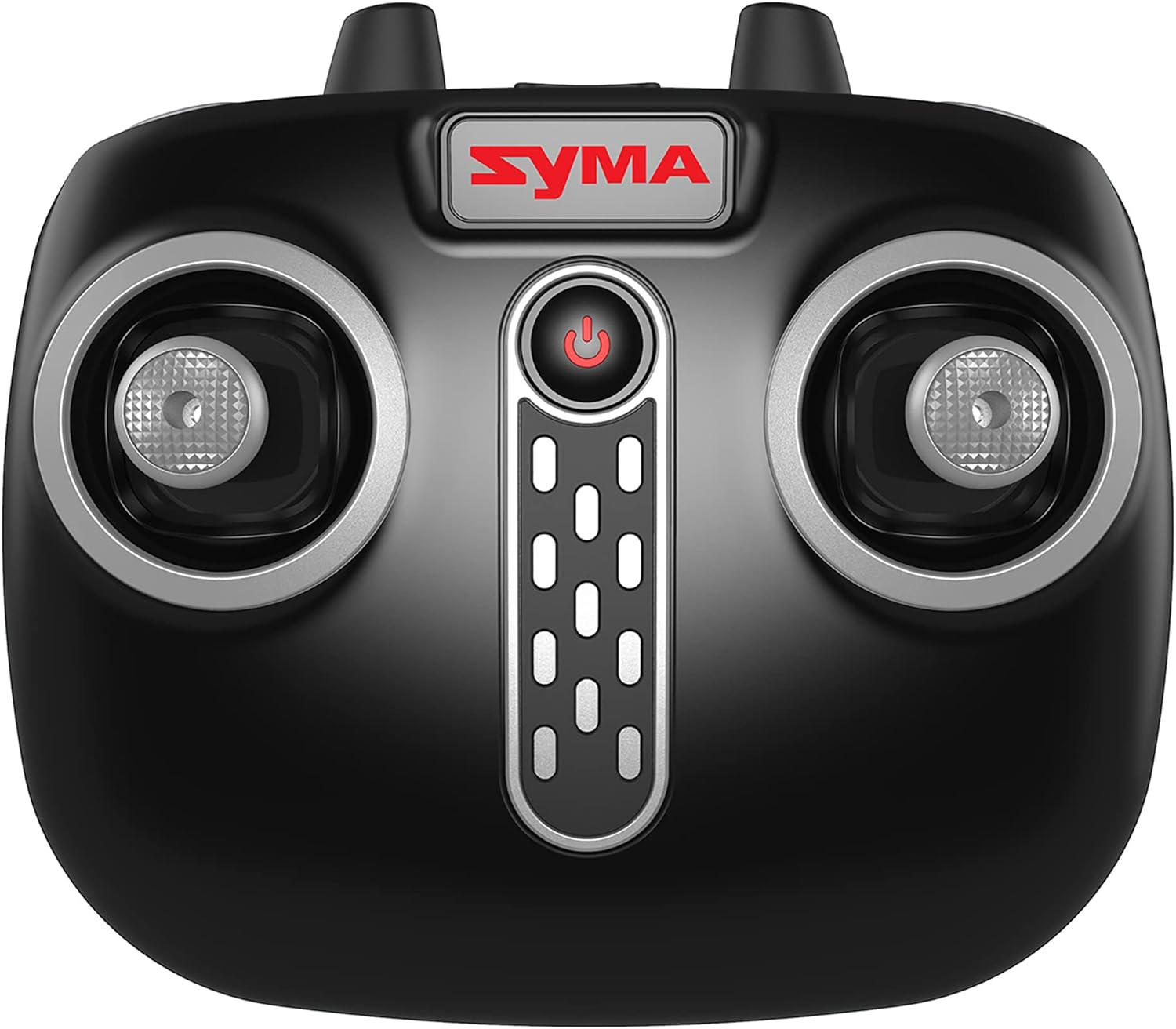
Image: Close-up of the SYMA Z3 remote control, highlighting the joysticks and control buttons. The power button is centrally located.
2. Pairing the Drone with the Remote Control
- Дронду тегиз, тегиз жерге орнотуңуз.
- Turn on the drone by pressing the power button. The drone's indicator lights will flash.
- Алыстан башкарууну күйгүзүңүз.
- Сол жактагы джойстикти (дроссель) аягына чейин өйдө, анан аягына чейин ылдый басыңыз. Дрондун индикатор чырактары күйүп-өчүүнү токтотуп, туруктуу бойдон калат, бул ийгиликтүү жупташууну билдирет.
3. Учууну башкаруунун негизги каражаттары
- Бир ачкыч менен учуп чыгуу/конуу: Press the dedicated One-Key Take-Off/Landing button on the remote or in the app. The drone will automatically ascend to a stable hover or descend and land.
- Дроссель (Сол джойстикти өйдө/ылдый): Controls altitude. Push up to ascend, pull down to descend.
- Яв (Сол джойстикти солго/оңго бураңыз): Controls rotation. Push left to rotate counter-clockwise, right to rotate clockwise.
- Алдыга/артка (Оң жактагы джойстикти өйдө/ылдый): Алдыга жана артка кыймылды башкарат.
- Солго/Оңго капталга учуу (Оңго джойстик солго/оңго): Controls sideways movement.
- Автоматтык түрдө алып баруу: The drone will automatically maintain its altitude when the throttle joystick is released.
4. Өркүндөтүлгөн функциялар
- Оптикалык агымдын жайгашуусу: This feature uses a downward-facing camera to help the drone maintain its position stably, reducing unwanted drift, especially indoors or in low wind conditions.
- Кош 720P камералар: The Z3 features two 720P cameras (forward and vertical facing). Use the SYMA app to switch between cameras and capture photos or videos.
- Ылдамдык режимдери: The drone offers multiple speed settings (e.g., 2 speeds) for different skill levels. Refer to the remote control diagram for the speed switch button.
- App Control (Gravity App & Flight Plan): When connected to the SYMA app via Wi-Fi, you can control the drone using your mobile phone's gyroscope (Gravity App) or draw a flight path on the screen for the drone to follow (Flight Plan).
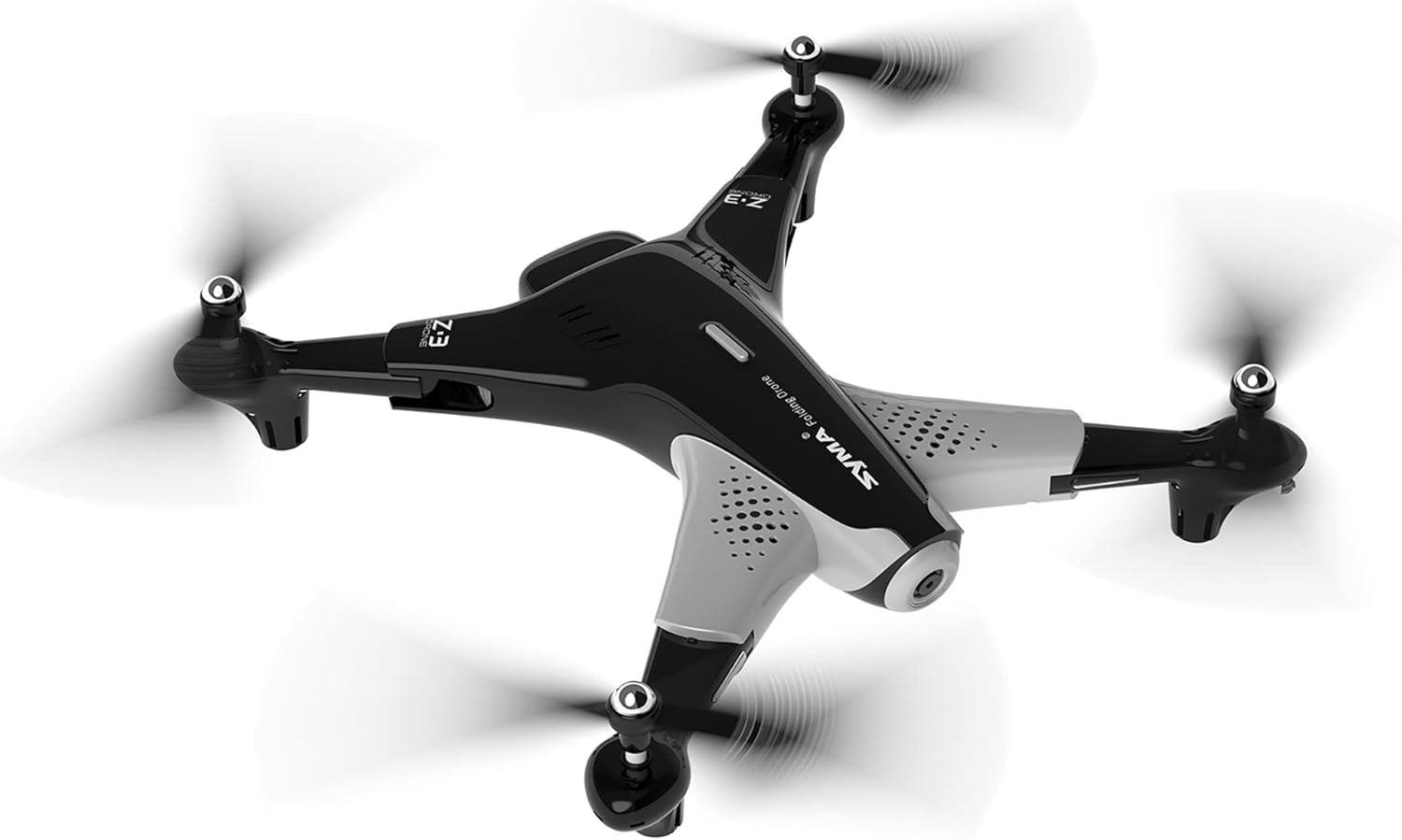
Image: The SYMA Z3 drone in stable flight. Its design allows for both indoor and outdoor operation.
Техникалык тейлөө жана кам көрүү
- Тазалоо: Дронду жана пультту тазалоо үчүн жумшак, кургак чүпүрөктү колдонуңуз. Сууну же эриткичтерди колдонбоңуз.
- Пропеллерди алмаштыруу: If propellers are damaged, replace them immediately with genuine SYMA Z3 spare parts. Ensure correct A/B propeller placement.
- Батареяга кам көрүү: Батареяларды салкын, кургак жерде сактаңыз. Толук заряддалган же толугу менен түгөнгөн батареяларды узак убакытка сактабаңыз. Узак мөөнөткө сактоо үчүн аларды болжол менен 50% га чейин заряддаңыз.
- Сактагыч: When not in use, fold the drone for compact storage. Keep the drone and remote control away from direct sunlight and extreme temperatures.
Проблемаларды чечүү
| Көйгөй | Мүмкүн себеп | Чечим |
|---|---|---|
| Дрон пультка жооп бербейт. | Not paired; low battery (drone/remote); remote out of range. | Re-pair drone and remote; charge drone battery, replace remote batteries; ensure drone is within operating range. |
| Учуу учурунда учкучсуз учат. | Not calibrated; strong wind; uneven take-off surface. | Perform gyroscope calibration on a flat surface; fly in calm conditions; ensure take-off from a level surface. |
| Пропеллерлер айланбайт. | Propeller obstruction; motor damage; low battery. | Check for obstructions and clear them; contact support if motor is damaged; charge drone battery. |
| Camera not working or no live feed. | App not connected to drone Wi-Fi; camera malfunction. | Ensure your phone is connected to the drone's Wi-Fi network; restart drone and app; contact support if issue persists. |
Техникалык шарттар
| Өзгөчөлүк | Деталь |
|---|---|
| Модель аты | SYMA FOLDABLE HD CAMERA DRONE Z3 |
| Бренд | SYMA |
| Өзгөчө өзгөчөлүк | Optical Flow Positioning, Dual 720P Cameras |
| Жаш аралыгы (сүрөттөө) | Adult (Manufacturer recommended age: 5 years and up) |
| Видео тартуунун резолюциясы | 720p (1280x720 Pixels) |
| Байланыш технологиясы | Wi-Fi |
| Skill Level | Beginner |
| Учуу убактысы | Болжол менен 16 мүнөт |
| Материал | Пластик |
| Батарея клеткасынын курамы | Литий ион |
| Колдоого алынган сүрөт форматы | JPEG |
| Продукциянын өлчөмдөрү | 19.42 x 3.12 x 12.87 дюйм |
| Элемент Салмагы | 1.94 фунт |
Кардарларды колдоо
For further assistance, troubleshooting not covered in this manual, or warranty inquiries, please contact SYMA customer support. Refer to the SYMA official webакыркы байланыш маалыматы үчүн сайт же продукт таңгак.
Онлайн ресурстар: Visit the official SYMA website for FAQs, video tutorials, and updated support information.


