1. Киришүү
This manual provides essential instructions for setting up, operating, and maintaining your ENHANCE Colmi V23 Smart Watch. Please read this manual thoroughly before using the device to ensure proper function and longevity.

Figure 1.1: ENHANCE Colmi V23 Smart Watch
2. Коопсуздук маалыматы
Disclaimer: This device is not a medical device and is not intended to replace a Sphygmomanometer (an instrument for measuring blood pressure). Individuals with hypertension or other medical conditions should consult their doctor before using this device for health monitoring purposes.
3. Кутуда эмне бар
- 1x ENHANCE Colmi V23 Smart Watch
- 1x заряддоо кабели
- 1x Колдонуучунун колдонмосу
4. Орнотуу
4.1 Акылдуу саатты кубаттоо
Before initial use, fully charge your smart watch. Connect the magnetic charging cable to the charging points on the back of the watch and plug the USB end into a power adapter (not included) or a computer's USB port. A full charge typically takes approximately 2 hours.

4.1-сүрөт: Акылдуу саатты кубаттоо
4.2 Колдонмону орнотуу жана жупташтыруу
- жүктөп алыңыз "Да Фит" application from your device's app store (compatible with iOS 9.0 and above, Android 4.0 and above). You can also scan the QR code provided in the included manual to download the app.
- Смартфонуңуздан Da Fit тиркемесин ачыңыз.
- Follow the in-app instructions to add a new device. Select the V23 Smart Watch from the list of available devices to pair.
- Жупташтыруу процессинде смартфонуңузда Bluetooth иштетилгенин текшериңиз.
5. Акылдуу саатты иштетүү
5.1 Сенсордук экран навигациясы
The ENHANCE Colmi V23 features a 1.3-inch HD color full touch screen for easy operation. Swipe left, right, up, or down to navigate through menus and functions. Tap to select options.

Figure 5.1: Touch Screen Interface Overview
5.2 Сааттын жүзүн ыңгайлаштыруу
Personalize your smart watch with over 100 watch faces available through the Da Fit application. You can also create custom watch faces using your own photos.
- Смартфонуңуздан Da Fit тиркемесин ачыңыз.
- Navigate to "Add a Device" > "WATCH FACES".
- Select an existing watch face or choose "Edit" to customize with a picture.
- Select your desired picture, adjust its position, and save.
5.2-сүрөт: Саат беттерин ыңгайлаштыруу
5.3 Билдируулер
Receive call, message, email, and app notifications directly on your smart watch. (Note: The watch cannot answer or make calls.)

Figure 5.3: Call and Message Reminders
5.4 Музыкалык башкаруу
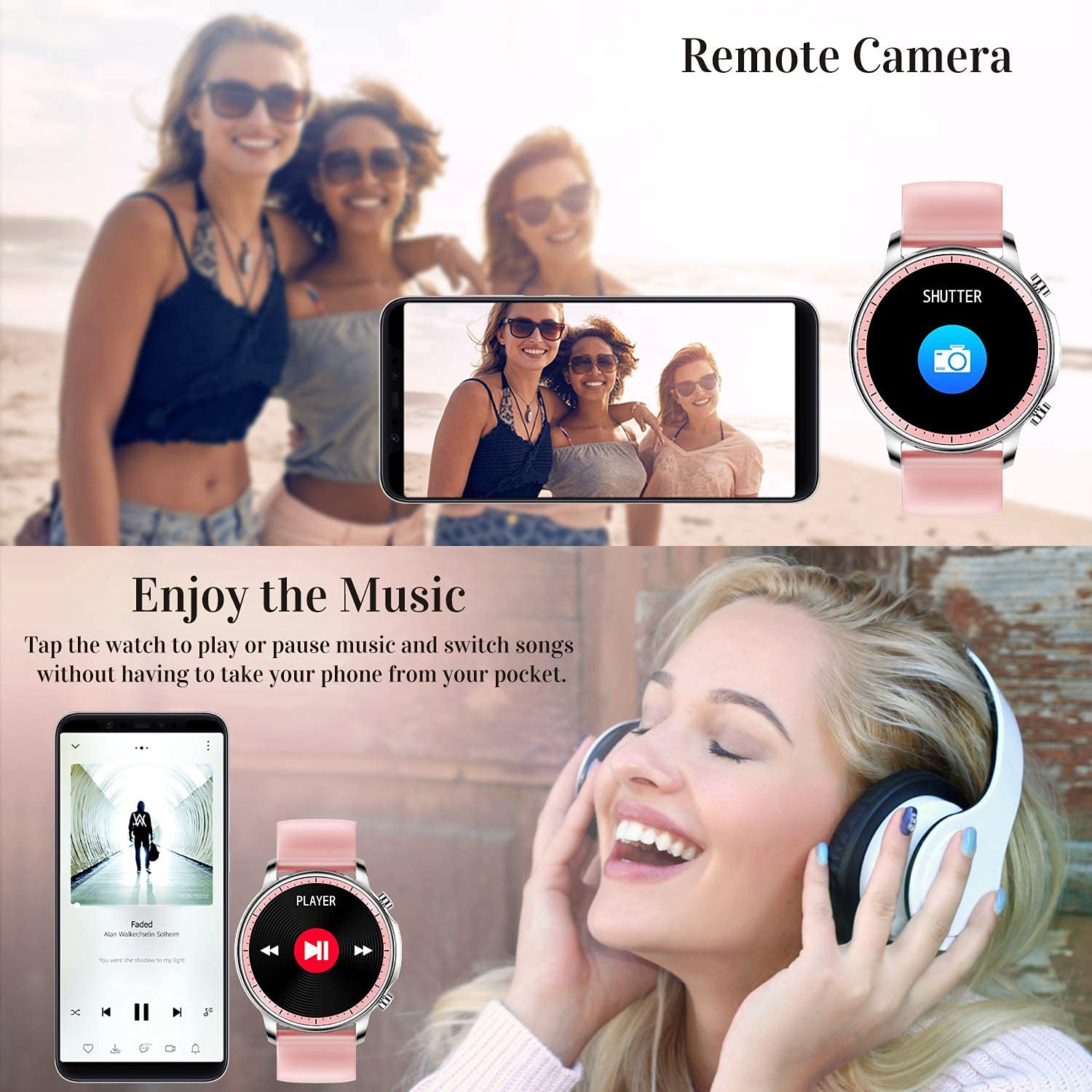
Control music playback on your smartphone directly from your watch. Tap to play/pause or switch songs without needing to access your phone.
5.5 Алыстан башкаруу камерасы
Use your smart watch as a remote shutter for your smartphone camera. This feature allows you to take photos from a distance.

Figure 5.4: Remote Camera and Music Control
6. Өзгөчөлүктөрү
6.1 Ден соолуктун мониторинги
- Heart Rate (HR) Monitor: Күн бою жүрөктүн кагышын үзгүлтүксүз көзөмөлдөйт.
- Blood Pressure (BP) Monitor: Provides blood pressure readings. (Refer to safety disclaimer in Section 2).
- Кандагы кычкылтек (SpO2) Монитор: Кандын кычкылтек менен каныккандыгын өлчөйт.
- Уйкуну көзөмөлдөөчү: Records sleep information, including deep sleep, light sleep, and awake time, to help you understand your sleep patterns.
- Аялдардын ден соолугуна көз салуу: Offers features for tracking female health cycles.

6.1-сүрөт: Жүрөктүн кагышын жана кан басымын көзөмөлдөө

6.2-сүрөт: Уйкунун акылдуу мониторинги
6.2 Активдүүлүккө көз салуу
The smart watch offers 7 data record modes to track various sports activities:
- Жөө жүрүү
- чуркоо
- Велосипед тебүү
- Баскетбол
- Футбол
- Бадминтон
- Өткөрүп жиберүү
This feature helps you monitor your exercise data and gain insights into your fitness levels.

Figure 6.3: Smart Watch Functions Overview
6.3 Акылдуу эскертүүлөр
- Отуруучу эстеткич: Reminds you to move and stay active after periods of inactivity.
- Ойготкуч саат: Set alarms directly on your watch.
6.4 Башка функциялар
- Секундомер
- Fun Game
7. Техникалык тейлөө
7.1 Сууга туруктуулук
The ENHANCE Colmi V23 Smart Watch is IP68 waterproof, making it resistant to daily wet conditions such as hand washing or light rain. Avoid prolonged submersion in water, hot water, or steam, and do not operate buttons underwater.
7.2 Тазалоо
Саатты жана боону жумшак, кургак чүпүрөк менен үзгүлтүксүз сүртүңүз. Зарыл болсо, бир аз нымдуу чүпүрөк колдонуңуз.amp чүпүрөк, анан кылдат кургатуу. Катуу химиялык заттарды же абразивдүү материалдарды колдонуудан алыс болуңуз.
7.3 Батареяга кам көрүү
To prolong battery life, avoid fully discharging the battery frequently. Charge the watch when the battery level is low. Store the watch in a cool, dry place when not in use for extended periods.
8. Кыйынчылыктарды
- Күйгүзүлбөй жаткан саат: Саат толук заряддалганын текшериңиз. Аны заряддагычка кеминде 30 мүнөт туташтырыңыз.
- Саат телефон менен туташпай жатат: Make sure Bluetooth is enabled on your phone and the watch is within range. Restart both the watch and your phone, then try pairing again through the Da Fit app.
- Туура эмес ден соолук маалыматтары: Ensure the watch is worn snugly on your wrist, not too tight or too loose. Clean the sensor on the back of the watch. Remember, this device is not a medical instrument.
- Эскертмелер көрүнбөй жатат: Check notification settings in the Da Fit app and your phone's system settings to ensure permissions are granted for the app to display notifications.
9. Техникалык шарттар
| Бренд | ЖАКШЫРТУУ |
| Модел | V23 Smart watch |
| Продукциянын өлчөмдөрү | 1.03 x 2 x 4.15 см |
| Элемент Салмагы | 42 г |
| Screen Size | 1.3 дюйм |
| Резолюция | 240 x 230 |
| Дисплей түрү | Санарип LCD |
| Батарея сыйымдуулугу | 200 мАч (литий полимери) |
| Заряддоо ыкмасы | Magnetic Wire Charging |
| Зымсыз түрү | Bluetooth |
| Шайкеш түзмөктөр | Mobile Phone (Android 4.0+ & iOS 9.0+) |
| Операция системасы | Android жана iOS |
| Суу каршылык | IP68 |
| Материал | Пластик |
10. Кепилдик жана колдоо
For warranty information and customer support, please refer to the documentation included with your product or contact ENHANCE customer service. The included user manual contains details regarding warranty terms and contact information.


